




Product photo · AI actor · Narrated explainer

AI product videos for ecommerce stores

Blipix makes two kinds of product video: short UGC-style clips where an AI actor holds your product and says a line, and narrated explainers built from your own product copy. Both export as MP4 for TikTok, Reels, Shorts or your product pages, and both deserve a close look before they go live, because AI can change the details of a real product.

Free credits on signup · No credit card required

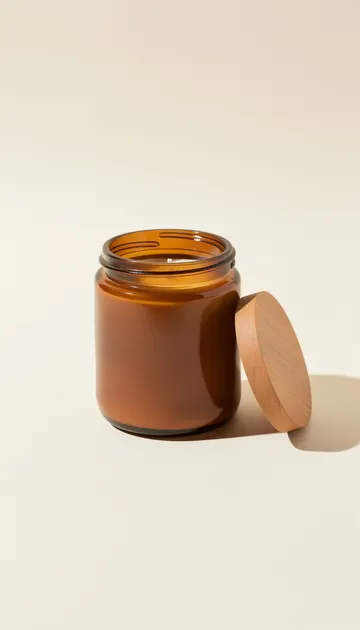
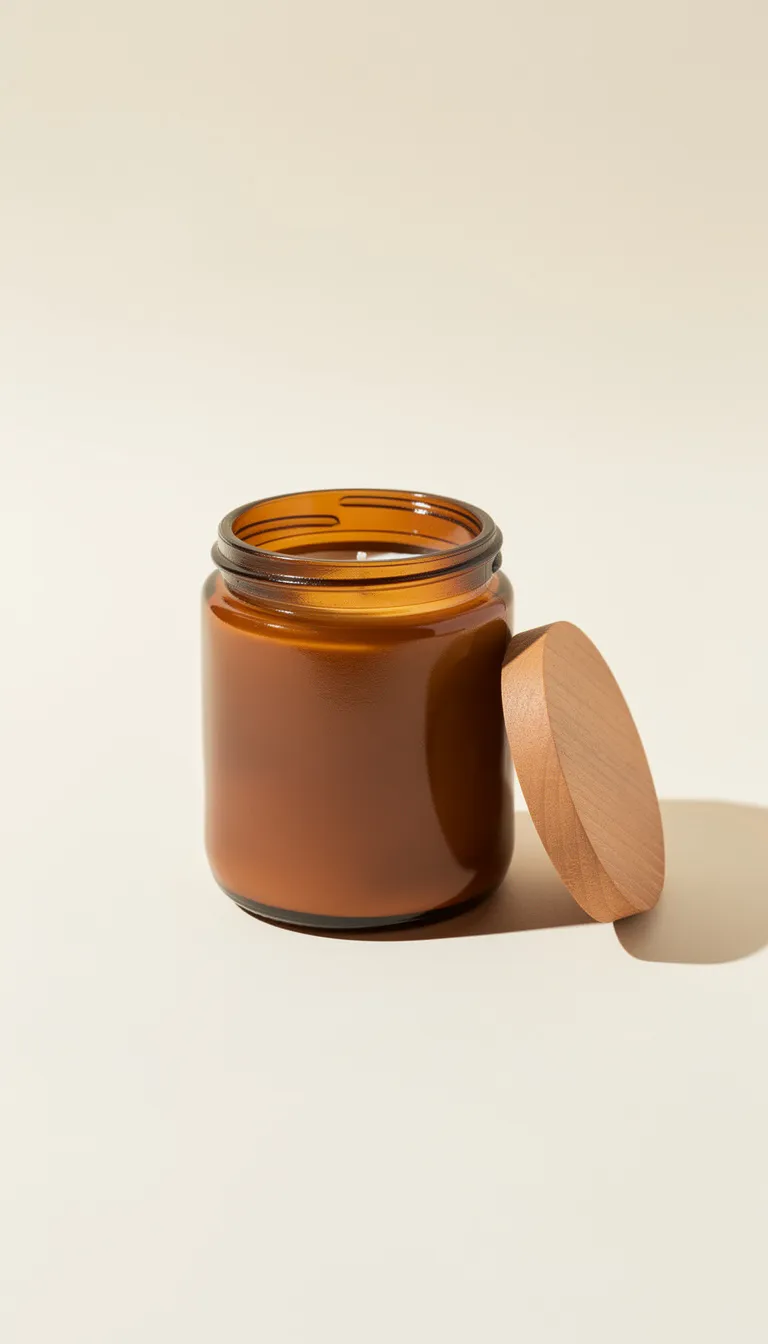
An example store page. The product photo and both scenes are AI images made for this page with the Blipix pipeline; on your page, scene 2 would be your own photo.

Two formats

Pick the format by the job

The UGC Ad template and the narrated explainer work very differently. Here is how they compare inside the app.

UGC Ad clipNarrated product explainer
UGC Ad clipAn actor (stock, your AI avatar or an uploaded photo), an optional product photo up to 10 MB, and a script of at least 10 wordsWhat you provideExplainerYour product copy pasted as a script, or a prompt for the AI writer, plus an art style and a voice
UGC Ad clip4, 6 or 8 seconds, one continuous shotLengthExplainer30 seconds and up, one image per beat of the script
UGC Ad clipGenerated by Veo 3.1 along with the clip, no voice pickerVoiceExplainerYour choice of over 100 voices in 32 languages
UGC Ad clipNone addedCaptionsExplainerWord-by-word, 28 presets or your own style
UGC Ad clip50 per clipCreditsExplainer10 for 30 to 60 seconds
UGC Ad clipPro and abovePlanExplainerFree accounts can generate and preview one 30 to 60 second video
UGC Ad clipAd openers, quick reveals, reaction shotsBest forExplainerHow it works, sizing, care, what is in the box

The two combine well: a UGC clip as the hook, then your explainer or real footage for the detail. Longer explainers, from 90 seconds up to 15 minutes, cost more credits, and long-form lengths need Pro or above.

Who holds the product

Actors you can put next to your product

Preview clips of stock actors from the UGC Ad template's library. You can also use an AI avatar you created, or upload a photo of someone who has agreed to appear in your ads.

  • Stock actorA face from the template's library, like the two previews here.
  • Your AI avatarMade with the AI avatar creator, then picked again for each new product.
  • An uploaded photoPNG, JPG or WEBP up to 10 MB, of a person who said yes to it.
Stock actor · Jessica · AI
Stock actor · Pierre · AI

Honest limits

What AI video can and cannot show about your product

In a UGC Ad clip

In a UGC Ad, Blipix first places your product photo into the actor's shot with Google's Nano Banana image editor, then animates that still with Veo 3.1. Both steps are generative. The product on screen is the model's reconstruction of your photo, so small text, logos, ingredient lists, stitching, exact colors and scale can drift, and shoppers notice when the bottle in the ad is not the bottle in the box.

Compare each frame with the real item

  • Small text
  • Logos
  • Ingredient lists
  • Stitching
  • Exact colors
  • Scale

In a narrated explainer

In a narrated explainer, scene images are drawn from your script in the art style you pick. They illustrate ideas well, like a rainy commute, a cluttered desk or a trail at sunrise, but they will not show your actual product. For the scenes where the real item has to appear, open the scene in the editor and upload your own photo or MP4 (up to 10 MB) in its place. If you want the remaining scenes to sit close to photography, try the Photo Realism art style.

Three habits keep this honest.

  1. Use a clean product photo on a plain or transparent background, which is what the app itself recommends.
  2. Never let the visuals demonstrate a result the product does not deliver.
  3. Do not script an AI actor as a customer who has used the product for a month; write them as a presenter describing it, because a testimonial from someone who does not exist is a fake testimonial however good it looks.

Use cases

Where stores use these videos

01On your store

Product page explainers

A 30 to 60 second narrated walk-through of what the product does and who it suits, built from copy you already wrote for the listing. Open with the problem it solves, not the brand name; people decide in the first line whether to keep watching.

Answers to support questions

Sizing, shipping times, care instructions: the questions your inbox sees every week make good scripts. Keep each one to about 130 words so it fits the 30 to 60 second length, and link the video from the matching help page.

02On social feeds

Paid social openers

Use a UGC clip as the first beat of an ad and cut to real footage of the product after it. Keep the line short: eight seconds holds roughly 20 spoken words, and a rushed actor reads as an ad.

A brand account that keeps posting

A series about your category (styling tips, recipes, care routines) can post TikTok videos, Shorts and Reels on a schedule from a paid plan. Aim it at your niche rather than your catalog, or the feed turns into a stream of ads nobody follows.

03Seasons and markets

Seasonal pushes

Holiday and back-to-school videos can be scripted and generated the week you plan them. Generate them early anyway, so there is time to replace any scene where the AI got the product wrong.

Stores selling abroad

Make the explainer again with narration in one of 32 languages, from German to Japanese; captions follow the voice. The guides by language are a good place to start, and a native speaker should still check product names and units.

Store owner questions8 answers

Product video questions

What store owners ask before they put an AI actor or an AI explainer next to a real product.

Still have a question?

Write to us and a real person on the team replies.

Yes, with the UGC Ad template on Pro plans and above. Upload the photo, pick an actor and write the line they say. You get a 4, 6 or 8 second clip of the actor showing your product, made with Veo 3.1, for 50 credits.

Not always. Image and video models redraw the product from your photo, so labels, logos, small print, colors and size can shift between frames. Use these clips where a close likeness is enough, and keep real photography for anything that must be exact.

Each clip is 4, 6 or 8 seconds, which fits roughly 10, 15 or 20 spoken words. The script box accepts up to 200 words, but an actor cannot say more than the clip has room for, so write one clear sentence and stop.

No. Veo 3.1 generates the voice together with the picture, and the UGC Ad template has no voice picker or voiceover regeneration. When the voice matters, make a narrated explainer instead, where you pick from over 100 voices and can redo the narration.

A stock actor from the library, an AI avatar you made with the AI avatar creator, or a photo you upload. Only upload photos of people who have agreed to appear in your marketing, in writing if possible.

For UGC clips, yes: they come with Pro and above. A free account's 10 credits let you generate and preview one 30 to 60 second narrated video in the Prompt, Script or Preset template; exporting it needs a paid plan. Plans and credit allowances are on the pricing page.

MP4 in 9:16 for TikTok, Reels and Shorts, 16:9 for YouTube and wide product page players, or 1:1 for feeds. Choose before you generate: the editor can switch a finished video to another ratio, but it crops scenes that were drawn for the first one. For Reels specifically, see the page on making Instagram Reels.

The AI image generator on paid plans makes lifestyle scenes and social graphics, but it invents rather than photographs. Keep your main listing images as real photos of the item, because that is what shoppers expect to receive.
Reviews on Trustpilot

What creators are saying

In their own words, from Blipix's public Trustpilot page.

Mar 25, 2026

Blipix gives you EXACTLY what you want!

“As someone who spent the past 4 years working with +40 different AI-tools, I can tell you that Blipix is truly one of the very BEST ever made. Wanna know why? Simple. It-doesn't-mess-up! Stunning pictures, a great arsenal of interesting voices, and wonderful short videos. Use it. Love it. Buy it. I promise ya!”

Ken V.Belgium
Mar 8, 2026

A great way to create AI video shorts

“A great way to create AI video shorts and even longer videos up to 10 mins. Everything can be monetized and automized, from individual videos to complete series to upload with a few clicks. Voiceovers, background music, captions... everything is adjustable, AI script writing included! And the prices very good for this market.”

PatrickNetherlands
Aug 30, 2025

If you want an affordable AI creation tool, this is it!

“The product is exceptional for a seasoned content creator like me. It solves my solution in finding an affordable AI video creation tool that gives me more than just a video. The transitions and the "call to action" at the end of each custom prompt is what I call engaging and effective! Brian's nice too!”

Annette ThomasUnited States
Sep 24, 2025

Very very good service

“Very very good service. The videos come out clean and ready to post, and generating one only takes a few minutes from idea to finished result. Everything works exactly as promised, and whenever I had a question the team got back to me fast. Highly recommended for anyone making content regularly.”

Kyawkhant ZinThailand
Aug 30, 2025

Just checked out blipix.pro

“Just checked out blipix.pro and honestly, it's pretty cool. You should try it too! It took me only a few minutes to turn an idea into a finished video with voiceover and captions. Super easy even if you've never edited anything before, and the results look way more professional than I expected.”

Vicious EricaPhilippines

Start with one product explainer

Paste the copy from your best listing into the Script template and see how it reads as a narrated video.

Try Blipix
  1. Script
  2. Voiceover
  3. Visuals
  4. Captions