



















AI faceless video generator

Create
Faceless Videos
on Auto-Pilot.

Make faceless videos for TikTok, YouTube Shorts and Instagram Reels without filming or editing. AI writes the script, records the voiceover, draws the visuals and times the captions. You check it, then post it or put it on a schedule.

  • No credit card required
  • Preview your first video free

Made with Blipix

Same editor, very different videos

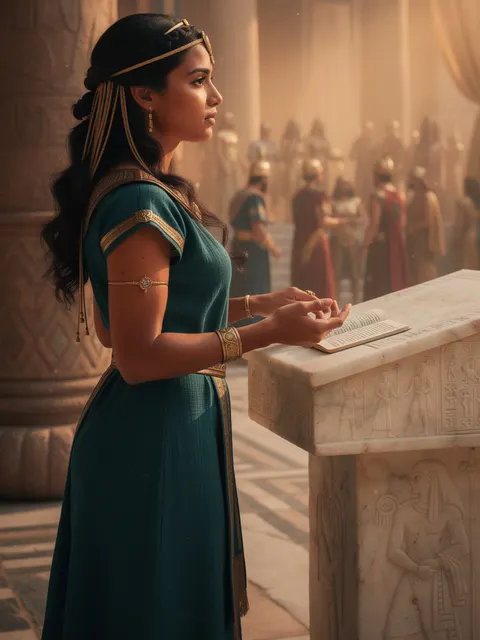
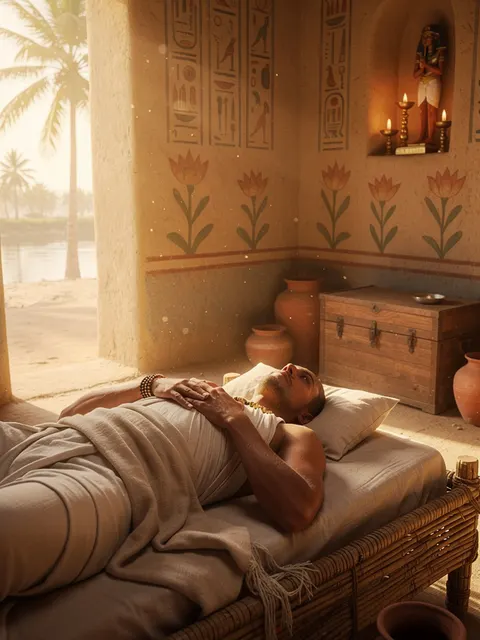
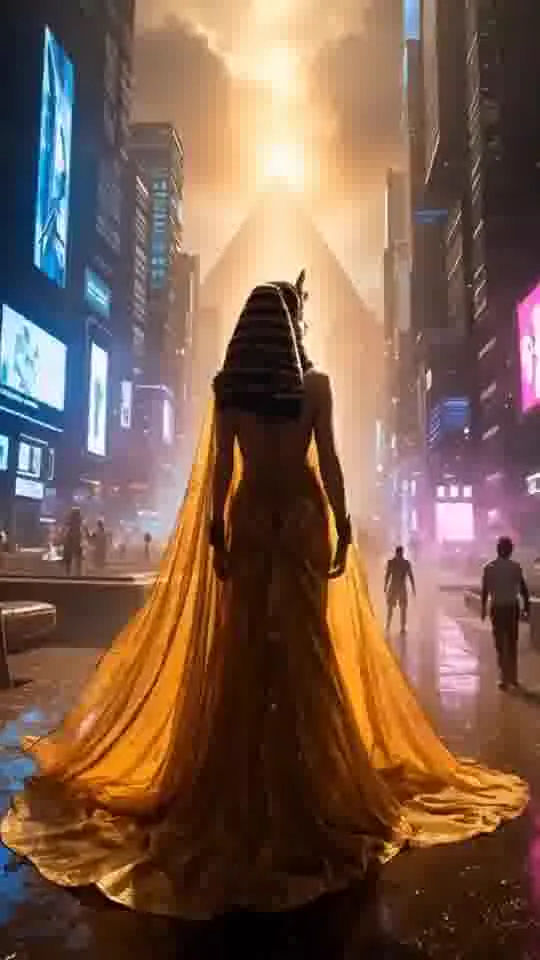
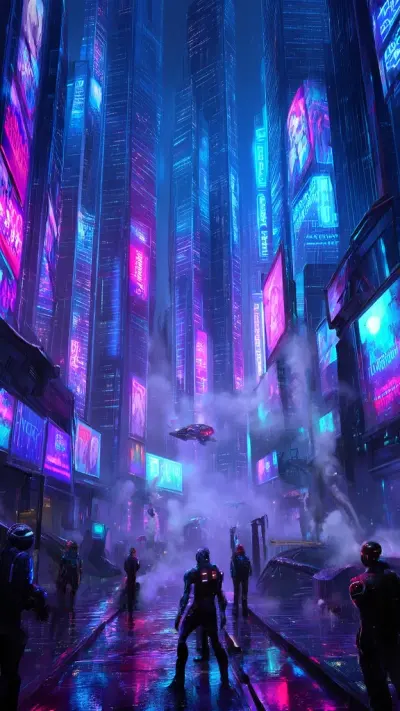
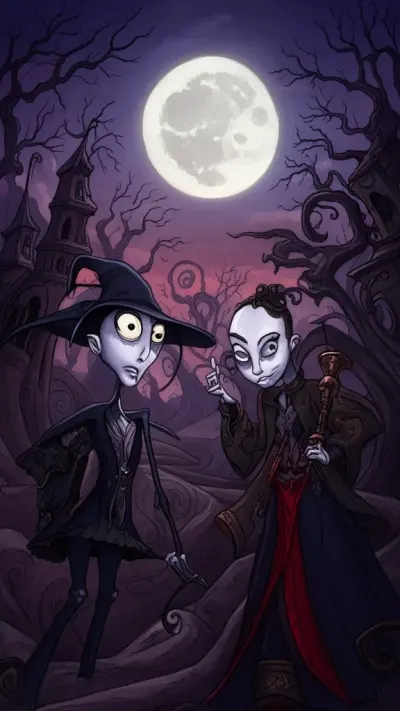
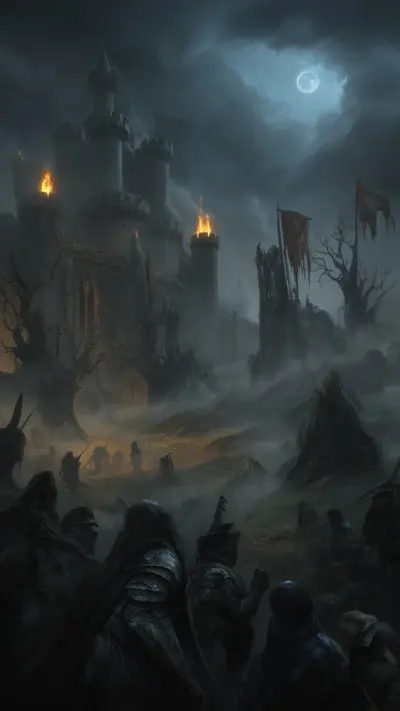
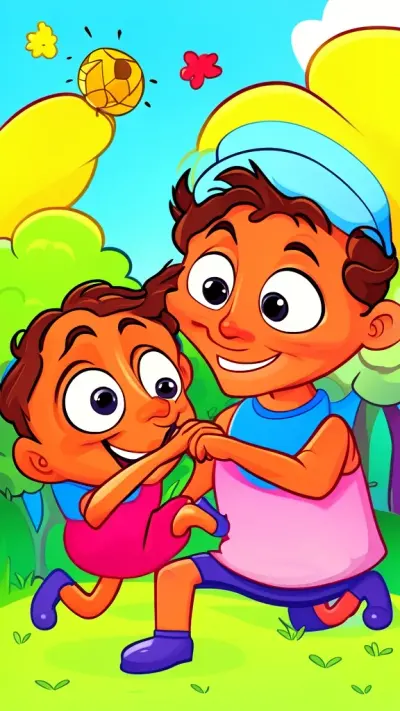
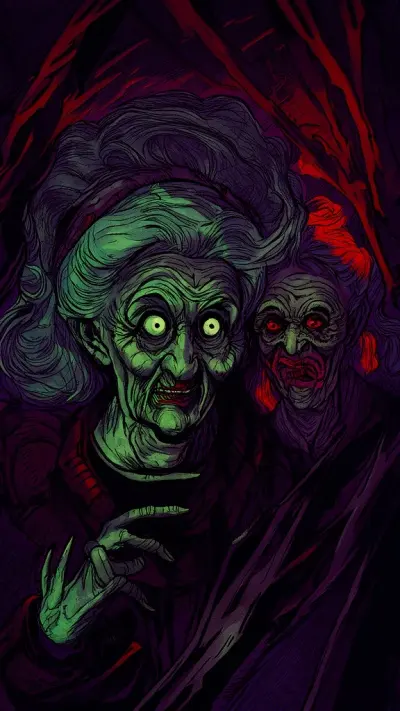
A few videos rendered in Blipix: a war history story, a fruit drama, a POV time-travel short. Same editor, very different results depending on the template and art style.

Make yours
Fruit Drama templateFruit Drama
POV templateI Wake Up as an Egyptian
Cyberpunk styleCyberpunk
History, 16:9Bravery at Omaha Beach
Japanese Ink style, 16:9Cleopatra's Rise

How it works

From niche to finished video, on autopilot

Pick a niche or type a prompt, choose a voice and a music track, and Blipix writes the script, draws the scenes, records the narration and renders the video. Any scene can still be changed before it is posted.

NicheInteresting History
Script

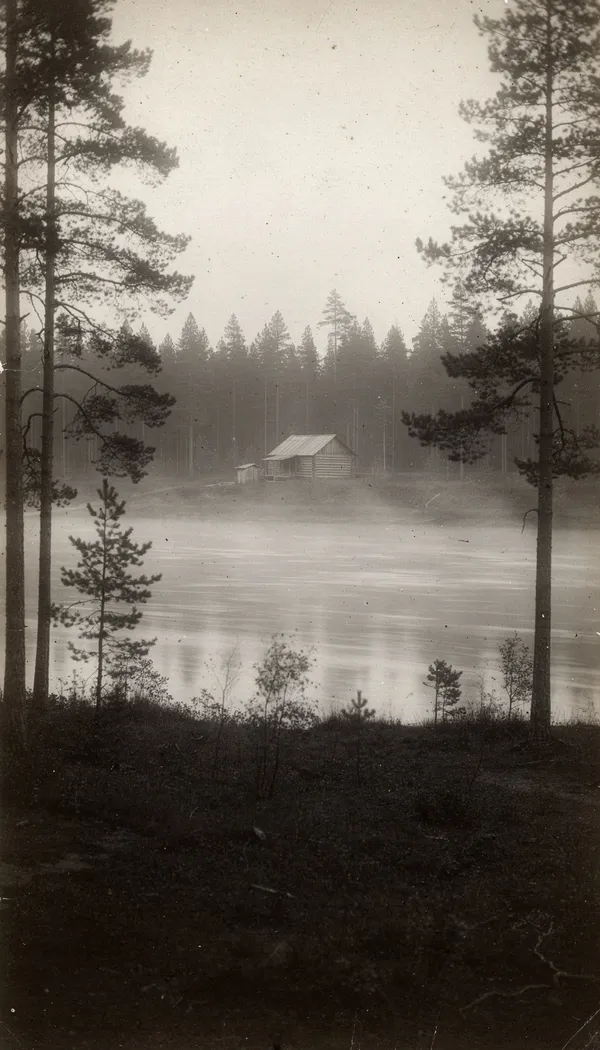
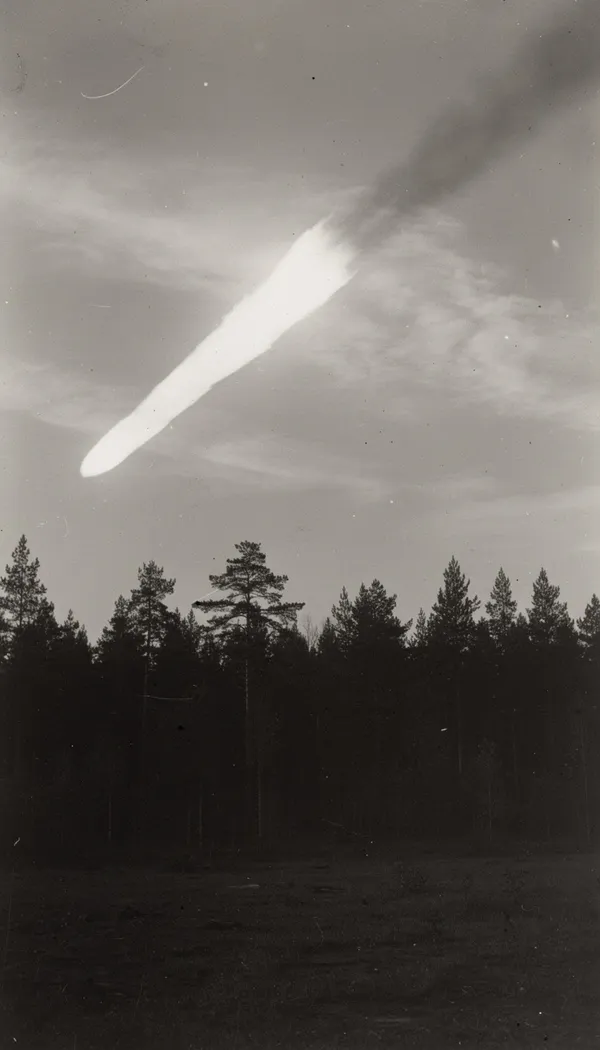
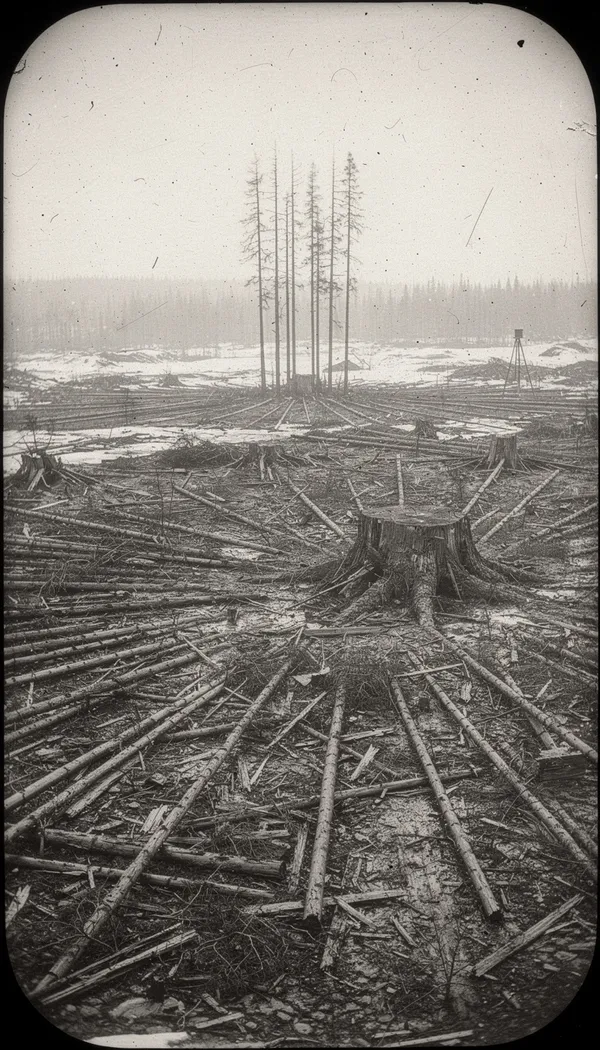
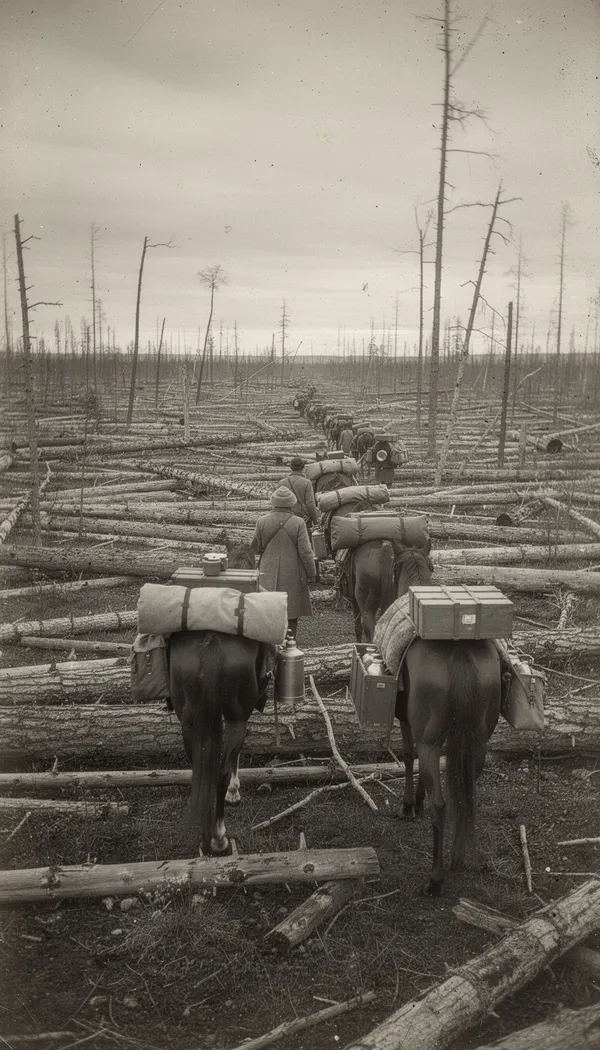
On a summer morning in 1908, something exploded above a remote Siberian forest. It flattened around 80 million trees, yet no crater was ever found.

VoiceDeep storyteller
MusicMystery crime

SUMMER, 1908

Ready to post
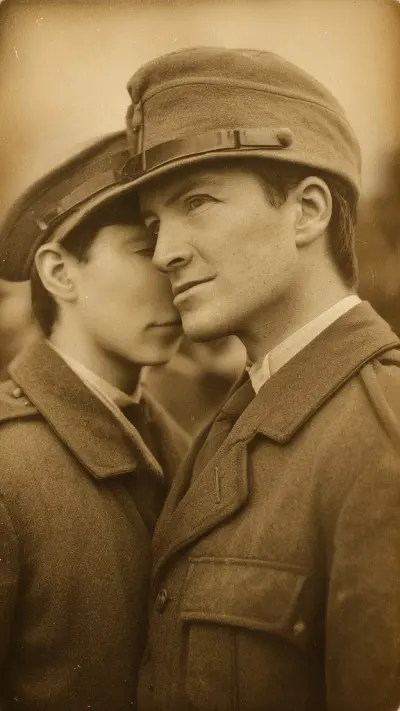
AI images in the Vintage Photograph style, generated for this example. Not archival photographs.

Inside the app

How a faceless video gets made

The same three steps behind every video made with Blipix, from the first draft to the upload. These are real screen recordings of the app.

app.blipix.pro / create
  1. 01

    Pick a topic or paste a script

    Start from a preset niche, a one-line idea or your own script. Then choose an art style, a narrator voice and a music track, and Blipix builds the scenes, voiceover and captions for you.

  2. 02

    Review every scene

    Watch the draft and fix what you would fix by hand: reword a line, regenerate an image that missed, change the caption style or swap the music before you export or post it.

  3. 03

    Post now or on a schedule

    Download the MP4 or connect YouTube, TikTok and Instagram to publish from the editor. On a paid plan, a series can post a new video once a day, twice a day or three times a week.

Built in

Everything a faceless video needs, in one place

An AI image for every scene

Each beat of the script gets its own picture, drawn in the art style you choose, from photo realism to anime.

Automatic voiceover

Over 100 voices from ElevenLabs, MiniMax and OpenAI. Filter by accent, age and use case, in 32 languages.

Post on a schedule

A series writes, renders and posts a new video to YouTube, TikTok or Instagram once a day, twice a day or three times a week. Series come with paid plans.

Edit any scene before it goes out

Reword a line, regenerate an image, add a transition or sound effect, and restyle the captions.

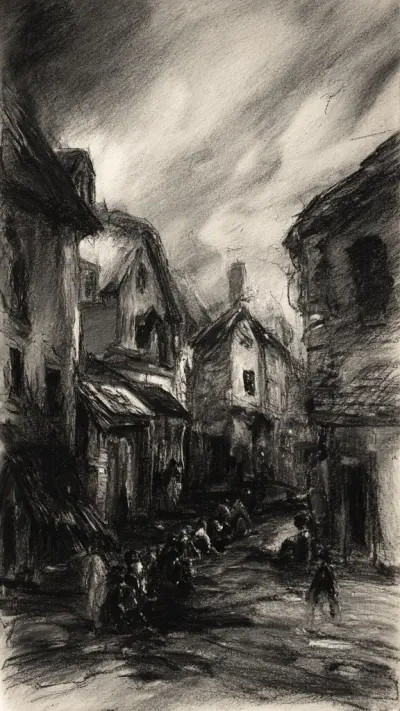
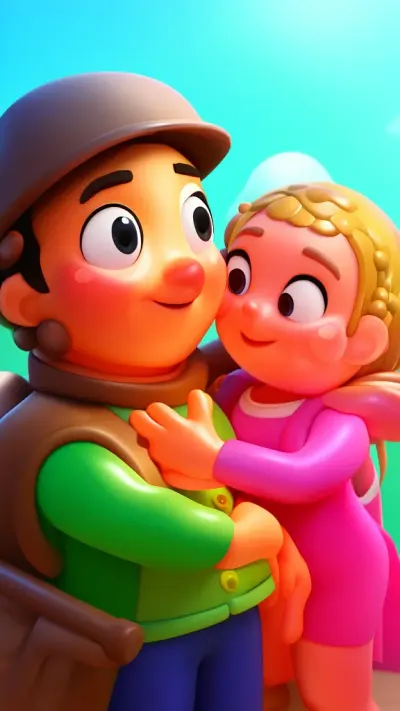
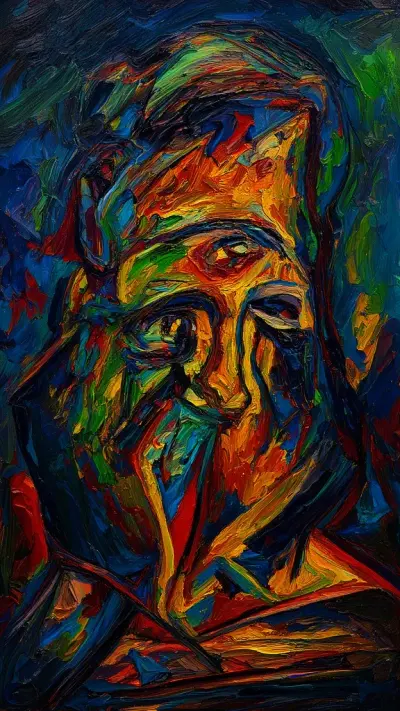
39 art styles

One story, 39 ways to see it

39 art styles, each tuned for faceless storytelling. Keep one style per channel and viewers start to recognize your videos before they read the title.

32 narration languages

Speak your audience’s language

Choose the narration language and the AI writes the script in it from the first word, the voice reads it and the captions follow. Paste a script in another language and Blipix translates it before recording. 24 languages have their own guide below.

Browse every language guide

Cost

Where the time and money go

A faceless video normally needs a script writer, a voice artist and an editor. Blipix drafts all three parts in one editor, and you still decide what goes out.

The usual way

  • Priced per freelancerWriting, voice-over and editing are usually billed separately
  • One step at a timeEach stage waits for the one before it
  • Editing skills neededTimeline editors take a while to learn
  • Manual uploadsEvery video posted by hand

With Blipix

$0.38per 30 to 60 second video on the Premium plan, standard images
  • Priced in creditsAbout $0.38 per short video on the Premium plan
  • One passScript, narration, images and captions are drafted together
  • No editing softwareEverything happens in the browser editor
  • Scheduled postingA series uploads for you on paid plans

Plans

Compare plans

Enjoy 4 months free with yearly plans. Cancel anytime.

Creator

Grow short-form channels

$39/ month

Videos
60/mo
Credits
600/mo
Per video
$0.65
Start with Creator
  • 600 credits/moHow credits work1 video takes 10 credits to generateUse credits for video clips, AI images, and more
  • 2 Series
  • Auto-publish on
  • Full video editor access
  • All Voiceovers
  • All Background musics
  • Export in HD
  • Fast 2-min processing
  • 7/7 Human Support
  • API access
  • Long-form videoLong-form videoCreate videos up to 15 minutes long
  • UGC VideoUGC VideoGenerate user-generated content style videos with AI avatars
  • Priority render queuePriority render queueYour videos are rendered before standard queue for faster delivery
  • Custom API integrationCustom API integrationAccess the full Blipix API to build custom workflows and integrations


Premium

Agencies & Content Teams

$129/ month

Videos
340/mo
Credits
3,400/mo
Per video
$0.38
Start with Premium
  • 3,400 credits/moHow credits work1 video takes 10 credits to generateUse credits for video clips, AI images, and more
  • 6 Series
  • Auto-publish on
  • Full video editor access
  • All Voiceovers
  • All Background musics
  • Export in HD
  • Fast 2-min processing
  • 7/7 Human Support
  • API access
  • Long-form videoLong-form videoCreate videos up to 15 minutes long
  • UGC VideoUGC VideoGenerate user-generated content style videos with AI avatars
  • Priority render queuePriority render queueYour videos are rendered before standard queue for faster delivery
  • Custom API integrationCustom API integrationAccess the full Blipix API to build custom workflows and integrations
Prices in USD. Cancel anytime from your account settings.

Long-form

Up to 15 minutes, in 16:9

The same pipeline makes regular YouTube uploads. Pick a longer length and a 16:9 frame, and the script is structured for a longer watch. Long videos come with the higher paid plans.

How long videos work
16:9
Reviews on Trustpilot

What creators are saying

In their own words, from Blipix's public Trustpilot page.

Mar 25, 2026

Blipix gives you EXACTLY what you want!

“As someone who spent the past 4 years working with +40 different AI-tools, I can tell you that Blipix is truly one of the very BEST ever made. Wanna know why? Simple. It-doesn't-mess-up! Stunning pictures, a great arsenal of interesting voices, and wonderful short videos. Use it. Love it. Buy it. I promise ya!”

Ken V.Belgium
Mar 8, 2026

A great way to create AI video shorts

“A great way to create AI video shorts and even longer videos up to 10 mins. Everything can be monetized and automized, from individual videos to complete series to upload with a few clicks. Voiceovers, background music, captions... everything is adjustable, AI script writing included! And the prices very good for this market.”

PatrickNetherlands
Aug 30, 2025

If you want an affordable AI creation tool, this is it!

“The product is exceptional for a seasoned content creator like me. It solves my solution in finding an affordable AI video creation tool that gives me more than just a video. The transitions and the "call to action" at the end of each custom prompt is what I call engaging and effective! Brian's nice too!”

Annette ThomasUnited States
Sep 24, 2025

Very very good service

“Very very good service. The videos come out clean and ready to post, and generating one only takes a few minutes from idea to finished result. Everything works exactly as promised, and whenever I had a question the team got back to me fast. Highly recommended for anyone making content regularly.”

Kyawkhant ZinThailand
Aug 30, 2025

Just checked out blipix.pro

“Just checked out blipix.pro and honestly, it's pretty cool. You should try it too! It took me only a few minutes to turn an idea into a finished video with voiceover and captions. Super easy even if you've never edited anything before, and the results look way more professional than I expected.”

Vicious EricaPhilippines

The AI faceless video generator, from script to scheduled post

Blipix is a faceless video maker that turns a topic, or a script you paste in as text, into a short video with voiceover, captions, music and AI visuals. It runs in your browser, so there is nothing to install and nothing to film.

01

Built for short form

Vertical 9:16 by default, with 16:9 and 1:1 when you need them for YouTube or feeds.

02

Your style, your language

39 art styles, 32 narration languages and 24 caption presets, so a channel can keep one recognizable look.

03

Hands-off posting

Connect YouTube, TikTok or Instagram and let a series publish while you plan the next topic.

Start free and create your first faceless video today. Get started

FAQ12 answers

Frequently asked questions

Straight answers to the questions we hear most.

Still have a question?

Write to us and a real person on the team replies.

A video where nobody appears on camera. A narrator's voice carries the story while images, animation or footage fill the screen, usually with captions on top. It is how a lot of history, horror, explainer and storytelling channels on YouTube Shorts, TikTok and Reels are made.

You give it a topic or paste your own script. Blipix writes or tidies the script, draws one AI image per beat in the art style you pick, records the voiceover and times captions to it. You then review every scene in the editor before you download or post. The faceless video generator page walks through it step by step.

No. Blipix runs in the browser on a computer, tablet or phone, so you can start a video on your laptop and post it from your phone later.

A 30 to 60 second video costs 10 credits, and longer videos cost more, up to 150 credits for 12 to 15 minutes. Premium image quality triples the cost. Plan credits refill when your subscription renews. On a paid plan you can also buy top-up credits, which carry over across renewals. The pricing page has an estimator.

Yes, you own what you make, but each platform decides what it pays for. YouTube's Partner Program does not reward repetitive or mass-produced uploads, so write original scripts, review each video and add your own angle. Our YouTube automation guide covers how to run a channel that stays eligible.

From 30 seconds up to 15 minutes. On the free plan you can generate and preview a 30 to 60 second video; exporting and posting need a paid plan, and the longest brackets, up to 15 minutes, come with the higher plans. Videos come in 9:16, 16:9 or 1:1.

The music library is split into royalty-free, AI-generated and commercial tabs, and you can upload your own tracks too. If you upload music, make sure you hold the rights to it. The free plan includes 12 tracks, and paid plans open the full library plus AI music generation.

YouTube, TikTok and Instagram. Connect an account once, then publish from the editor or let a series post on a schedule. Instagram needs a Business or Creator account. Facebook Reels are made the same way and uploaded by hand; see making Facebook videos.

Yes, we offer 4 months free if you choose the annual plan.

Yes. Affiliates earn 30% of every payment their referrals make, for as long as those referrals stay subscribed, paid out through Wise. Details and a commission calculator are on the affiliate program page.

Social accounts connect through the platforms’ own sign-in screens, so Blipix never sees your passwords, and you can disconnect them at any time. Payments are handled by Stripe, so card details never touch our servers.

Yes, at any time from your account. Upgrades apply right away. If you cancel, the plan stays active until the end of the period you already paid for. After that the account returns to the free plan and unused credits, top-ups included, are cleared. Questions about charges are covered in the refund policy.

Make your first faceless video today

Make and preview your first video on the free plan. When it looks right, a paid plan exports the MP4 and posts it to TikTok, YouTube or Instagram.

Try Blipix
  1. Script
  2. Voiceover
  3. Visuals
  4. Captions