Blog posts · Series · Content calendar

AI video for marketers who already have the words

Your blog, launch notes and product pages already hold the ideas. Blipix turns that text into narrated, captioned short videos, and its series feature keeps a channel posting on a schedule you can see on a content calendar.

Free credits on signup · No credit card required

From post to script

Two ways to turn a blog post into a video

Both start in the Script template. Pick by how much of the wording you want to keep.

Route 1: paste the text

Keeps your wording, word for word

  1. Copy the section that carries the argument, not the whole post. Around 95 to 130 words makes a 30 to 60 second video for 10 credits; the free plan caps pasted scripts at 112 words.

  2. Run Shorten or Improve on it. Written sentences run long when they are read aloud, and the narrator will say exactly what you leave in.

  3. A full post works too: paid plans accept up to 1,800 words, and long-form lengths like this are listed for Pro plans and above. A 1,500-word article becomes a narrated video of roughly ten minutes for 120 credits, which suits YouTube far better than Shorts.

Route 2: give it the URL

Drafts from your post, in its own words

  1. Click AI Script Writer under the script box and describe the video you want: audience, angle and the one point it should land.

  2. Add the post address under Additional Knowledge. The AI reads the page text and drafts a script in the length you chose, which you can edit before generating.

  3. Check the draft against the post. It summarizes, so verify every number and claim, and expect pages that load text with JavaScript or sit behind a login to come back empty.

Looks

Three of the 39 art styles

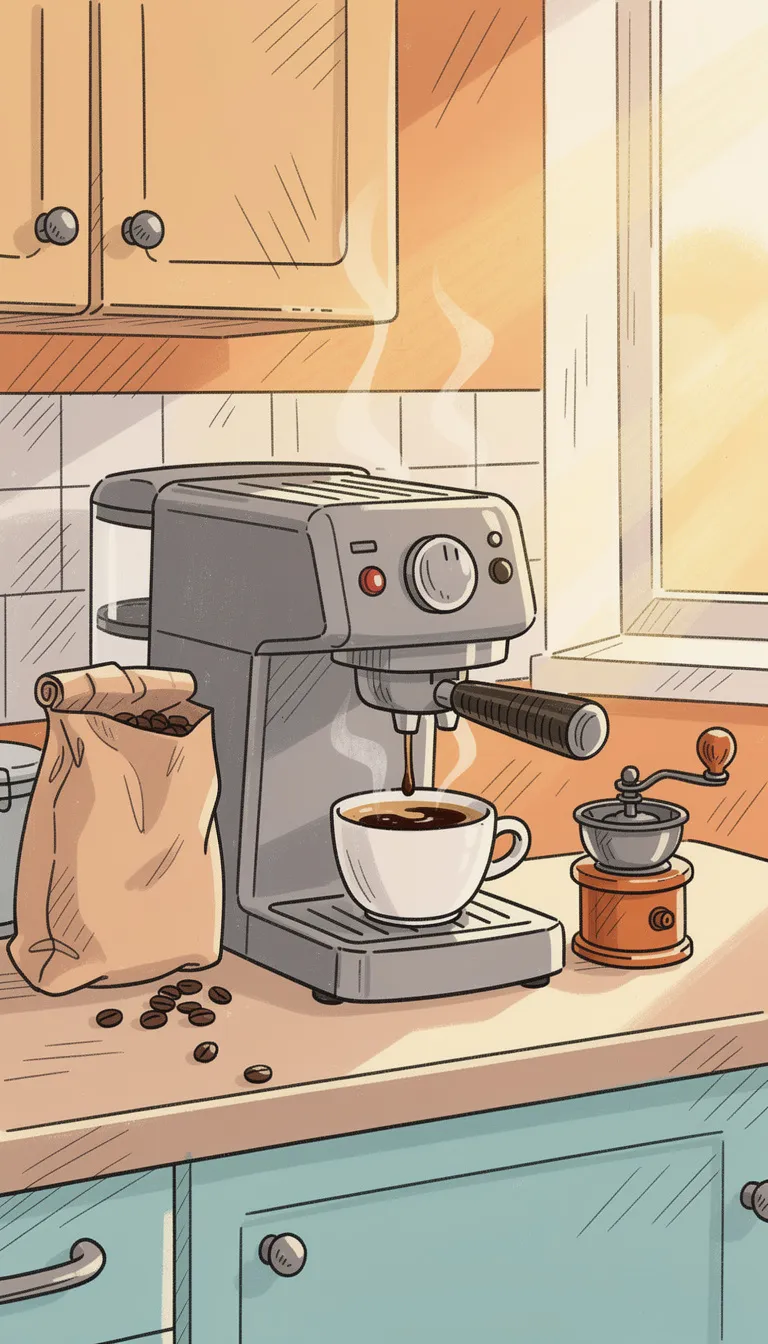
One scene from the espresso script, drawn three ways. For explainers, simpler styles tend to read better on a phone than busy ones; browse the full style gallery before you commit a series to one.

Scheduling

Running a content calendar with series

  1. 01A series is the scheduler

    You set it up once: a prompt or preset niche, art style, voice, music, aspect ratio, a frequency of three times a week, once a day or twice a day, posting times in your local time, and the YouTube, TikTok or Instagram accounts it publishes to. The Content Calendar inside the app then shows every scheduled post across all your series in one view. Series need a paid plan and keep running as long as you have credits.

  2. 02Fresh episodes, not your archive

    Each episode is written fresh from the series prompt, so a series suits a running theme, like weekly myths in your category, quick how-tos or customer questions, rather than a fixed list of posts. It will not work through your blog archive one URL at a time; turn those posts into single videos and publish them from the editor. If YouTube is the main channel, the page on YouTube automation is worth reading alongside this one.

  3. 03Review is built in

    A series makes each episode one posting slot early and emails you a link to it in the editor, then renders and posts it at the next slot. Use that window to fix a claim or a product name the narrator mispronounced. Pick posting times from your own analytics; the notes on when to upload Shorts are a reasonable starting point if you have no data yet.

  4. 04Keep the offer in the footer

    One habit that saves rework: put your call to action in the series' social media footer, which is added to every post description, instead of in the spoken script. You can then change the offer or the link without regenerating anything, and add standard hashtags in the same place.

Planning

Where it fits in a marketing plan

Launch

Launch week coverage

A teaser, an explainer and a how-to from one approved message, in 9:16 for social and 16:9 for the landing page. Each ratio is its own generation, so budget the credits for both before the launch plan is locked.

Support

Questions customers keep asking

Your sales and support teams already know the ten questions that come up every week. One question per video, answered in under a minute, gives you a library you can pin to profiles and drop into email replies.

Content

Webinar and podcast takeaways

Paste the three points people quoted back to you afterward, not a recap of the whole hour. A tight 100-word script carries one idea well; a summary of everything carries none.

Social copy

Post copy that matches

Blipix drafts a title, description and hashtags for each video. When a platform needs its own caption, the free Instagram caption generator writes variations you can edit.

Regional

Regional versions

Regional teams can produce the same video with narration in one of 32 languages, and captions follow the narration. The language guides are the place to start for each market.

Testing

Message tests on owned channels

Post two framings of the same feature a few days apart and compare how far people watch each one. It costs two short videos and tells you which angle deserves a paid budget later.

Marketing FAQ8 answers

Marketing team questions

Repurposing, scheduling, brand control and review, in the order teams usually ask.

Still have a question?

Write to us and a real person on the team replies.

Yes, in two ways. Paste the key section into the Script template and it is narrated as written, or add the post URL under Additional Knowledge in the AI Script Writer and it drafts a script from the page. Either way, edit the script before you generate.

The reader fetches the HTML your server sends and pulls text from the article or main content area. Pages that build their text with JavaScript, sit behind a login, or block automated requests can return nothing or only fragments. Paste the text instead when that happens.

Create a series and set its frequency, posting times and connected YouTube, TikTok or Instagram accounts. Every scheduled post then shows up in the Content Calendar inside the app. One-off videos are not scheduled; you post them from the editor when they are ready.

Yes. A series can publish each episode to several connected accounts, for example a YouTube channel, a TikTok account and an Instagram Business or Creator account. Personal Instagram accounts cannot be connected. For format specifics, see making YouTube Shorts.

A daily series of 30 to 60 second videos uses 10 credits per episode, about 300 a month, and twice a day doubles that. Longer lengths cost more per episode. The pricing page shows which plans cover that volume and how many series each one allows.

Partly. You fix the art style, voice, music and caption look, save caption styles as a Brand Kit, and add your logo as a watermark. The AI images interpret a style rather than follow a brand book, so expect some variation from scene to scene.

Whoever signs off your blog posts. The AI writer can state things your source never said, especially numbers and product claims. Read each script out loud once: mistakes are harder to catch in a finished video than on a page.

Yes, scene by scene. In the editor, any scene image can be swapped for your own PNG, JPG, WEBP or MP4 up to 10 MB. That is how product screenshots, team photos and real demos get into an otherwise AI-illustrated video.
Reviews on Trustpilot

What creators are saying

In their own words, from Blipix's public Trustpilot page.

Mar 25, 2026

Blipix gives you EXACTLY what you want!

“As someone who spent the past 4 years working with +40 different AI-tools, I can tell you that Blipix is truly one of the very BEST ever made. Wanna know why? Simple. It-doesn't-mess-up! Stunning pictures, a great arsenal of interesting voices, and wonderful short videos. Use it. Love it. Buy it. I promise ya!”

Ken V.Belgium
Mar 8, 2026

A great way to create AI video shorts

“A great way to create AI video shorts and even longer videos up to 10 mins. Everything can be monetized and automized, from individual videos to complete series to upload with a few clicks. Voiceovers, background music, captions... everything is adjustable, AI script writing included! And the prices very good for this market.”

PatrickNetherlands
Aug 30, 2025

If you want an affordable AI creation tool, this is it!

“The product is exceptional for a seasoned content creator like me. It solves my solution in finding an affordable AI video creation tool that gives me more than just a video. The transitions and the "call to action" at the end of each custom prompt is what I call engaging and effective! Brian's nice too!”

Annette ThomasUnited States
Sep 24, 2025

Very very good service

“Very very good service. The videos come out clean and ready to post, and generating one only takes a few minutes from idea to finished result. Everything works exactly as promised, and whenever I had a question the team got back to me fast. Highly recommended for anyone making content regularly.”

Kyawkhant ZinThailand
Aug 30, 2025

Just checked out blipix.pro

“Just checked out blipix.pro and honestly, it's pretty cool. You should try it too! It took me only a few minutes to turn an idea into a finished video with voiceover and captions. Super easy even if you've never edited anything before, and the results look way more professional than I expected.”

Vicious EricaPhilippines

Hear your best blog post read aloud

Paste up to 112 words on the free plan and see how the argument holds up as a narrated, captioned video.

Try Blipix
  1. Script
  2. Voiceover
  3. Visuals
  4. Captions