
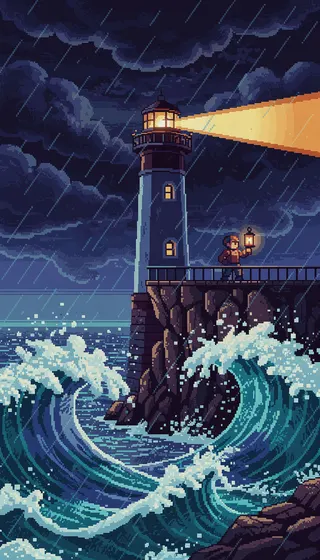
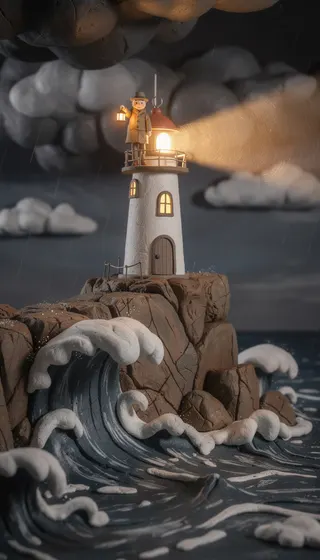
History and real stories
 BlipixAI image
Photographic styles suit history and true stories. The default Blipix style looks like an editorial photo.
Also try Vintage Photograph Cinematic
AI faceless video maker
Describe an idea or paste a script, pick an art style and a voice, and Blipix builds the scenes, narration, captions and music. Edit anything you like, then post to YouTube, TikTok or Instagram without showing your face.
29,000+ creators signed up41,000+ videos made
Anatomy of a faceless video
A faceless video tells a story or shares information without anyone appearing on camera. Generated images, a narrator, captions and music carry it instead. The format runs through YouTube Shorts, TikTok and Instagram Reels, from history explainers and horror stories to bedtime tales.
What you give it
Give a topic and the AI writes the script, or paste your own. Expand, Shorten and Improve rework it until it reads well aloud.
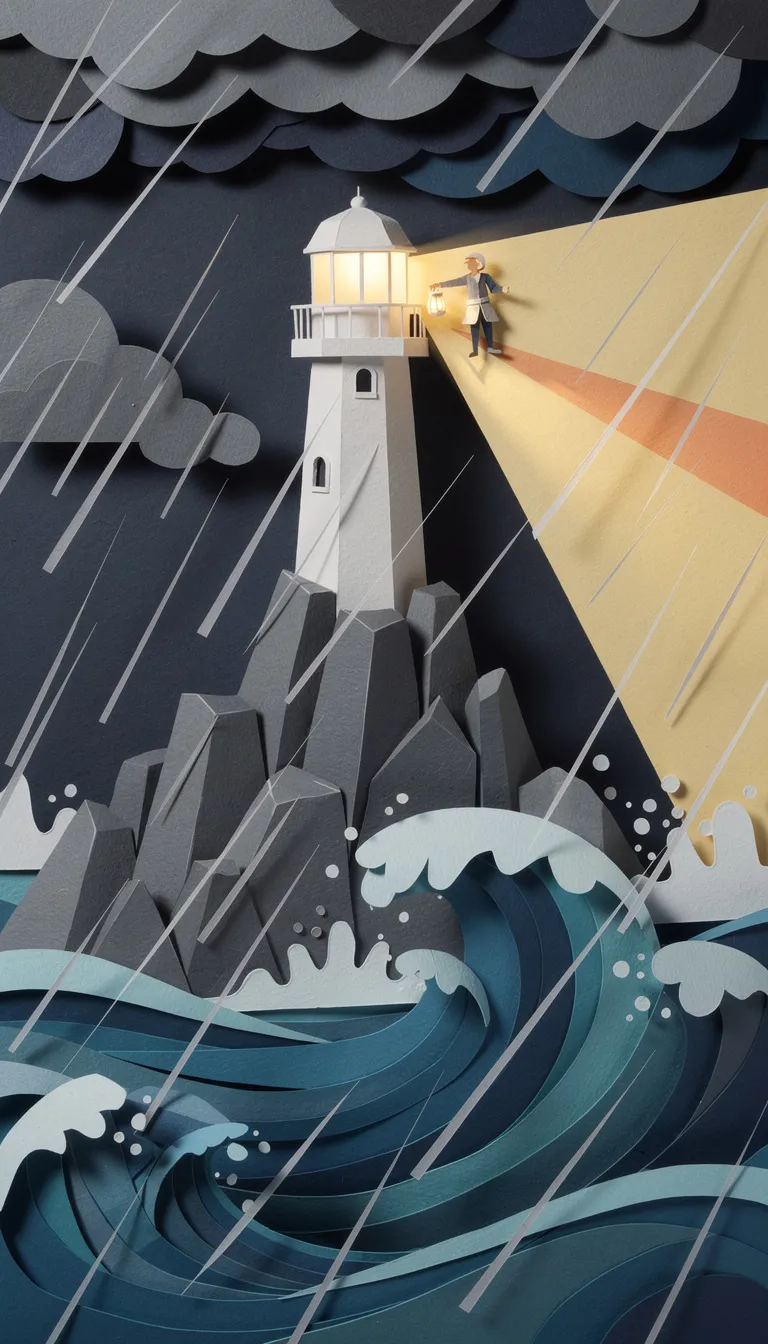 AI image1234
What Blipix builds on top
Your script is split into short beats, and each one gets its own AI image in the art style you chose, with gentle motion.
24 caption presets, or your own font, colors and position. They are timed word by word to the narration.
Over 100 AI voices across 32 narration languages. Filter them by gender, age, accent and use case, or clone your own.
A track from the music library, or one you upload, plays underneath the voice for the whole video.
Sized for each platform
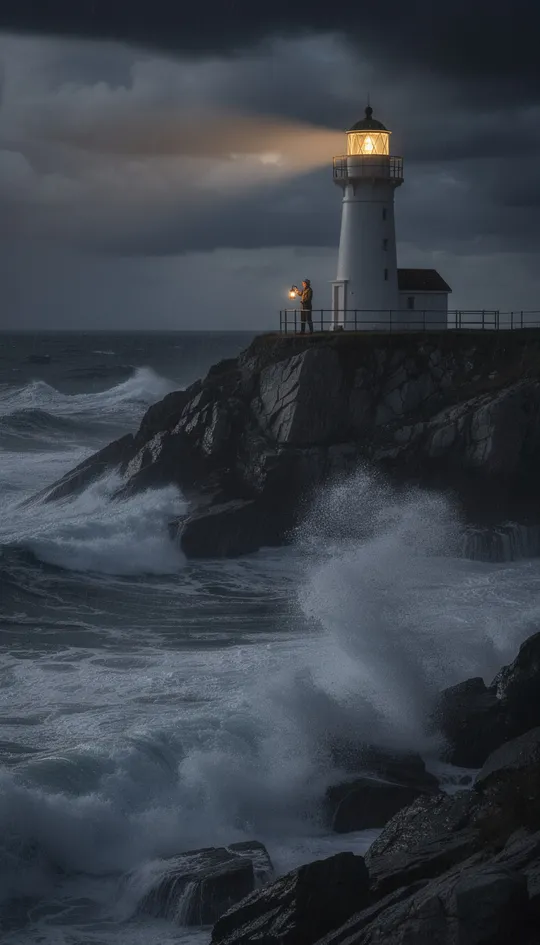
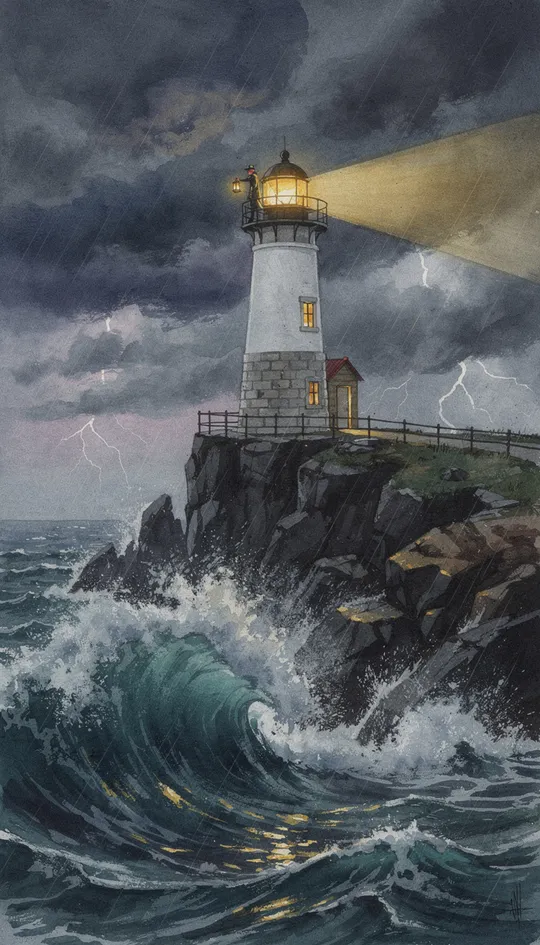
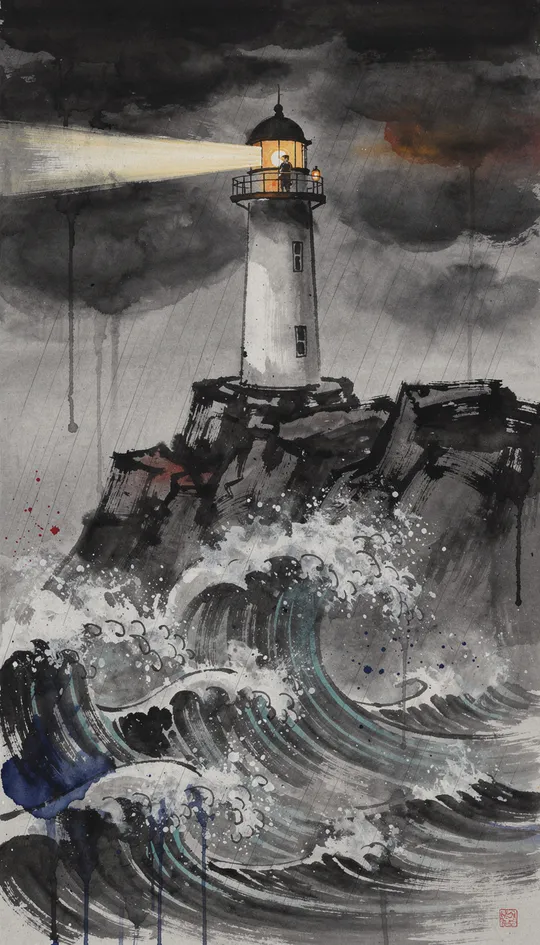
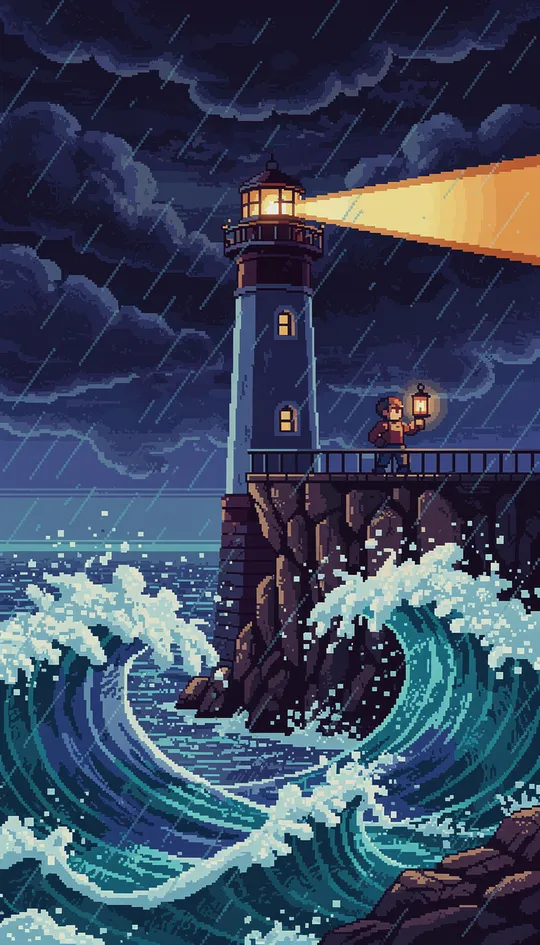
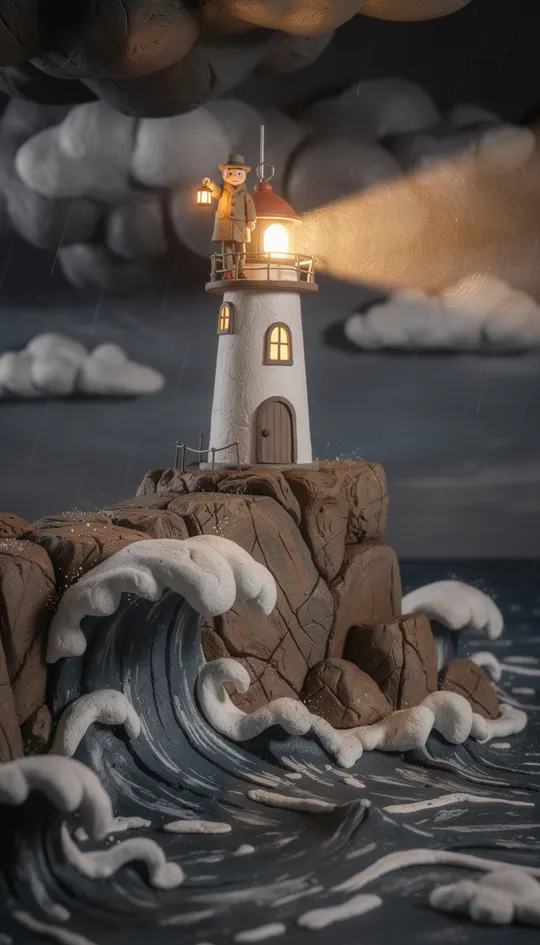
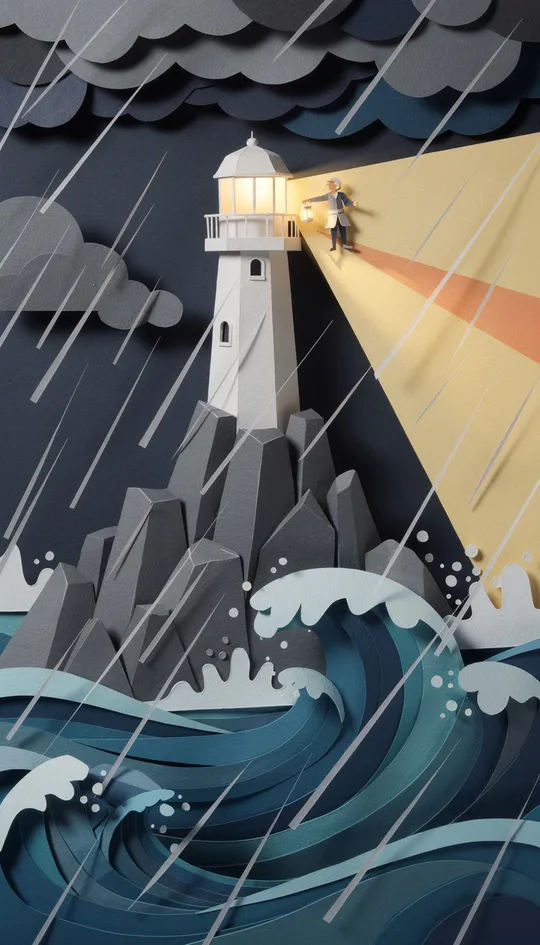
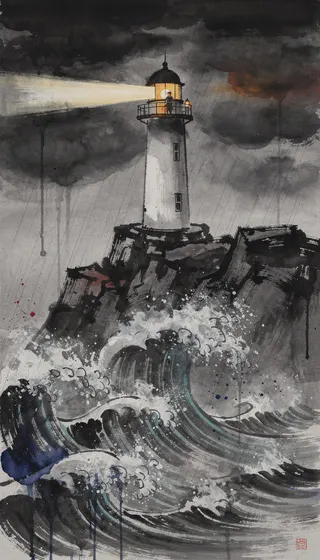
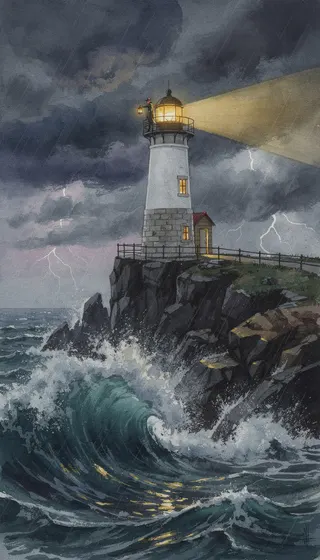
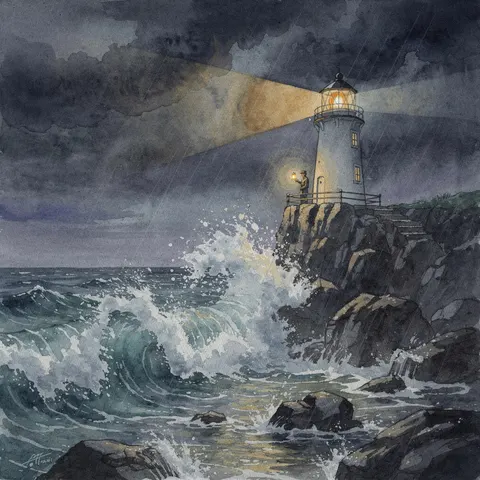
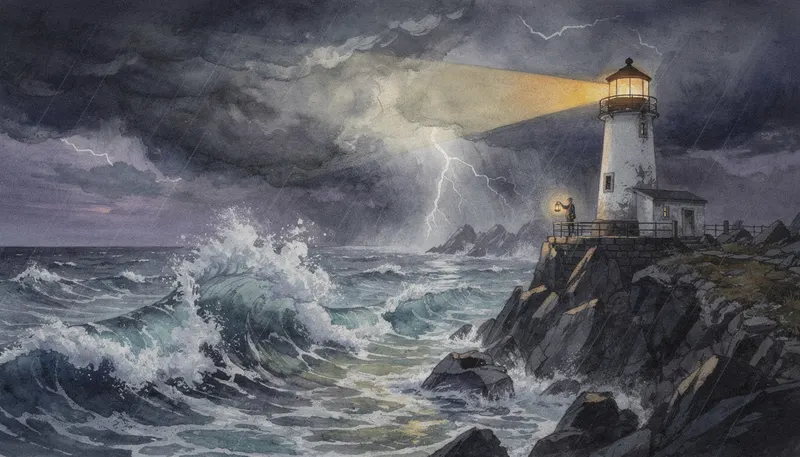
Choose 9:16, 16:9 or 1:1 so each video fits the feed you post it to, from Shorts and Reels to regular YouTube. The images are drawn for the frame you pick, as in these three versions of the same beat.
Three steps
Three steps from a blank page to a published short.
Choose a preset niche or describe your own idea, then pick one of 39 art styles and a narrator. The style is applied to every scene, so the whole video keeps one look.
Blipix drafts the script, generates one image per beat, and adds narration, captions and music. Regenerate a scene, rewrite a line or change the captions before you export.
On a paid plan, download the MP4 or post it from the editor, or save the setup as a series so new videos are generated and posted on a schedule.
39 art styles
Blipix turns a topic or a script into a video, and the art style decides how it looks. Pick from editorial photos and film stills to clay, ink, pixel art and comic-book horror; every scene in the video is generated in that one style.
History and real stories
BlipixAI imagePhotographic styles suit history and true stories. The default Blipix style looks like an editorial photo.
Also try Vintage Photograph Cinematic
Kids and bedtime
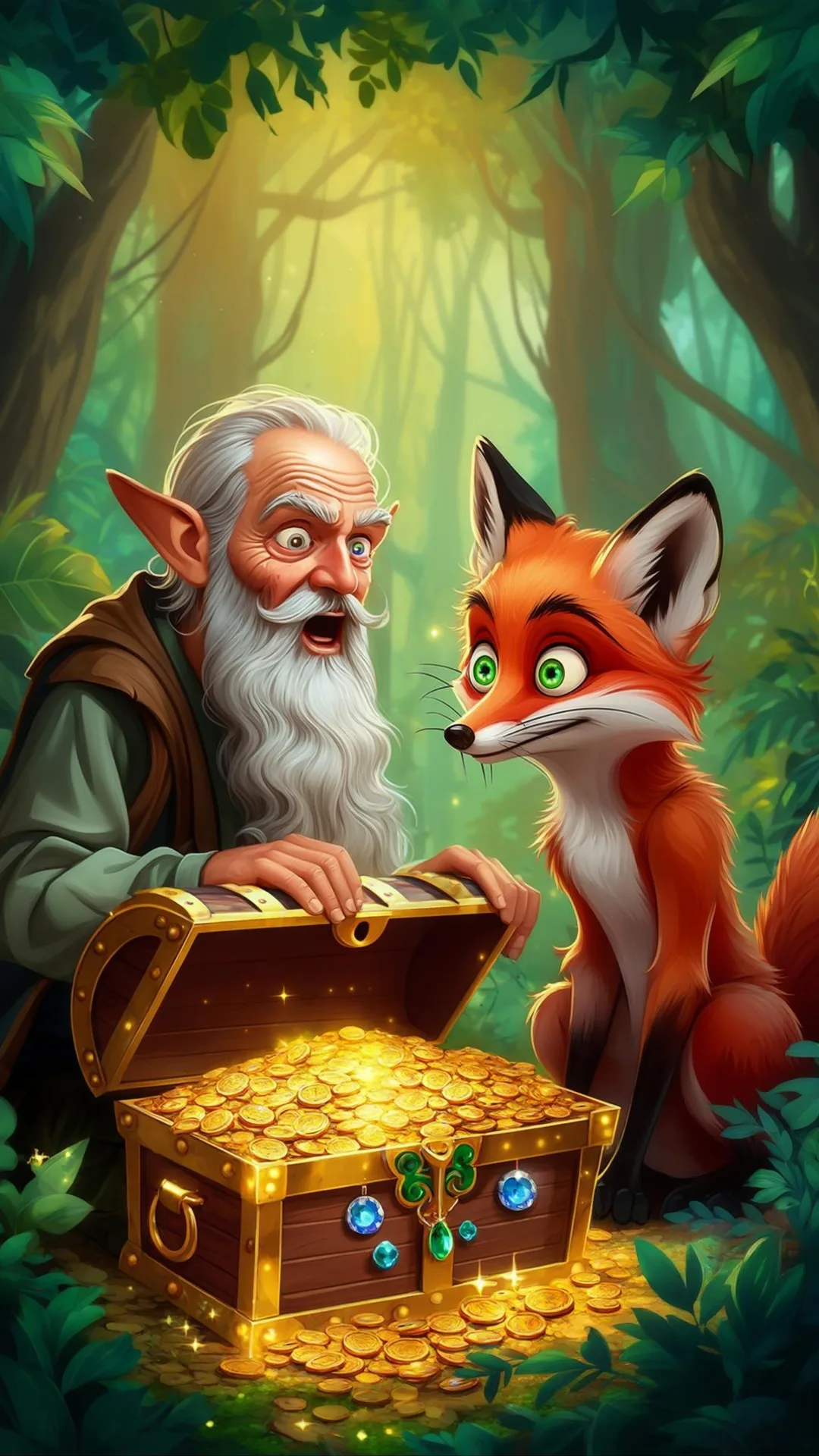 Children BookAI image
Drawn styles suit kids and comedy. Children Book paints soft scenes for younger viewers.
Also try Watercolor Claymation
Scary stories
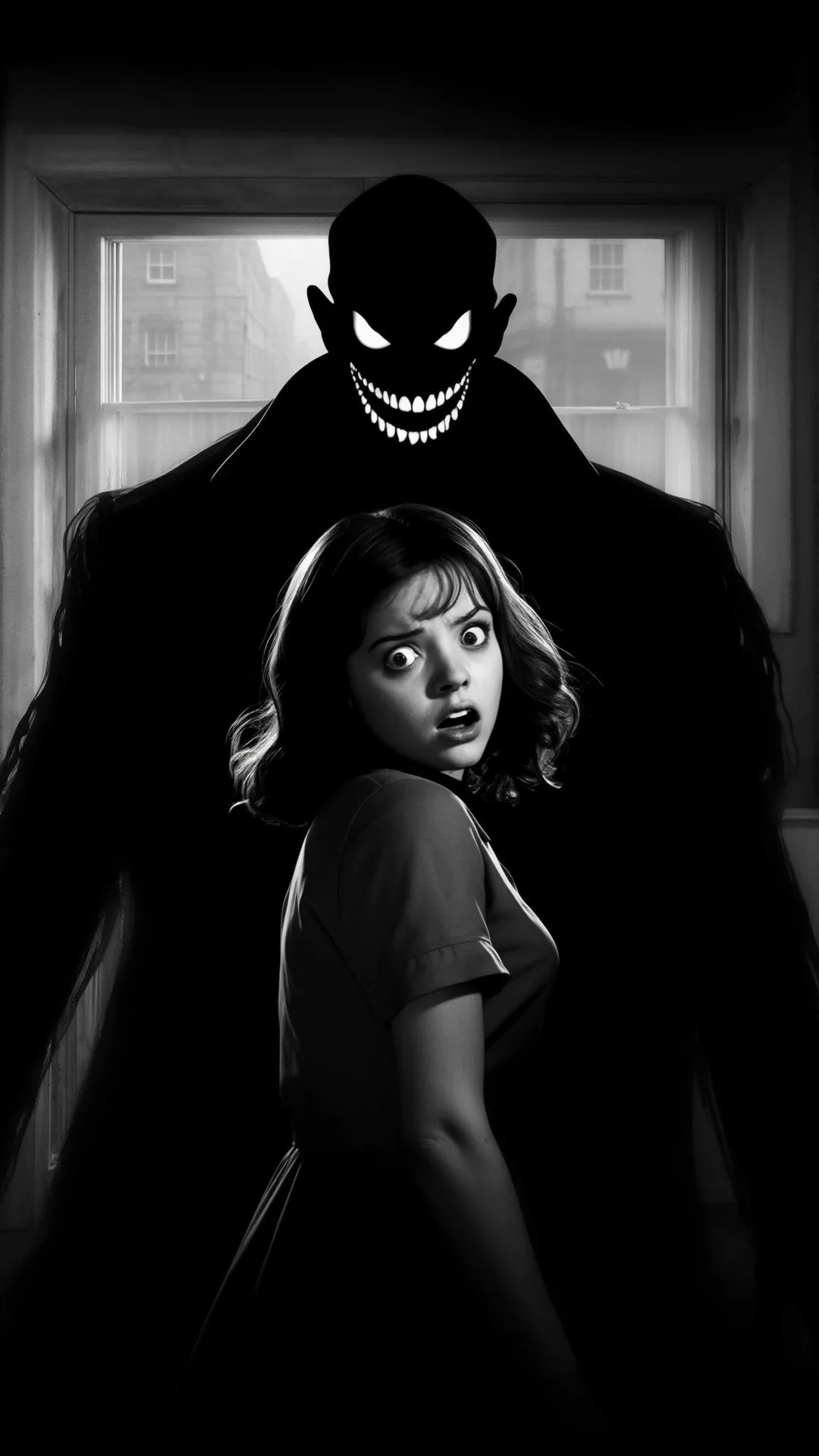 Dark NoirAI image
Comic and horror styles carry fear. Creepy Comic draws horror in ink; Dark Noir does it in black and white.
Also try Creepy Comic Horror
Some styles work for almost anything: the Lego style rebuilds any story in bricks. Open a style to see its sample images before you commit a channel to it.
26 niche guides
Start from a niche we already support, or bring your own idea. Each guide below has topic ideas for that niche.
Why faceless
The format that lets you publish consistently without a camera or an editing setup.
Build an audience around your ideas, not your appearance. Useful if you value privacy or simply want to stay behind the scenes.
No camera, studio or editor to pay for. A 30 to 60 second video costs 10 credits, and the starter credits on a free account let you generate and preview one before paying.
Short-form platforms reward a steady rhythm. When a video starts from a script instead of a shoot, posting several times a week becomes realistic.
Strong hooks and clear storytelling matter more than production polish. Spend your time on what your video actually says.
Without filming, you can test two or three niches side by side and put your effort into whichever one starts to find an audience.
Scenes, captions and music are assembled for you. When you want changes, the editor works scene by scene, with no timeline to learn.
Side by side
 BlipixAI-powered video creation
10 credits for up to 90 seconds, 150 for a 15-minute video
Camera, microphone, software, or an editor's time
Everything starts from a script or a topic
Recording, voicing and editing every clip by hand
AI drafts the script, images, voice and captions
Filming and editing experience
Series publish on a schedule on paid plans
Every upload done by hand
Scenes are AI images with gentle motion, so nothing shows the real event
Shows actual people, places and products
The last row is the trade-off: if a video needs to show the real thing, film it.
Series
On paid plans, save a style, a voice and a niche as a series, and Blipix generates and publishes a new video on the schedule you pick. The YouTube automation guide covers that setup in detail.
7 episodes in this example week
Default posting times shown. You can change them in the series settings.
Plans
Pick the plan that fits how often you publish. Cancel anytime.
On the free plan you get 10 starter credits, enough to generate and preview one 30 to 60 second video in the Prompt, Script or Preset template. Exporting the MP4, posting, longer videos, Premium image quality, scheduled series and the other templates need a paid plan, compared below.
Prices in USD. Cancel anytime from your account settings.
In their own words, from Blipix's public Trustpilot page.
“I've tried a bunch of video tools, but Blipix.pro is something else. The tools are super easy to use. I'm not a tech expert, but I could figure everything out in minutes. No headaches. But the best part? The support team. I had a small issue and they replied fast. A real person who solved my problem.”
“As someone who spent the past 4 years working with +40 different AI-tools, I can tell you that Blipix is truly one of the very BEST ever made. Wanna know why? Simple. It-doesn't-mess-up! Stunning pictures, a great arsenal of interesting voices, and wonderful short videos. Use it. Love it. Buy it. I promise ya!”
“A great way to create AI video shorts and even longer videos up to 10 mins. Everything can be monetized and automized, from individual videos to complete series to upload with a few clicks. Voiceovers, background music, captions... everything is adjustable, AI script writing included! And the prices very good for this market.”
“The product is exceptional for a seasoned content creator like me. It solves my solution in finding an affordable AI video creation tool that gives me more than just a video. The transitions and the "call to action" at the end of each custom prompt is what I call engaging and effective! Brian's nice too!”
“Very very good service. The videos come out clean and ready to post, and generating one only takes a few minutes from idea to finished result. Everything works exactly as promised, and whenever I had a question the team got back to me fast. Highly recommended for anyone making content regularly.”
“Just checked out blipix.pro and honestly, it's pretty cool. You should try it too! It took me only a few minutes to turn an idea into a finished video with voiceover and captions. Super easy even if you've never edited anything before, and the results look way more professional than I expected.”
Faceless video FAQ8 answers
Straight answers about how faceless videos are made with Blipix and what they cost.
Start free: generate and preview a 30 to 60 second video with your starter credits, then pick a plan when you are ready to export and post.