








9:16 · Captioned · Posts to Instagram

Make Instagram Reels with AI

Reels are where Instagram shows your work to people who don't follow you yet. Blipix turns a topic or a script into a narrated Reel with art-styled images and captions, and posts it to your Business or Creator account.

10 free credits to try it · posting needs a paid plan and a professional account

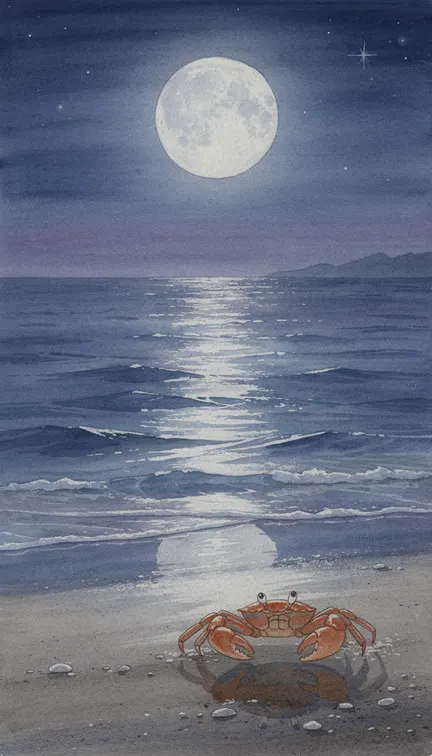
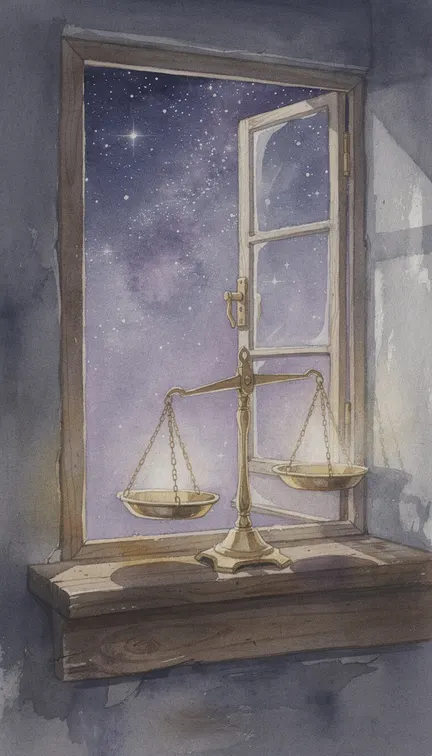
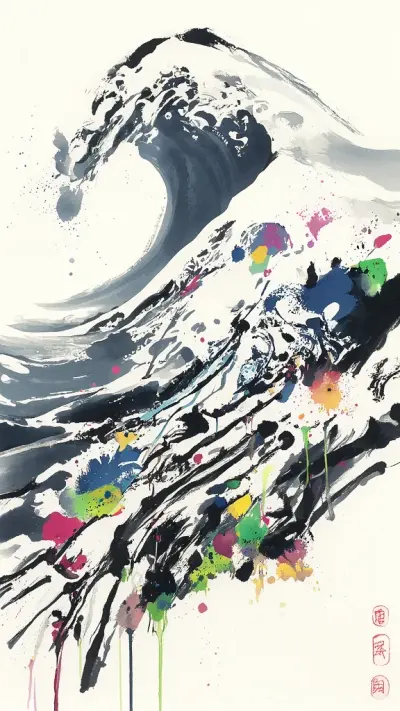
Watercolor scenes generated with Blipix for this page, each with its title on the first frame

The look

A page is its art style

Each Reel pairs one topic with one of Blipix's art styles. On Instagram, that style is what followers learn to recognize, and the profile grid is where they see it all at once.

Six Reels, six stylesFine one at a time. On a profile they look like six different accounts.
Six Reels, one styleWatercolor on every post and the title kept central, so the grid reads as one page.

The left grid uses Blipix style samples; the right one is the zodiac page from the top of this page. Compare looks on the art styles overview.

Account setup

Before you connect Instagram

Four things to settle once, before the first Reel goes out.

  1. 01

    A Business or Creator account

    Blipix posts through Instagram's own login for professional accounts, so yours has to be a Business or Creator account. Switching is free in Instagram's settings under account type, and it doesn't require a Facebook Page. A personal account can still use Blipix on a paid plan; you download the MP4 and upload it yourself.

  2. 02

    A caption that earns the tap

    Everything Blipix publishes to Instagram goes out as a Reel. The caption is built from the video's title, description and hashtags, which Blipix drafts and you can rewrite in the publish window. Write it the way you would in the app: a first line that earns the "more" tap, then the hashtags.

  3. 03

    A cover that survives the grid

    The cover is worth a minute of thought. With Blipix's thumbnail intro switched on, Blipix tells Instagram to use the very first frame as the cover, so your title card becomes the image on your grid. Instagram's profile grid now shows posts as tall 3:4 tiles cropped from the 9:16 Reel, so keep the title in the middle of the frame.

  4. 04

    A daily limit on app posts

    Instagram also limits how many posts an account can publish through apps in 24 hours. Blipix checks that quota before each upload. It only matters if you post heavily, but it's one more reason to run one good Reel a day rather than five rushed ones.

Workflow

How a Reel gets from topic to grid

The same three moves whether you post weekly or every day.

  1. Decide the page’s signature

    One niche, one art style, one narrator. Write them down and use all three on every Reel until the page has a following; changing them later is easier than recovering from a messy grid.

  2. Generate, then polish

    Type a topic or paste a script. In the editor, regenerate any image that breaks the style, switch on the thumbnail intro for a clean cover, and read the caption text once more.

  3. Publish or hand it to a series

    On a paid plan, post to your professional account from the export window or let a series post for you. Download the MP4 instead when you want to add a sound in the Instagram app.

Sample video, Blipix styleShown without sound, the way many people first meet a Reel.

On the phone

Made for the way Reels get watched

The AI Reels maker page covers the generator settings one by one. These are the parts that matter most on Instagram.

  • A look people can spot

    Instagram is a visual feed first. Choose one of 39 art styles, say watercolor or Lo-Fi Vibes, and use it on every Reel so the page reads as one body of work.

  • Captions for sound-off scrolling

    Plenty of people scroll with the sound down, so the words on screen have to carry the story. Pick from 24 caption presets and keep them in the upper middle, clear of Instagram’s caption text and buttons.

  • Openings you control

    Every scene’s line is editable. Rework the first one until it states the payoff, and use Improve or Shorten in the script tools when a Reel runs long.

  • Full-screen 9:16

    Reels render at 1080 by 1920, the shape the Reels tab is built for, so nothing gets letterboxed or cropped when it plays full screen.

  • Music, with one catch

    Use tracks from the Blipix library or upload your own. Instagram’s licensed music can’t be attached by apps that post for you, so for a trending sound, download the MP4 and add it in the Instagram app.

  • Posting on your schedule

    On paid plans, publish to Instagram from the editor or run a series that posts once a day, twice a day or three times a week at the times you choose.

Reach

What Instagram rewards, and what it skips

Adam Mosseri, who runs Instagram, has named watch time, likes per reach and sends per reach as the signals that count most for Reels. Sends are shares by direct message. They favor Reels people want to pass on: a surprising fact, a line worth quoting, a short story with a turn at the end.

  • Watch timeHow long people keep watching
  • Likes per reachLikes measured against how many people saw it
  • Sends per reachShares by direct message, measured the same way

Original beats reposted

Instagram has said it favors original content in recommendations and swaps reposts for the original when it finds them, and accounts that only aggregate other people's clips lose reach. A Blipix Reel is built from your script, your choice of voice and newly generated images, which puts it on the original side of that line, as long as the script is yours.

Shorter than the limit

Instagram raised the Reels length limit to three minutes in January 2025, but longer isn't the goal. A Reel watched to the end, and replayed, beats one abandoned halfway, so keep it as short as the idea allows and finish on the strongest line. The Reels length and retention guide goes deeper.

Topics that get sent to a friend

Topics that travel by DM tend to suit faceless pages: zodiac and astrology, where people send their sign to a friend; philosophy and quotes; and fashion history. Instagram is just as busy outside English, and a page narrated in French or another of Blipix's 32 languages reaches people an English page never will. Want the same Reels on Facebook? Blipix doesn't post there directly; our Facebook video guide covers the download-and-upload route.

Instagram questions8 answers

Reels for a faceless page, answered

Accounts, captions, covers, sounds and posting limits, for Reels published from Blipix.

Still have a question?

Write to us and a real person on the team replies.

Instagram only lets outside apps publish to professional accounts. Switching is free in Instagram’s settings and you can switch back later. Blipix connects through Instagram’s own login, so you don’t need a Facebook Page. On a paid plan, personal accounts can still download the MP4 and post by hand.

Yes. Blipix fills the caption from the video’s title, description and hashtags, and you can edit all of it in the publish window before posting. For fresh angles on the same Reel, the free Instagram caption generator drafts captions with hashtags to compare.

Turn on the thumbnail intro in the editor and Blipix sets the cover to the first frame, so your title card becomes the cover. Without it, the cover is taken from one second in. Keep text centered, because the profile grid crops Reels to a taller 3:4 shape.

As short as the idea allows. A quote or single fact can land in well under a minute, while a mini-story may need the whole minute. The shortest length setting in Blipix is 30 to 60 seconds, so keep the script tight if you want the low end of that range.

Yes, on paid plans. A series creates a new video and posts it once a day, twice a day or three times a week at the times you set, and it can send the same video to TikTok and YouTube as well. The pricing page shows how many series each plan includes.

Not through Blipix. Instagram’s music library isn’t available to apps that publish on your behalf. Use a track from the Blipix library or your own upload, or download the MP4 and add the sound in the Instagram app before you post.

Instagram may show an AI info label on content it detects as AI-made or that you mark yourself. Its ranking leans on viewer behavior such as watch time and shares. What it does push down is reposted, unoriginal content, which is why writing your own scripts matters more than the tool you use.

It posts Reels only, so no carousels, Stories or photo posts. It can’t attach Instagram’s licensed music, reply to comments, or connect personal accounts. Instagram also caps how many posts an account can publish through apps in 24 hours, and Blipix checks that quota before posting.
Reviews on Trustpilot

What creators are saying

In their own words, from Blipix's public Trustpilot page.

Mar 25, 2026

Blipix gives you EXACTLY what you want!

“As someone who spent the past 4 years working with +40 different AI-tools, I can tell you that Blipix is truly one of the very BEST ever made. Wanna know why? Simple. It-doesn't-mess-up! Stunning pictures, a great arsenal of interesting voices, and wonderful short videos. Use it. Love it. Buy it. I promise ya!”

Ken V.Belgium
Mar 8, 2026

A great way to create AI video shorts

“A great way to create AI video shorts and even longer videos up to 10 mins. Everything can be monetized and automized, from individual videos to complete series to upload with a few clicks. Voiceovers, background music, captions... everything is adjustable, AI script writing included! And the prices very good for this market.”

PatrickNetherlands
Aug 30, 2025

If you want an affordable AI creation tool, this is it!

“The product is exceptional for a seasoned content creator like me. It solves my solution in finding an affordable AI video creation tool that gives me more than just a video. The transitions and the "call to action" at the end of each custom prompt is what I call engaging and effective! Brian's nice too!”

Annette ThomasUnited States
Sep 24, 2025

Very very good service

“Very very good service. The videos come out clean and ready to post, and generating one only takes a few minutes from idea to finished result. Everything works exactly as promised, and whenever I had a question the team got back to me fast. Highly recommended for anyone making content regularly.”

Kyawkhant ZinThailand
Aug 30, 2025

Just checked out blipix.pro

“Just checked out blipix.pro and honestly, it's pretty cool. You should try it too! It took me only a few minutes to turn an idea into a finished video with voiceover and captions. Super easy even if you've never edited anything before, and the results look way more professional than I expected.”

Vicious EricaPhilippines

Start the page with one Reel

A free account includes 10 credits, enough to generate and preview a 30 to 60 second Reel and test your style before you upgrade and connect Instagram.

Try Blipix
  1. Script
  2. Voiceover
  3. Visuals
  4. Captions