




Portrait · Script · Voice · Lip sync

AI Avatar Creator

A face for your script, without you on camera.

Choose a face, paste what it should say and pick a voice. Blipix animates the portrait so the lips follow the voiceover, then lays captions on top. It runs on the Talking Avatar template, which comes with the paid plans.

Script
1,200words at most
Voices
32narration languages
Price
75credits per 100 words

Paid plans only. On a free account the template shows an upgrade button instead of Generate.

The example video from the app's Talking Avatar screen, with the script it reads and the credits a script that length costs. Turn the sound on to hear the voice the lips follow.
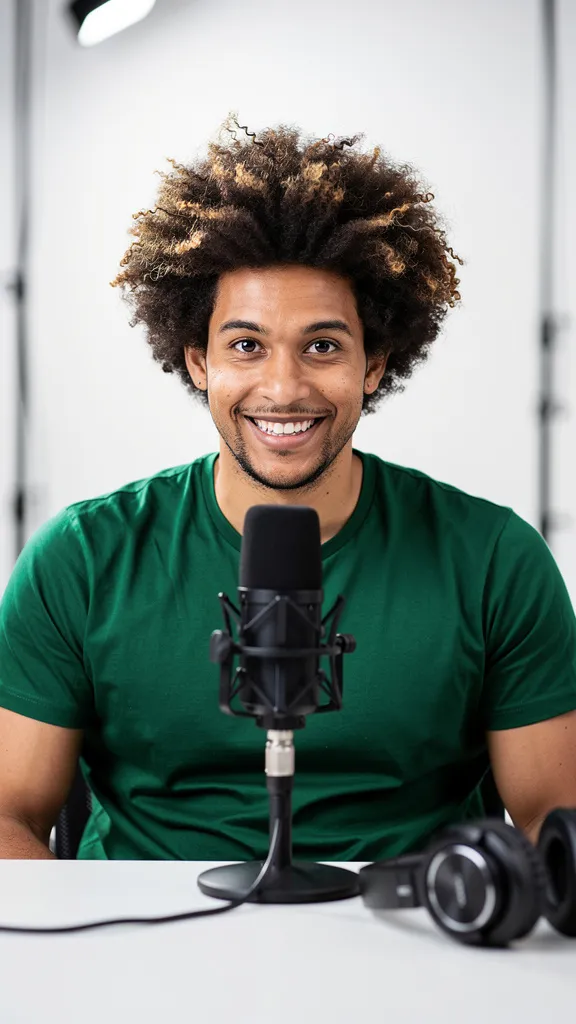
The still AI portrait the example started from: a presenter at a desk with a studio microphone

Drag the divider. Same image, same framing: only the mouth, a little head movement and the captions change.

The example take

One portrait, one 17-second take

This is the example the app itself shows on the Talking Avatar screen. On the left of the divider is the starting portrait; on the right, that same image after the voiceover, lip sync and default captions were added.

  1. The portrait

    One still image carries the whole video. Upload your own, pick a saved AI character, or leave it empty and Blipix generates a presenter.

  2. The voiceover

    The narrator voice you pick reads your script word for word, up to 1,200 words, in any of the 32 narration languages.

  3. The lip sync

    Blipix sends the portrait and the voiceover to Kling's AI Avatar model, which animates the lips, small head movements and eye contact to match the audio.

  4. The captions

    Captions are timed to the voice, white text with the spoken word highlighted in yellow, near the bottom of the frame. The template starts without background music.

The finished video opens in the editor like any other Blipix video, and from there you download it or publish it to YouTube, TikTok or Instagram.

Your two inputs

Brief the presenter, then hand it a script

The template needs a face and the words. Rough both out here first; the fields mirror the settings you will meet in the app.

Step 1

Brief the presenter

Draft the description here, then build it on the AI Characters page in the app, which adds drop-downs for age, hair, clothing, setting, expression and lighting next to the free text box.

0/1000
Style
Step 2

Hand it a script

The Talking Avatar script box takes up to 1,200 words, read word for word. Pick a narrator voice and a language; the lips are driven by that audio, so they follow whatever language the voice speaks.

0/1200 words
Cost0credits · 0 of 12 blocks

Every started block of 100 words costs 75 credits.

Narration voice

These fields are a preview of the app's settings. Both buttons open Blipix sign-up, and nothing you type here is sent or saved, so copy your description and script before you click.

Casting

Bring a face, or let Blipix cast one

The portrait is the only picture in the video, so it is worth a minute of thought. These are the ways to supply it.

  • Upload a photo

    JPEG, PNG or WebP, up to 5 MB. A front-facing photo with the mouth fully visible animates best. Only upload faces you have permission to use.

  • Pick a saved AI character

    Build a presenter on the AI Characters page from drop-downs or a written description, then reuse it in every video. Each character portrait costs 1 credit to make.

  • Leave it empty

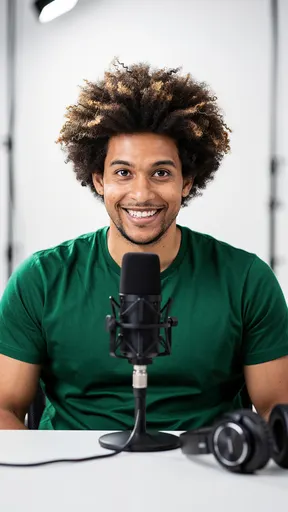
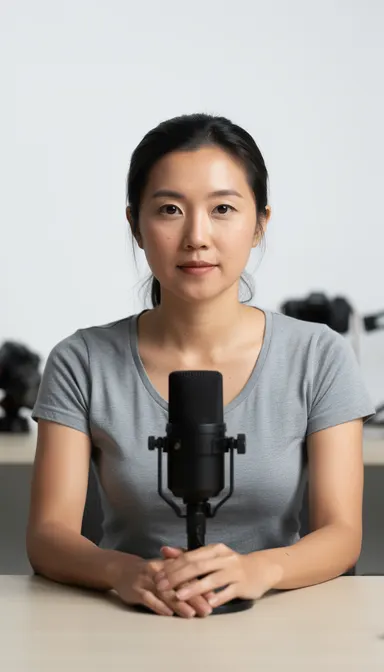
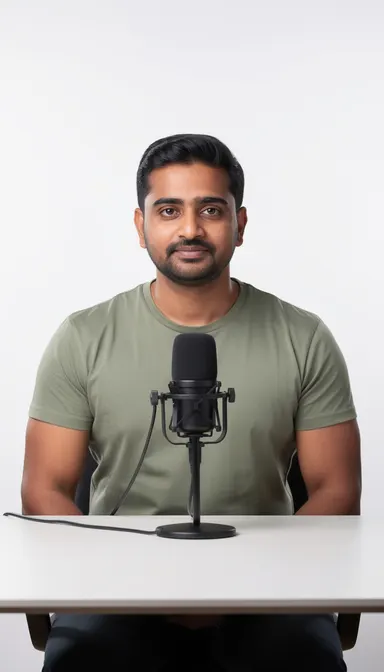
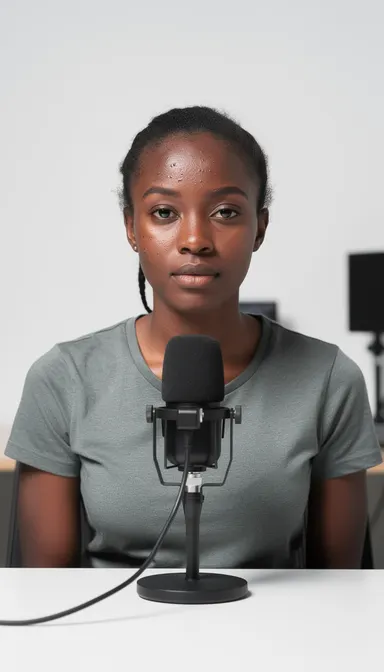
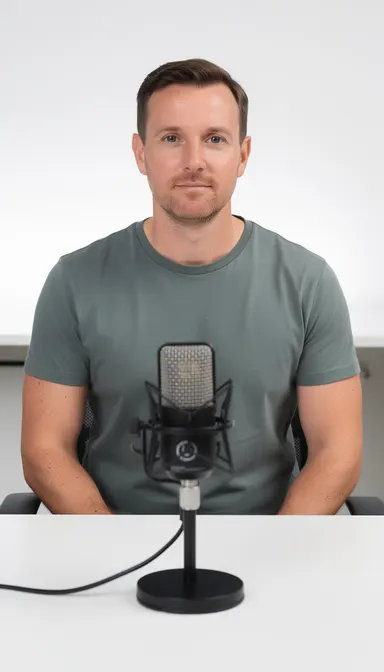
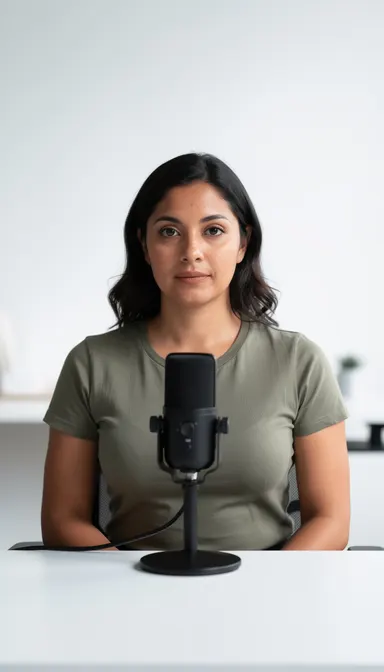
    Blipix casts one: a photorealistic presenter at a desk, a studio microphone in front, a white wall behind, matched to the gender of the narrator voice. It is a different person every time.

AI-generated presenter portrait, matched to a female voiceFemale voice
AI-generated presenter portrait, matched to a male voiceMale voice
The portrait from the example takeExample take
AI-generated presenter portrait, matched to a female voiceFemale voice
AI-generated presenter portrait, matched to a male voiceMale voice
AI-generated presenter portrait, matched to a female voiceFemale voice
Five presenters generated with the template's own default instructions, plus the face from the example take. All six are AI images.
The example portrait with framing guides: front view, eyes to the lens, mouth clear, head and shoulders in frameFront viewEyes to the lensMouth clearHead and shoulders
The example's starting portrait with the framing that animates well.

Framing

Portraits that lip-sync cleanly

The animation works from one still image plus the voiceover, so the picture has to give it a clear mouth to move. When Blipix generates a presenter for you, its own instructions ask for a front view, a closed mouth that is fully visible, and no hands near the face. Hold your own portraits to the same rules:

  • Head and shoulders in frame
  • Looking at the camera
  • Mouth closed and fully visible
  • Nothing crossing the lower half of the face

Expression

It carries further than you expect, because the face holds it between words. A relaxed half smile suits tutorials and brand intros; a neutral face suits news-style explainers.

Lighting

It matters for the same reason: soft studio light keeps skin texture natural once the mouth starts moving, while hard side light shows every glitch.

Write the script for the ear, not the page

The avatar reads every word exactly as written, so spell out numbers the way you want them said and cut the parenthetical asides. If you need a first draft, the free faceless video script generator gives you something to edit down.

On the pageMix 2 tbsp oil w/ 1 tsp salt (see notes).Read aloudMix two tablespoons of oil with one teaspoon of salt.

Rundown

Jobs a still-portrait presenter does well

Each one is a single message spoken to camera, which is the one thing this template is built to do.

01

Short brand or founder messages

A face saying "here is why we built this" lands differently from text on a slide. Keep it under 100 words and it costs 75 credits, the smallest block.

Under 100 words, 75 credits
02

A recurring host you never film

Save one AI character and reuse it, so viewers see the same presenter every episode while you stay off camera. Pair it with the same voice each time.

Same face, same voice
03

Lesson intros and recaps

Paste a lesson summary of a few hundred words. When the material changes, edit the text and generate again instead of re-recording; the new version is billed like a new video.

A few hundred words
04

The same message in another language

Translate the script yourself, keep the portrait, and switch the narration language and voice. The lips follow the new audio, so one presenter can front several markets.

New voice, same portrait
05

Talking-head FAQ answers

Turn the questions customers ask most into 30 to 45 second clips, one question per video. Short scripts keep the cost low and the answers easy to reuse in support pages.

30 to 45 seconds each
06

Vertical clips with a host

The generated presenter is framed upright for phones, and captions are on by default. Publish from the editor to YouTube, TikTok or Instagram once the video is ready.

Upright framing, captions on

Before you pay

Know the limits before you pay

One take, start to finish

A talking avatar video is one shot from start to finish: the same portrait, the same framing, one narrator voice. There are no scene changes, no b-roll and no second speaker inside the template. That suits a direct message to camera of up to a couple of minutes. For anything longer, viewers start to feel the static frame, and a narrated video with a new image for every beat holds attention better. That is what the text to video templates make, and they also run on the free plan.

Plan scripts in hundred-word blocks

Cost scales with words, not minutes, so plan scripts in hundred-word blocks. A 60-second vertical clip for YouTube Shorts usually lands around 140 to 160 words, which bills as two blocks, 150 credits. Before you generate, read the script aloud once: any sentence you stumble on, the voice will too, and a regenerated video is billed again.

Talking avatar questions8 answers

Talking avatars, answered

Cost, faces, languages, AI labels and what the template will not do.

Still have a question?

Write to us and a real person on the team replies.

No. Talking Avatar is a paid-plan template. A free Blipix account starts with 10 credits, which cover one 30 to 60 second video in the Prompt, Script or Preset templates, not a talking presenter. The pricing page lists what each plan includes.

75 credits for every started block of 100 script words. So 100 words cost 75 credits, 150 words cost 150, 600 words cost 450, and the 1,200-word maximum costs 900. Trimming a script that sits just over a hundred-word line saves a full block.

Yes. In the character step you can upload your own image, pick one from the character library, or use a character you built on the AI Characters page. A front-facing photo with the mouth fully visible animates best. Only upload faces you have permission to use.

Blipix generates one for you: a photorealistic presenter sitting at a desk with a studio microphone in front of a white wall, matched to the gender of the narrator voice you picked. It is a new person each time, so save a character if you want the same host every week.

Yes. The animation follows the voiceover audio rather than the written text, so it works with any of the 32 narration languages. Write the script in the target language and pick a voice that speaks it. Our Hindi video guide covers script length and voice choice for one of them.

No. The template animates one still portrait: lips, small head movements and eye contact, nothing more. If you need a presenter showing or holding your product, the UGC Ad template generates the whole scene with Veo 3 instead.

Often, yes. YouTube asks creators to disclose realistic altered or synthetic content when they upload, and TikTok requires labels on realistic AI content. Videos you publish to TikTok from Blipix are flagged as AI-generated automatically, so TikTok adds its label for you.

Not today. Series mode, which generates and posts a new video on a schedule, does not include the Talking Avatar template, so each avatar video is made and published one at a time. For scheduled faceless uploads, see our YouTube automation guide.
Reviews on Trustpilot

What creators are saying

In their own words, from Blipix's public Trustpilot page.

Mar 25, 2026

Blipix gives you EXACTLY what you want!

“As someone who spent the past 4 years working with +40 different AI-tools, I can tell you that Blipix is truly one of the very BEST ever made. Wanna know why? Simple. It-doesn't-mess-up! Stunning pictures, a great arsenal of interesting voices, and wonderful short videos. Use it. Love it. Buy it. I promise ya!”

Ken V.Belgium
Mar 8, 2026

A great way to create AI video shorts

“A great way to create AI video shorts and even longer videos up to 10 mins. Everything can be monetized and automized, from individual videos to complete series to upload with a few clicks. Voiceovers, background music, captions... everything is adjustable, AI script writing included! And the prices very good for this market.”

PatrickNetherlands
Aug 30, 2025

If you want an affordable AI creation tool, this is it!

“The product is exceptional for a seasoned content creator like me. It solves my solution in finding an affordable AI video creation tool that gives me more than just a video. The transitions and the "call to action" at the end of each custom prompt is what I call engaging and effective! Brian's nice too!”

Annette ThomasUnited States
Sep 24, 2025

Very very good service

“Very very good service. The videos come out clean and ready to post, and generating one only takes a few minutes from idea to finished result. Everything works exactly as promised, and whenever I had a question the team got back to me fast. Highly recommended for anyone making content regularly.”

Kyawkhant ZinThailand
Aug 30, 2025

Just checked out blipix.pro

“Just checked out blipix.pro and honestly, it's pretty cool. You should try it too! It took me only a few minutes to turn an idea into a finished video with voiceover and captions. Super easy even if you've never edited anything before, and the results look way more professional than I expected.”

Vicious EricaPhilippines

Give your script a face

Pick a portrait, paste the words and choose a voice. Talking Avatar is included in every paid plan and billed at 75 credits per 100 words.

Try Blipix
  1. Script
  2. Voiceover
  3. Visuals
  4. Captions