
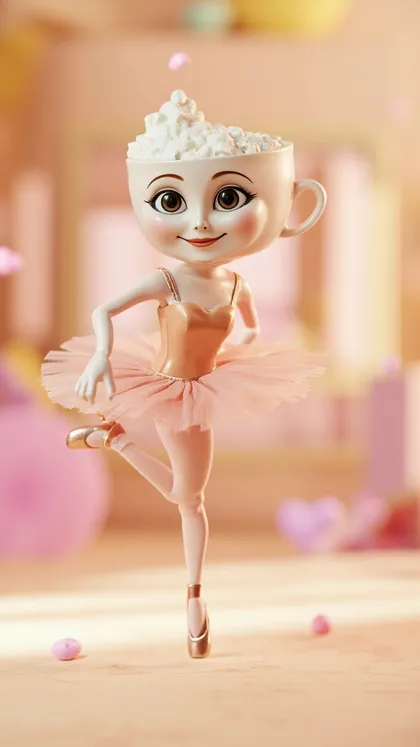

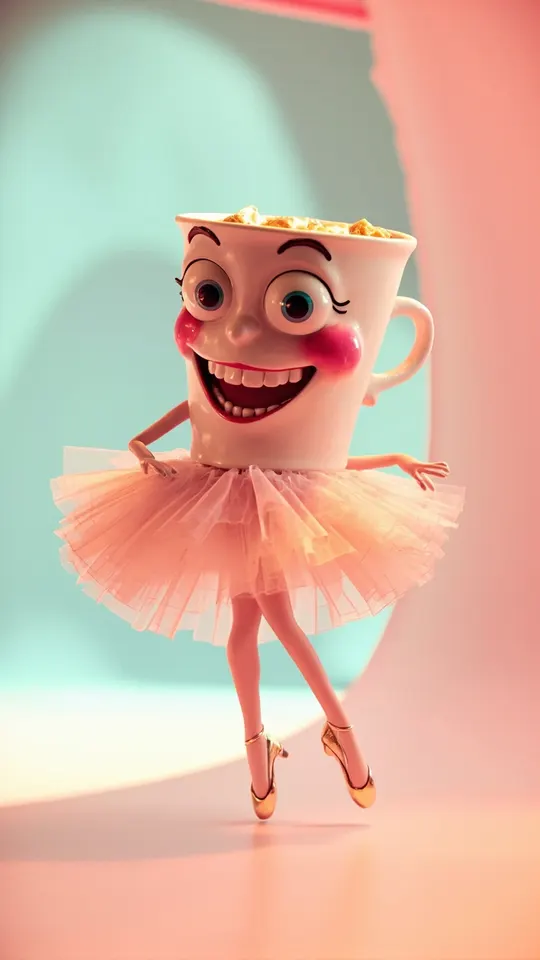
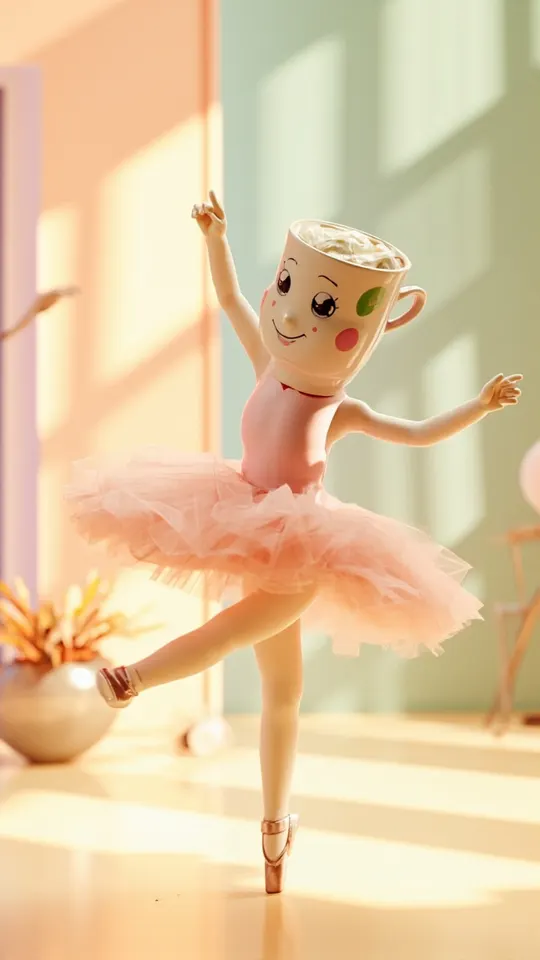
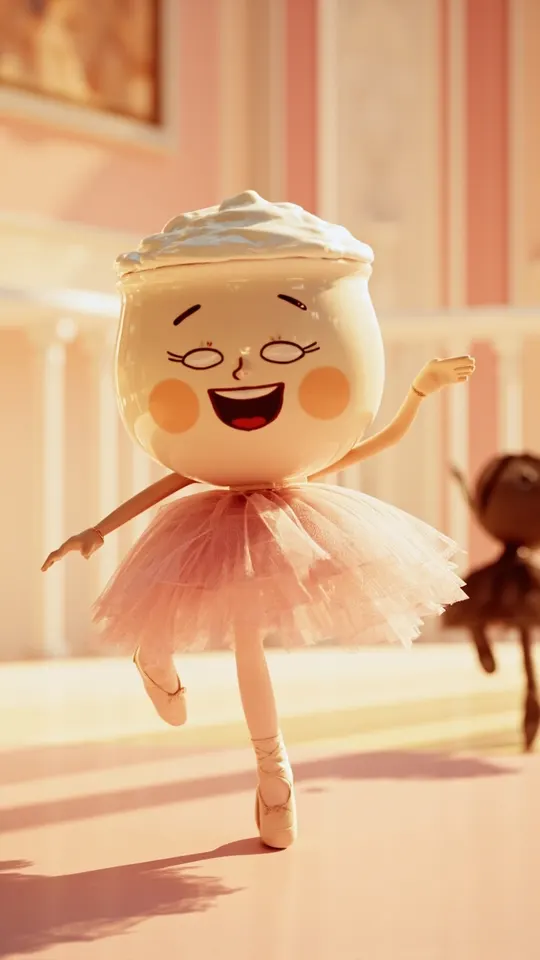
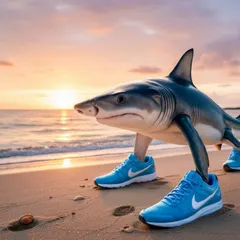
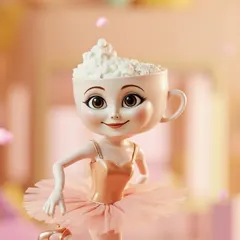
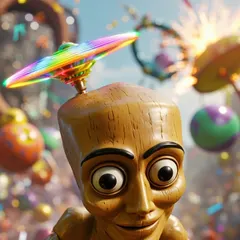
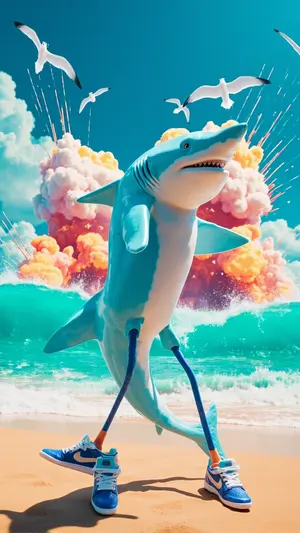


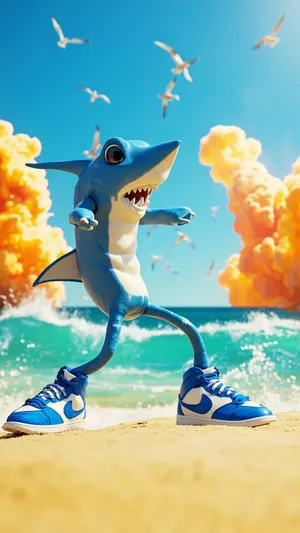




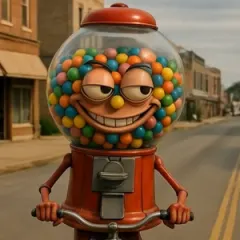
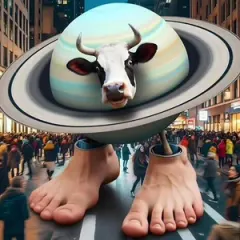

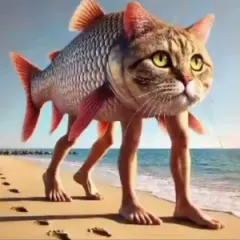
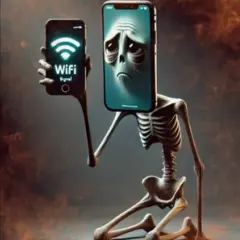
Choose a topic or add your own with Custom Script/Prompt
Choose how Blipix fills your scenes with visuals.
Select from 30 art styles to define the visual aesthetic of your video
Comic Book
Surrealism
Retro Pixel Art
Lego
Creepy Comic V2
Plastic Toy
Cyberpunk
Photo Realism
Lo-Fi Vibes
Horror
Blipix
MinecraftGrab attention instantly and boost watch time by up to 40%.
Choose the perfect voice for your narration
Fable
Storytelling, Fantasy
Jessica
conversational
Onyx
Authoritative, Documentary
Will
social media
Select or generate the perfect music for your video
Highlights
Rock, Motivational
Quiet before storm
Dramatic, Tension
Stradivarius
Motivational, Inspiring
Acoustic Inspirational
Acoustic, Inspiring
Select the language of your video
Select the aspect ratio of your video
Get started free • No credit card required • First video on us
Who is this tool for?
If you want to focus on jokes instead of editing timelines, this saves you the back-and-forth. You can go from text to a faceless short with captions and voice ready for quick posting.
Use repeatable formats like rants, mock apologies, or “explains everything” humor and generate fresh variations fast. Captions make your punchlines readable when people watch on mute.
Create theme-based shorts without filming yourself. Pair a consistent voice with matching visual themes so your audience starts recognizing your style quickly.
Turn one Italian brainrot concept into versions for different platforms. You can keep the core idea but regenerate with a different delivery or caption emphasis for TikTok and Shorts audiences.
Everything you need to know
Create brainrot-style videos without filming yourself. You paste your Italian text, pick an AI voice, and the platform builds a finished short with visuals, narration, captions, and background music. This is perfect when you want to post consistently while staying focused on humor and pacing. Try one idea, then tweak a line and regenerate.
Your words guide the voiceover and the on-screen captions, so your punchlines stay readable. Visuals are generated to match the mood your script describes, keeping the short on-theme. If you want the tone to be louder or calmer, switch the voice and regenerate to compare.
Start by writing a quick script with clear beats. Choose a voice style that fits the joke and let the tool generate the video with captions and music attached. When the result is close, adjust a sentence, rerun, and download the version you like best.
Turn one brainrot idea into platform-ready clips for TikTok, YouTube Shorts, and Instagram Reels. Captions help viewers understand the joke even in silent scroll mode. If you target different vibes, regenerate variations so each upload feels intentional rather than random.
Making brainrot shorts the traditional way means filming, editing, captioning, and fixing timing when it feels off. With AI video generation from your text, you can create faceless shorts that include voiceover and captions so you spend more time on jokes and less time on production.
| Feature / Benefit | Blipix Italian Brainrot Video Generator | Traditional video filming |
|---|---|---|
| Content control | Write the lines you want and generate captions that reflect your wording. | You rely on what you manage to capture on camera and fix later. |
| Consistency | Keep the same voice and format while you try new punchlines fast. | Each take can sound different, making edits more work. |
| Sound and music | Get background music that fits the energy of the short. | You still need to find, sync, and adjust audio yourself. |
| Production time | Generate a finished short from your text and voice choice. | Filming and editing typically takes much longer. |
| Scenario variety | Create different visual themes by changing what your text describes. | New scenes require new filming setups. |
| Volume | Produce multiple versions from the same idea to test what hits. | More posts mean more filming days. |
Pick an AI voice that fits the attitude of the joke, then adjust the delivery so it lands like a quick rant or a deadpan read. If you plan for scrolling, captions help your timing stay clear while the visuals reinforce the theme. You can make multiple variations from the same idea and choose the one that feels right for your audience.
You paste your Italian brainrot script and choose an AI voice that fits the mood. Next, the platform generates the faceless video with visuals, voiceover, captions, and background music based on what you wrote. When it’s ready, you can download and post to TikTok, YouTube Shorts, or Instagram right away.

Write your scene or meme monologue in plain text. Keep it punchy with short lines and clear beats so the captions are readable. If you have a specific catchphrase, include it exactly how you want it to appear.

Select an AI voice for your delivery style, like loud, calm, or deadpan. The tool uses your text to drive the visuals and timing, then adds background music that matches the energy. You can regenerate if the vibe doesn’t feel right.

Hit generate and review the finished short with voiceover, captions, and visuals all together. Download it when it looks right, then upload to TikTok, YouTube Shorts, or Instagram Reels. If you want more versions, tweak a line and run it again.
Write a quick script that sounds like your favorite comments, memes, or catchphrases, then drop it into the platform. The tool turns your wording into a full faceless short with on-screen captions so viewers can follow even with sound off. Use it to keep your punchlines tight and your pacing consistent for reels-style viewing.
Discover more tools to enhance your content creation workflow
Convert your news script into a faceless video with voiceover, captions, and background music.
Write a motivation script, choose a voice, and generate ready-to-post faceless videos.
Turn a valentine message into a faceless video with voice, captions, and music.
Create stranger things style faceless videos from your script, voice, visuals, captions, and music.
Turn your Rick and Morty-style script into faceless shorts with voice, captions, and music.
Turn a horror script into a faceless video with voiceover, captions, and music.
Frequently asked questions about our italian brainrot video generator