Create Disney Style Videos

Make your faceless videos look like they came from a Disney movie. Great for creating magical and family-friendly content that everyone loves.

Disney style preview

Disney Style

See how this style transforms your content

What You Get

Everything included when you create videos in the Disney style.

Distinctive Visual Aesthetic

A recognizable look that makes your content stand out in feeds. Viewers identify and remember your videos instantly.

Works on Every Platform

Optimized for YouTube Shorts, TikTok, Instagram Reels, and more. Export in 9:16, 16:9, or 1:1 formats.

Fully Customizable

Adjust your script, music, voiceover, and visuals. The style is the foundation — you control the details.

Copyright-Free & Monetizable

All generated content is 100% yours. Use it on monetized channels, for client work, or commercial projects.

Disney Examples

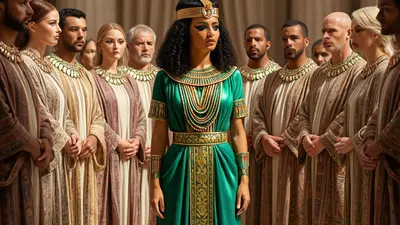
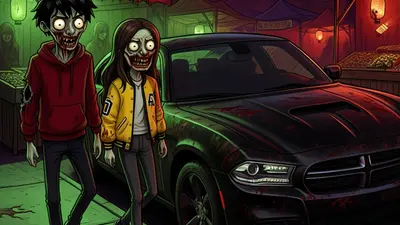
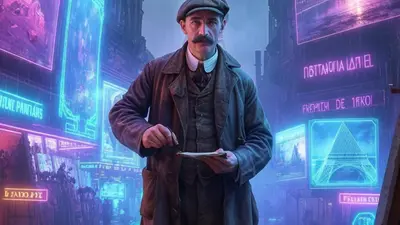
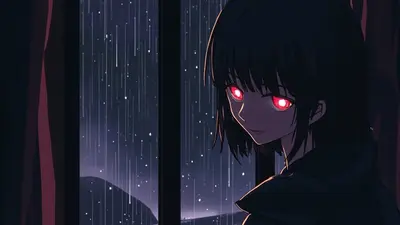
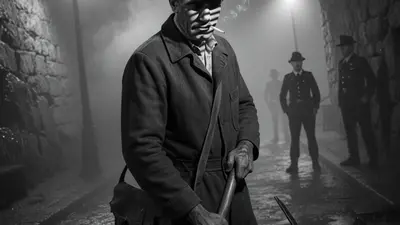
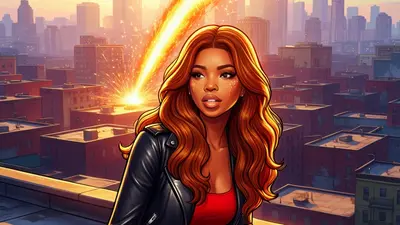
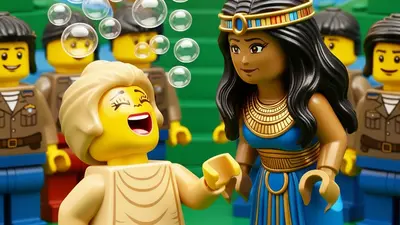
Real images generated by our AI in the Disney style.

Disney style example 1
Disney style example 2
Disney style example 3

Make Faceless Videos Stand Out with Style

Image to Video

Turn Images into Motion

Add motion to any image style with ease. Perfect for making your faceless videos more engaging. Use AI art or custom visuals and transform them into captivating video clips.

Create Disney Videos in 3 Steps

Pick a topic, choose the Disney style, and let AI do the rest.

Step 01

Choose Your Topic & Style

Write a script or pick a topic. Select the Disney style, choose a voiceover and music, and hit generate.

Step 02

Preview & Customize

Review your video and fine-tune the script, captions, images, or music until it's exactly right.

Step 03

Publish & Automate

Connect your social accounts, set a schedule, and let Blipix publish automatically. You focus on ideas — we handle the rest.

Frequently Asked Questions

01

What is the 'Disney' image style on blipix.pro?

The 'Disney' image style on blipix.pro is a unique image filter that gives your faceless videos an animated, cartoon-like effect. It's inspired by the visual style commonly used in Disney animated movies. This can add a fun and creative twist to your projects.
02

How do I apply the 'Disney' image style to my video?

To apply the 'Disney' image style to your video on blipix.pro, you need to go to the 'Image Style' section on the editing page. From there, you can select the 'Disney' style from the dropdown menu. Once selected, the style will be automatically applied to your video.
03

Can I use the 'Disney' image style on all types of videos?

Yes, the 'Disney' image style can be applied to all types of videos on blipix.pro. However, it's important to note that the style may work best on videos with clear, high-resolution footage. The effect may not be as pronounced on videos with low-quality or blurry footage.
04

Is there an additional cost to use the 'Disney' image style?

No, there is no additional cost to use the 'Disney' image style on blipix.pro. All image styles, including 'Disney', are included in the base subscription cost.
05

Can I use the 'Disney' image style on videos that feature people's faces?

Yes, the 'Disney' image style can be applied to any video content, including videos that feature people's faces. However, it's important to keep in mind that the style will give the faces an animated, cartoon-like appearance.
06

Can I combine the 'Disney' image style with other effects or filters?

Yes, you can combine the 'Disney' image style with other effects or filters available on blipix.pro. However, it's recommended to preview your video after applying each effect or filter, to make sure the end result aligns with your vision.

Start Creating Disney Videos Today

Pick the Disney style and generate your first video in minutes — free to try.