
Blipix art style
Create Blipix Style Videos
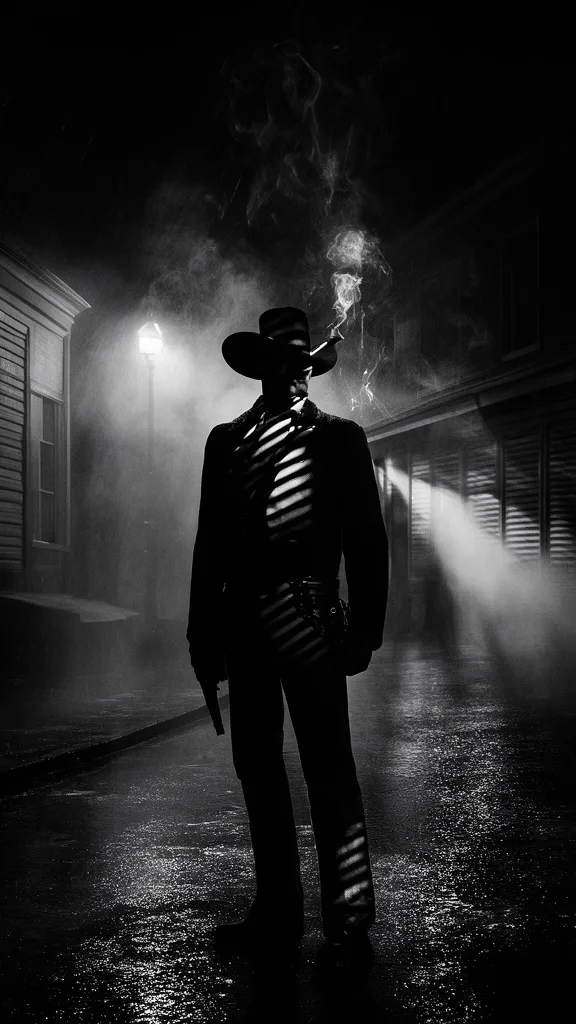
Ultra photorealistic 50mm full-frame photography with natural lighting, realistic shadow falloff, neutral true-to-life color, visible pores, and fabric fibers. You use this Blipix look for portraits, lifestyle, and product scenes that feel authentic with gentle bokeh and subtle film grain.
- Best for
- true crime, history & realistic storytelling
- Shelved under

Across subjects
Blipix Style Examples
- VideoMade in Blipix



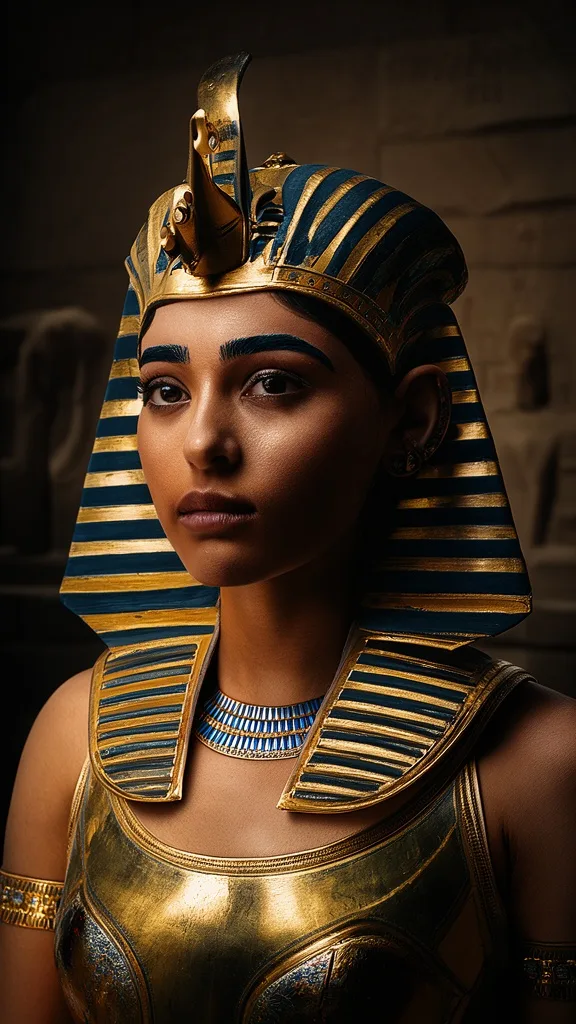

Plate notes
Inside the Blipix look
Natural Lighting
Benefit from the Blipix style's natural lighting with realistic shadow falloff and balanced dynamic range — ideal for displaying products in their genuine state.
Ultra-Photorealistic Detail
Immerse your audience with highly detailed textures showcasing visible pores, fabric fibers, and subtle environmental imperfections for an authentic feel.
True-to-Life Color Science
Leverage neutral tones and accurate skin rendering to deliver a realistic and relatable image. Ideal for fashion, cosmetic, and lifestyle content.
Organic Depth of Field
Engage viewers with a gentle bokeh and slight film grain that adds a touch of nostalgia and authenticity to your videos.
3 steps
Making a Blipix video
Choose Blipix Style
Select the Blipix style for your video to utilize its ultra-photorealistic textures, authentic color science, and organic depth of field.
Customize Your Video
Preview the result and refine it in the editor: rewrite narration, swap images, and choose the soundtrack. The signature look stays consistent while your script decides the scenes.
Publish and Impress
Once satisfied, publish your ultra-photorealistic faceless Blipix video. Elevate your content with an authentic, professional look that will engage your audience.
Nearby styles
Blipix and its neighbours
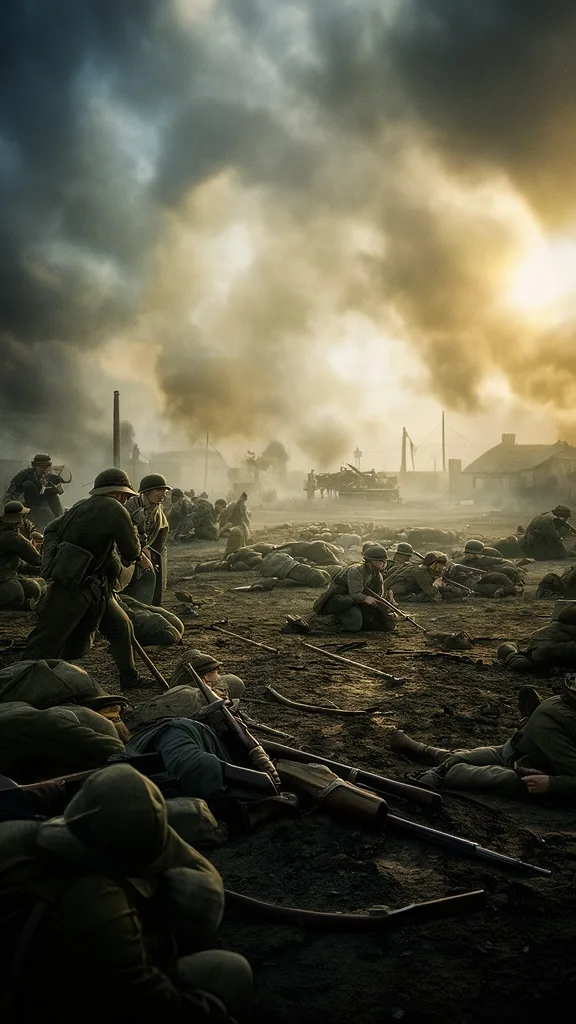
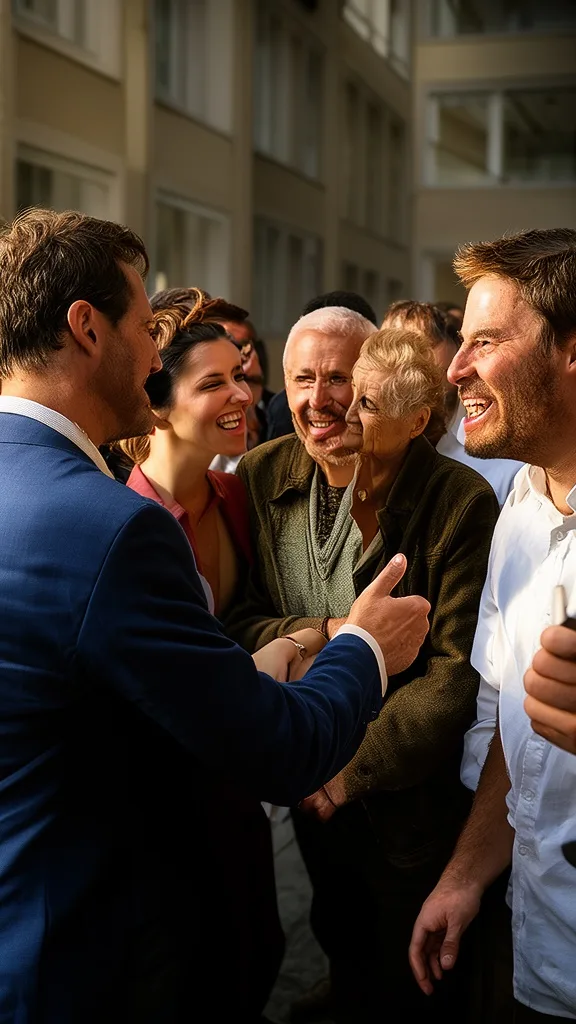
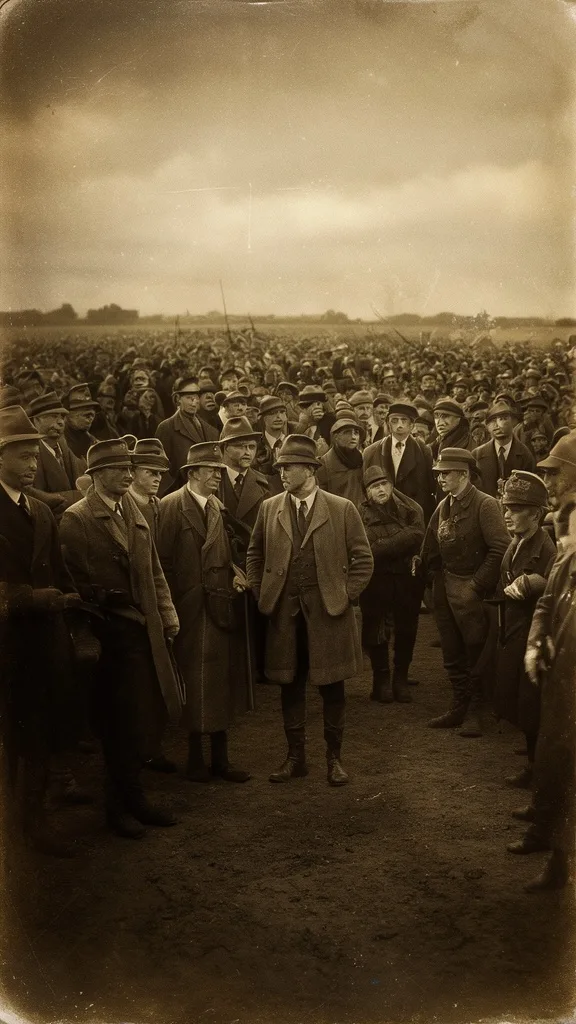
Style FAQ10 answers
Questions about Blipix
Straight answers to the questions we hear most.
Swatch book
All 39 art styles
Sorted by color.
- Stained Glass
- Creepy Comic V2
- 3D Cartoon
- Surrealism
- Disney
- Lo-Fi Vibes
- Children Book
- Papercraft
- Claymation
- BlipixYou are here
- Expressionist
- Photo Realism
- 90s Retro Anime
- Plastic Toy
- Charcoal
- Renaissance
- Vintage Photograph
- GTA
- Creepy Comic
- Cinematic
- Doodle Sketch
- Studio Ghibli
- Lego
- 2D Cartoon
- Watercolor
- Horror
- Dark Fantasy
- Minecraft
- Anime
- Comic Book
- Cyberpunk
- Gothic Cartoon
- Fantasy
- Retro Pixel Art
- Barbiecore
- Synthwave
- Dark Anime
- Japanese Ink
- Dark Noir
Start Creating Blipix Videos Today
Best for true crime, history & realistic storytelling.
- Script
- Voiceover
- Visuals
- Captions