
01The style index
Explore 39 Video Styles
A style decides how every scene in your video is drawn, from sharp editorial photos to clay, ink, pixels and comic-book horror. Open any style to see images it really generated and the stories it suits.
- Styles
- 39
- Free plan
- Every style
- Formats
- 9:16 · 16:9 · 1:1
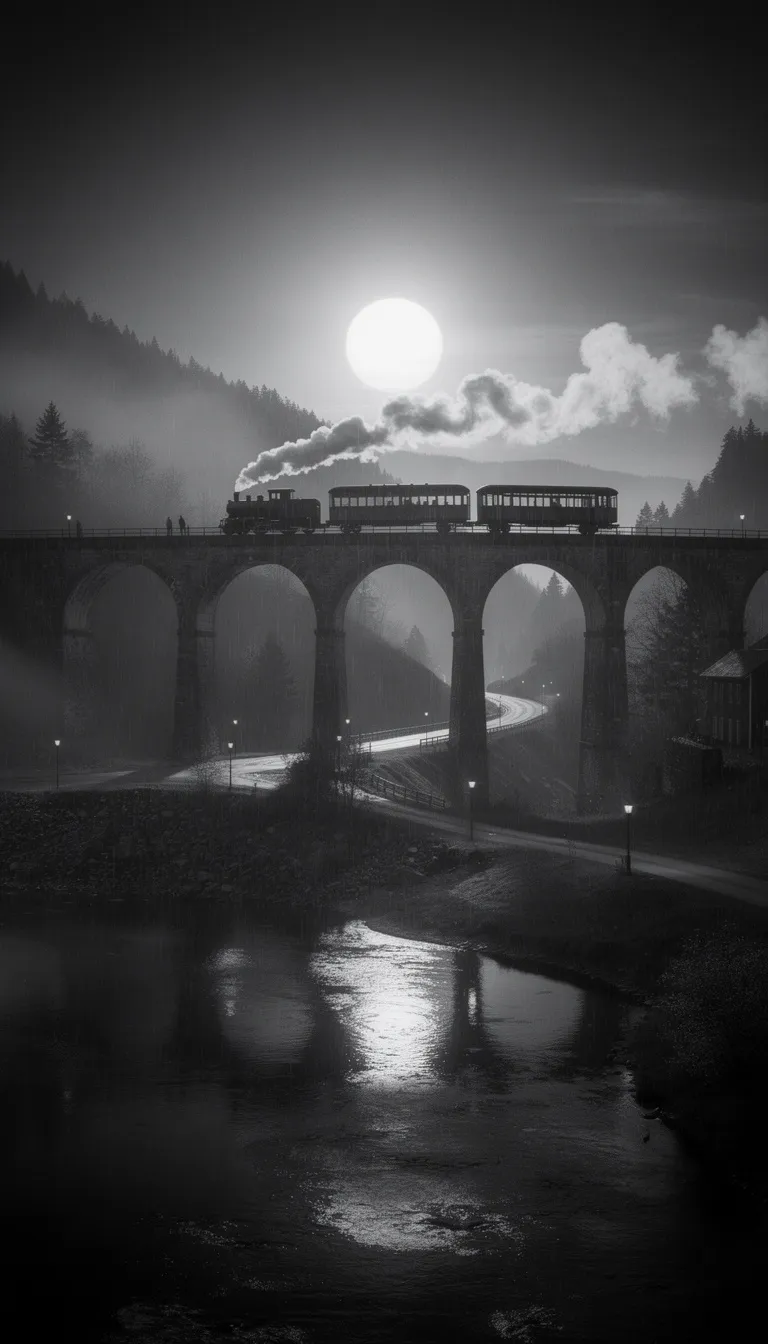
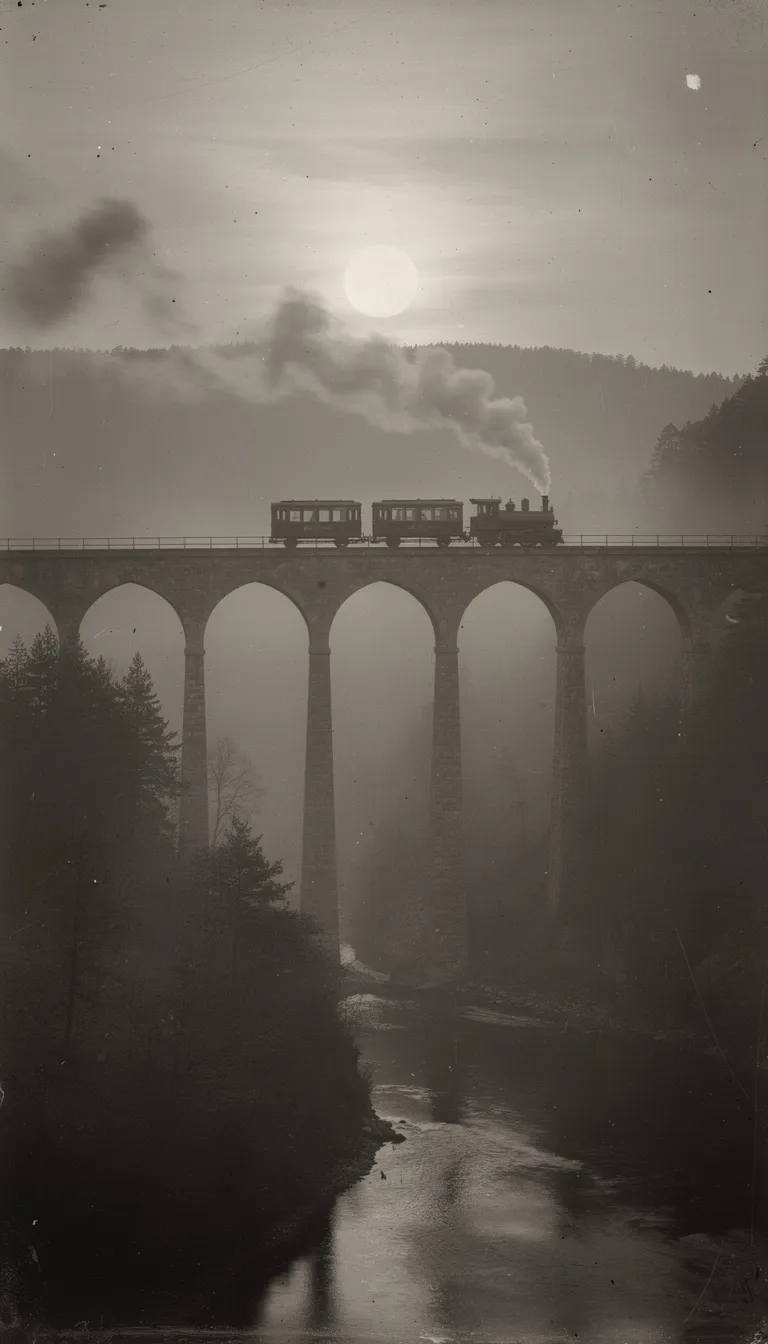
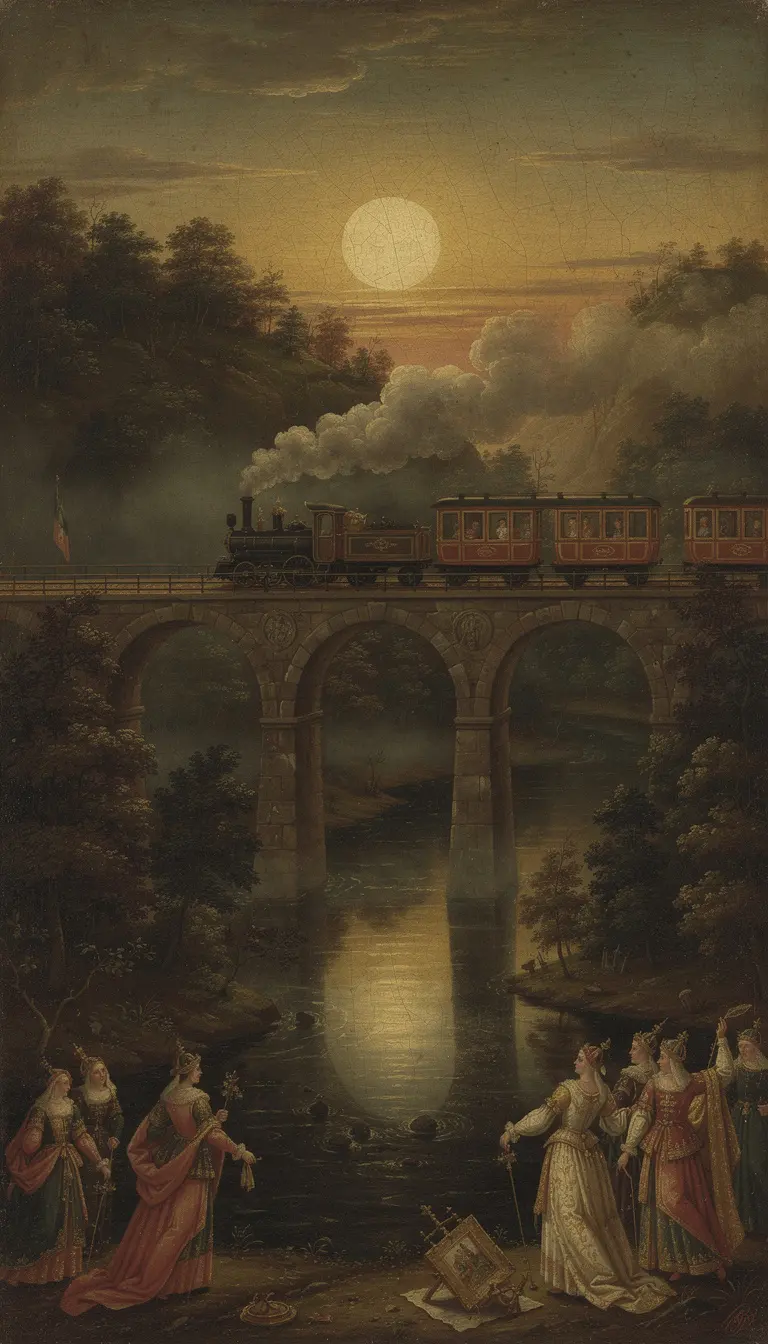
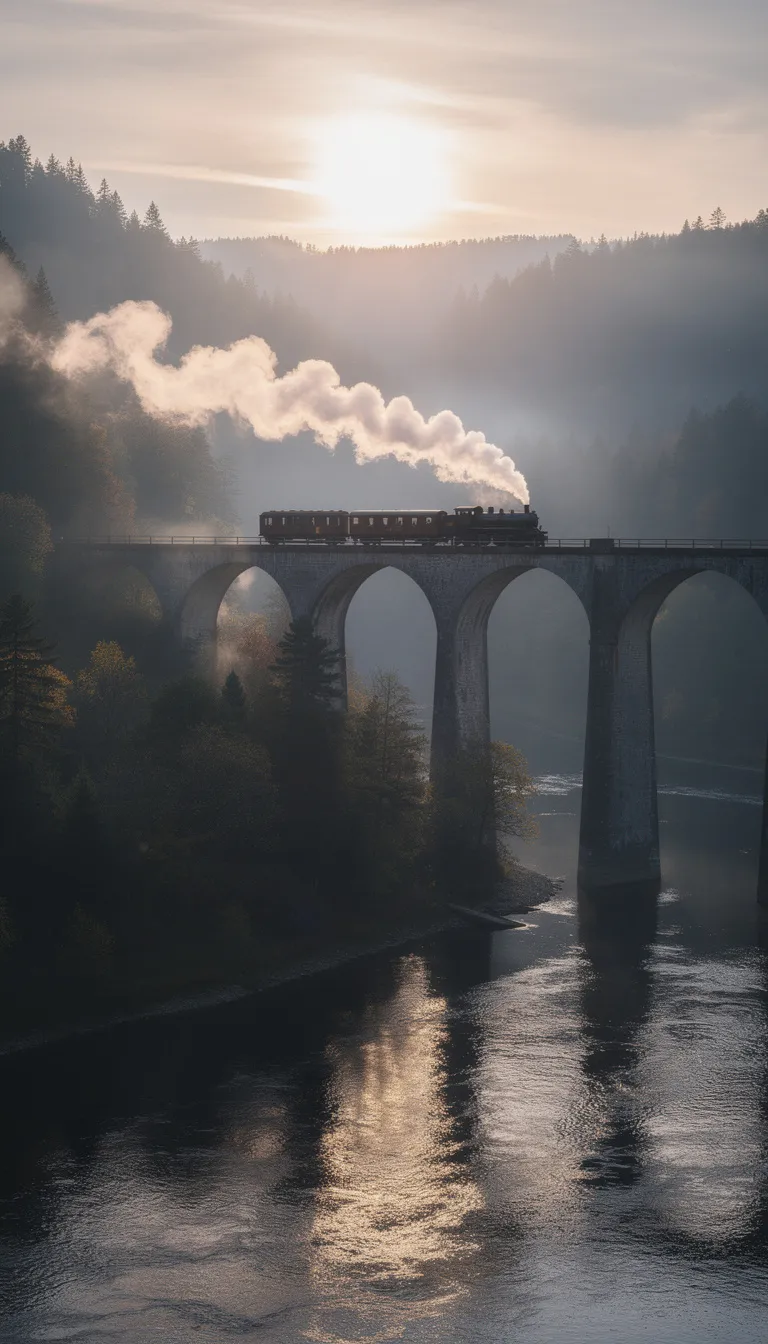
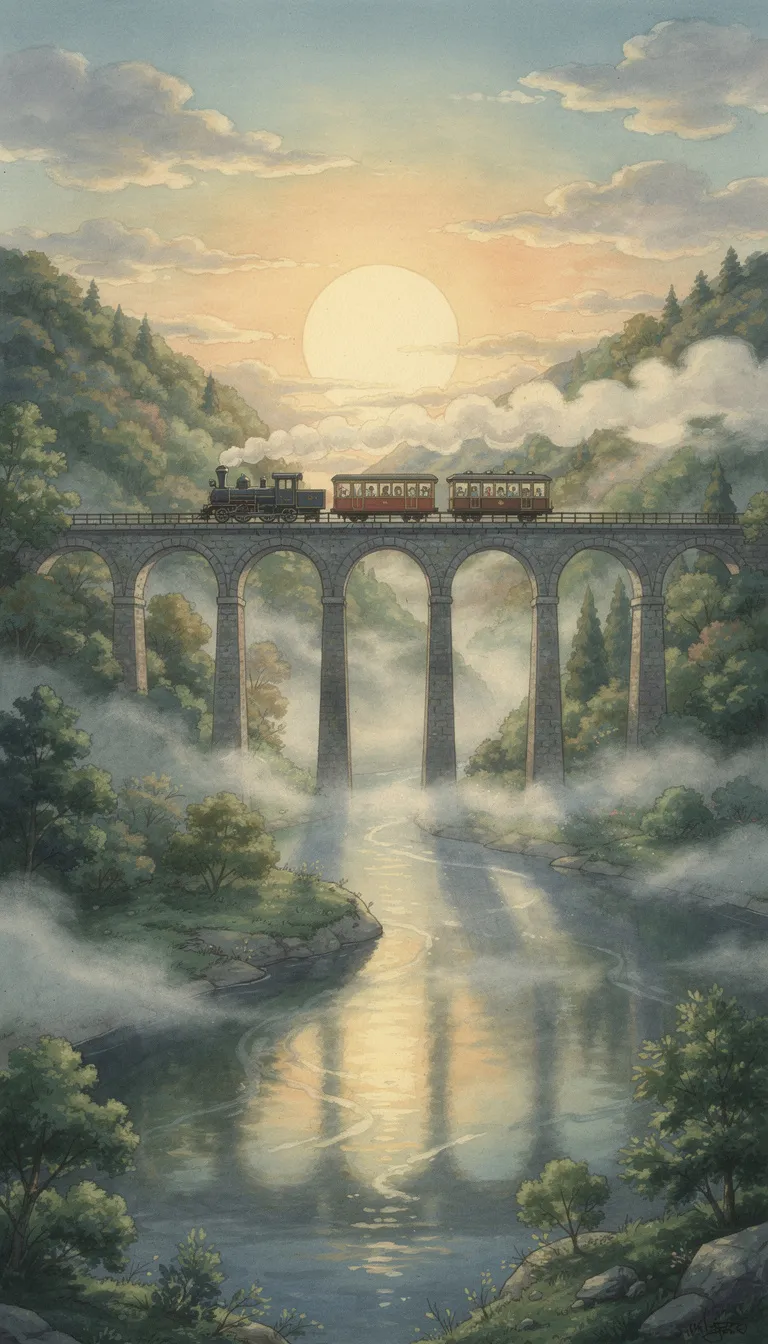
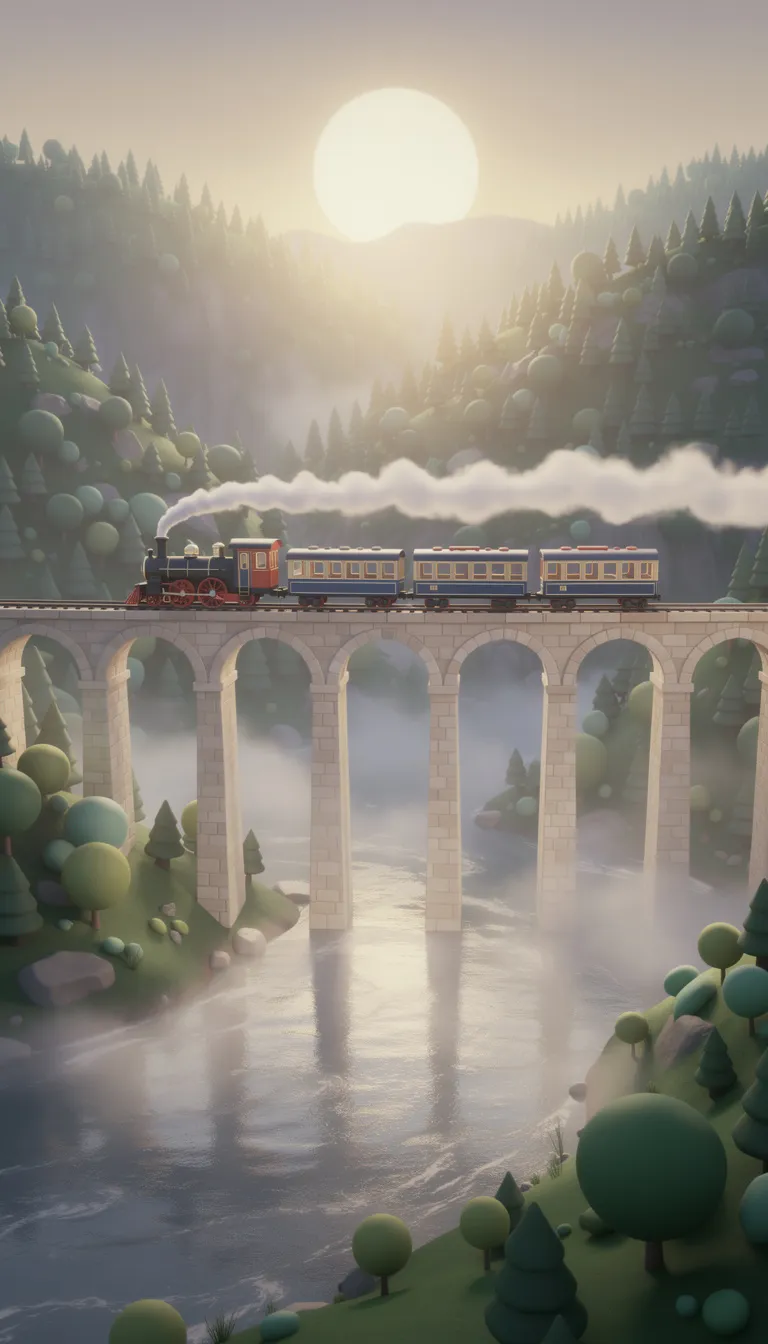
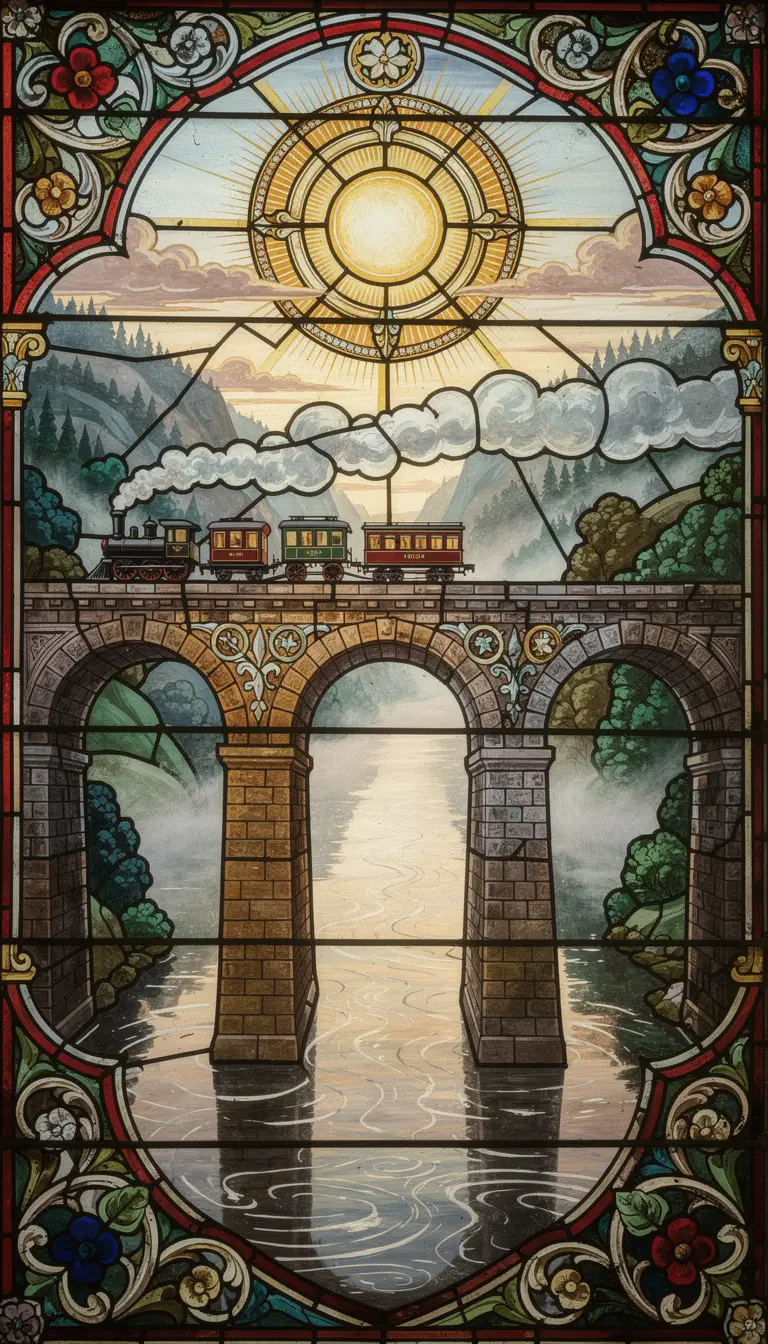
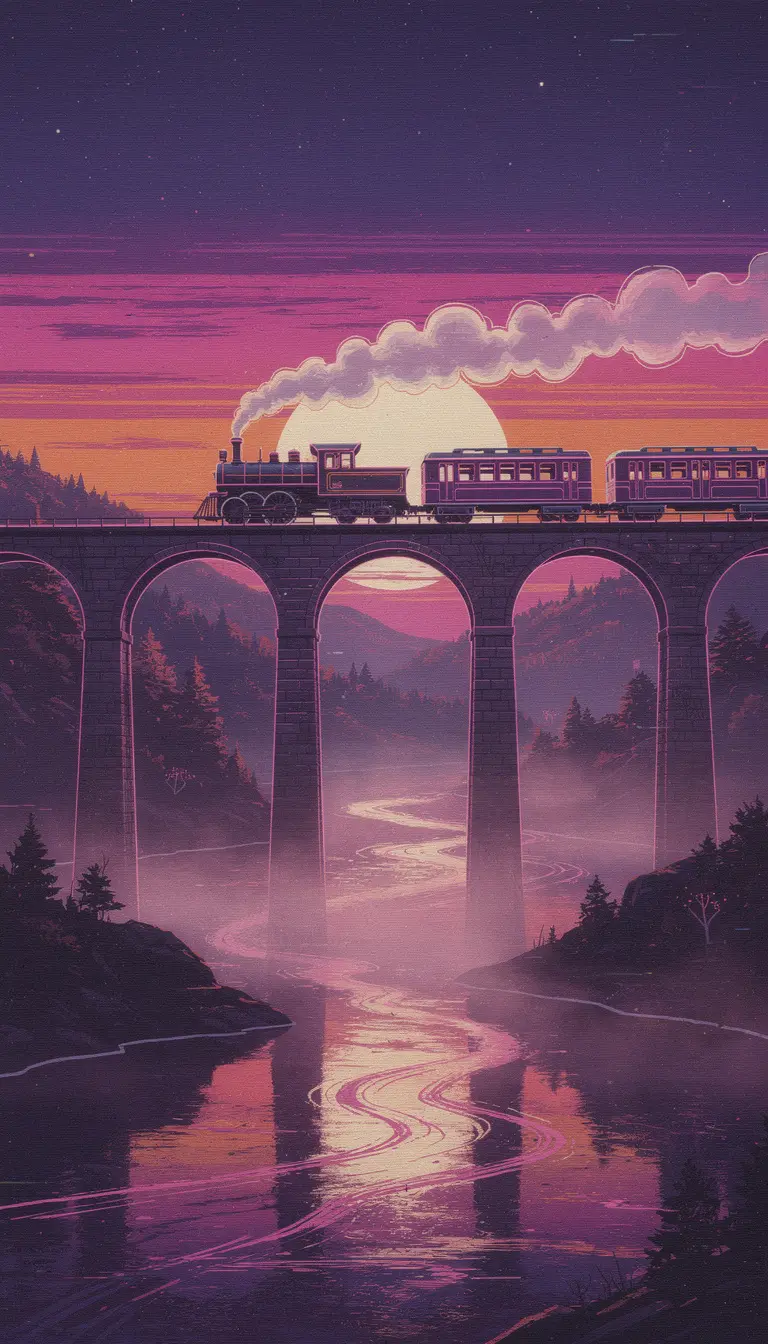
- 01Dark Noir
- 02Vintage Photograph
- 03Renaissance
- 04Cinematic
- 05Studio Ghibli
- 063D Cartoon
- 07Stained Glass
- 08Synthwave
02The collection
Browse Every Video Style
Each card opens a page with example images, the subjects that style handles well, and the ones it does not. The filters use the same categories as the style picker in the app.
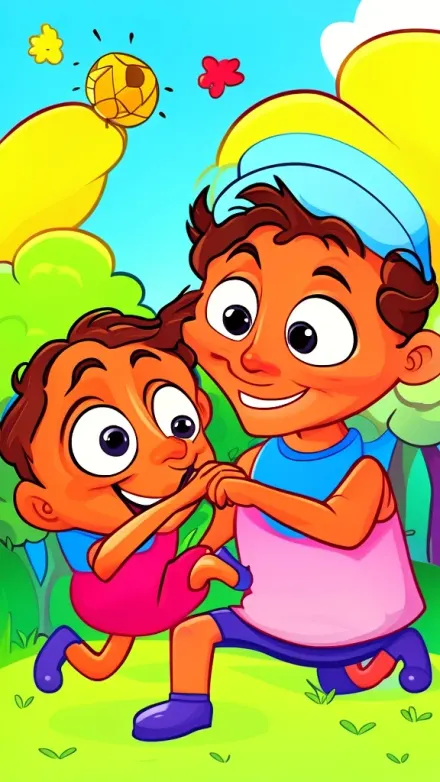 Kids & Cartoon
2D Cartoon
Bold clean outlines and bright saturated flat cel shading bring playful rounded shapes and expressive oversized faces to life in a vibrant 2D cartoon look.
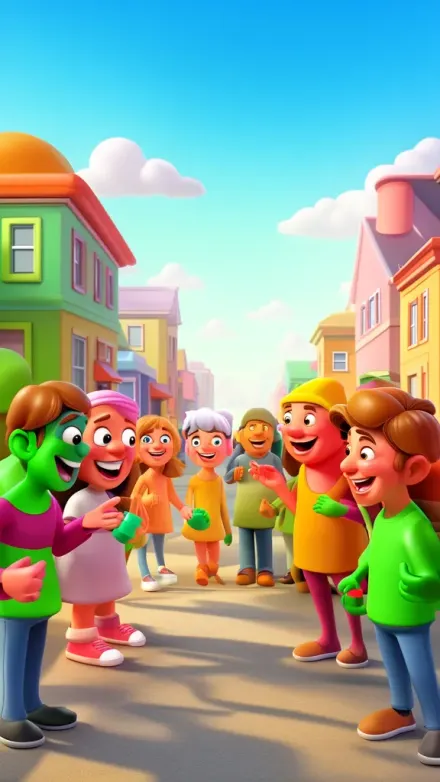 Kids & Cartoon
3D Cartoon
Playfully glossy 3D cartoon figures with exaggerated proportions and vivid saturated colors come to life under bright diffused lighting and gentle soft shadows.
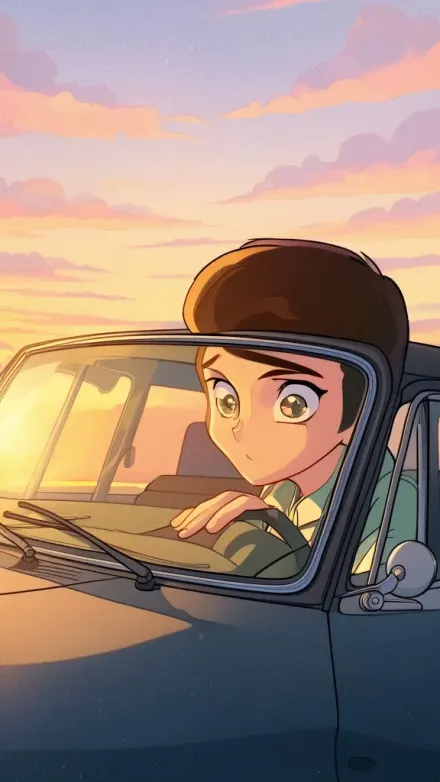 NewStorytelling
90s Retro Anime
Faded VHS-era colors with hand-painted backgrounds, soft film grain, and sharp cel shading bring a wistful 90s anime glow to life.
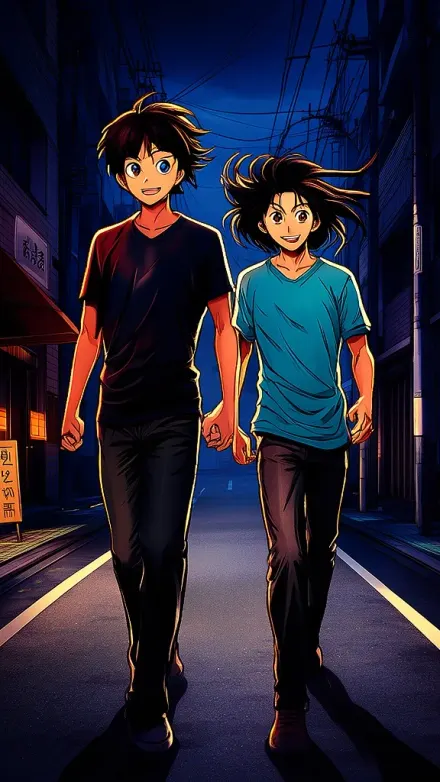 Storytelling
Anime
Crisp manga linework and large expressive eyes meet vibrant cel-shading with rich saturated colors, bold highlights, deep shadows, and subtle screentone textures.
 Retro & Vibes
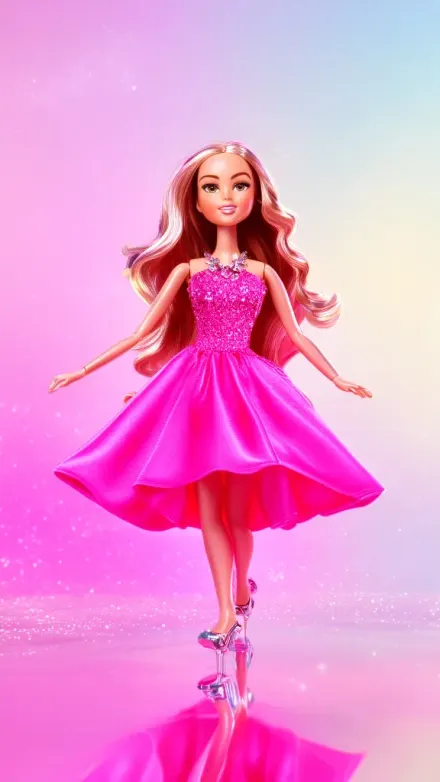
Barbiecore
Glossy hot pink and fuchsia satin with chrome sparkle pops under dreamy soft-focus lighting, like a polished editorial doll-inspired fashion shoot.
 PopularRealistic
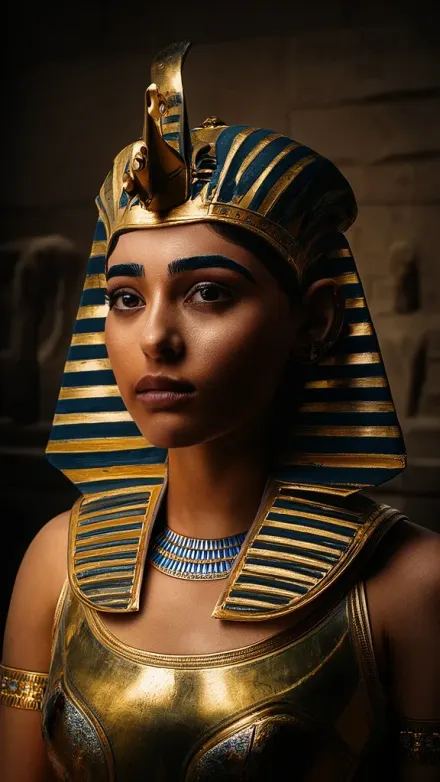
Blipix
Ultra photorealistic 50mm full-frame photography with natural lighting, realistic shadow falloff, neutral true-to-life color, visible pores, and fabric fibers.
 Artistic
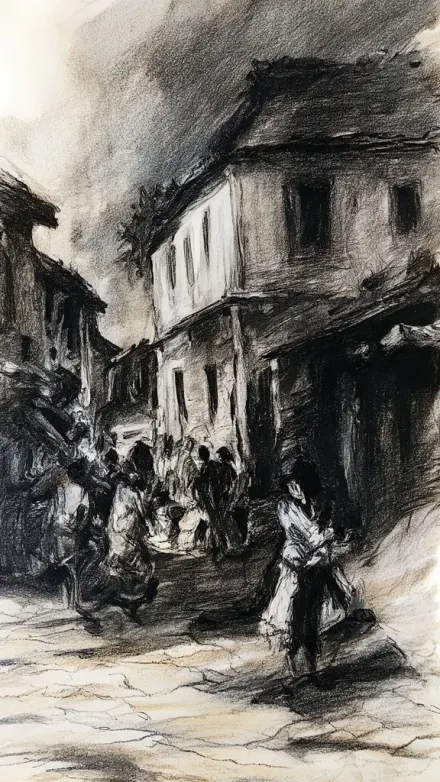
Charcoal
Bold, dramatic charcoal strokes carve deep velvety blacks against bright paper highlights, with soft midtone gradients and visible grain.
 Kids & Cartoon
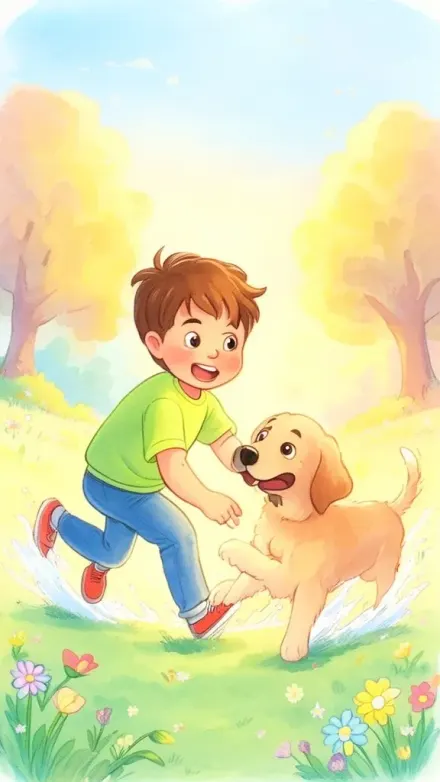
Children Book
Soft watercolor textures and gentle warm lighting glow in bright pastel storybook scenes, with rounded friendly characters and whimsical details.
 PopularRealistic
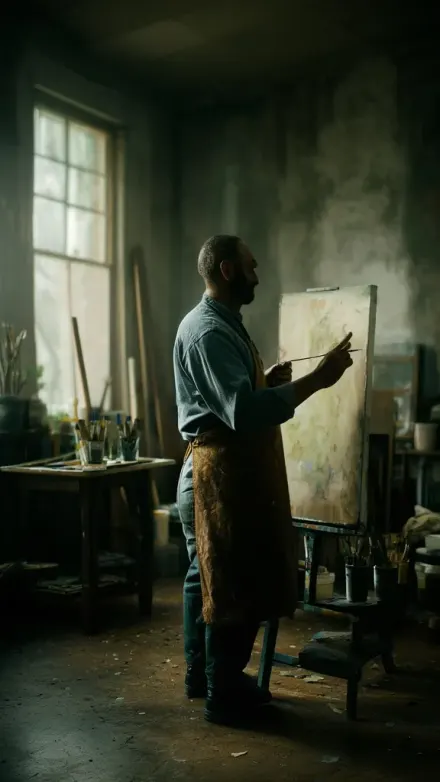
Cinematic
Dramatic natural lighting with soft highlight rolloff and rich, slightly desaturated cinematic color grading gives you ARRI Alexa realism: volumetric atmosphere, oval bokeh, and subtle film grain.
 NewKids & Cartoon
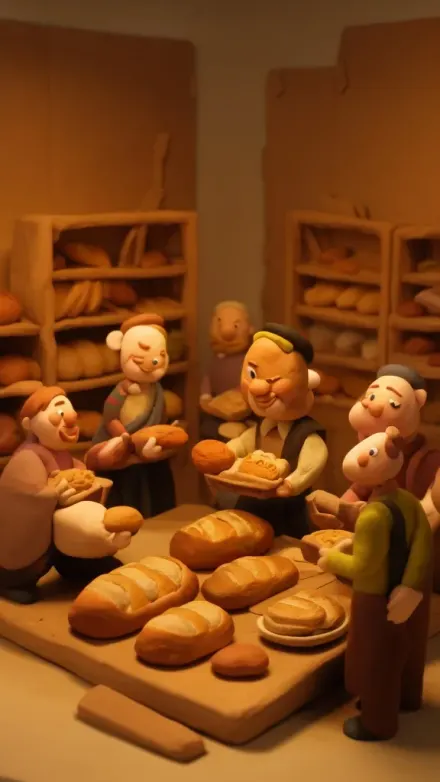
Claymation
See the soft matte clay surfaces with visible fingerprints and tool marks, forming rounded organic diorama worlds with felt, wire, and painted cardboard backdrops.
 Storytelling
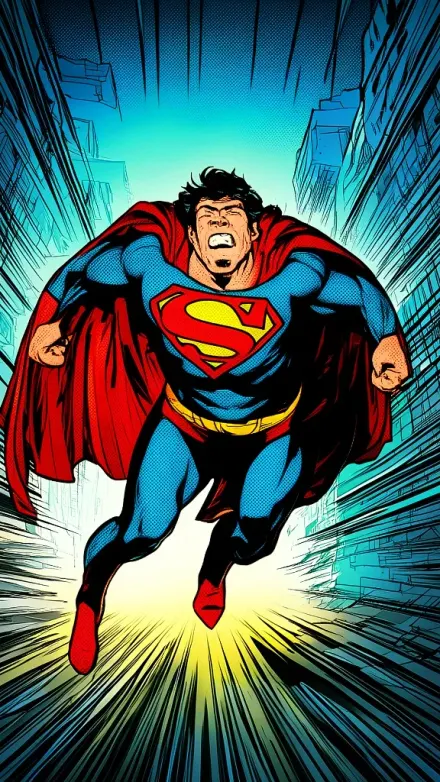
Comic Book
Thick ink outlines and dramatic high-contrast shading pop in vibrant flat colors, with halftone dot shadows and speed-line motion.
 PopularHorror & Creepy
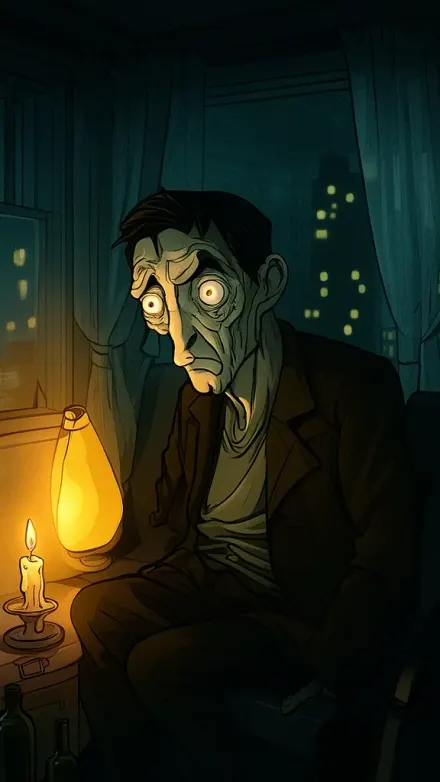
Creepy Comic
Bold clean black outlines with smooth cel-shaded gradients, sickly amber lamp glow cutting cool teal shadows, turn everyday suburban scenes into psychological horror comic storytime.
 Horror & Creepy
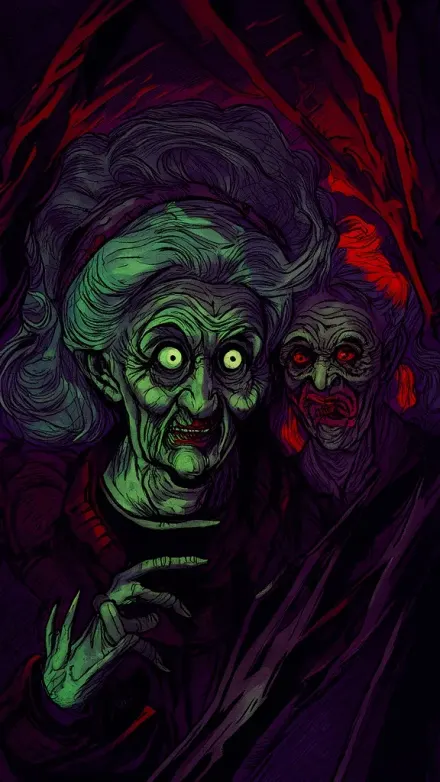
Creepy Comic V2
Bold stylized linework and unnervingly wide eyes emerge from dark, inked horror comic shading with deep purples, sickly greens, and blood reds.
 Storytelling
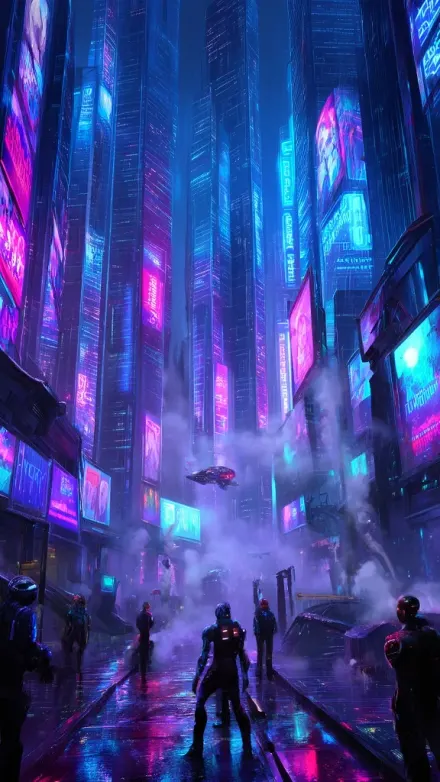
Cyberpunk
Neon-lit rain-soaked streets glow electric blue, magenta, and purple around towering chrome skyscrapers, holographic ads, and volumetric fog.
 Horror & Creepy
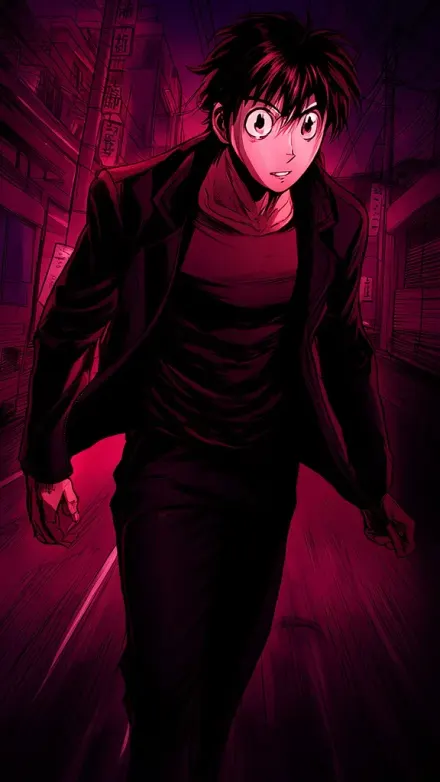
Dark Anime
Vivid deep crimsons and midnight purples cut through rich blacks in sharp, clean linework, with heavy shadows, manga crosshatching, and dramatic high-contrast shading.
 NewHorror & Creepy
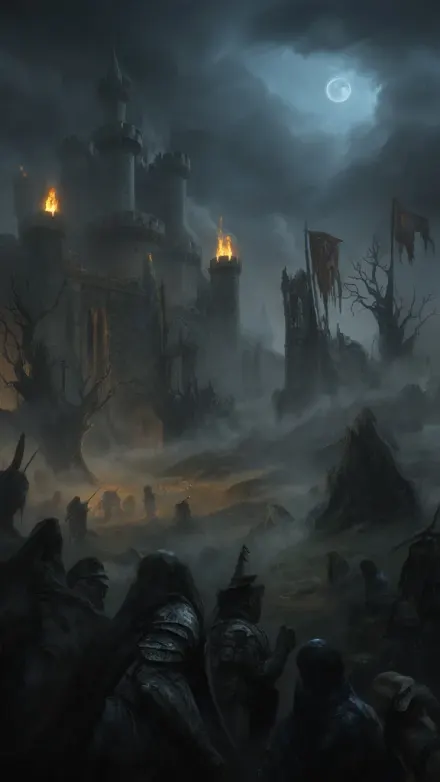
Dark Fantasy
Torchlit stone castles and mist-choked battlefields in iron-gray, umber, and black tones, split by muted gold firelight and cold pale moonlight, create grimdark medieval scenes with old-master gravitas.
 Horror & Creepy
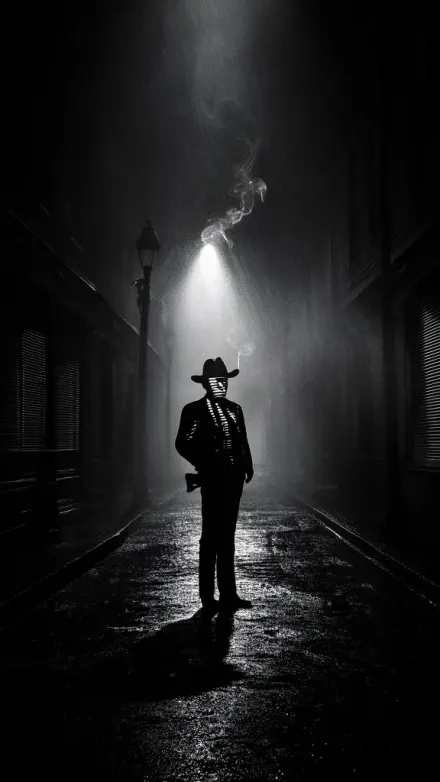
Dark Noir
Venetian blind shadows slice across stark black-and-white faces in deep chiaroscuro, with rain-slick streets and cigarette smoke in a 1940s detective film mood.
 Kids & Cartoon
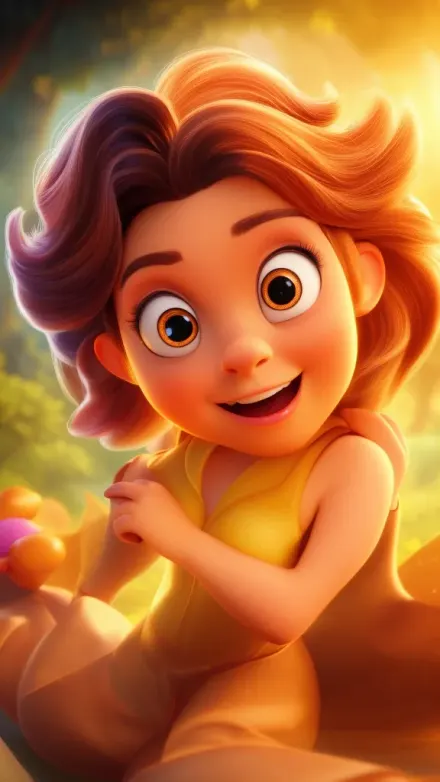
Disney
Warm, luminous 3D Disney Pixar-style characters with large expressive eyes and softly detailed skin glow in a rich, balanced color palette.
 Kids & Cartoon
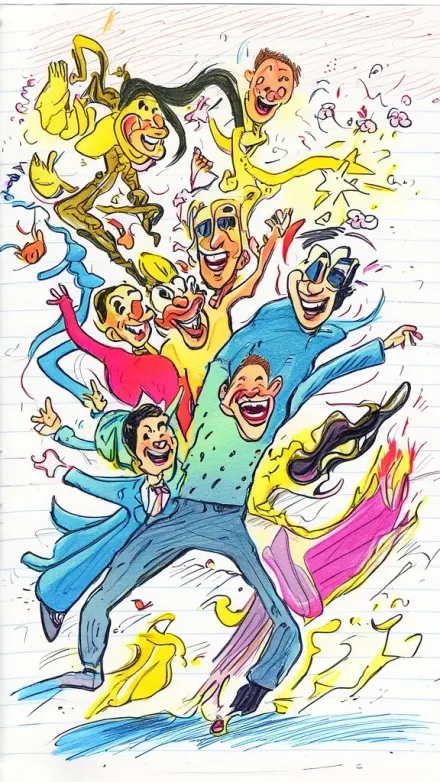
Doodle Sketch
Rough, slightly imperfect ink lines and bold playful outlines dance over bright marker-like colors and flat shading on notebook paper, like a lighthearted sketchbook page.
 Artistic
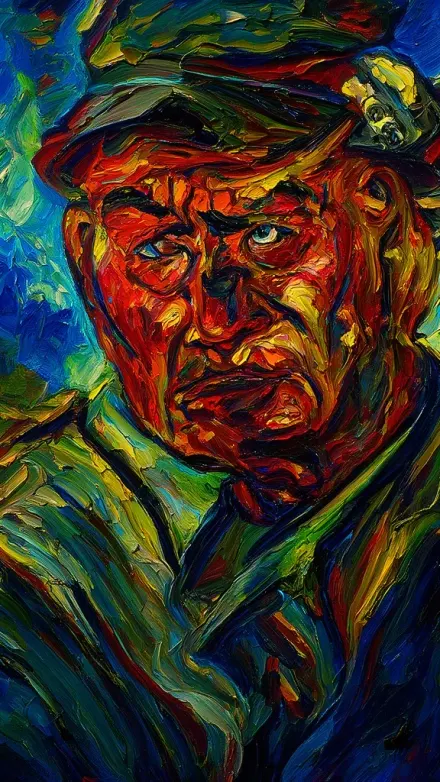
Expressionist
Thick impasto brushstrokes and clashing, saturated vivid colors warp figures under dramatic lighting for raw emotion and existential drama, channeling Munch and Kirchner.
 Storytelling
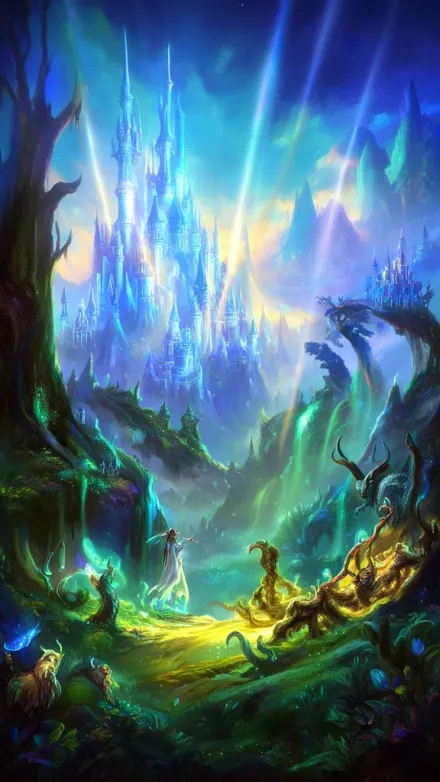
Fantasy
Vivid, luminous glowing light sources cut through dramatic volumetric rays over enchanted forests, mystical castles, and otherworldly landscapes in rich painterly detail.
 Gaming
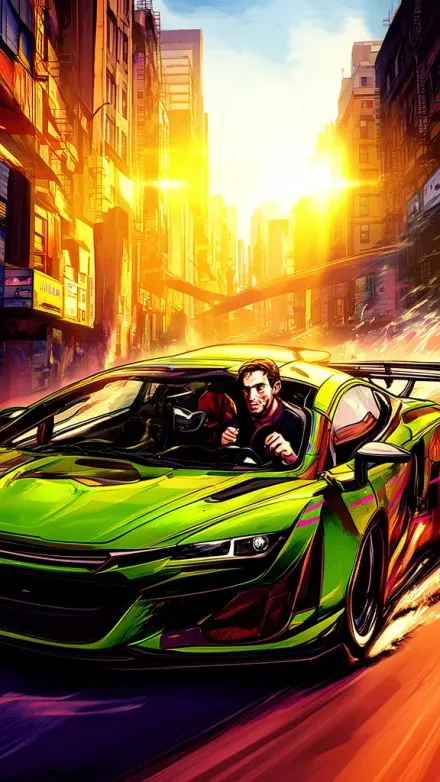
GTA
Bold defined outlines and vibrant saturated GTA V colors hit with gritty urban realism, sun-drenched swagger, and dramatic cinematic lighting.
 NewHorror & Creepy
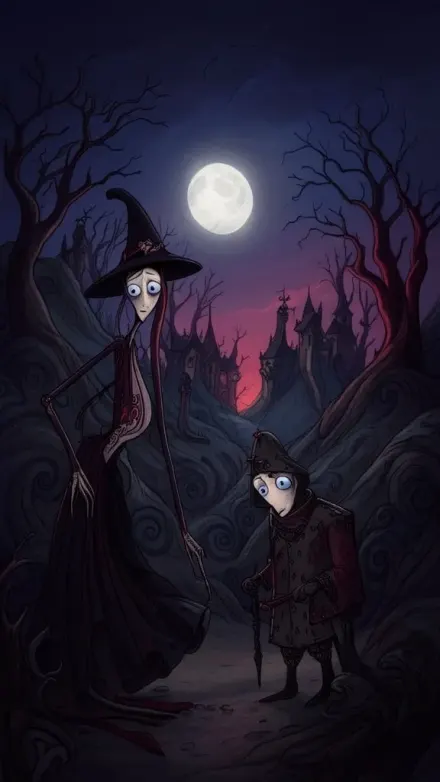
Gothic Cartoon
Spindly, elongated cartoon figures with oversized expressive eyes and pale porcelain faces drift through twilight in dusty purples, midnight blues, and ash grays, with a selective deep red accent.
 Horror & Creepy
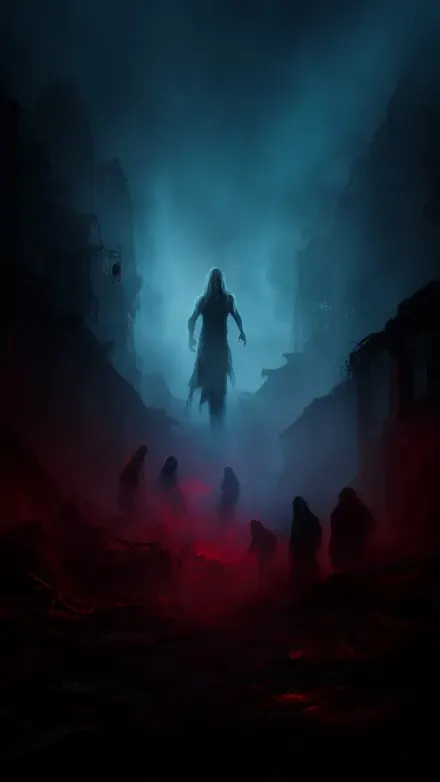
Horror
Deep oppressive shadows and eerie supernatural lighting plunge abandoned, decaying spaces into thick fog, with desaturated tones pierced by selective blood red and ghostly pale blue.
 Artistic
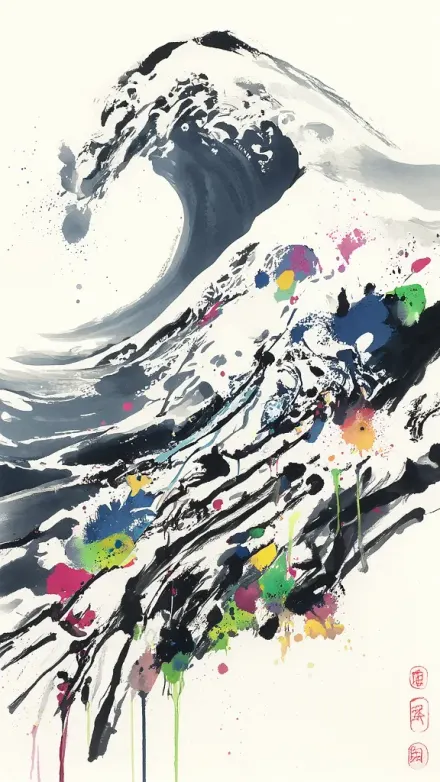
Japanese Ink
Bold, confident sumi-e brushstrokes swing from delicate ink washes to dramatic thick marks, leaving calm negative space in a modernized East Asian composition.
 Kids & Cartoon
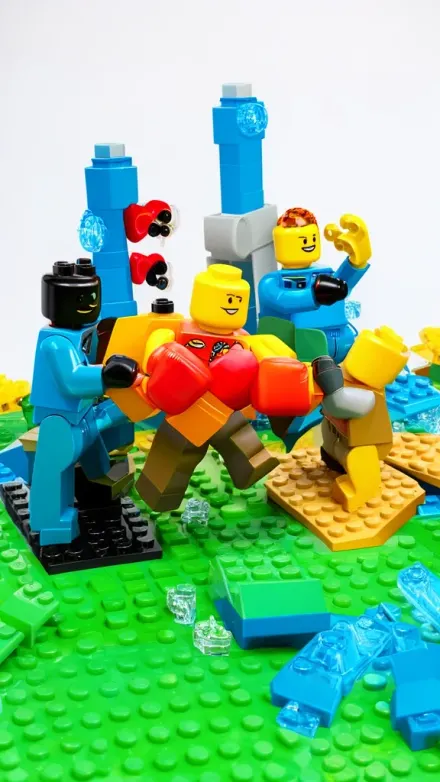
Lego
Snap on that brick-built look: bright primary Lego colors, visible studs, and rounded minifigure faces rendered in clean studio lighting with subtle ABS reflections.
 Retro & Vibes
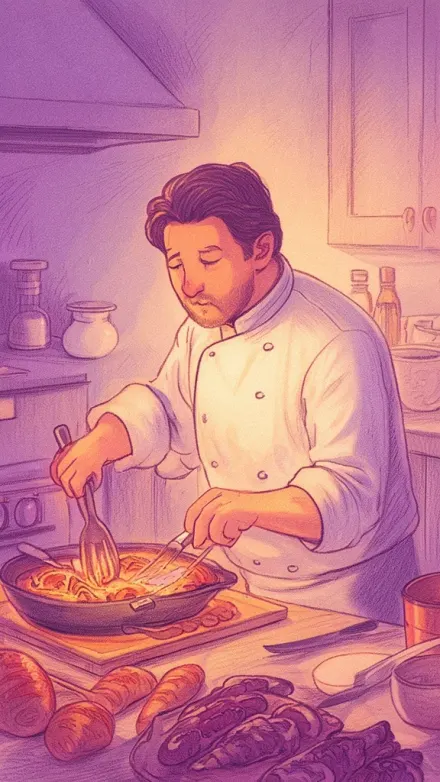
Lo-Fi Vibes
Warm vintage lo-fi illustration comes alive with muted pastels, soft cinematic lighting, and hand-drawn sketch texture, plus cool purple shadows and gentle film grain for depth.
 Gaming
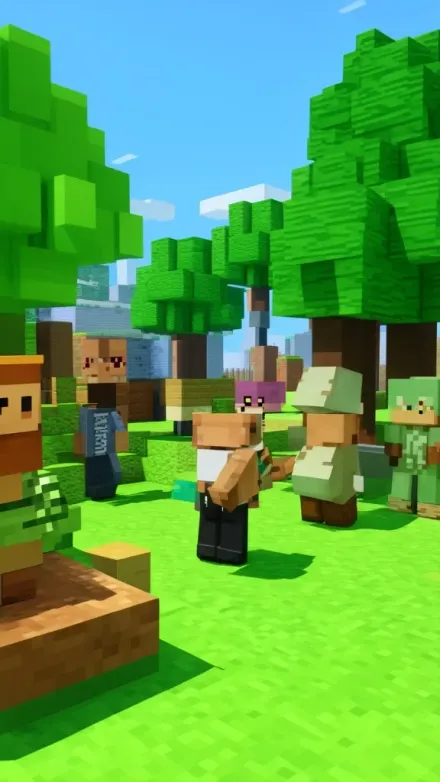
Minecraft
Lock in the Minecraft voxel look with crisp block edges, visible block grid, and pixelated textures on every cubic face.
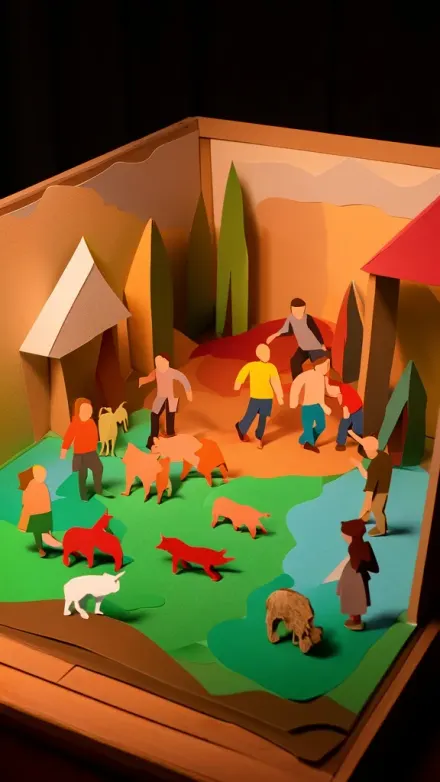 NewKids & Cartoon
Papercraft
Layered cardstock paper cutouts with visible cut edges, subtle paper texture, and soft directional light create a charming shadowbox diorama look.
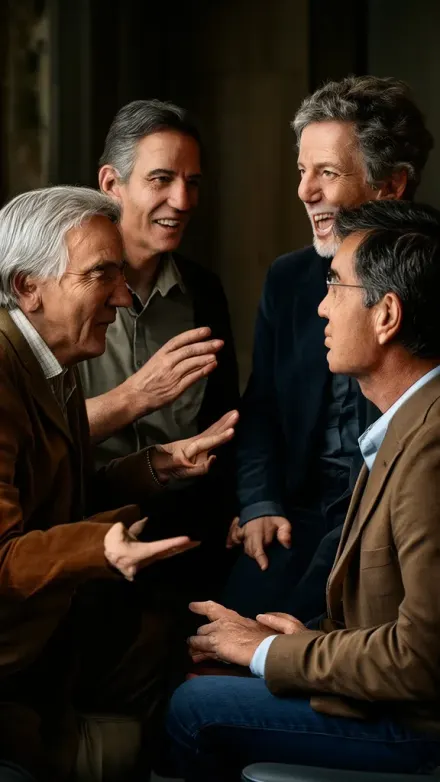 PopularRealistic
Photo Realism
Ultra photorealistic 50mm full-frame shots deliver natural lighting, neutral true-to-life color, visible pores and fabric fibers, and shallow depth with gentle bokeh.
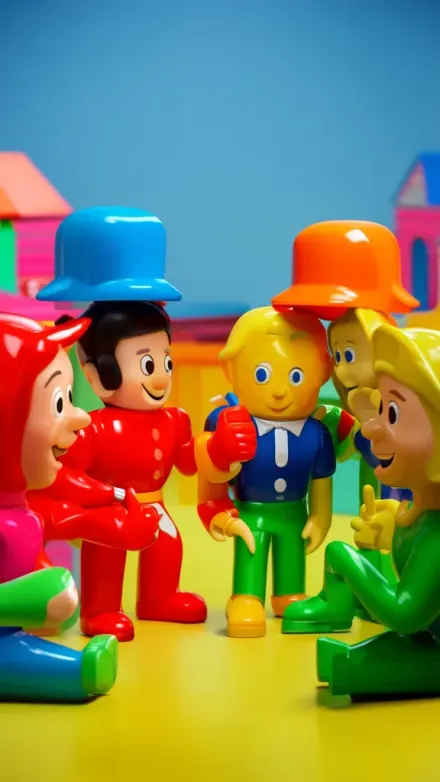 Kids & Cartoon
Plastic Toy
Glossy 3D plastic toy figures with smooth injection-molded shine, bold saturated primary colors, and exaggerated collectible-vinyl features pop under clean studio lighting with soft reflections.
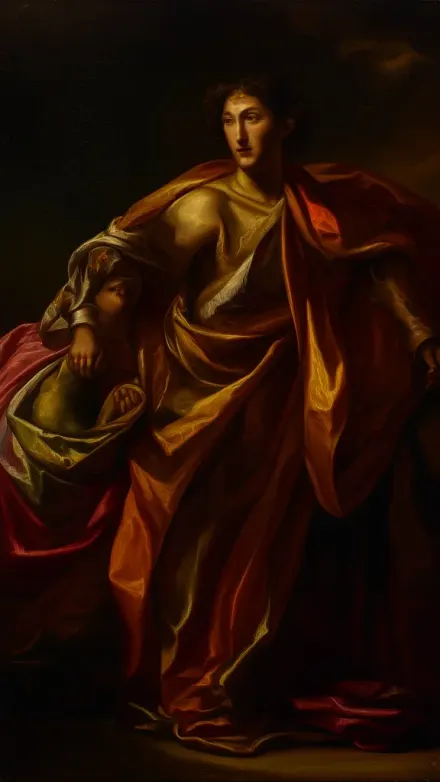 NewHistory & Facts
Renaissance
Step into Renaissance oil painting where masterful chiaroscuro sends dramatic directional light through deep umber, crimson, and gold, with sfumato-soft skin and glazed canvas glow.
 Gaming
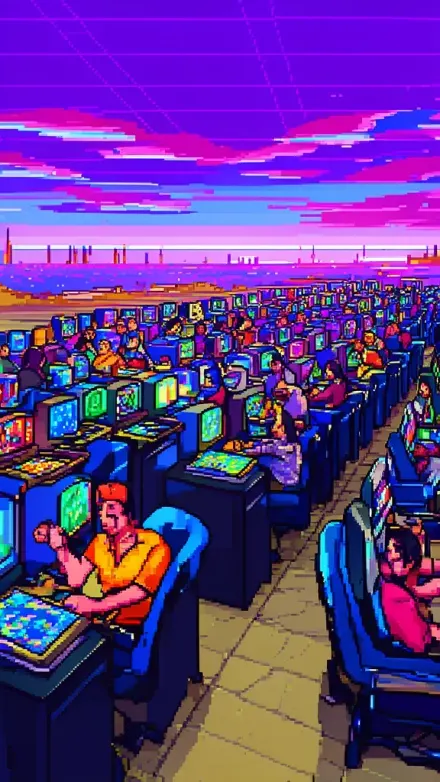
Retro Pixel Art
Crisp 16-bit pixel grids with intentionally placed pixels, sharp edges, and bold saturated SNES and Genesis-style colors bring arcade energy to sprite-like scenes.
 NewHistory & Facts
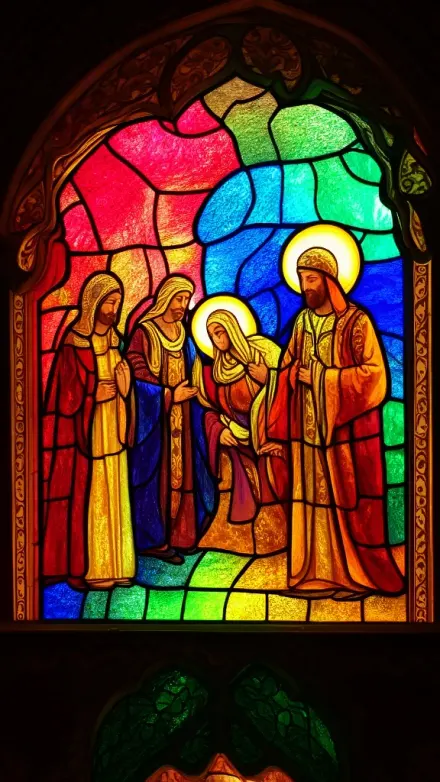
Stained Glass
Bold black leadlines split ruby, sapphire, emerald, and amber panes into cathedral-grade stained glass scenes, glowing with translucent texture.
 Storytelling
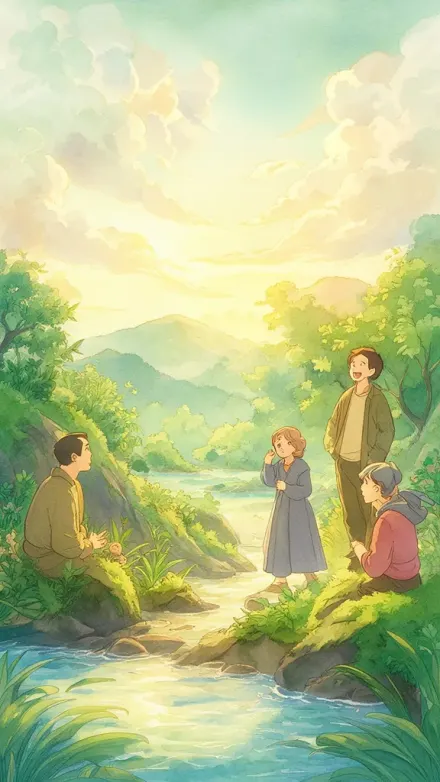
Studio Ghibli
Lush, hand-painted watercolor backgrounds and warm dappled sunlight through foliage create a dreamy, serene Ghibli-like world.
 Artistic
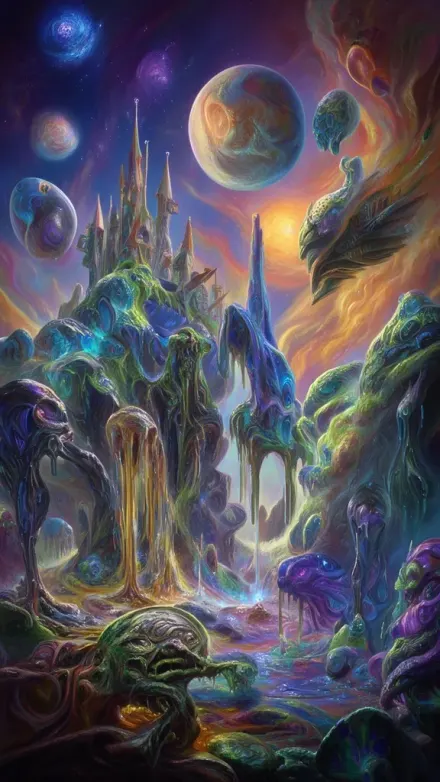
Surrealism
Vivid otherworldly color washes and impossible physics land inside a convincingly real, photoreal space under natural lighting, with detailed textures and cinematic depth.
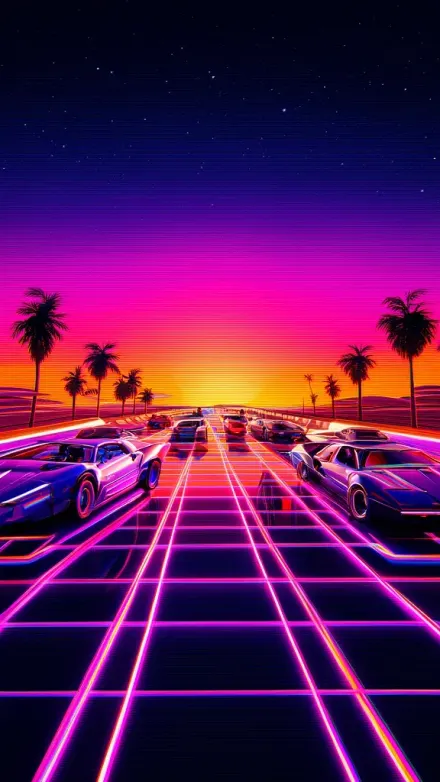 NewRetro & Vibes
Synthwave
Glowing neon sunsets in hot pink, electric purple, and burnt orange wash over a chrome-reflective horizon with grid-lined landscapes and silhouetted palm trees.
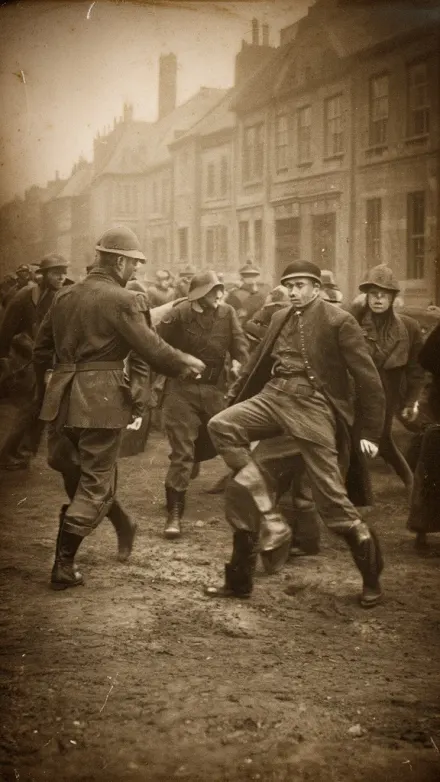 NewHistory & Facts
Vintage Photograph
Sepia and silver-gelatin tones with soft plate-camera focus and natural film grain make every scene feel like an early 1900s archival print, ideal for period portraits, historic documentary mood, and quiet mysteries.
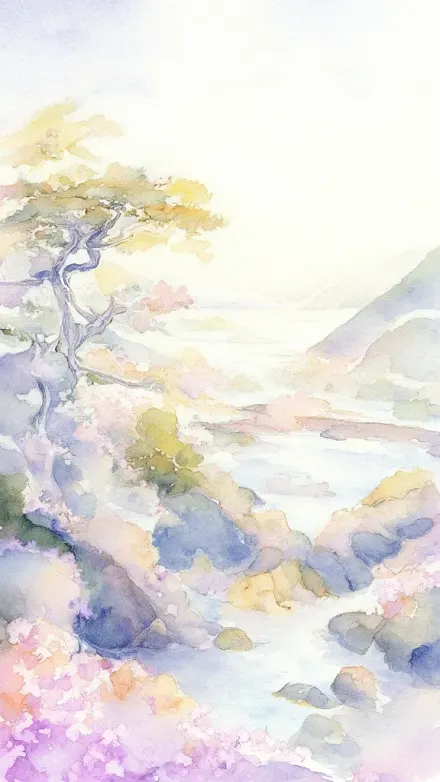 Artistic
Watercolor
Soft translucent watercolor washes bloom and granulate as wet-on-wet blending creates organic edges, with white paper showing through like natural light on dreamy, atmospheric scenes.
- Not on the wall yetRequest a styleMissing a look? The style picker in the app has a Request a Style button for a description and a reference image or link.
03Formats
One style, three formats
Every style renders in vertical 9:16 for Shorts, TikTok and Reels, horizontal 16:9 for YouTube, and square 1:1. Standard image quality comes with every plan, and paid plans can switch to Premium for finer detail at three times the credits.
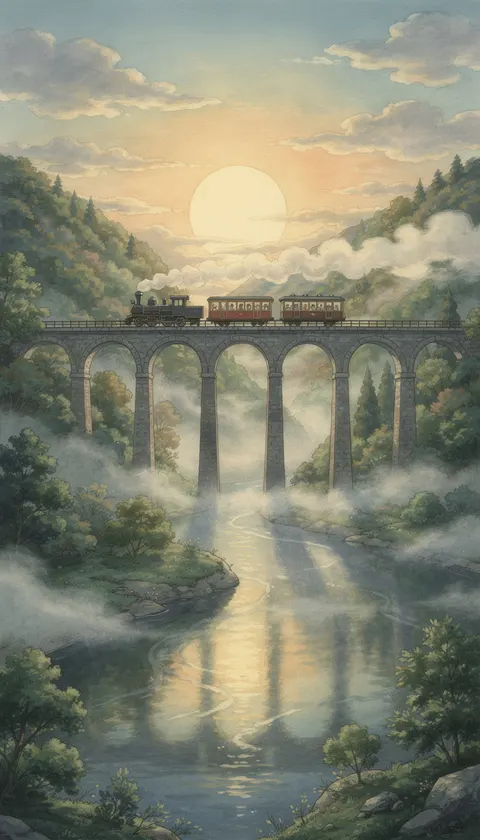
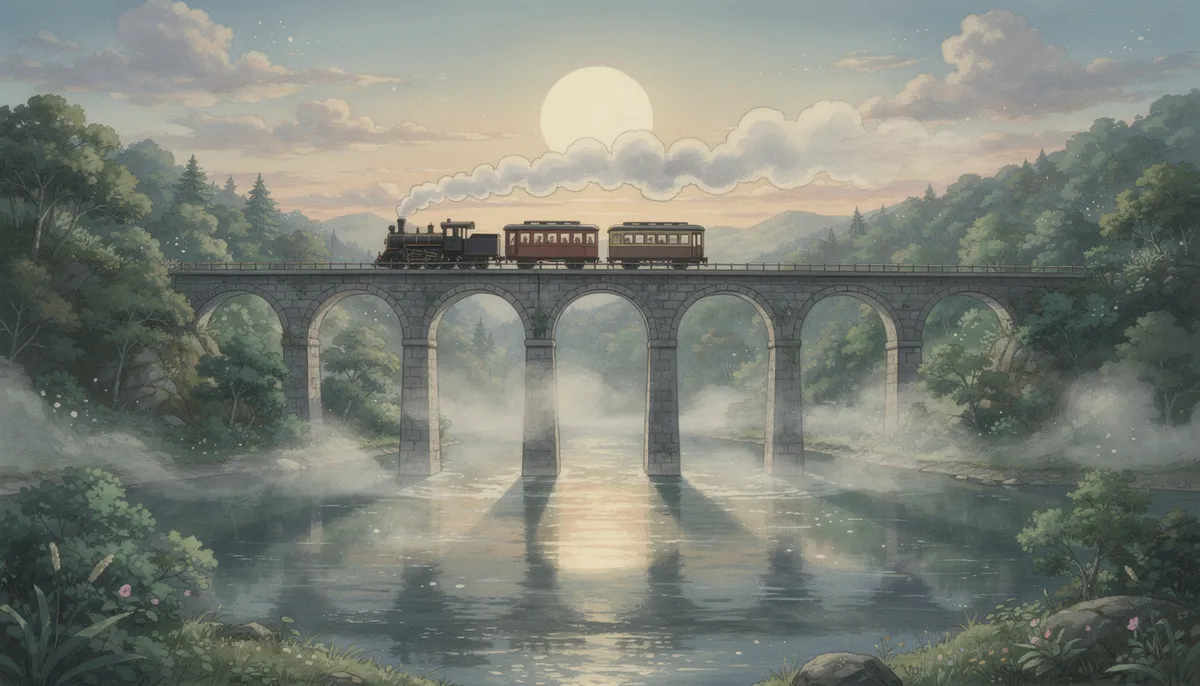
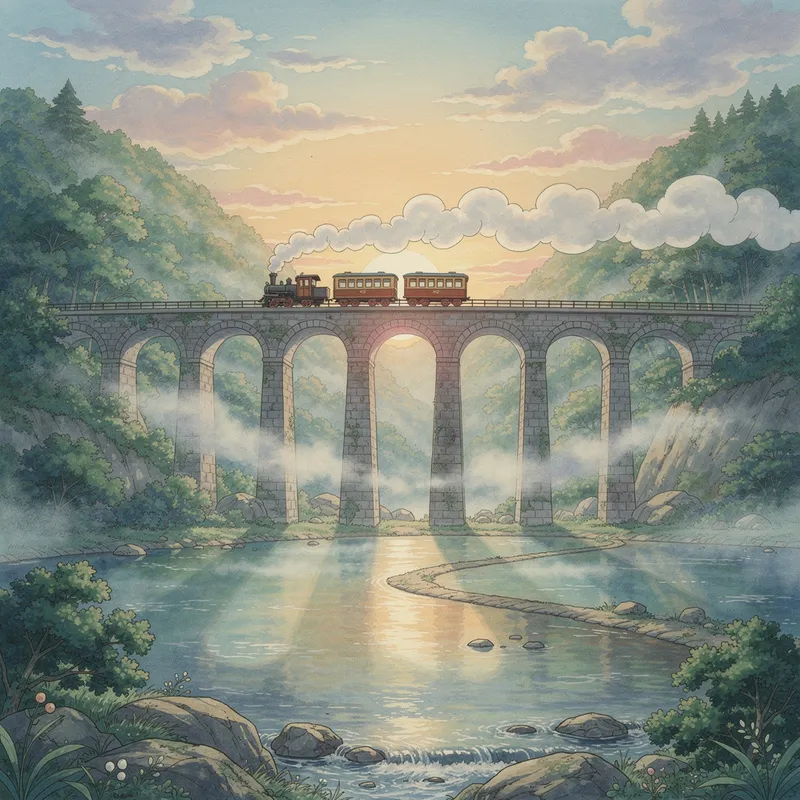
The plate's Studio Ghibli scene, generated from the same prompt at each size. AI images, Premium quality.
- Art styles
- 39All open on the free plan to generate and preview.
- Standard quality
- 1xThe base credit cost. Comes with every plan, in every style.
- Premium quality
- 3xPaid plans. Finer detail at three times the credits.
04Curator's notes
How an Art Style Works
One set of instructions on every image
When Blipix builds a video, it splits your script into short beats, generates one image per beat, then adds gentle motion, the voiceover, captions and music. The art style is a set of visual instructions attached to every one of those image prompts, which is why a whole video stays in one look. The same script can come out as brick-built Lego scenes, sumi-e ink paintings or editorial photographs.
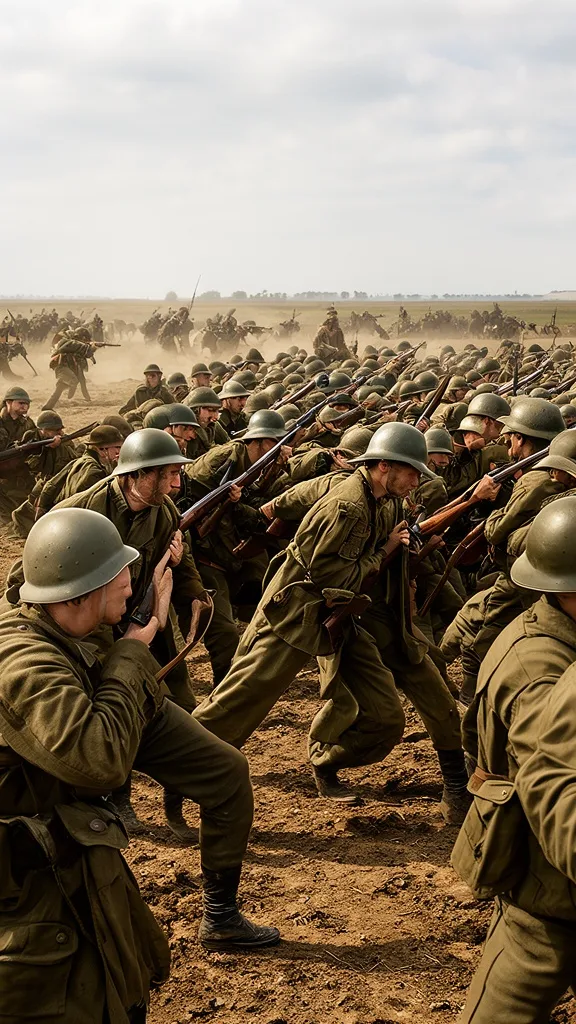
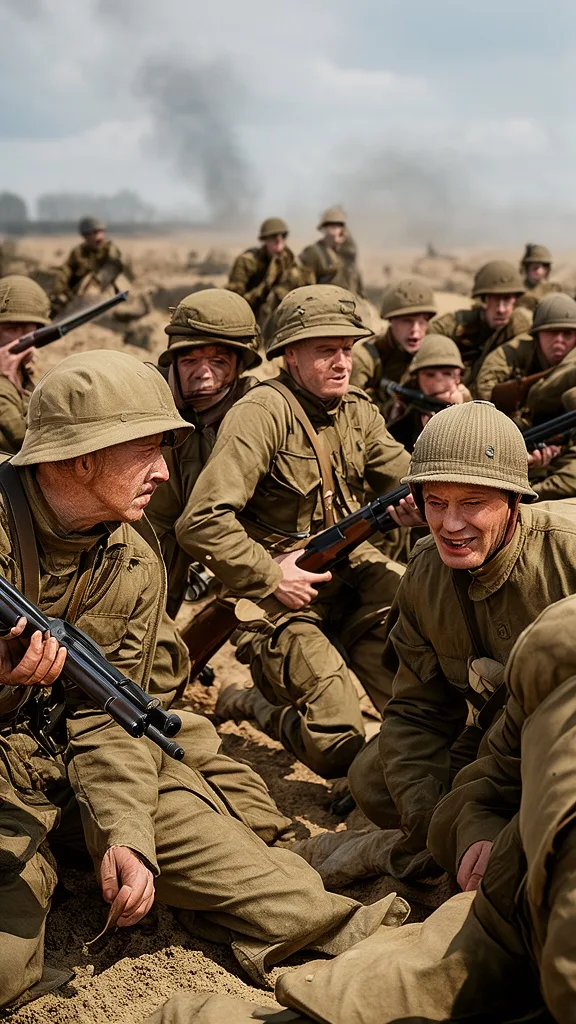

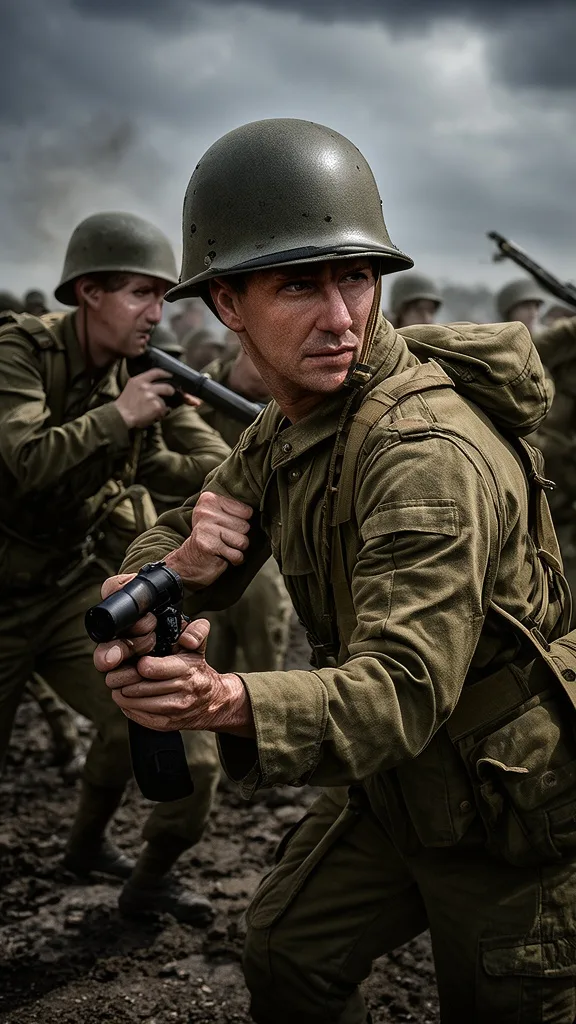
Pick the style for the story
Pick the style for the story rather than the trend. Photographic looks such as the default Blipix style are the most used on the platform, because so many faceless channels cover history, facts and real stories. Kids channels lean on Children Book and 2D Cartoon, while horror narrators choose between the drawn Creepy Comic and the photographic Horror look.
Kids channels
Horror narration
Read the limits, then test two
Each style page above lists what that look does badly as well as what it does well: garbled lettering in drawn styles, repeated faces in photo crowds, sunset tints that never quite go away. Read those limits before you commit a whole series to one look, and test two candidates on the same short script first. In the app, the style picker has category filters, a search box and a Request a Style button for looks that are missing.
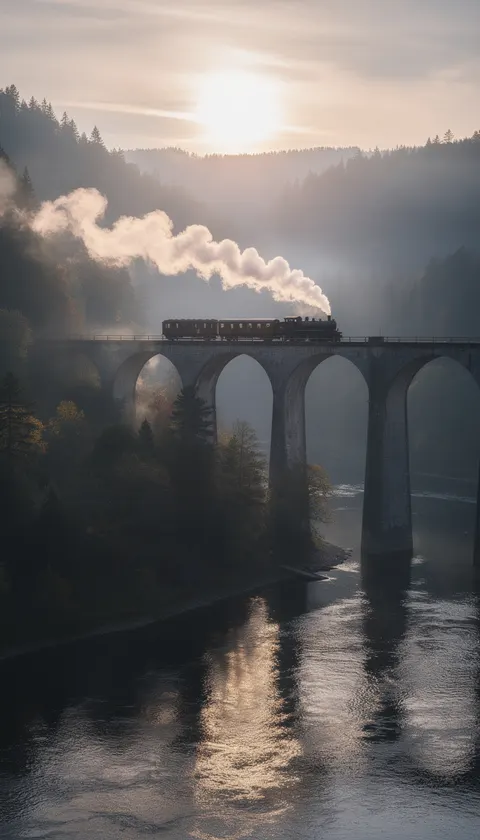 A
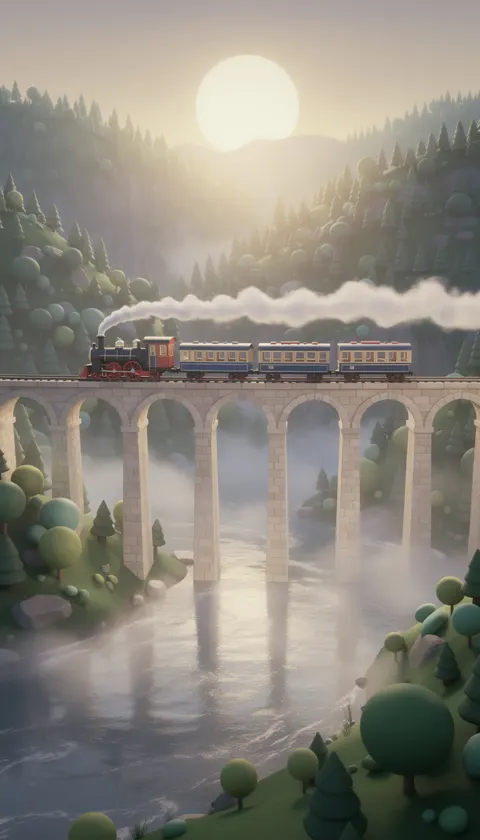 B
05In the app
From the picker to a finished video
Choose a style, paste a script or describe a topic, and Blipix builds the scenes, voiceover and captions in that look.
- Step 1
Start from a topic, a niche or a script
Type an idea, pick a preset niche, or paste words you already wrote. The Prompt, Script and Preset templates are open on the free plan.
- Step 2
Choose the style in the picker
The Art Style step has the same category filters as this page, a search box and a Request a Style button. Pick a narrator voice and a music track in the same flow.
- Step 3
Review, then publish
Watch the draft, reword a line or regenerate a scene that missed. Rendering the MP4, downloading and posting to YouTube, TikTok or Instagram need a paid plan.
Style questions9 answers
Questions About Video Styles
Practical answers about choosing, switching and paying for a style.
Start Creating with Your Favorite Style
Choose a style, paste a script or describe a topic, and Blipix builds the scenes, voiceover and captions in that look.
- Script
- Voiceover
- Visuals
- Captions