Choose a topic or add your own with Custom Script/Prompt
Choose how Blipix fills your scenes with visuals.
Select from 30 art styles to define the visual aesthetic of your video
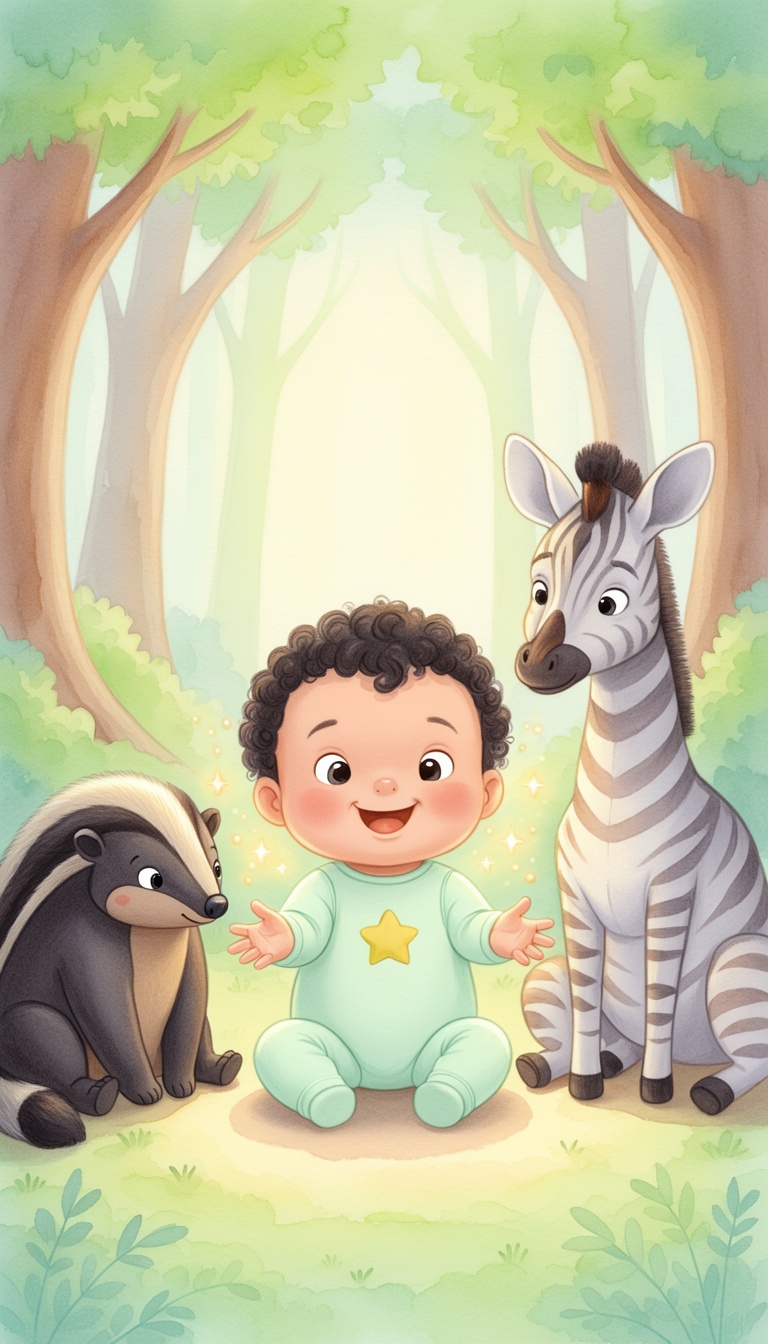
Children Book
Surrealism
Retro Pixel Art
Lego
Creepy Comic V2
Plastic Toy
Cyberpunk
Photo Realism
Lo-Fi Vibes
Horror
Blipix
MinecraftGrab attention instantly and boost watch time by up to 40%.
Choose the perfect voice for your narration
Fable
Storytelling, Fantasy
Jessica
conversational
Onyx
Authoritative, Documentary
Will
social media
Select or generate the perfect music for your video
Highlights
Rock, Motivational
Quiet before storm
Dramatic, Tension
Stradivarius
Motivational, Inspiring
Acoustic Inspirational
Acoustic, Inspiring
Select the language of your video
Select the aspect ratio of your video
No credit card required • Get started in seconds
Who is this tool for?
Create personalized sleep-time videos for your own kids without recording yourself. You control the story content, tone, and voice so the video feels like it was made for your family. Captions help it play well in any room, even quietly.
Use bedtime stories to support reading practice, listening skills, and classroom calm time. Generate multiple versions of the same theme by swapping a few lines in your text. Then post the results on your preferred channel for families to follow along.
Turn your book excerpts into short story videos that hint at the full tale. Keep each post focused on one memorable moment so viewers stay curious. With narration plus captions, the clip works whether someone watches with sound on or off.
Spin up lots of story episodes without scheduling shoots or editing audio. Keep a consistent bedtime vibe across a series by reusing the same voice and visual mood settings. This makes it easier to publish regularly on TikTok, YouTube Shorts, and Reels.
Everything you need to know
Turn your bedtime writing into a full faceless video with narration, visuals, captions, and music. You can shape each episode by choosing a voice and a visual mood that fits the story tone. When you are happy with the pacing, you can download and share it to vertical feeds. Try one short story first, then refine the next version with small text edits.
Instead of juggling separate tools, the platform builds the story experience in one place. Your chosen voiceover reads the story, while captions appear so viewers can follow along. Visual scenes help break up longer text, which keeps attention steady on mobile screens. Background music adds a gentle nighttime atmosphere.
First, paste your story in clear lines so it is easy to narrate. Next, pick a voice and adjust the visual mood so your scenes match your characters and setting. Finally, generate the finished video and download it for TikTok, YouTube Shorts, or Instagram Reels.
Use it for classic bedtime vibes, original character stories, or calming “goodnight” endings. If you write for a specific age group, keep the language and pacing consistent across episodes. You can also reuse the same voice and theme to build a small library of bedtime content for your channel.
Traditional bedtime story production is hard because you need recording time, editing, and consistent audio quality. With AI generation, you turn your text into a finished video with narration, captions, and visuals you can remake whenever you want.
| Feature / Benefit | Blipix Bedtime Story Video Generator | Real Filming of Story |
|---|---|---|
| Story control | Type your scenes and adjust wording until the video matches your bedtime vibe. | You rely on what you can capture during takes and reshoots. |
| Consistency | Keep the same voice and visual mood for a series of episodes. | Different days and moods can change the look and sound. |
| Captions | Automatically add readable captions for silent viewing on mobile. | Captions require extra editing steps and time. |
| Production time | Generate a complete bedtime clip from your text and voice choice. | You spend hours editing audio and timing visuals. |
| Scene variety | Try new settings like moonlit forests or cozy rooms without reshooting. | Each new setting means locations, props, and planning. |
| Content volume | Create multiple story episodes in one session and reuse what you like. | Producing many episodes typically takes repeated recording days. |
You can match the mood of the story by changing the voice style and the vibe of the visuals to fit the characters and setting. For example, keep things gentle for toddlers or make the narration slower for older kids. If parts feel rushed, adjust your text for shorter lines and clearer sentences, then regenerate for better flow.
Start by pasting a bedtime story you already wrote, or draft one directly in your own words. Choose an AI voice and a story style, then the platform generates your video with narration, background music, and readable captions. When you like the result, download and post to TikTok, YouTube Shorts, or Instagram Reels.

Write your bedtime story in a way that is easy to read out loud. Use short paragraphs or break scenes with clear sentences, like “They found the lantern in the forest.” This helps the platform turn your text into distinct moments.

Pick a voice that fits the age group, then select a visual mood so the scenes match the story. Add background music that supports a calm nighttime feeling, and let captions be generated automatically for better watchability on mobile.

Hit generate and review the finished video with voiceover, captions, and visuals. Download it when you are happy with the pacing, then share to TikTok, YouTube Shorts, or Instagram Reels so families can watch on their schedule.
If you have a story idea but no filming setup, you can turn your words into a calm, kid-friendly video. Write or paste your story, choose an AI voice, and let the platform build visuals scene by scene so it feels like a real bedtime reading. You also get captions so it works even when sound is off on Instagram or TikTok.
Discover more tools to enhance your content creation workflow
Turn your Peppa-style script into a faceless video with voice, captions, and music.
Turn anatomy lesson scripts into faceless videos with voice, visuals, captions, and music.
Turn math scripts into faceless lesson videos with voiceover, captions, and visuals.
Write a science script, pick a voice, and get a faceless video ready for Shorts and Reels.
Turn nutrition scripts into faceless videos with voiceover, captions, and music for TikTok and Shorts.
Generate faceless neurology explainers from your script, ready for Shorts and Reels.
Reach any audience with videos that are unique, fast, and fully automated.
Frequently asked questions about our bedtime story video generator