Choose a topic or add your own with Custom Script/Prompt
Select from 30 art styles to define the visual aesthetic of your video
Surrealism
Retro Pixel Art
Lego
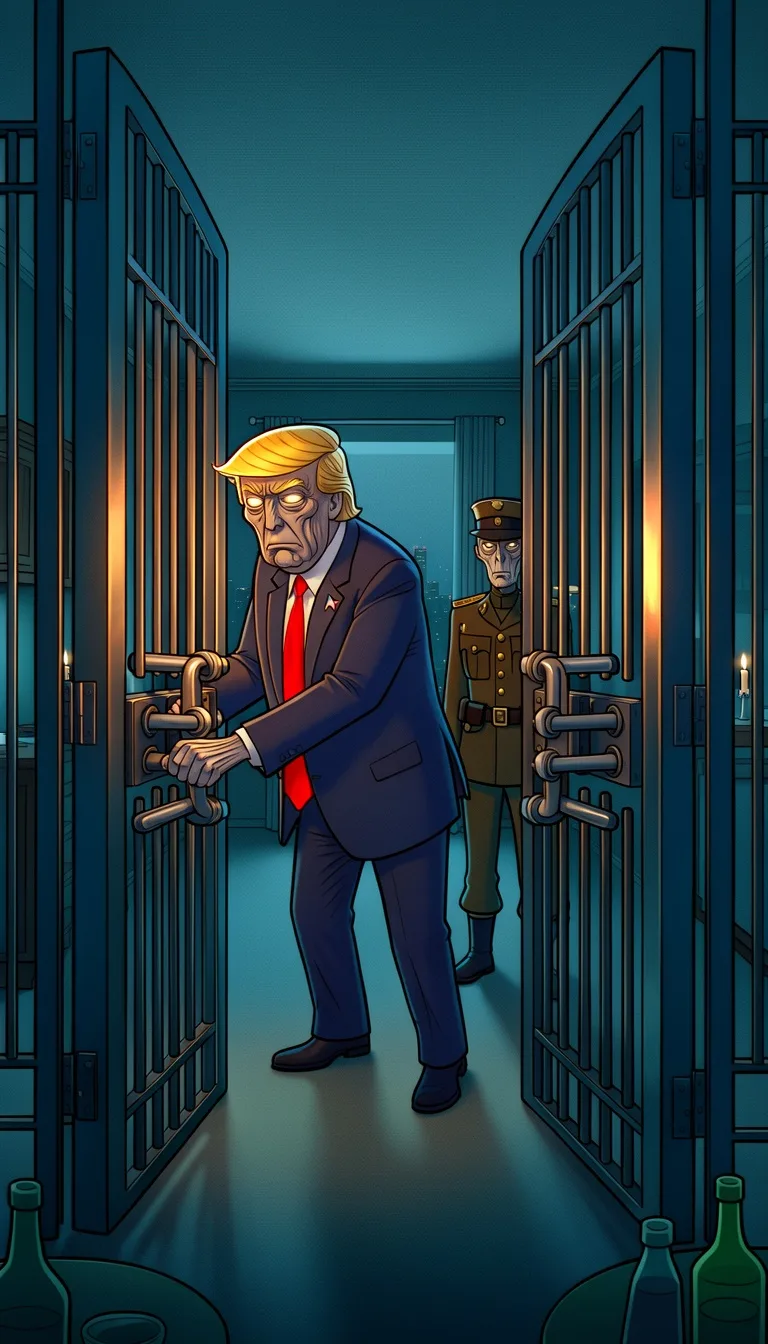
Creepy Comic
Plastic Toy
Cyberpunk
Photo Realism
Lo-Fi Vibes
Halloween
Blipix
Minecraft
Japanese InkGrab attention instantly and boost watch time by up to 40%.
Choose the perfect voice for your narration
Charlie
conversational
Jessica
conversational
Matilda
narration
Will
social media
Select or generate the perfect music for your video
EDM Goes Epic
Epic, Upbeat
Highlights
Rock, Motivational
Stradivarius
Motivational, Inspiring
Acoustic Inspirational
Acoustic, Inspiring
Select the language of your video
Select the aspect ratio of your video
Get started free • No credit card required • First video on us
Who is this tool for?
Turn your stories into short scare videos without spending hours editing timelines. You can keep a consistent tone across uploads, so your audience knows what to expect. Each idea becomes a ready-to-post horror clip with voiceover and captions.
If you struggle to post regularly, the platform helps you move from idea to finished upload without complicated setup. You can batch multiple episodes by reworking your plot points and changing the ending. That means more chances to find what your viewers love.
Use the tool to create recurring horror formats, like a mystery that ends with a shocking reveal. You can write the next episode’s scenes while the last one is fresh in your mind. This keeps your content feeling like a story, not random clips.
Add horror to your content mix when you want higher-retention hooks. Create short episodes for Shorts and Reels, then reuse the same plot structure with different scares. It is a practical way to try a new audience without rebuilding your whole channel.
Everything you need to know
Turn a horror idea into a finished short with voiceover, captions, and background music. You can aim for eerie, tense, or mystery vibes depending on your audience. The platform helps you get a clear result without complex editing steps. Try your next scare story and pick the version that keeps people watching.
Start by writing what happens in your story, then choose a visual look and AI voice that match the mood. The tool connects your pacing to what the viewer sees, so the tension feels intentional. Captions make the story readable even when sound is off. That means more people can follow the twist.
First, paste your horror beats so the video knows your scene order. Next, select voice and background music that fit the emotion of each part. Finally, generate the video, download it, and upload it to Shorts, Reels, or TikTok. You can repeat this anytime you want a new twist.
Use quick hooks, mystery clues, and final reveals to create repeatable formats. You can build episodes around a missing item, a hidden message, or a “do not open” warning. Once you find a style your viewers like, you can remix it by changing the ending and scare moments. Post consistently and let your audience pick favorites.
Real horror production is hard because you need locations, actors, and a lot of takes to get one usable clip. With AI creation, you turn your story into a full video you can revise quickly when something does not feel right.
| Feature / Benefit | Blipix Create Viral Horror Videos | Real Horror Filming |
|---|---|---|
| Content control | Describe the scare, setting, and mood, and get visuals that match your story beats. | You rely on what your footage captures, then you spend time hoping it lines up. |
| Consistency | Keep the same style across episodes so your channel looks uniform over time. | Lighting, costumes, and actors change between shoots, so the look varies. |
| Sound design | Use topic-matching background music and voiceover to support the tension. | You need editing for audio layers and sound effects to hit the right moments. |
| Production time | Create a full video from your text description without building a timeline from scratch. | Planning, filming, and editing can take multiple days per episode. |
| Scenario variety | Try haunted houses, creepy woods, or mystery sequences without traveling or props. | New locations and props require extra cost and coordination. |
| Volume | Generate several versions by tweaking scenes, voices, and endings for testing. | Each change means another shoot and another edit session. |
If you want your horror to sound more eerie, tense, or dramatic, you can choose a voice that fits the moment. Swap in background music that supports the mood, then add captions so people can follow even with sound off. When the vibe clicks, your audience is more likely to watch through the twist.
You paste your horror script or outline, then pick an AI voice and a visual style that matches the fear level you want. The platform creates a complete video with voiceover, captions, and background music you can download. Then you can post wherever you grow your audience.
Paste a short script or bullet your scenes, like a creepy intro, the first clue, and the final twist. Keep it simple and clear so the video follows your pacing. You are basically telling the platform exactly what to show and when.
Select an AI voice and a visual look that fits your genre, like found footage or eerie narration. Add background music that supports the mood, and keep captions on so your message lands even without audio. If you want a different feel, swap the voice and style.
Hit generate and get a finished horror video you can download and upload to TikTok, YouTube Shorts, or Instagram Reels. You can iterate by changing a few lines and making another version for different endings or scares. Post the one that feels most addictive.
You can outline a scare, a twist ending, or a haunted setting, then generate a full video that matches your tone. It helps if you feel stuck staring at a blank timeline, because you focus on the story beats instead of the technical work. The result is built for fast viewing on Shorts and Reels.
Discover more tools to enhance your content creation workflow
Create true crime videos from your text with voiceover, captions, and ready-to-post visuals.
Write a short story and get a full faceless Stranger Things style video.
Turn your Doctor Who style ideas into ready-to-post videos with voice, captions, and visuals.
Create faceless AI news videos from your script, with voiceover and captions.
Create science videos from your script with voice, visuals, captions, and music.
Turn anatomy scripts into faceless videos with voiceover, captions, and visuals.
Frequently asked questions about our create viral horror videos