Choose a topic or add your own with Custom Script/Prompt
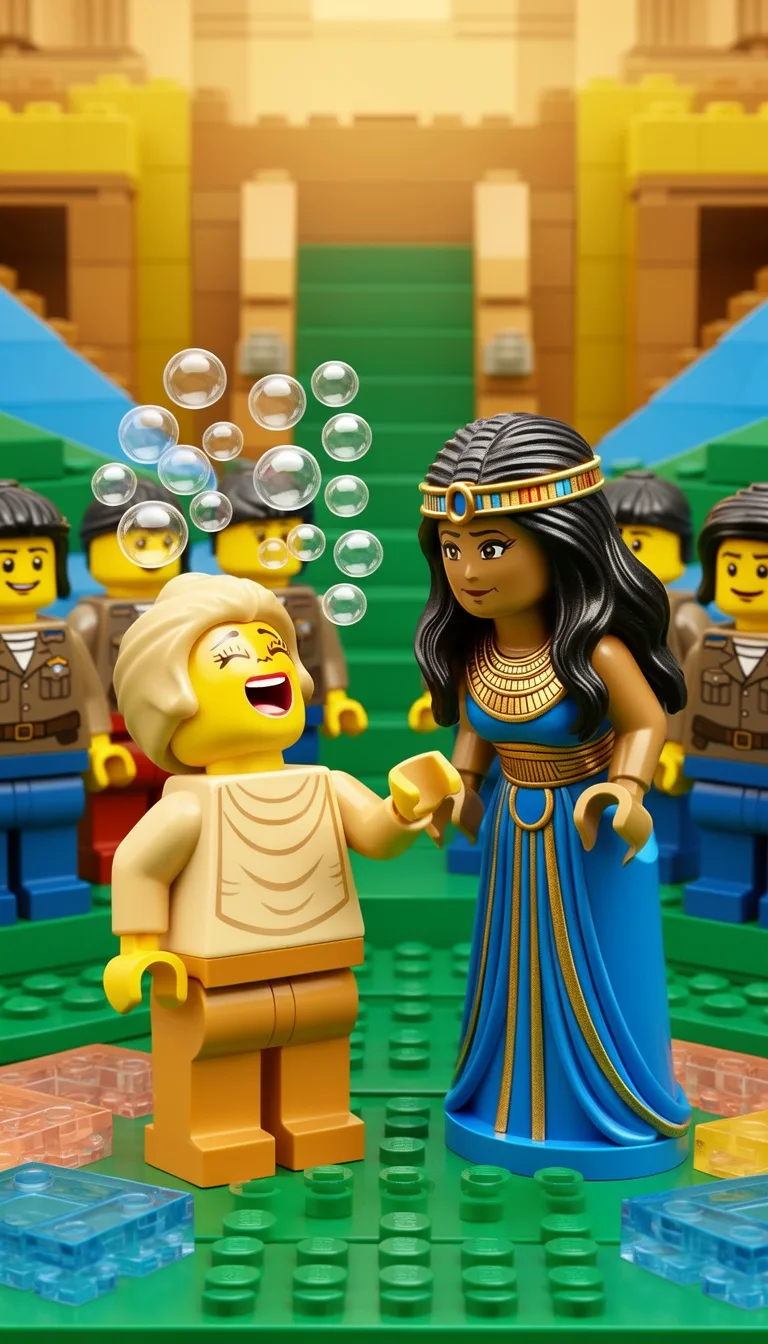
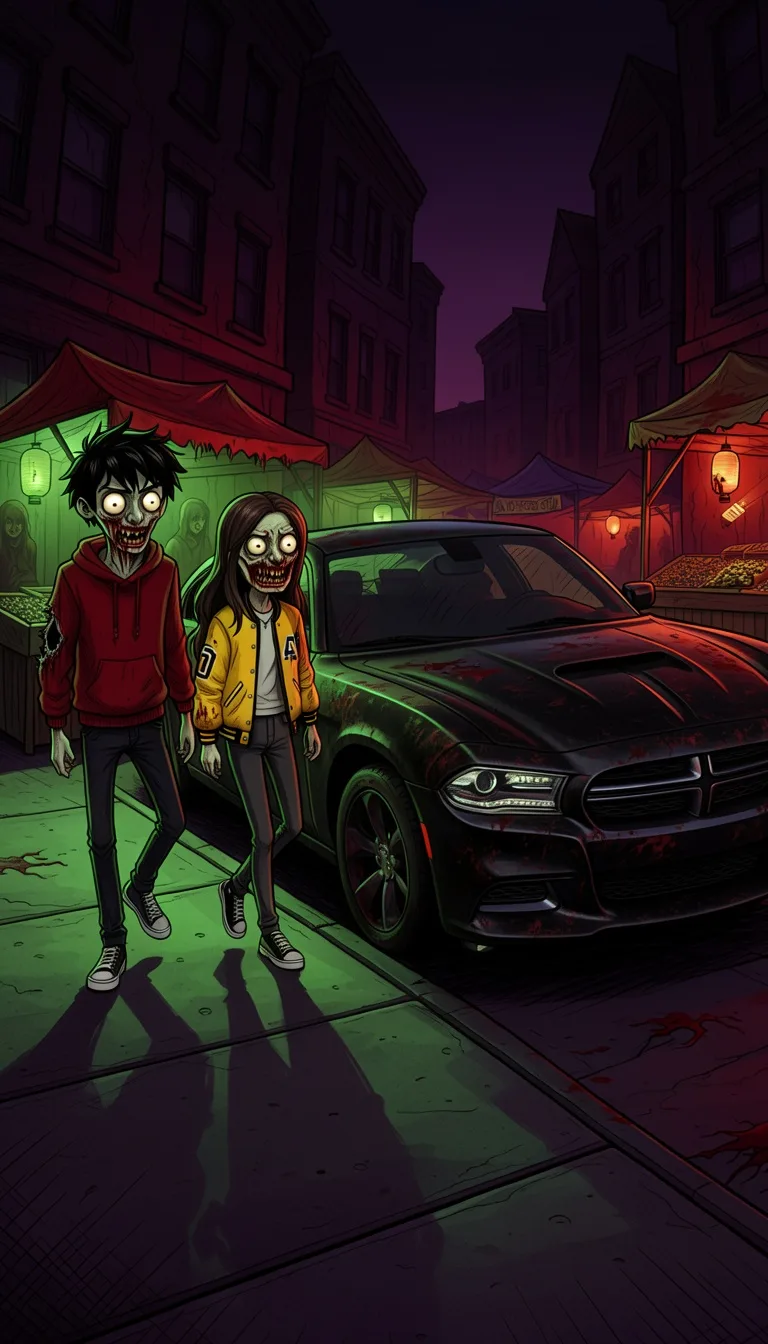
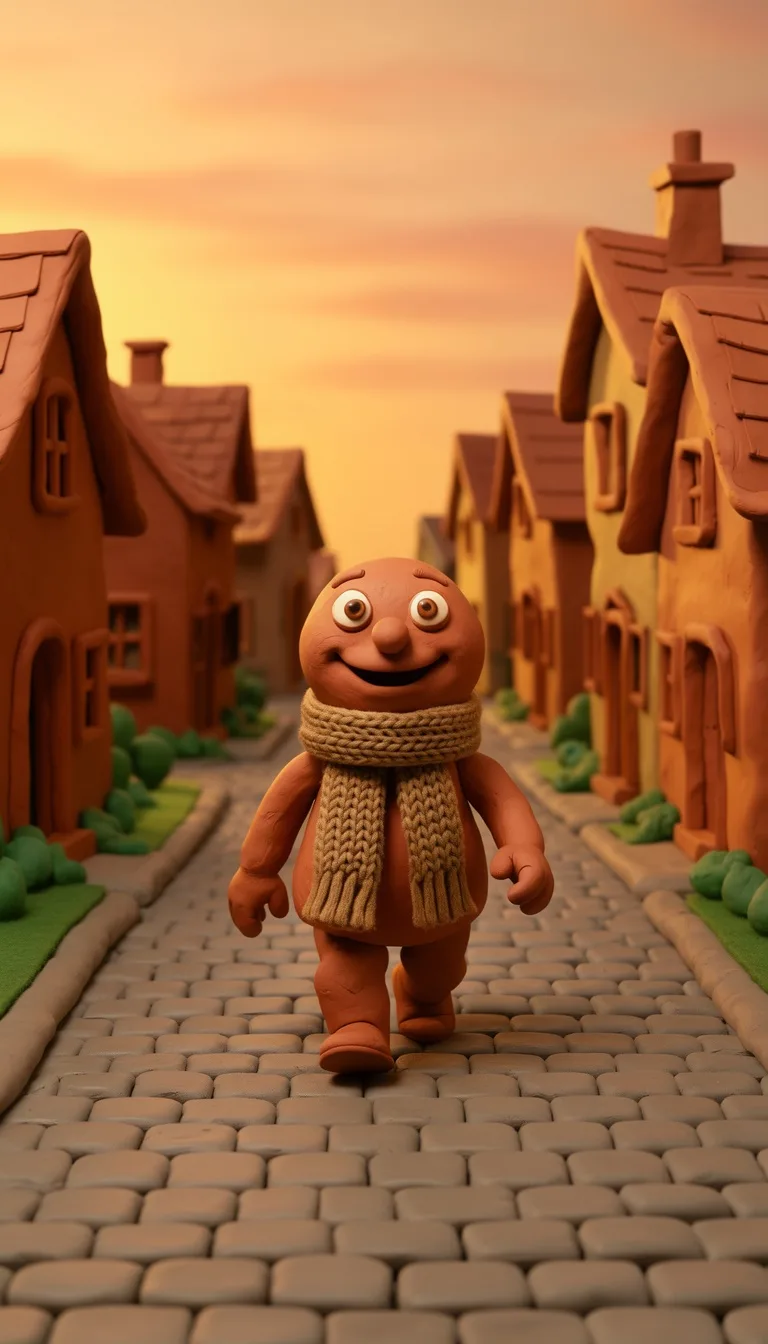
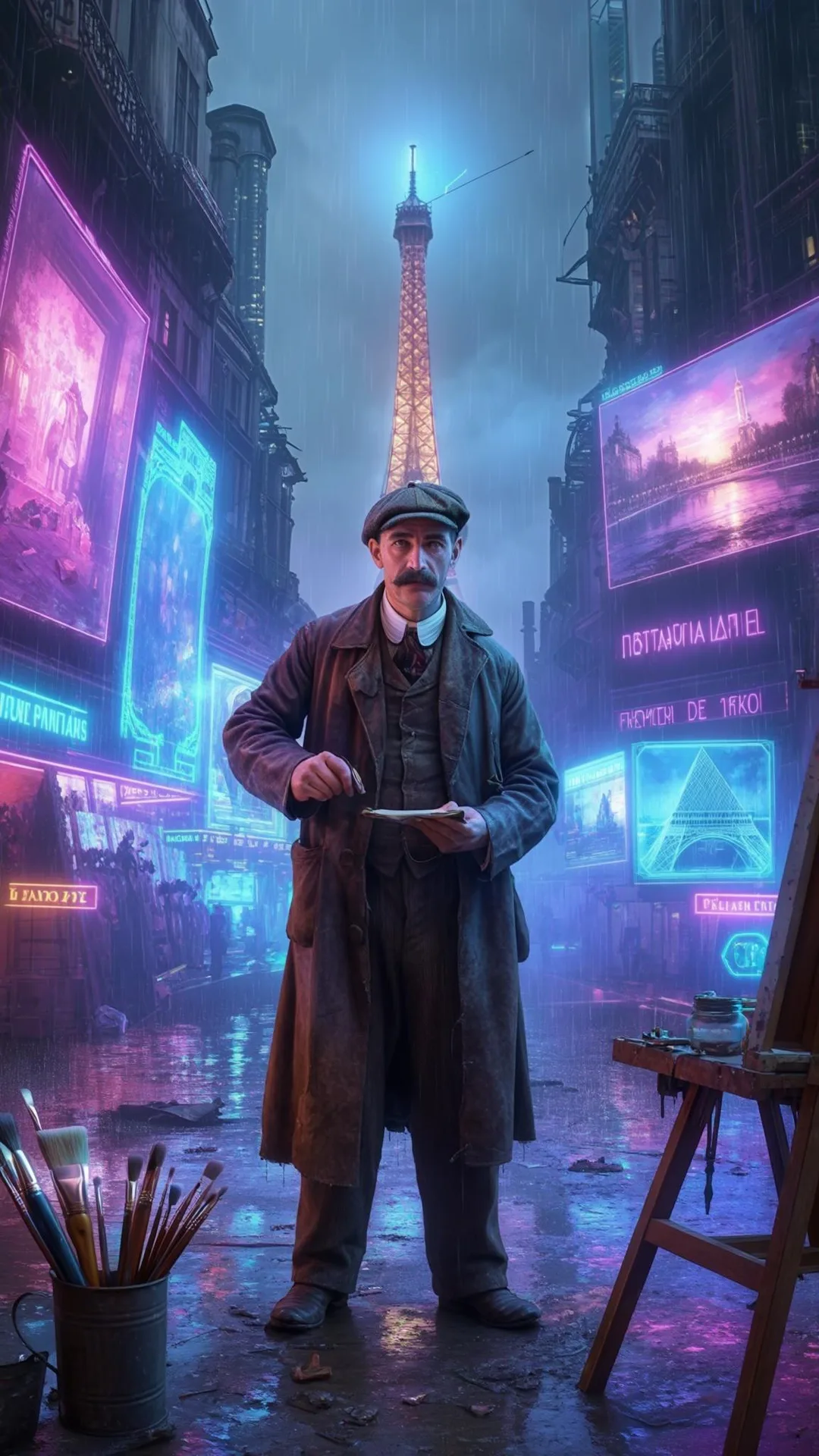
Select from 30 art styles to define the visual aesthetic of your video
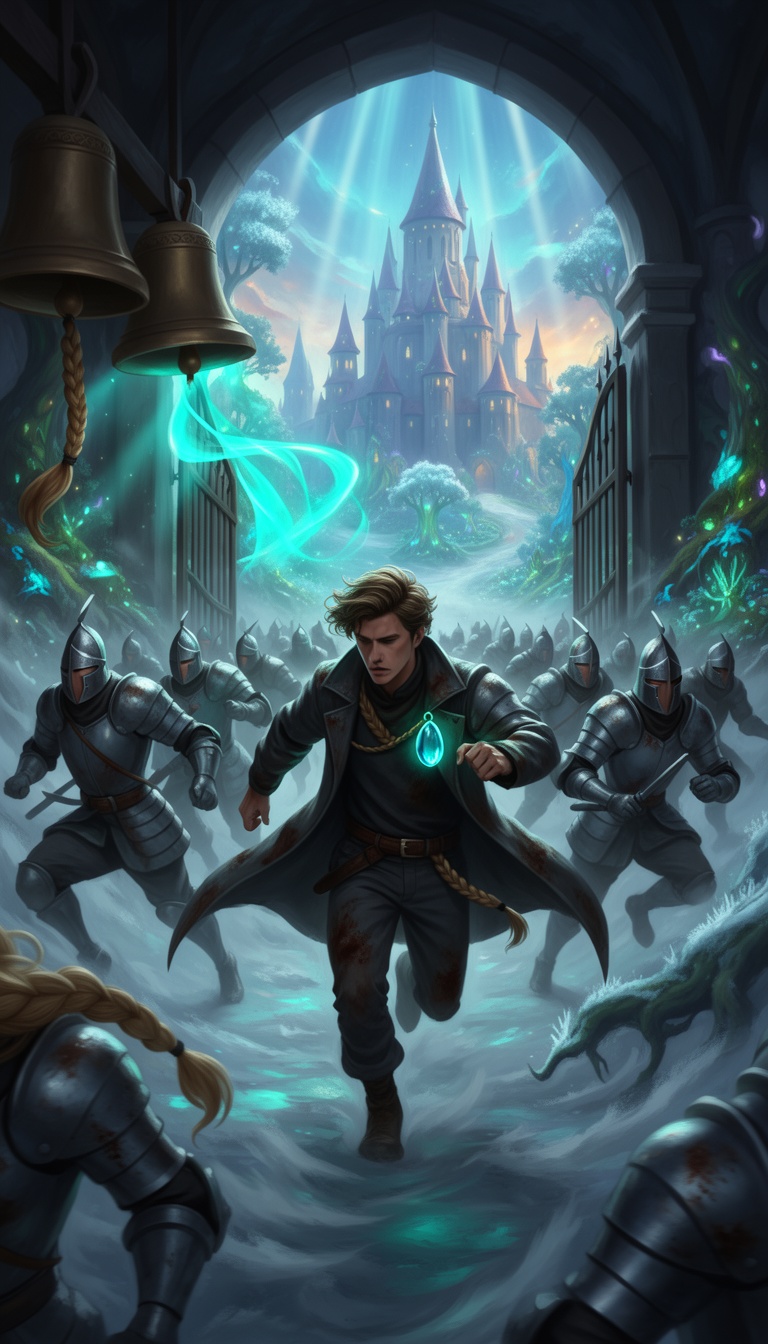
Fantasy
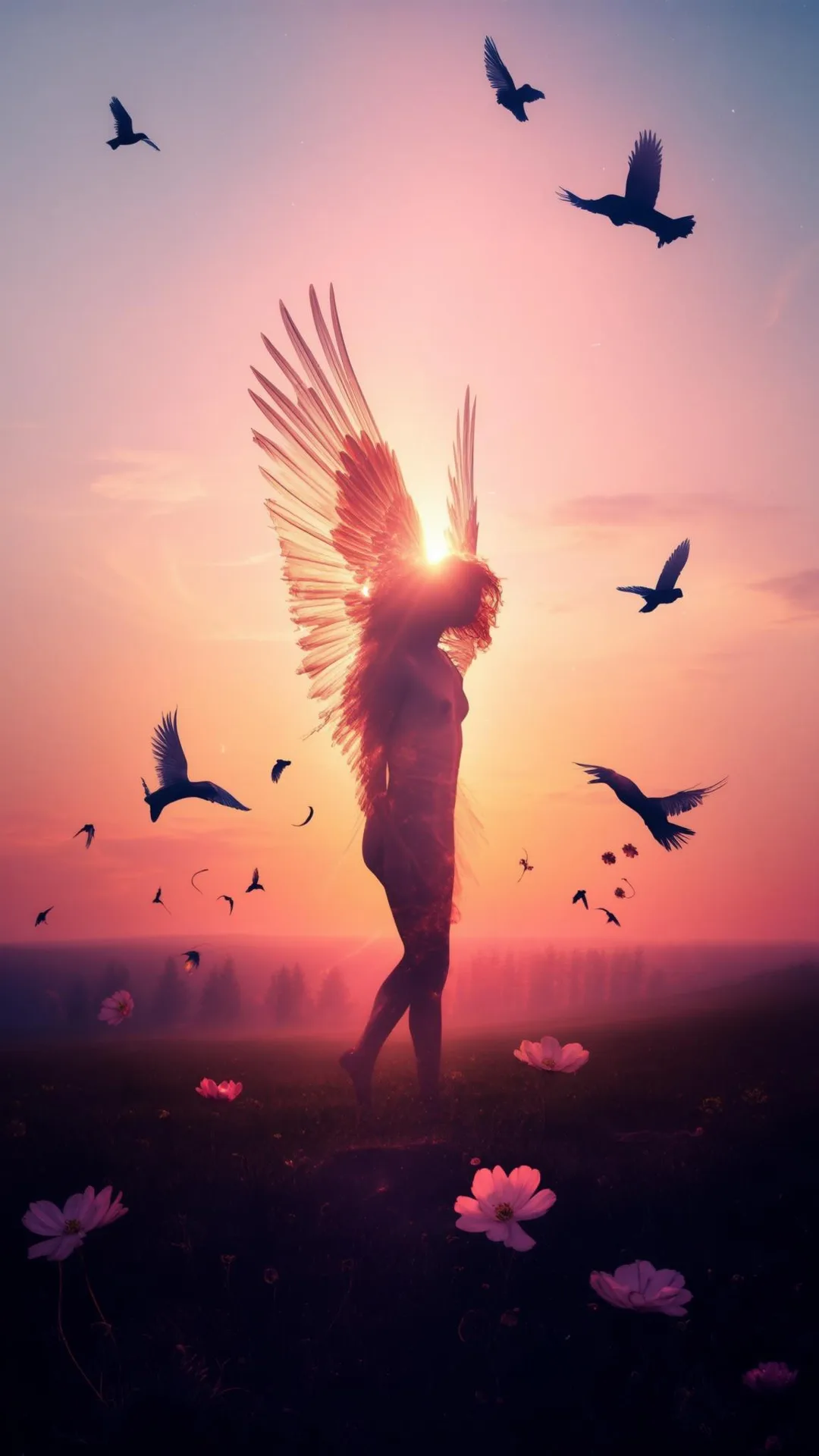
Surrealism
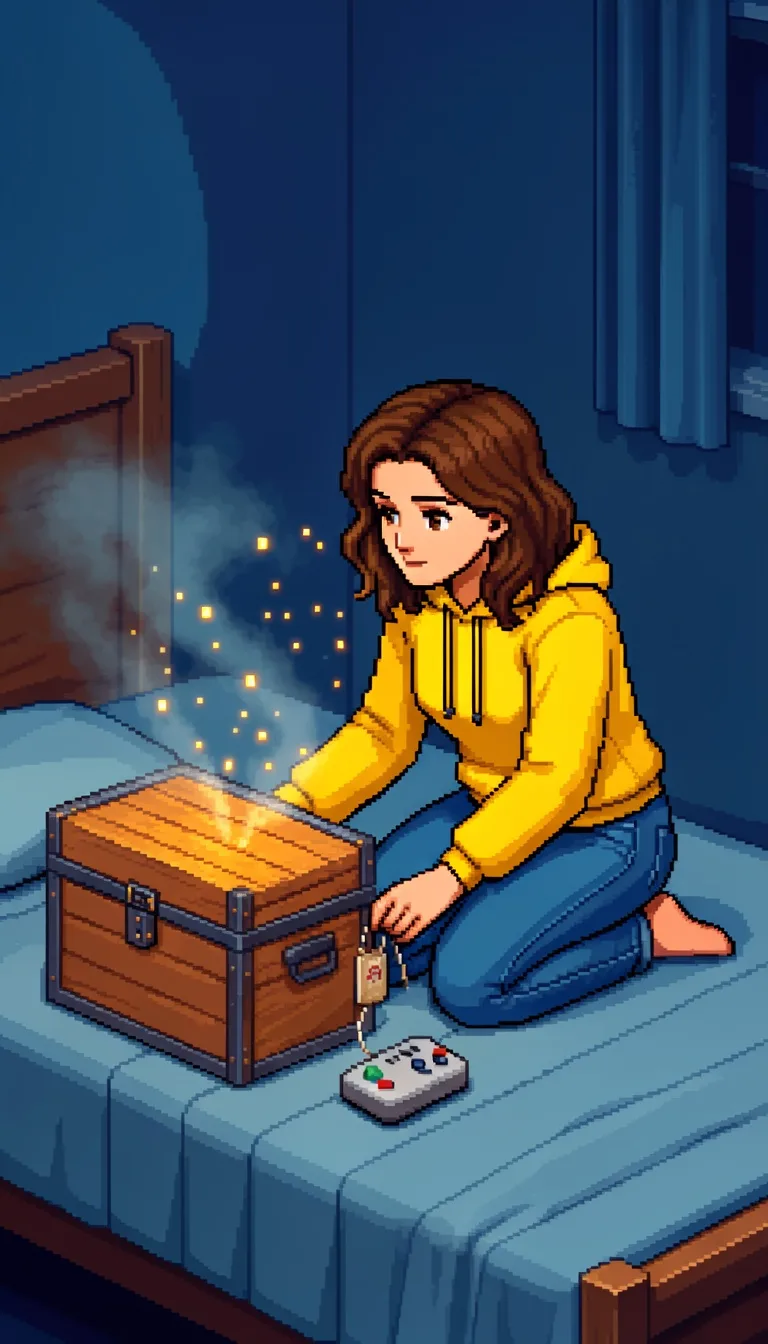
Retro Pixel Art
Lego
Creepy Comic
Plastic Toy
Cyberpunk
Photo Realism
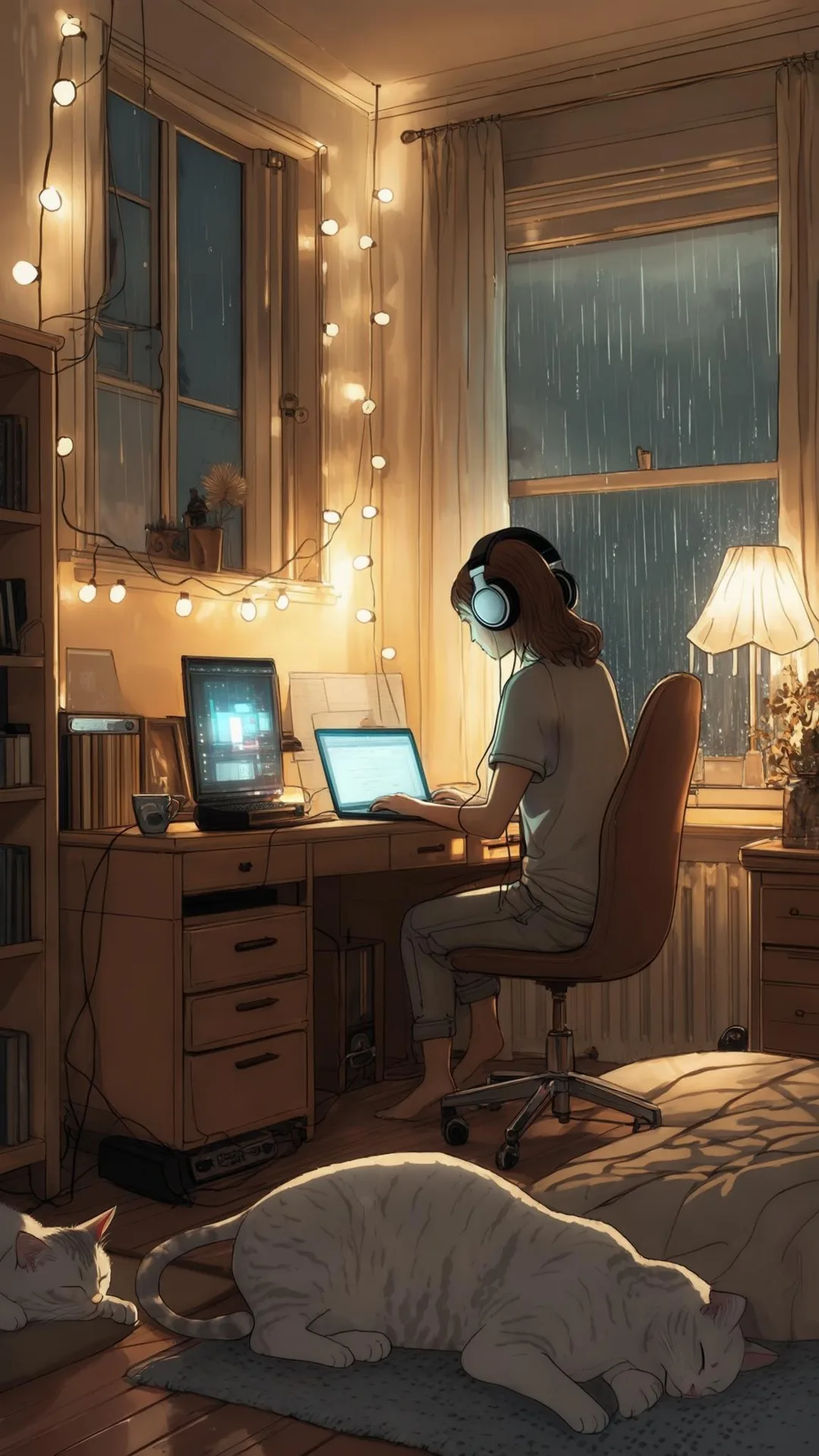
Lo-Fi Vibes
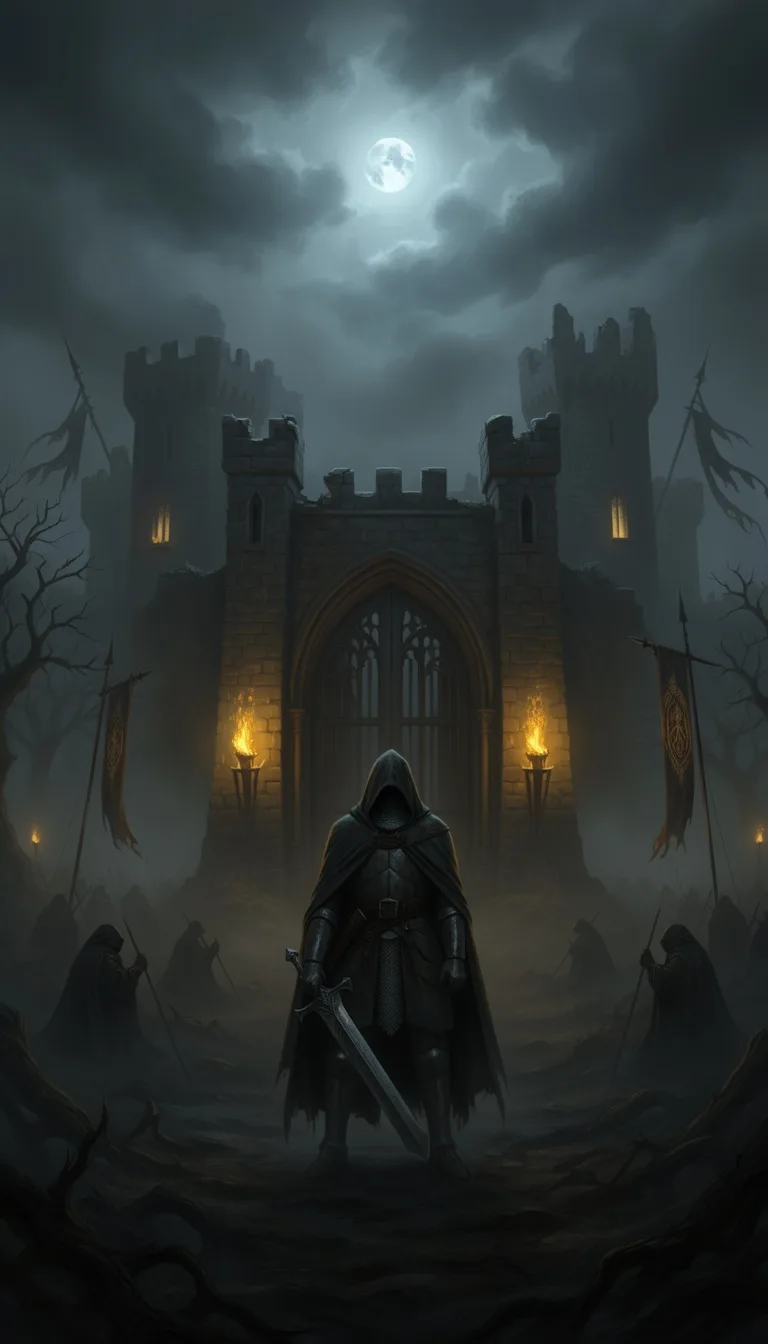
Halloween
Blipix
MinecraftGrab attention instantly and boost watch time by up to 40%.
Choose the perfect voice for your narration
Charlie
conversational
Jessica
conversational
Matilda
narration
Will
social media
Select or generate the perfect music for your video
EDM Goes Epic
Epic, Upbeat
Highlights
Rock, Motivational
Stradivarius
Motivational, Inspiring
Acoustic Inspirational
Acoustic, Inspiring
Select the language of your video
Select the aspect ratio of your video
Get started free • No credit card required • First video on us
Who is this tool for?
If you love writing fan-style stories, you can turn your ideas into clips that feel made for social feeds. You get a narrated fantasy video with captions, so people can follow along even on mute.
Need consistent episodes without planning a shoot? Create themed chapters, character moments, or recurring spells and keep your channel active with fresh posts. The platform helps you repeat your style while trying new story turns.
You do not need props, costumes, or locations to get a magical result. Describe the scene you want, and the platform handles visuals, voiceover, and on-screen text so you spend time writing instead of scheduling.
Add Harry Potter themed clips as a side series to your wider content calendar. You can make variations from one core idea, then adapt lengths and formats for Shorts and Reels without rebuilding everything from scratch.
Everything you need to know
Write a scene, choose the narration voice, and generate a finished fantasy clip with visuals, voiceover, captions, and background music. It is made for social posting, so you can share your story moments on TikTok, Instagram Reels, and YouTube Shorts. If you want a consistent magical look without the stress of filming, this is built for that.
Describe the moment you want, like a lesson scene, a duel moment, or a secret hallway exchange. The platform uses your details to build the visuals and narration together, so your clip reads like your story. You can steer the mood by adding simple notes about atmosphere and action.
Paste your outline, pick your voice style, and select an art direction that fits your vibe. Then generate and review the result, adjusting your description if you want changes. You do not need extra software or complex settings to get a post-ready result.
Create mini episodes like “one clue per scene,” character impressions, or spell story consequences. Keep each clip focused on one turning point so viewers stay interested. Post them as a short series to grow attention across Shorts, Reels, and TikTok.
Making fantasy content the normal way is slow because you need locations, props, and reshoots to get a consistent vibe. The platform helps you describe the scene and get a finished video you can post to TikTok and YouTube without the filming headaches.
| Feature / Benefit | Blipix Create Harry Potter Video | Real Fantasy Video Filming |
|---|---|---|
| Scene control | Specify setting, actions, and mood so your clip matches your story beat. | Getting the exact lighting and moment you want takes many takes. |
| Consistency | Keep a similar look and narration tone across episodes for a recognizable series. | Each shoot changes the vibe due to weather, angles, and setup differences. |
| Audio and captions | Generate voiceover and readable captions so your audience can follow easily. | Captions and narration require extra editing steps. |
| Production time | Start with text, then generate a full video from your description. | Planning and filming usually takes days before you even edit. |
| Scenario variety | Make magical moments in any setting you describe, from corridors to forests. | Some locations and effects are hard or expensive to reproduce. |
| Volume | Create multiple clips from related story beats without repeating the whole production. | More episodes mean more shoots, gear, and schedule juggling. |
Choose a voice style that matches your character tone, then let the visuals, captions, and music lock in together. If you want your clip to feel darker, funnier, or more cinematic for Reels and Shorts, you can steer the result with your description.
Start by pasting your Harry Potter style script or scene beats into the editor. Then choose an AI voice, select the look you want, and generate a finished video with captions and audio included.
Type or paste what happens in your scene, including key actions and setting details. The more clearly you describe the moment, the closer your final video feels to your vision.
Pick an AI voice for the narration, then select the art direction and mood. Add notes like “stormy night,” “sparkly magic glow,” or “quiet library tension” to guide the look.
Hit generate and review your video. When it looks right, download it and post to TikTok, YouTube Shorts, or Instagram Reels so you can keep your schedule moving.
Write your scene like a quick outline, then feed it into the platform so it builds a complete fantasy video around your beats. This is great when you want a specific mood, like a tense hallway moment or a magical spell reveal, without reshooting anything.
Discover more tools to enhance your content creation workflow
Turn your LOTR-style script into a faceless video for TikTok, YouTube, and more.
Generate faceless Star Trek themed videos from your script with voice, captions, and music.
Turn your Star Wars ideas into a ready-to-post faceless video with voice and captions.
Turn your Doctor Who style ideas into ready-to-post videos with voice, captions, and visuals.
Generate a Sherlock Holmes-style video from your script, with voiceover, captions, and visuals.
Create period-drama style videos from text, with voiceover, captions, and music.
Frequently asked questions about our create harry potter video