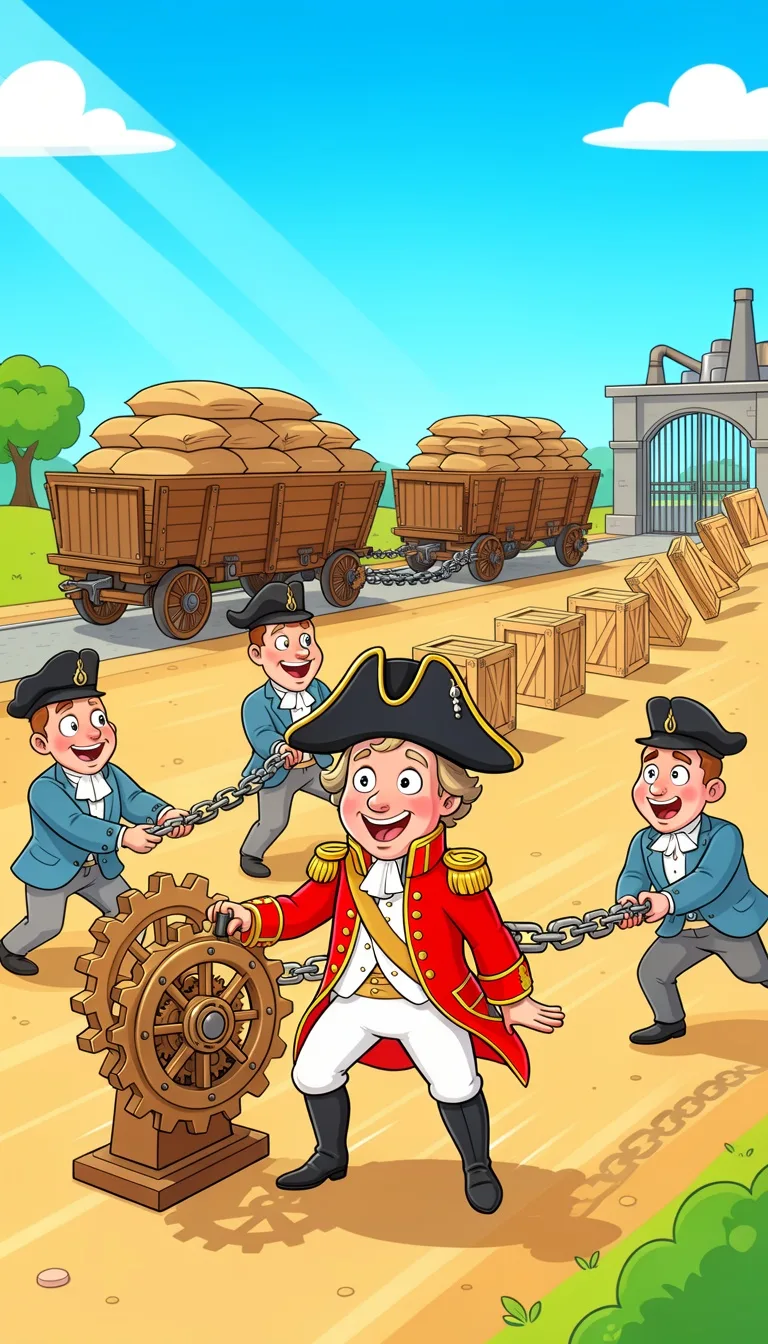
Choose a topic or add your own with Custom Script/Prompt
Select from 30 art styles to define the visual aesthetic of your video
2D Cartoon
Surrealism
Retro Pixel Art
Lego
Creepy Comic
Plastic Toy
Cyberpunk
Photo Realism
Lo-Fi Vibes
Halloween
Blipix
MinecraftGrab attention instantly and boost watch time by up to 40%.
Choose the perfect voice for your narration
Charlie
conversational
Jessica
conversational
Matilda
narration
Will
social media
Select or generate the perfect music for your video
EDM Goes Epic
Epic, Upbeat
Highlights
Rock, Motivational
Stradivarius
Motivational, Inspiring
Acoustic Inspirational
Acoustic, Inspiring
Select the language of your video
Select the aspect ratio of your video
Get started free • No credit card required • First video on us
Who is this tool for?
You can crank out cartoon-style shorts around topics you already cover, like tips, mini-stories, or daily commentary. Instead of juggling filming and reshoots, you get a ready-to-post video based on what you write.
Turn lesson outlines into visual cartoons your students can follow. You can keep the message clear with on-screen captions and a voiceover that reads smoothly, which helps when people watch on mute or during commutes.
Make recurring cartoon series for product highlights, how-tos, and FAQs without coordinating shoots. Your team can reuse a consistent style so each post feels like it belongs together on your feed.
Write punchlines, setups, and twists and turn them into episode-style clips. The cartoon look keeps things light, while captions make the jokes land even when viewers are scrolling fast.
Everything you need to know
Turn your ideas into cartoon-style videos you can upload to TikTok, YouTube Shorts, and Reels. You choose the voice and the look, and the platform builds the visuals and captions to match. It is a nice fit when you want consistent content without filming. Try a first video and see how your ideas look on screen.
You provide text for the scene and what you want said. The tool turns that into a full video with a matching cartoon look, a voiceover track, and on-screen captions. If you adjust the tone in your writing, the result usually shifts in a way that fits your goal.
First, paste your script and keep it focused on one idea. Next, pick a voice and art style that matches your topic. Finally, generate, download, and upload to your favorite short platform. No special software setup required.
Use cartoons for mini lessons, funny explainers, product stories, or recurring characters. Your captions help viewers keep up even when sound is off. This is also great for testing different hooks, since you can remake a video by changing just a few lines.
Cartoon video production usually means planning visuals, filming, and editing, which takes time and multiple revisions. The platform helps you create what you described, so you spend less time managing production and more time publishing.
| Feature / Benefit | Blipix Cartoon Video Generator | Real Cartoon Filming |
|---|---|---|
| Content control | Specify the scene, tone, and visual style directly in your text. | You are limited by what you can realistically film and repeat. |
| Consistency | Keep the same look by reusing style choices and character details. | Lighting, wardrobe, and timing make each take feel different. |
| Sound and delivery | Get voiceover and readable captions that match your message. | Audio quality and subtitles can require extra steps. |
| Production time | Generate a finished cartoon video from your text without complex editing. | Editing timelines can stretch over days depending on revisions. |
| Scenario variety | Try new settings and story ideas quickly, even if you cannot film them. | New scenarios require new locations, props, or reshoots. |
| Posting volume | Create multiple short clips in one session to test different hooks. | More posts means more shoot days and coordination. |
If your audience likes a certain mood, you can steer the look and how the words appear on screen. You can pick an AI voice and a visual style that fits the topic, then keep the wording readable for viewers watching with sound off. That means your message still makes sense on fast-scrolling feeds.
You paste your script, pick the AI voice and art style, and let the tool assemble the video for you. After it generates, you can download it and post wherever you share shorts. It is made to be simple so you can focus on the idea, not the tech.
Write a few lines about your scene, joke, or lesson. Include what happens and the tone you want, like calm, funny, or exciting. This gives the platform clear direction for the visuals and the voiceover.
Choose an AI voice that matches your vibe, then select a cartoon look you like. Add optional details about setting or character traits so the video stays on-theme for your audience.
Hit generate and review the results once the video is ready. Download the finished file and upload to TikTok, YouTube Shorts, Instagram Reels, or anywhere else you post. Your cartoon video is ready to share without extra editing.
Want a quick way to turn a story idea into a scroll-stopping short? Start with a simple write-up of what you want to say, then the platform builds a full cartoon-style video with voiceover, captions, and matching visuals. Perfect when you need something ready to post without hiring a crew or learning editing tools.
Discover more tools to enhance your content creation workflow
Turn your script into faceless, Disney Pixar-inspired videos with voice, captions, and music.
Turn your Shrek-style script into a ready-to-post faceless video for TikTok or YouTube.
Make Peppa Pig-style, faceless videos from your text, ready for social posts.
Turn your Barbie-style script into a ready-to-post video with voice, captions, and music.
Turn a car story into a cartoon video with voiceover, captions, and music.
Turn your Rick and Morty-style script into a finished, share-ready video with voice and captions.
Frequently asked questions about our cartoon video generator