Up to 15 minutes, in 16:9 for YouTube

AI Long Form Video Generator

For regular YouTube uploads, not Shorts. Pick a topic and a length of up to 15 minutes, and Blipix writes a script sized to it, draws up to 120 images, narrates it with one voice and times the captions. Long videos are part of the Pro plan and above.

Free plan: one 30 to 60 second test video · Long videos: Pro and above

Set up a long video

A preview of the creation form: topic or script, art style, voice, music, length and frame. It opens signup when you press generate. This preview stops at 10 minutes; in the app the length brackets go up to 12 to 15 minutes.

Script

Choose a topic or add your own with Custom Script/Prompt

0/1800 words
Media Type

Choose how Blipix fills your scenes with visuals.

AI Images
AI Motion Video
Stock photos
Stock video
Art Style

Select from 39 art styles to define the visual aesthetic of your video

Blipix
Blipix
Surrealism
Surrealism
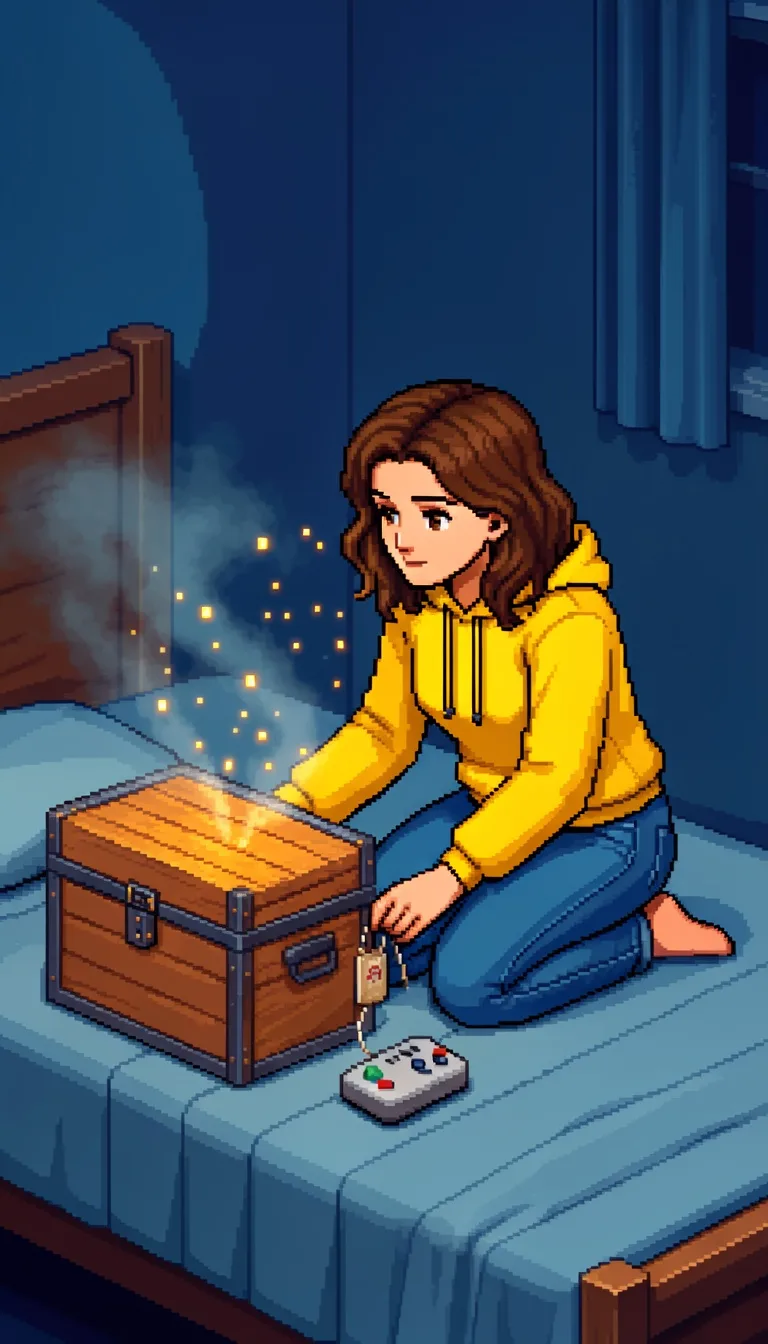
Retro Pixel Art
Retro Pixel Art
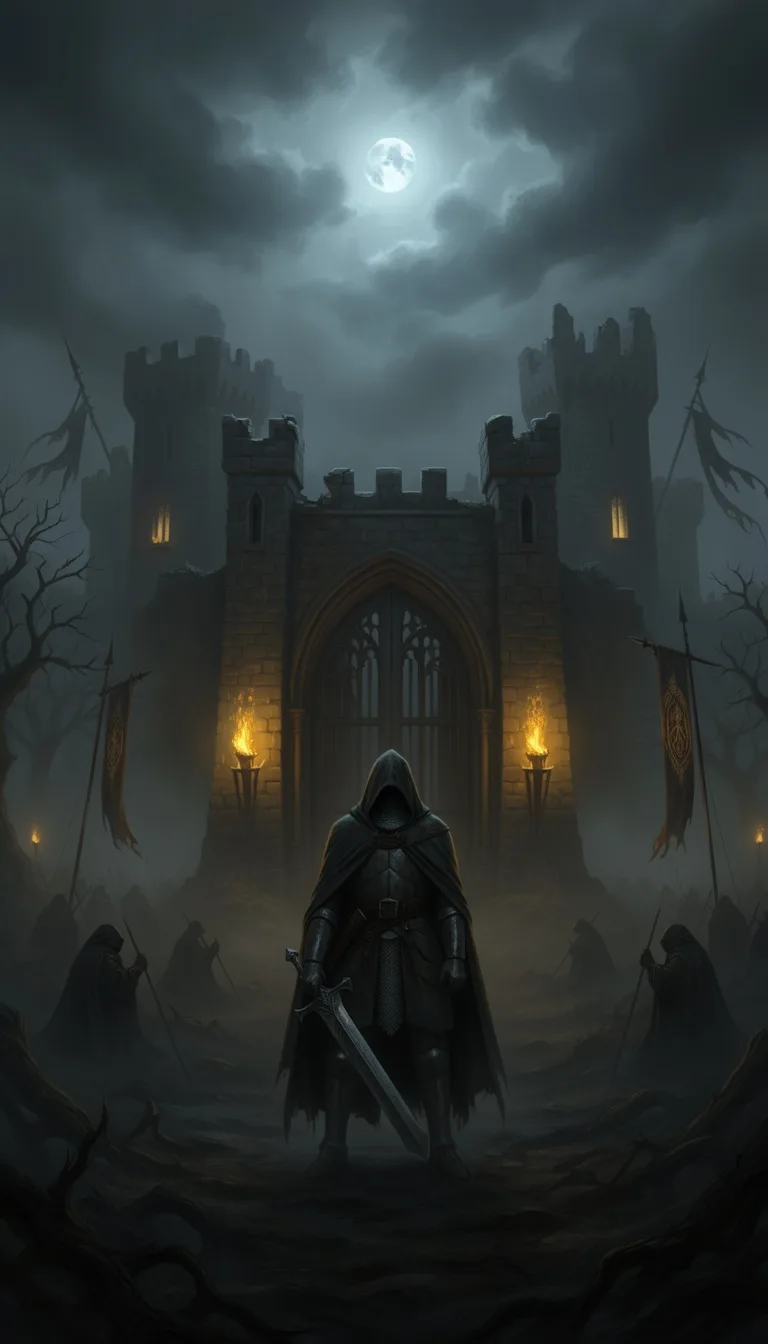
Dark Fantasy
Dark Fantasy
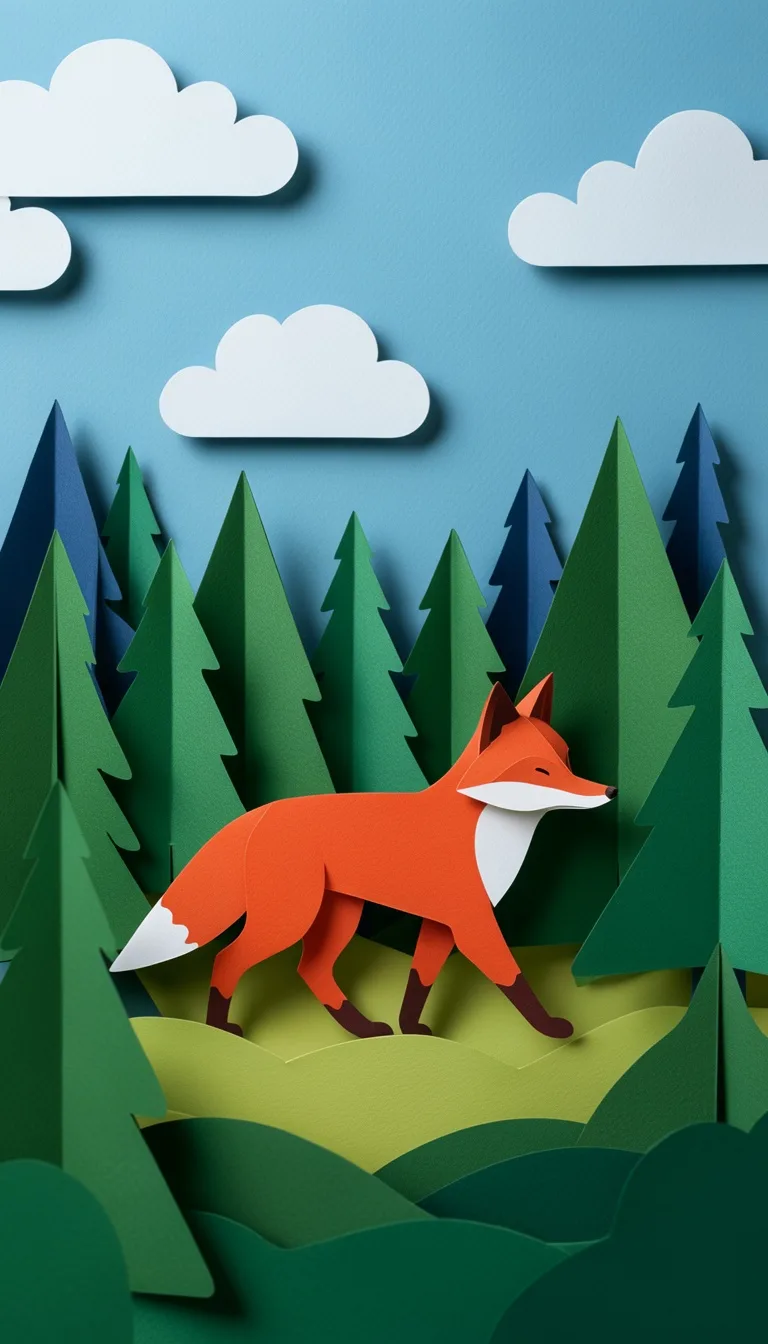
Papercraft
Papercraft
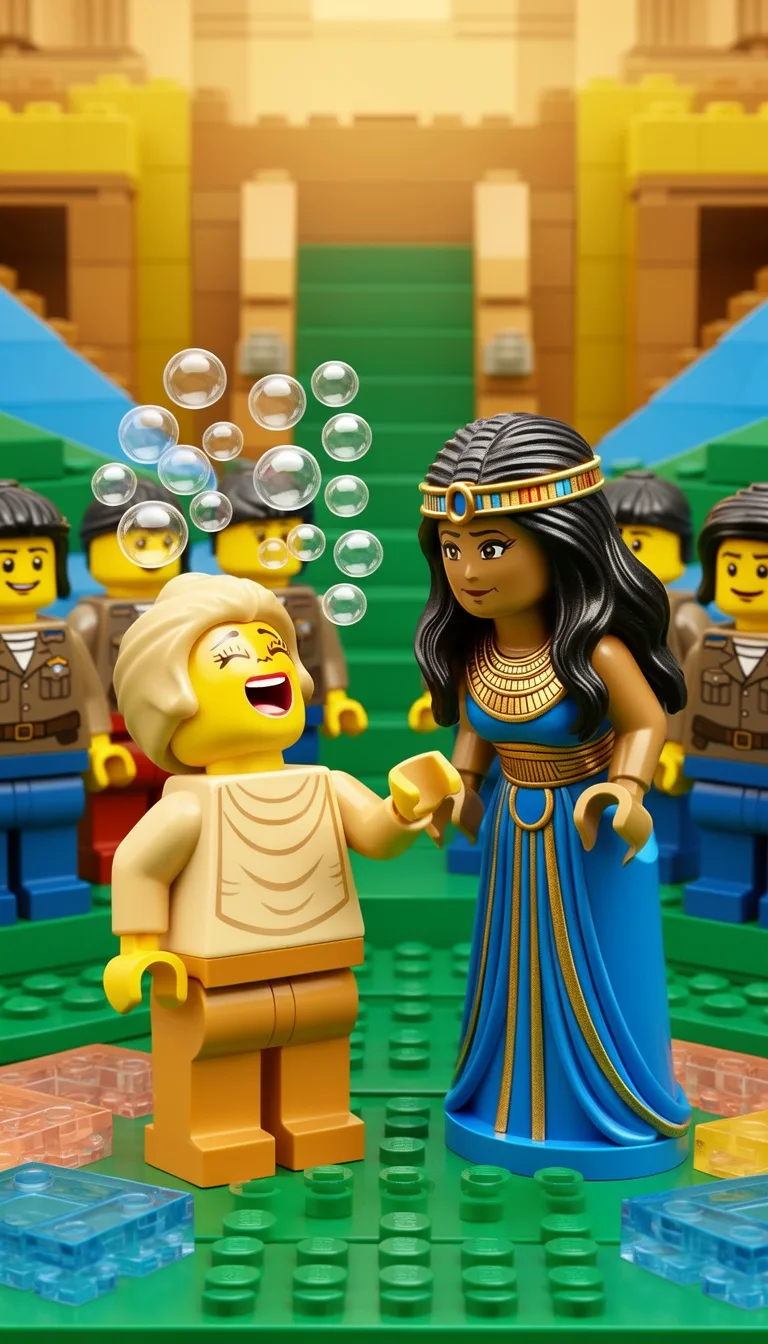
Lego
Lego
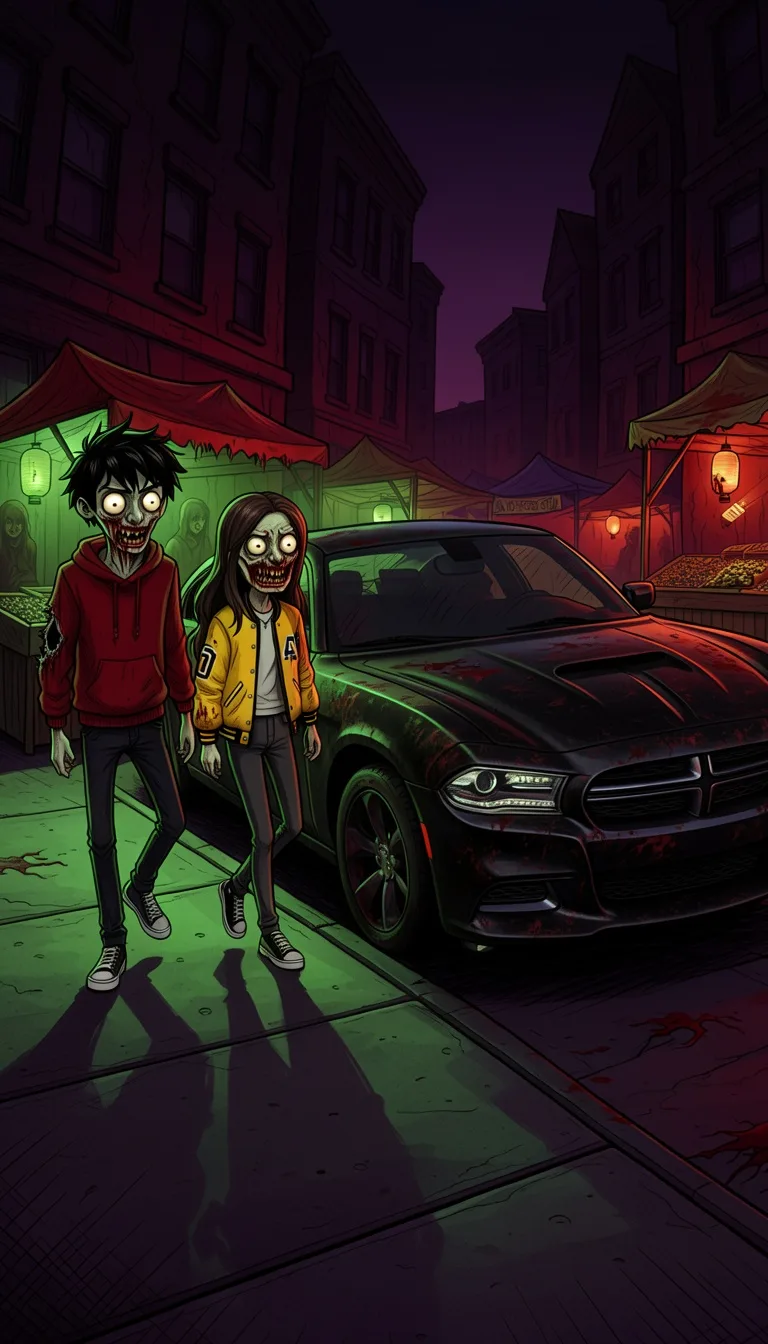
Creepy Comic V2
Creepy Comic V2
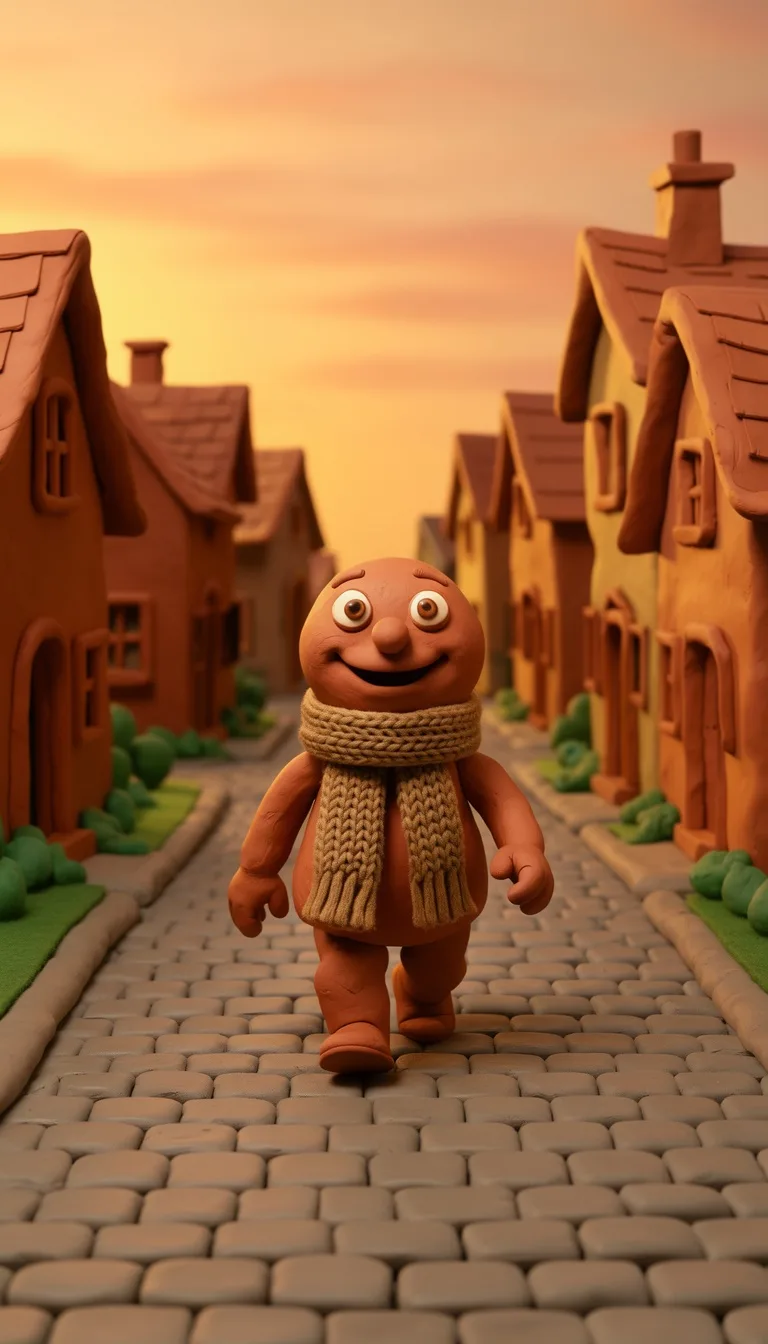
Claymation
Claymation
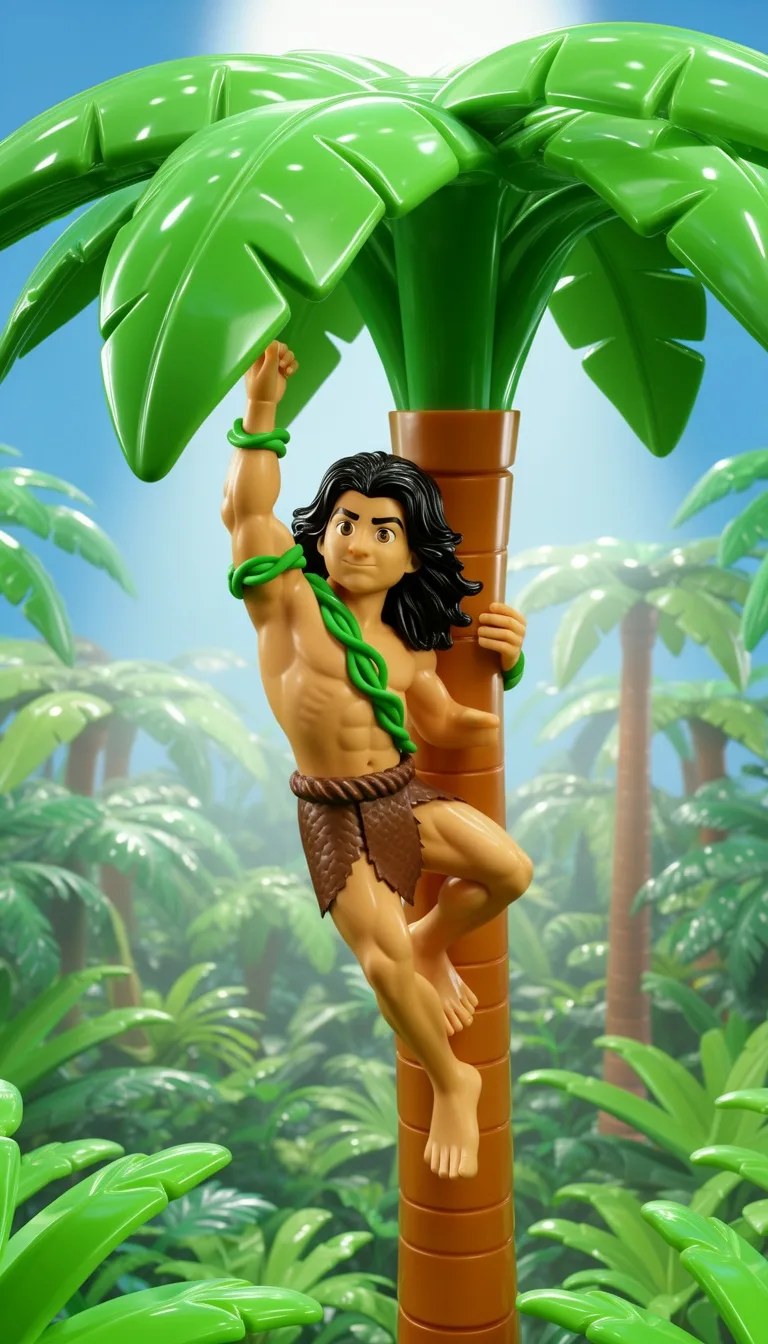
Plastic Toy
Plastic Toy
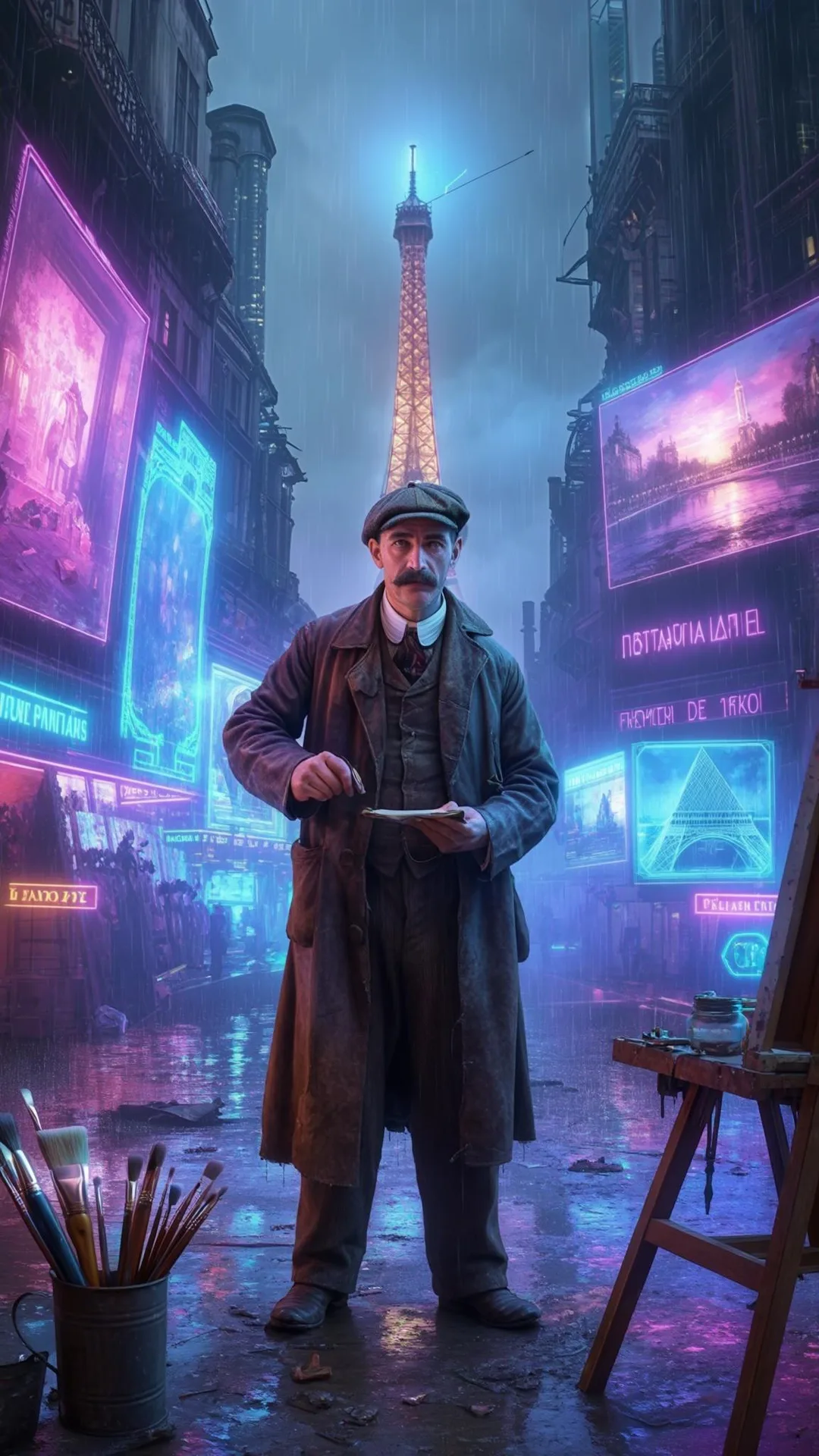
Cyberpunk
Cyberpunk
Photo Realism
Photo Realism
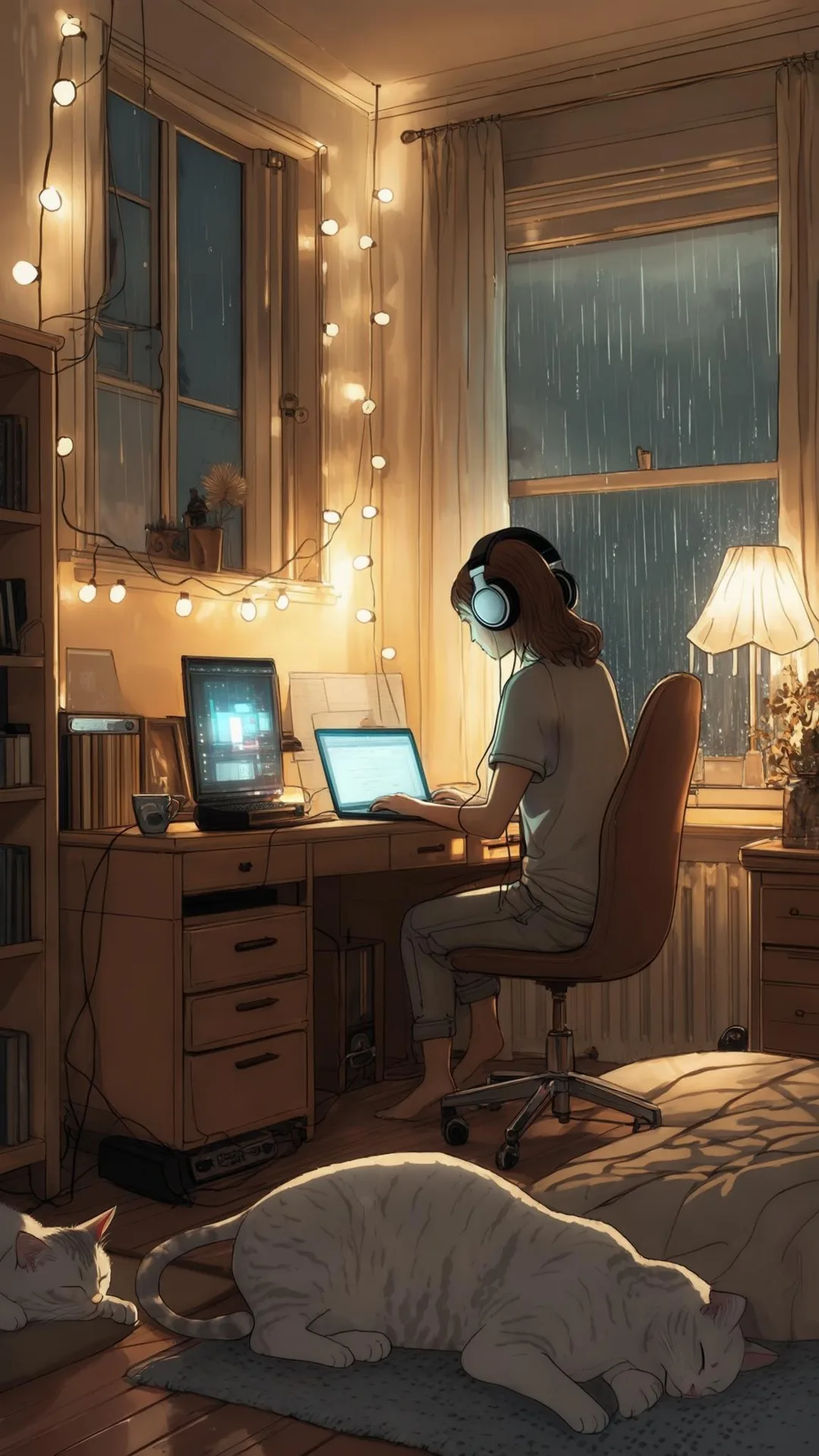
Lo-Fi Vibes
Lo-Fi Vibes
Animate Frames+10 credits

Add subtle motion to your images to help hold attention.

Narration Voice

Choose the perfect voice for your narration

Brian

narration

MaleMiddle-agedAmerican

Fable

Storytelling, Fantasy

MaleMiddle-agedBritish

Onyx

Authoritative, Documentary

MaleMiddle-agedAmerican

Will

social media

MaleYoungAmerican
Music Settings

Select or generate the perfect music for your video

Quiet before storm

Dramatic, Tension

Stradivarius

Motivational, Inspiring

Acoustic Inspirational

Acoustic, Inspiring

Africa

Chilling, Calm

Language

Select the language of your video

Aspect Ratio

Select the aspect ratio of your video

No credit card required • Preview your first video free

A long video, start to finish

A history video rendered in Blipix. Watch a few minutes and notice what holds it together: the narration and the rhythm of the images, not camera work.

WW2 France Through Daily Survival, Not Just Battle

Rendered with Blipix in 16:9

What each length costs and contains

The brackets below are the ones in the app when the AI writes the script. Words are the target the script is written to; images are the most scenes a video in that bracket gets.

LengthCreditsScript wordsUp to images
30 to 60 s10105 to 13510
1 to 1.5 min10170 to 20514
1.5 to 2 min20220 to 27516
2 to 2.5 min20295 to 35020
2.5 to 3 min30370 to 42524
3 to 3.5 min30445 to 50028
3.5 to 5 min50540 to 70040
5 to 7 min70720 to 98056
7 to 10 min1001,000 to 1,40080
10 to 12 min1201,425 to 1,70096
12 to 15 min1501,700 to 2,100120

Two settings change the math. Premium image quality multiplies the whole cost by three, which turns a 150-credit video into 450. AI Motion adds 10 to 30 credits to animate a few chosen scenes. A quick way to read your plan: divide its monthly credits by 100 to see how many 7 to 10 minute videos it covers.

Pasting your own script works differently: it is priced by word count, from 120 credits for 1,051 to 1,500 words to 160 for 1,501 to 1,800, the longest script the box takes. The pricing page lists long videos, up to 15 minutes, under Pro, Premium and Ultra.

Three steps, with the effort in the first one

At this length, the outline decides more than any setting does.

01

Give it a topic, or an outline

The Prompt box takes up to 1,000 words, enough for a full outline: the sections you want, the facts to include, the order. The more structure you give, the less the script leans on one long build-up.

02

Pick 16:9 and the length bracket

Choose the art style, the narrator, the music and a bracket up to 12 to 15 minutes. The AI writes to a word target for that bracket, from 1,000 words for 7 minutes to about 2,100 for 15.

03

Review all of it, then render

A long video has up to 120 scenes. Watch it through, fix the images that miss, then render and post it to YouTube or download the MP4.

How a long script is put together

When the AI writes, it builds the script in segments of about 100 words until it reaches the word target for your bracket. It opens with a hook sentence, keeps one open question running through the middle, and ends on a payoff, then drafts a title, a description and four hashtags. It writes one continuous narration: no headings, no chapter markers, no paragraph breaks.

That shape works well for a Short and thins out over 12 minutes, because one open question rarely holds that long. The fix is to give the structure yourself. Write an outline into the prompt, something like “Five sections: the setting, the first warning, the decision, the collapse, what changed after. End each section on a question the next one answers,” and the script will generally follow that plan. Check that it did before you render.

If you want full control, write the script and paste it into the Script template instead, up to 1,800 words. Read it aloud once before you do; anything you trip over, the narrator will trip over for twelve minutes.

Limits to know before minute one

One narrator, start to finish. There is no second voice, no interview and no dialogue. Choose a voice you could listen to for a quarter of an hour, and test it on a short video first.

Stills with gentle motion, not footage. A 12 to 15 minute video gets up to 120 AI images, so each holds the screen for about seven and a half seconds on average with a slow zoom or pan. AI Motion animates only the first, first two, first three, last, or first and last scenes, so the long middle stays as stills.

More scenes means more review. Over a hundred AI images will include a few with odd hands, garbled signs or a repeated idea. Budget time to scrub through the whole video and regenerate the misses before it goes out.

Longer renders.We don't publish a render time, because it depends on length, scene count and how busy the queue is, but a 15-minute video takes noticeably longer than a Short. Start it well before you plan to post.

Subjects that can fill fifteen minutes

A good long-form topic has sections built in. If you can't list five parts of it, make a Short instead.

History deep dives

A single event told in order, with stakes and consequences, fills ten minutes without padding. Pair it with a period look such as the Vintage Photograph style.

BattlesEmpiresInventionsDisasters

Mysteries and cold cases

The facts, the theories, then the open question: three natural sections that carry a long runtime. The unsolved mysteries niche has topic ideas.

DisappearancesLost placesUnexplained

Rankings and countdowns

Each entry is its own section, and viewers stay to see number one. Ten entries at about a minute each lands neatly in the 10 to 12 minute bracket.

Top 10sTier listsComparisons

Explainers

How something works, step by step. Long enough to answer the follow-up questions a Short has to skip. Check every number before you generate, because the narrator will say it with total confidence.

ScienceMoneyTechnology

Sleep and calm stories

Slow narration over soft images, where a long runtime is the point. Choose a gentle voice, quiet music and few captions. The bedtime story niche is a starting point.

Sleep storiesFolk talesCalm facts

Documentaries with real images

The paid Documentary template swaps AI pictures for images from Wikipedia and Wikimedia Commons. The AI video generator page compares it with the other templates.

BiographiesPlacesNature

Choosing a length you can justify

YouTube lets monetized channels place mid-roll ads in videos of 8 minutes or longer, which is why so many long faceless videos land just past that mark. Length only pays if people keep watching, though. A focused explainer is often strongest in the 7 to 10 minute bracket; stories with real sections and countdowns carry 12 to 15. If you find yourself stretching a thin topic to reach a bracket, drop down one.

Long videos and Shorts work well together, but Blipix does not cut clips out of a finished video. Make a separate 30 to 60 second 9:16 video on the same topic, with its own hook, and point viewers to the full version. The interesting history niche shows the kind of topic that works at both lengths, and the faceless video generator page covers the short side.

Long-form questions8 answers

Long videos, answered

Length, plans, credits, chapters and what a quarter-hour of AI video is actually made of.

Still have a question?

Write to us and a real person on the team replies.

Up to the 12 to 15 minute bracket when the AI writes the script from a topic or niche. A script you paste yourself tops out at 1,800 words, roughly 12 minutes of narration. The text to video page explains how pasted scripts are priced by word count.

The pricing page lists long videos, up to 15 minutes, under Pro, Premium and Ultra. The free plan makes one 30 to 60 second video, so test your voice, art style and caption look there before you upgrade for length.

A video in the 7 to 10 minute bracket costs 100 credits, and 10 to 12 minutes costs 120. Premium image quality triples the total, so a Premium 12 to 15 minute video is 450 credits. AI Motion on chosen scenes adds 10 to 30 credits on top.

No. It is built from AI images with gentle motion: up to 120 of them for 12 to 15 minutes, so each stays on screen for about seven and a half seconds on average. On paid plans you can switch to Pexels stock photos or clips instead.

No. One voice reads the whole script, whether it runs one minute or fifteen. Pick that voice with care: make a short test video first and listen to it twice, because a delivery that sounds fine for 45 seconds can grate by minute nine.

Not automatically. Watch the finished video and add timestamps to the description yourself. YouTube needs the first one to be 0:00, at least three in ascending order, and each chapter at least 10 seconds long before it shows chapters on the progress bar.

Horizontal 16:9 for regular YouTube uploads. YouTube treats vertical videos of up to 3 minutes as Shorts, so a 9:16 video longer than that becomes a regular upload watched in a sideways frame. For the Shorts side, see making YouTube Shorts.

Yes, a paid series can generate and post a video once a day, twice a day or three times a week, at the length you set. At 100 credits or more per video that adds up fast, and long videos deserve a review. Our YouTube automation guide covers both.
Reviews on Trustpilot

What creators are saying

In their own words, from Blipix's public Trustpilot page.

Mar 25, 2026

Blipix gives you EXACTLY what you want!

“As someone who spent the past 4 years working with +40 different AI-tools, I can tell you that Blipix is truly one of the very BEST ever made. Wanna know why? Simple. It-doesn't-mess-up! Stunning pictures, a great arsenal of interesting voices, and wonderful short videos. Use it. Love it. Buy it. I promise ya!”

Ken V.Belgium
Mar 8, 2026

A great way to create AI video shorts

“A great way to create AI video shorts and even longer videos up to 10 mins. Everything can be monetized and automized, from individual videos to complete series to upload with a few clicks. Voiceovers, background music, captions... everything is adjustable, AI script writing included! And the prices very good for this market.”

PatrickNetherlands
Aug 30, 2025

If you want an affordable AI creation tool, this is it!

“The product is exceptional for a seasoned content creator like me. It solves my solution in finding an affordable AI video creation tool that gives me more than just a video. The transitions and the "call to action" at the end of each custom prompt is what I call engaging and effective! Brian's nice too!”

Annette ThomasUnited States
Sep 24, 2025

Very very good service

“Very very good service. The videos come out clean and ready to post, and generating one only takes a few minutes from idea to finished result. Everything works exactly as promised, and whenever I had a question the team got back to me fast. Highly recommended for anyone making content regularly.”

Kyawkhant ZinThailand
Aug 30, 2025

Just checked out blipix.pro

“Just checked out blipix.pro and honestly, it's pretty cool. You should try it too! It took me only a few minutes to turn an idea into a finished video with voiceover and captions. Super easy even if you've never edited anything before, and the results look way more professional than I expected.”

Vicious EricaPhilippines

Test the voice short, then go long

Make a 30 to 60 second video on the free plan with the voice and art style you plan to use. If you would still listen at minute ten, move to a plan that includes long videos.

Try Blipix
  1. Script
  2. Voiceover
  3. Visuals
  4. Captions