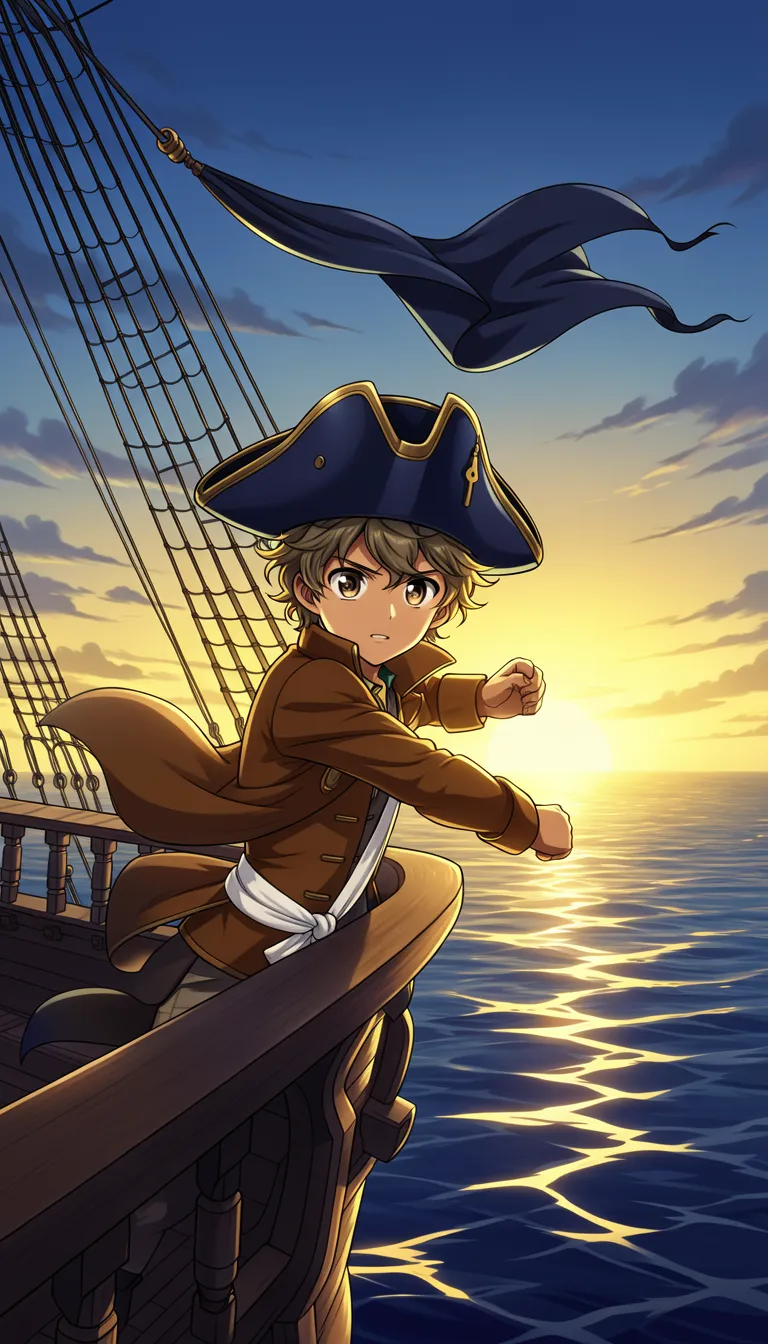
One Piece Video Generator

Turn your one piece worlds into a finished faceless clip in one piece video generator style. Describe a scene, choose a voice, and get visuals, voiceover, captions, and music for YouTube Shorts and TikTok. Our one piece video generator helps you publish faster without editing headaches.

Faceless episode scenesAI voiceover narrationAuto captionsBackground music included

Script

Choose a topic or add your own with Custom Script/Prompt

0/1200 words

Media Type

Choose how Blipix fills your scenes with visuals.

AI Images
AI Motion Video
Stock photos
Stock video

Art Style

Select from 30 art styles to define the visual aesthetic of your video

Anime
Anime
Surrealism
Surrealism
Retro Pixel Art
Retro Pixel Art
Lego
Lego
Creepy Comic V2
Creepy Comic V2
Plastic Toy
Plastic Toy
Cyberpunk
Cyberpunk
Photo Realism
Photo Realism
Lo-Fi Vibes
Lo-Fi Vibes
Horror
Horror
Blipix
Blipix
Minecraft
Minecraft

Animate Frames+10 credits

Grab attention instantly and boost watch time by up to 40%.

Narration Voice

Choose the perfect voice for your narration

Fable

Storytelling, Fantasy

MaleMiddle-agedBritish

Jessica

conversational

FemaleYoungAmerican

Onyx

Authoritative, Documentary

MaleMiddle-agedAmerican

Will

social media

MaleYoungAmerican

Music Settings

Select or generate the perfect music for your video

Highlights

Rock, Motivational

Quiet before storm

Dramatic, Tension

Stradivarius

Motivational, Inspiring

Acoustic Inspirational

Acoustic, Inspiring

Language

Select the language of your video

Aspect Ratio

Select the aspect ratio of your video

No credit card required • Get started in seconds

Example Output

Target Audience

Who is this tool for?

Shorts creators

If you post quick lore recap clips or “next episode” story moments, this helps you keep output steady. You can build faceless scene videos that fit the fast attention span on TikTok, YouTube Shorts, and Instagram Reels.

Anime lore storytellers

Use your own story arcs, character moments, and dramatic reveals to create episodes that feel like a mini narrative. Captions make it easier for viewers to follow your lines as the scenes shift.

Merch and brand pages

For pages that want thematic video posts tied to drops or events, you can create consistent content without scheduling shoots. The visuals and narration come from your written scene, so updates are quick.

Multi-fandom channels

You can add one piece style clips to a broader anime posting plan without rebuilding your whole process each time. Keep one voice and caption style for brand consistency, then rotate story ideas.

Why This Tool

Everything you need to know

101

Create Blipix one piece clips from your script

You write the scene, choose the voice, and the platform builds a full faceless video with visuals, narration, captions, and music. This is great when you want to post character moments, dramatic reveals, or lore-style storytelling without filming. If you are new, start with a short script and generate once, then tweak the wording until it feels right.

202

Turn dialogue beats into visuals

Your text guides what happens next, so you can focus on the story rather than production details. Add clear action lines and speaker tags to help the narration and visuals stay aligned. Captions help your audience track the dialogue even on mute.

303

Three-step process to publish faster

Paste your script, pick voice and music style, then generate the finished clip. After it renders, download it and upload to your TikTok, YouTube Shorts, or Instagram Reels account. The goal is to cut down the time you spend formatting and editing.

404

Use it for recaps and mini episodes

Create quick recap style clips, “what happens next” episode teasers, or character-driven scenes for your channel. Mix action and emotion by changing how you describe the moment in your script. Captions make each clip easy to understand while viewers scroll.

Why Choose Blipix for One Piece Video Generator Style?

Traditional anime video production is hard because it usually needs filming, editing, and a lot of retakes to match your exact scene beats. The platform lets you go from your written moment to a finished clip without the guesswork of production.

Story control

Describe the scene and dialogue you want, then generate visuals and narration that follow your text.
Filming makes it hard to repeat the exact timing and story beats you imagined.

Consistency

Keep the same voice and caption pacing across a series so episodes feel related.
Different takes and editors can make each clip feel mismatched.

Captions for scroll

Captions are built into the video so viewers can follow along on mute.
Adding captions takes extra tools and extra time per video.

Production speed

Generate a complete, upload-ready clip from your description and narration choice.
You need planning, recording, and multiple editing passes to finish.

Scenario variety

Try new locations, moods, and action moments by changing the script details.
New scenes require new locations, props, and more scheduling.

Series batching

Create multiple episodes in one sitting using different scripts and voice choices.
Batching means booking time and gear for every new scene.

Pick voice and caption style that fits

Matching the tone matters, especially for action, comedy, or emotional beats. Choose an AI voice, then adjust how the captions land on screen so the pacing feels right when people scroll fast and watch without sound.

How It Works

You write or paste the scene you want, then choose an AI voice for the narration. Next, the platform creates your visuals, voiceover, captions, and background music, ready for you to download and post.

Step 01

Paste a Scene Script

Write the dialogue and action you want the video to cover, or paste a script you already have. Keep scene directions clear like who is speaking and what happens, so the visuals and narration match your intent.

Step 02

Choose Voice, Music, Captions

Select an AI voice for the narration and decide the vibe of the background music. The tool automatically adds captions so your one piece moment works well on TikTok, YouTube Shorts, and Instagram Reels even when people scroll on mute.

Step 03

Generate and Download

Click generate and review the finished video with voiceover, visuals, captions, and music. When it looks right, download it and upload to your channel for Shorts, Reels, or TikTok right away.

Make one piece videos from a script

If you have an episode idea, you can turn it into a full video without filming, acting, or editing. Paste your script, pick an AI voice that matches the vibe, then let the tool build visuals with on-screen captions so viewers can follow along on TikTok, Reels, and Shorts.

Viral Faceless Videos for Any Audience

Reach any audience with videos that are unique, fast, and fully automated.

Faceless Video

Bravery at Omaha Beach

Cartoon Style

Fruit Drama

POV

I Wake Up as an Egyptian

Faceless Video

Cleopatra's Rise

FAQ

Frequently asked questions about our one piece video generator

01

What exactly is a one piece video generator?

It turns your written scene into a finished video with narration, captions, visuals, and background music. You focus on the story beats you want, and the platform handles the rest.
02

Can I use my own voiceover text for one piece clips?

Yes. Paste your dialogue and action, then pick an AI voice to read it. If you want a specific tone, adjust the wording and include clear speaker cues.
03

How do captions stay readable on TikTok and Shorts?

Write shorter lines and keep sentences punchy so the caption timing is easier to follow. After you generate, skim for any crowded lines and tweak your script where needed.
04

Will the visuals match the scene I wrote?

They should line up with the details you include, like location, mood, and who is on screen. The more specific your scene directions are, the closer the visuals tend to feel to your intent.
05

Is the one piece video generator free to try online?

You can try it free online to generate your first video and see if the results match your style. If you like what you get, you can keep making more clips from new scenes in the same format.
06

What happens if my script is too long?

Very long scenes can make pacing feel off for short-form posting. If you’re aiming for TikTok or Shorts length, break the idea into smaller episodes with clear beginnings and endings.
07

Can I make Instagram Reels with the same project?

Yes. Generate your clip once, then download and upload it to Reels. If you want stronger engagement, keep your hook line near the start of your script.
08

How can I reduce mistakes in the generated narration?

Use clean wording, avoid slang that’s hard to interpret, and label speakers like “Luffy:” “Zoro:” when dialogue changes. Short paragraphs help the narration stay clear.
09

Do I need editing skills to publish the finished video?

No. You generate a ready-to-post video that already includes voiceover, visuals, captions, and music. Your main job is polishing the script so the story flows.
10

How does Blipix help with creating faceless anime scenes?

Blipix turns your written scene into a full faceless video with narration, captions, and music so you can post without filming. Create your first clip, review it, and tweak your script until it feels right.

Generate your first one piece clip

Try it free now and see your video come together.