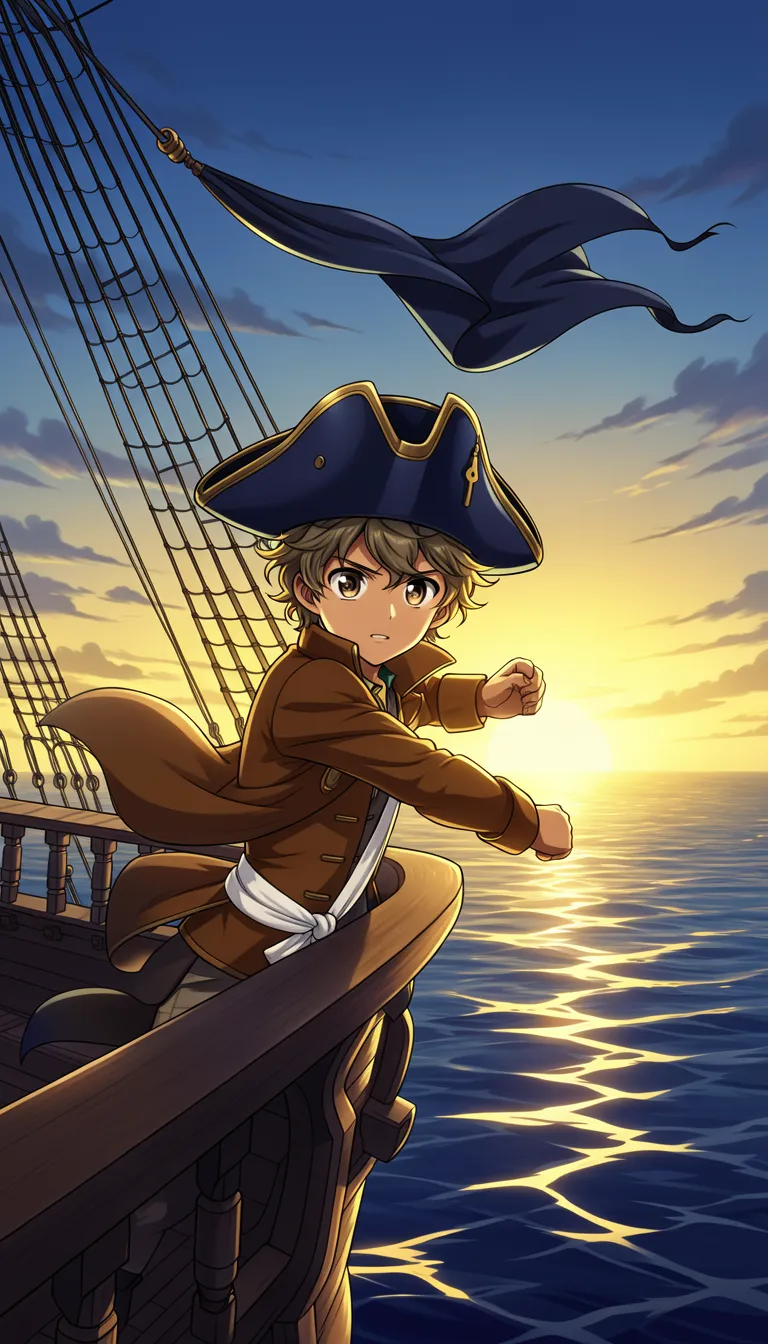
Choose a topic or add your own with Custom Script/Prompt
Select from 30 art styles to define the visual aesthetic of your video
Anime
Surrealism
Retro Pixel Art
Lego
Creepy Comic
Plastic Toy
Cyberpunk
Photo Realism
Lo-Fi Vibes
Halloween
Blipix
MinecraftGrab attention instantly and boost watch time by up to 40%.
Choose the perfect voice for your narration
Echo
Narration, Informational
Fable
Storytelling, Fantasy
Jessica
conversational
Will
social media
Select or generate the perfect music for your video
Highlights
Rock, Motivational
Quiet before storm
Dramatic, Tension
Stradivarius
Motivational, Inspiring
Acoustic Inspirational
Acoustic, Inspiring
Select the language of your video
Select the aspect ratio of your video
Get started free • No credit card required • First video on us
Who is this tool for?
If you like manga storytelling but do not want to spend hours editing, this helps you turn scenes into publishable clips. You can create dunk match moments with captions, voiceover, and music so your page idea becomes a real video you can share.
For hoops fans who want more variety than highlights, you can make fictional rivalries, comeback stories, and hype dunk builds. Post short clips to TikTok and Shorts to keep your followers coming back for the next play.
Build recurring matchups by keeping your characters consistent across episodes. You can generate a new dunk scene each time, then keep a simple storyline that viewers can recognize and follow.
Add manga-style basketball drops to a broader channel so your content does not stay stuck in one theme. When your audience expects stories, you can deliver fresh action scenes without scheduling real shoots or sourcing extra footage.
Everything you need to know
With Blipix, you can turn your basketball story beats into a finished video with manga-inspired visuals, voiceover, captions, and music. Describe the dunk moment you want, then watch the platform build a complete clip you can post. If you want to tweak the energy, you can change the description and regenerate.
The tool reads your scene text and turns it into a video with narration support and on-screen captions. Choose a voice that fits the character mood, then set the look so it feels like manga panels in motion. You do not need to learn editing tools to get a publishable result.
First, write a short scene covering who has the ball and what happens next. Next, pick the art feel and AI voice so the mood is clear before generation. Finally, download your video and upload it to Shorts or Reels.
Use this for quick rivalry drops, comeback montages, or hype end-of-quarter moments. Keep a consistent theme so viewers know what to expect, then refresh the final play each episode. You can also make separate versions for different platforms without extra production work.
Traditional video making takes lots of setup, filming, and edit time, so changing your scene ideas is slow. The platform helps you create the exact dunk moment you describe, then tweak it and generate another version without starting over.
| Feature / Benefit | Blipix Create Slam Dunk Manga Video | Real Slam Dunk Video Filming |
|---|---|---|
| Content control | Specify players, setup, and emotional beats to match your dunk moment. | Real footage depends on what happens, not what you want to show. |
| Consistency | Keep your character vibe and match format across episodes with repeatable scene prompts. | Reshoots can change lighting, angles, and performance each take. |
| Sound and music | Guide the music mood so the narration and captions feel timed to the action. | You must source and edit audio layers manually. |
| Production time | Generate a full video directly from your scene description and voice choice. | Casting, filming, and editing takes much longer than one scene. |
| Scenario variety | Create any matchup style and dramatic dunk build, even fictional ones. | You can only film what is realistically available to you. |
| Volume | Make multiple clip versions from the same premise to find your best storyline. | Testing many versions usually means many shoots and edits. |
Switch up the look and pacing by choosing different art styles and an AI voice that fits your character energy. If you want your clip to feel hype, tense, or funny, you can adjust the voice and music choices before generating.
Start by pasting your scene in the tool and naming the vibe you want, like rivalry, comeback, or comedy. Choose an AI voice, then generate a finished video with captions and audio included. When it looks right, download and post to TikTok, Instagram Reels, or Shorts.
Write a short scene for your basketball moment. Include key beats like who has the ball, what the crowd is doing, and how the dunk should feel. Clear details help your clip match your vision.
Choose an AI voice and select the manga look you want for panels and motion feel. Add music direction too, like intense crowd energy or a dramatic build, so your narration and visuals land together.
Generate your video and review the full result with captions already added. Download it, then upload to TikTok or YouTube Shorts. If it is not quite right, tweak your scene text and run it again.
Say what the moment needs, like a rivalry tip-off, a clutch three, or a slow-motion dunk build-up. The platform turns your description into a finished video with visuals, voiceover, captions, and background music so you can focus on the story, not the editing.
Discover more tools to enhance your content creation workflow
Turn a manga idea into a full video with voice, visuals, captions, and music.
Turn your Solo Leveling-style story into a complete faceless video with voiceover, captions, and music.
Create basketball videos from your words, with voiceover, captions, and ready-to-post visuals.
Turn a sports story into a full faceless video with voiceover, captions, and music.
Write your soccer idea, pick a voice, and get a ready-to-post video.
Create motivational videos from text with AI voiceover, captions, visuals, and music.
Frequently asked questions about our create slam dunk manga video