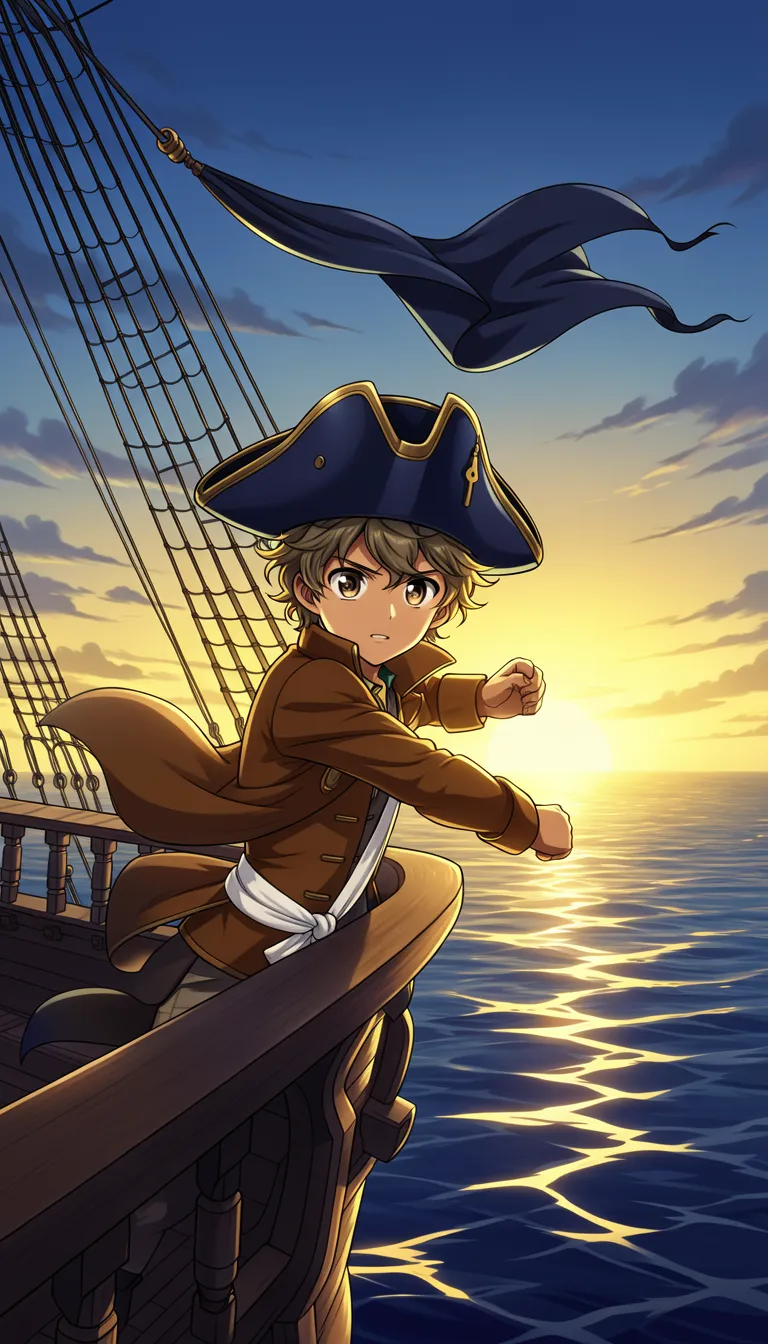
Attack On Titan Video Generator

Turn your attack on titan video generator ideas into a ready-to-post faceless battle clip. Type a short scene, choose an AI voice, and get visuals with captions for TikTok, YouTube Shorts, and Reels. Try it free on the platform and see your first version today.

Faceless battle clipsAI voiceover includedAuto captionsMusic in the background

Script

Choose a topic or add your own with Custom Script/Prompt

0/1200 words

Media Type

Choose how Blipix fills your scenes with visuals.

AI Images
AI Motion Video
Stock photos
Stock video

Art Style

Select from 30 art styles to define the visual aesthetic of your video

Anime
Anime
Surrealism
Surrealism
Retro Pixel Art
Retro Pixel Art
Lego
Lego
Creepy Comic V2
Creepy Comic V2
Plastic Toy
Plastic Toy
Cyberpunk
Cyberpunk
Photo Realism
Photo Realism
Lo-Fi Vibes
Lo-Fi Vibes
Horror
Horror
Blipix
Blipix
Minecraft
Minecraft

Animate Frames+10 credits

Grab attention instantly and boost watch time by up to 40%.

Narration Voice

Choose the perfect voice for your narration

Fable

Storytelling, Fantasy

MaleMiddle-agedBritish

Jessica

conversational

FemaleYoungAmerican

Onyx

Authoritative, Documentary

MaleMiddle-agedAmerican

Will

social media

MaleYoungAmerican

Music Settings

Select or generate the perfect music for your video

Highlights

Rock, Motivational

Quiet before storm

Dramatic, Tension

Stradivarius

Motivational, Inspiring

Acoustic Inspirational

Acoustic, Inspiring

Language

Select the language of your video

Aspect Ratio

Select the aspect ratio of your video

No credit card required • Get started in seconds

Example Output

Target Audience

Who is this tool for?

Anime editors and creators

You can turn a quick battle idea into a full postable clip without hunting for footage. This is great when you want new Attack on Titan style scenes on a steady schedule, even if you do not have editing time.

Short-form storytelling accounts

If your audience expects frequent episodes, you can write one scene per post and keep the tone consistent across episodes. Captions help people watch without sound, which is key for Reels and Shorts.

Voiceover-focused channels

If you like narrating anime-style plots, you can generate voiceover that matches the lines you wrote. Then captions and music come along so your clip still feels complete when you upload.

Cross-niche content planners

You can reuse your worldbuilding ideas in different lengths and platforms. Make one core scene, then adjust the script to fit TikTok, Shorts, or Reels without restarting your whole production.

Why This Tool

Everything you need to know

101

Blipix Attack on Titan style videos from text

Write the scene you want, pick an AI voice, and the platform builds a full faceless video with visuals, captions, voiceover, and background music. You can create short battle moments for TikTok, YouTube Shorts, and Instagram Reels without coordinating filming. The focus stays on your story beat, not on technical setup. Start by describing who is speaking and what the action is doing.

202

Voice, captions, and music for short episodes

Your dialogue drives the voiceover, while captions show the key lines for viewers watching without sound. Music helps the scene feel tense or fast when your script calls for it. If the vibe is too calm or too chaotic, adjust your wording and re-run the generation with a different music mood. Keep your hook line upfront to grab attention early.

303

How to craft an Attack on Titan clip

First, paste your scene text and keep it focused on one moment, like a warning, a chase, or a sudden switch in power. Next, choose an AI voice that fits the emotional tone and set a visual direction that matches your intent. After that, generate and review the finished output with captions visible, then download it when it matches what you planned.

404

Battle scene ideas for Shorts and Reels

Try a “last-second warning” clip where a character interrupts a plan, then follows with a single action beat. Or make a “team regroup” scene with quick dialogue and a music shift. You can also format mini episodes by ending each clip with a cliffhanger line that points to the next post. Repeat your structure so your audience learns what to expect.

Why Choose Blipix for Attack On Titan Content?

Traditional anime-style video making is hard because you need usable footage, voice talent, and time-consuming editing. The platform lets you generate a faceless clip directly from what you write, with captions and music included.

Content control

Specify dialogue, action beats, and setting details in your text, then generate visuals around that.
You often get footage that does not match your exact plot moment, forcing compromises.

Consistency

Keep the same voice and recurring scene structure to make each episode feel related.
Real-world shoots and different takes make it tough to keep tone steady.

Captioning

Captions are created to match the voiceover so viewers can follow on mute.
You would need to add captions manually and sync them to your audio.

Production time

Generate a full faceless video from your scene text and get a draft you can revise.
Editing and assembling everything can take multiple sessions.

Scenario variety

Try different battle setups by changing your script without redoing production.
New locations and shot types require planning, props, and reshoots.

Version testing

Regenerate alternative takes by adjusting a few lines to change pacing or emphasis.
Re-recording and re-editing for small changes takes longer.

Match characters with voice and caption tone

The hardest part for these battles is getting the timing to feel right. Pick an AI voice that fits the character role, then adjust your script so key lines land on the beats, while captions keep your audience from needing sound on TikTok and Reels.

How It Works

You write your scene, pick an AI voice, and the platform generates a full video with voiceover, visuals, captions, and background music. If your first draft needs tweaks, you can edit the text and regenerate quickly to get closer to your vision.

Step 01

Write the scene and stakes

Paste or type what happens in your Attack on Titan style moment. Include who is talking, what the setting looks like, and the exact action beats you want, like a sudden charge, a warning, or a cliffhanger line.

Step 02

Choose voice, style, and pacing

Select an AI voice that matches the character vibe, then choose a visual style direction and music mood. Keep your lines short for faster pacing, especially for YouTube Shorts and TikTok formats.

Step 03

Generate, review, and download

Hit generate and review the full faceless video with captions and audio. When it matches your cut, download it and post to TikTok, YouTube Shorts, or Instagram Reels.

Make Attack on Titan videos from a script

If you want that intense Survey Corps mood without filming anything, start with a scene description. Write what happens, who is speaking, and where the action takes place, then let the tool build visuals, voiceover, and on-screen captions you can post right away.

Viral Faceless Videos for Any Audience

Reach any audience with videos that are unique, fast, and fully automated.

Faceless Video

Bravery at Omaha Beach

Cartoon Style

Fruit Drama

POV

I Wake Up as an Egyptian

Faceless Video

Cleopatra's Rise

FAQ

Frequently asked questions about our attack on titan video generator

01

Do I need an editing skill for faceless anime battles?

No. You only need to write your scene clearly and pick a voice. The platform handles the visuals, voiceover, captions, and music so you can focus on the story beat you want.
02

How do I write a script that sounds right on TikTok?

Use short lines and make the action explicit. Add one clear hook in the first sentence, then end each post with a strong payoff line so viewers want to watch the next clip.
03

What makes an attack on titan video generator output feel authentic?

Specific details beat vague descriptions. Mention the mood of the moment, the character intent, and what the viewer should notice in the background, like rushing shapes, tense stares, or sudden movement.
04

Can I choose an AI voice that fits my character lines?

Yes. Pick a voice that matches the emotional tone of the dialogue you wrote, like confident warnings versus panicked reactions. If it feels off, adjust your wording and try again.
05

Will captions match the voiceover in my video?

They are generated for the voiceover you create, so they should track your spoken lines. If you change the script, regenerate so the captions stay aligned with the new narration.
06

Can I post the same clip to YouTube Shorts and Instagram Reels?

Yes. Download your finished video and upload it to each platform. For best results, keep your scene length in the short-form range and make your hook clear early.
07

Is an attack on titan video generator free to try?

You can start free on the platform to generate your first draft and see how your script turns into a post-ready video. If you like the result, you can continue with more variations.
08

What if the first video does not match my scene?

Tweak the text first. Rewrite the lines that feel wrong, add one or two extra action cues, and regenerate. Small wording changes often fix pacing and scene focus.
09

How long should my script be for a good short video?

Aim for a tight scene with a beginning, a turn, and a finish. If you notice the action dragging, shorten sentences and remove extra background description.
10

Does the platform support multiple styles within the same series?

Yes. You can keep the same character voice and change the setting or art direction between episodes. Consistency comes from your repeated script structure and recurring dialogue styles.

Generate your first battle video

Start free now. Make a draft in one session.