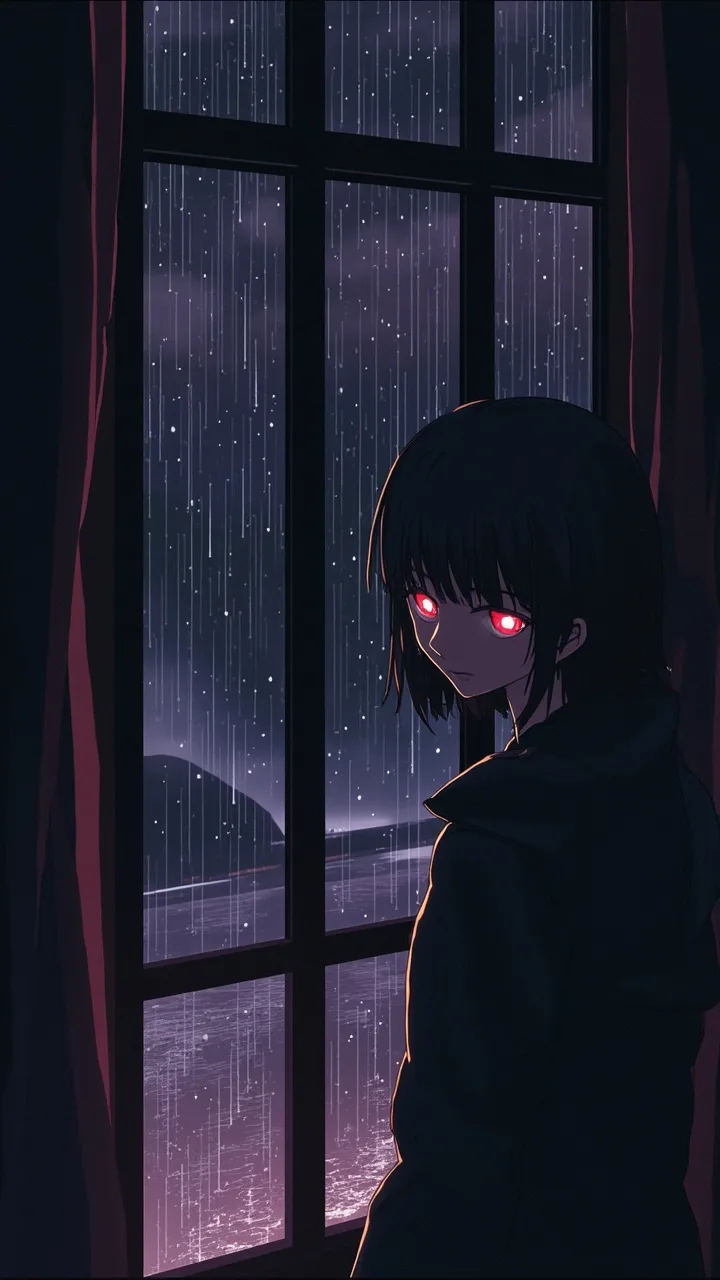
Create Death Note Videos

Create death note videos by turning your ideas into a complete, faceless clip for social media. Pick a vibe, narration style, and visuals that match the dark notebook mood. Post-ready for TikTok, YouTube Shorts, Instagram Reels, and more.

Start from text fastAI voiceover includedCaptions for mobileNotebook mood visuals

Script

Choose a topic or add your own with Custom Script/Prompt

106/1200 words

Art Style

Select from 30 art styles to define the visual aesthetic of your video

Dark Anime
Dark Anime
Surrealism
Surrealism
Retro Pixel Art
Retro Pixel Art
Lego
Lego
Creepy Comic
Creepy Comic
Plastic Toy
Plastic Toy
Cyberpunk
Cyberpunk
Photo Realism
Photo Realism
Lo-Fi Vibes
Lo-Fi Vibes
Halloween
Halloween
Blipix
Blipix
Minecraft
Minecraft

Animate Frames+10 credits

Grab attention instantly and boost watch time by up to 40%.

Narration Voice

Choose the perfect voice for your narration

Charlie

conversational

MaleMiddle-agedAustralian

Jessica

conversational

FemaleYoungAmerican

Matilda

narration

FemaleMiddle-agedAmerican

Will

social media

MaleYoungAmerican

Music Settings

Select or generate the perfect music for your video

EDM Goes Epic

Epic, Upbeat

Highlights

Rock, Motivational

Stradivarius

Motivational, Inspiring

Acoustic Inspirational

Acoustic, Inspiring

Language

Select the language of your video

Aspect Ratio

Select the aspect ratio of your video

Get started free • No credit card required • First video on us

Example Output

Target Audience

Who is this tool for?

Anime edit creators

If you like making fan-style edits with dark, clever storytelling, this helps you go from idea to a complete video without arranging clips. You can focus on the writing and punch up the twist instead of dealing with footage hunting and reshoots.

YouTube Shorts storytellers

When you want quick episodes with clear narration, you can turn each scene into a ready-to-upload Shorts format. Consistent captions help your message stay understandable even with sound off.

Reels and TikTok series

Turn recurring notebook-style plots into a repeatable content format that fits Reels and TikTok. You get a finished clip each time, so you can keep a steady pace for your audience without starting from scratch.

Writers who hate filming

If your strength is story writing but you do not want to handle cameras, this is your shortcut. Your script drives the scenes, and the tool handles visuals, voiceover, captions, and music so your concept can still look polished.

Why This Tool

Everything you need to know

101

Blipix Death Note style videos for free

Turn your Death Note-inspired scene into a complete faceless video with narration, captions, and background music. You choose the voice feel and the visual vibe, so the tone matches your story. Once it looks right, you can download and post it on TikTok, YouTube Shorts, or Instagram Reels. If your first version misses the mood, tweak your text and try again.

202

Turn your beats into tense notebook moments

The tool reads your written scene and builds the video around the pacing you set. Your narration and captions help viewers follow the plot even when they scroll fast. Background music supports the mood without you needing sound editing. Keep your writing structured for clearer on-screen timing.

303

Create Death Note clips in three steps

First, paste your script or scene beats. Next, pick a voice and visual style that fits the notebook vibe, then choose the music feel. Finally, generate the video, review it, and download when it matches your vision.

404

Series ideas for Shorts, Reels, and TikTok

Use this for short episodes, cliffhanger twists, or character-based warnings that repeat across posts. Captions make it easier for viewers to understand the story without sound. It is a good way to keep a steady schedule while staying creative. Build one plotline, then remix endings to keep people coming back.

Why Choose Blipix for Create Death Note Videos?

Making dark anime-style stories from real footage is hard because you have to plan scenes, find visuals, and reshoot when timing is off. With AI video creation, you control the story beats in your text and get a finished video you can post without the usual chaos.

Story control

Write the exact moments you want, then the visuals and narration follow your text.
Your footage often forces you to change the story because shots do not match your plan.

Consistency

Keep the same tone across episodes by reusing your structure and tweaking only the ending.
Lighting, location, and performance changes can make every take feel different.

Audio readiness

Voiceover and background music are included so you can post without extra audio work.
You need separate editing and sound syncing before the video is ready.

Production time

Generate a full draft from your text and revise when needed.
Filming and editing take longer, even for one short clip.

Scenario variety

Build quiet warnings, tense reveals, and dramatic twists without filming any locations.
Real-world constraints limit what you can show and how quickly you can change it.

Volume of ideas

Test multiple scene variations in the same session to find what your audience likes.
More ideas mean more shoots, more coordination, and more costs.

Make your notebook scenes match your style

Instead of guessing visuals, you choose the look and tone you want, then the tool builds each moment to fit that mood. If you have a character intro, a threat, or a twist ending, your video can keep those beats clear for viewers who watch on small screens. It also gives you options for voice pacing so it lands the way you imagine.

How It Works

You paste your script, pick the voice and scene vibe, then the platform generates a full video with visuals, voiceover, captions, and background music. No editing skills needed, so you can see results quickly and adjust your text if anything feels off.

Step 01

Paste Your Notebook Scene Script

Drop in your scene, dialogue, or narration beats. Keep it like a short story, with clear actions and moments you want shown. This helps the tool know what to build so your final clip follows your exact idea.

Step 02

Choose Voice, Look, Music

Select an AI voice that fits the character energy, then choose the visual style you want for the notebook mood. Pick the music vibe too, so the tension matches the narration while staying readable for TikTok and YouTube viewers.

Step 03

Generate, Download, Post

Hit generate and review the finished video with captions and background music included. Download it when you like the timing, then post to Shorts, Reels, or TikTok. You can tweak the script and run it again if you want a different ending.

How to create death note videos from your script

Write or paste your scene like a mini story, then let the platform turn it into a complete video with narration and captions. It is great when you want that tense, clever vibe without filming anything or coordinating scenes. You control what happens, and your viewer gets a clean, readable end result on Shorts and Reels.

FAQ

Frequently asked questions about our create death note videos

01

What should I include in a Death Note scene script?

Include who is speaking or thinking, what action happens next, and one clear twist or consequence. Short beats work best, because your narration and captions can track each moment without getting confusing.
02

Can I create death note videos with my own narration?

Yes. You can write your narration text and choose a voice style that matches the tone you want. If a line feels too fast or too slow, adjust the wording and regenerate.
03

Will captions be readable on TikTok and Shorts?

The generated video includes captions designed to stay legible on mobile screens. If your lines are long, break them into shorter sentences in your script for the clearest on-screen reading.
04

Do I need editing experience to finish a video?

No editing experience is required. You choose a vibe and voice, then download the finished video once it matches your expectations.
05

Can I control the visual mood of the notebook scenes?

You can pick a visual look and overall tone, then the platform builds visuals to match your choices. For best results, describe the moment you want shown, like a tense reveal or a quiet warning.
06

Is it possible to create multiple endings for the same idea?

Absolutely. Keep the first part of your script the same, then write a different final beat for each version. Regenerate to compare results and pick the ending your audience reacts to most.
07

How fast can I create death note videos and post them?

Speed depends on the length and complexity of your text, but you can move from paste to a ready-to-post draft without lengthy production steps. Try one short scene first, then expand your format once you like the look.
08

What if my script is too short or too long?

If it is too short, your video may feel rushed. If it is too long, pacing can get dense, so consider splitting it into parts and posting as a series.
09

Can I use these videos on YouTube, Instagram, and TikTok?

Yes, the output is made for posting on common social platforms like TikTok, YouTube Shorts, and Instagram Reels. You can format your content around the platform style you prefer before you share.
10

Does the platform cost money to try?

You can try it free to see how your first scene turns out. If you like the results, you can decide what to do next based on your own posting goals.

Generate your first Death Note video

Try it free now and get a ready-to-post video.