Upload a song or describe the music you want, then create a music video with AI-generated visuals.
Choose how Blipix fills your scenes with visuals.
Select from 30 art styles to define the visual aesthetic of your video
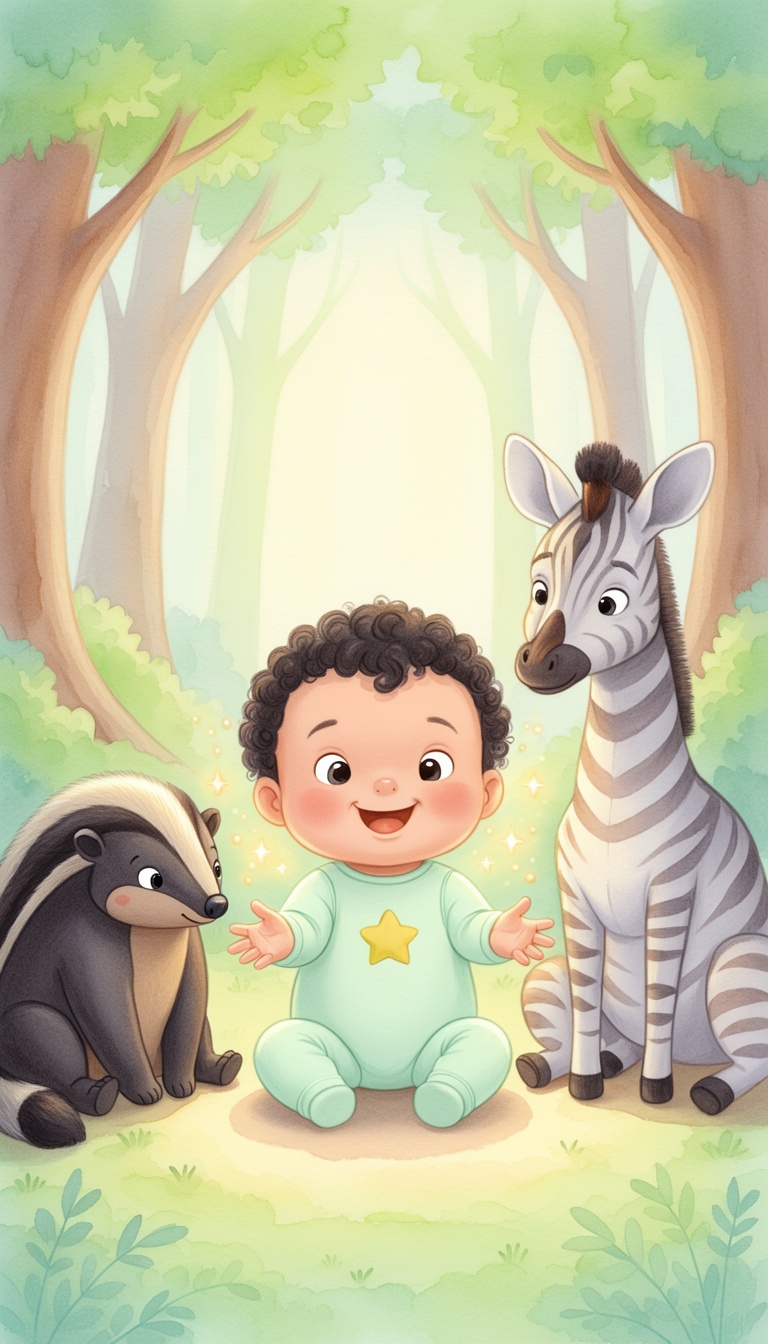
Children Book
Surrealism
Retro Pixel Art
Lego
Creepy Comic V2
Plastic Toy
Cyberpunk
Photo Realism
Lo-Fi Vibes
Horror
Blipix
MinecraftSelect the aspect ratio of your video
Get started free • No credit card required • First video on us
Who is this tool for?
Make sing-along videos for birthdays, holidays, and quiet-time routines using lyrics you already have. You can keep the tone kid-friendly and readable with on-screen captions parents can trust.
Create repeatable music videos for morning meetings, literacy practice, and calm-down routines. Having captions makes it easier for kids to follow along during group time or at home.
Turn your chorus and verse themes into videos that match your brand colors and song energy. Release multiple versions with different visuals to keep fans excited without booking extra production.
Batch ideas for weekly posts like “song of the week” or “theme day lyrics.” You can keep everything consistent in style while changing the song, so publishing stays steady even when your calendar is busy.
Everything you need to know
Turn lyrics, chants, and song ideas into a finished music video with captions built in. You choose the voice and visual style so it feels right for kids, not generic content. If you want a bright sing-along or a soft bedtime vibe, you can guide the look with your description. Try it free and see how your next song version looks on mobile.
Your directions shape the scenes so the video fits your chorus energy and verse tone. You can aim for playful color, cozy lighting, or calm settings depending on your theme. Captions help the lyrics land clearly, even for kids watching on small screens. Use it for classroom routines, family sing-alongs, and short social posts.
Start by adding lyrics or a short song outline. Next, pick a voice and a kid-friendly visual style, plus the music direction you want. Then generate the full video and export it for TikTok, YouTube, or Reels. If you want a different look, tweak one choice and create a new version.
Create music videos for counting songs, alphabet rhymes, weather themes, and bedtime lullabies. Use captions to support reading practice and keep the words easy to follow. Create multiple themes for different days, then keep your posting consistent with the same visual style approach. Perfect for families, teachers, and anyone making kids music content.
Traditional music video production is slow because it relies on filming, recording, and reshoots until the visuals match the lyrics. With AI, you describe the song, pick a kid-friendly vibe, and generate a full video with captions so you can try variations quickly.
| Feature / Benefit | Blipix Music Videos For Kids | Real Kids Music Video Filming |
|---|---|---|
| Content control | Specify kid-friendly tone, visual style, and caption clarity from your lyrics direction. | You might need many takes to get usable performances and readable text. |
| Consistency | Keep the same look across songs so your channel or classroom set feels uniform. | Each shoot can change lighting, costumes, or framing. |
| Sound alignment | Sync narration and caption timing to your chosen song direction so viewers follow easily. | Audio and on-screen text often require extra editing passes. |
| Production time | Generate a complete kid-focused music video from your lyrics and style choices quickly. | Scheduling, filming, and editing take days or weeks for one version. |
| Scenario variety | Try different settings and themes like space, rainbows, or bedtime without reshoots. | New locations require permits, props, and travel. |
| Posting volume | Create multiple versions for a theme week so you can post regularly. | More posts mean more production sessions and coordination. |
If you want different moods, you can steer the look by choosing styles that fit the genre, like playful animation for cheerful songs or calmer scenes for lullabies. Match the pacing to the energy of your verse so the visuals feel like they belong with the lyrics. Download and format it for the platform you care about most, including vertical shorts for quick sharing.
First, you add your lyrics or describe the song you want, plus the vibe and age-appropriate feel. Then you choose an AI voice, a visual style, and caption timing so the words are readable on mobile. Finally, you generate the full music video and export it to post on TikTok, YouTube, or Reels.

Drop in your lyrics or a short song outline, like “a counting song about planets” or “a bedtime lullaby in soft rhymes.” This tells the platform what to display and what the narration should sound like for your music video.

Choose a voice that fits your kids’ song and select a visual style that matches the mood. Add the music direction you want, then decide how bold you want captions so the words stay easy to read on small screens.

Hit generate to create a full music video with visuals, captions, and audio aligned to your lyrics. Download the result and share it to TikTok, YouTube, or Instagram Reels. Your next version can be a different style without starting over.
Write your lyrics or paste a song idea, then pick an AI voice and a visual style that feels fun and age-appropriate. You get a finished video where the words show up as captions so kids and parents can follow along. Use it for birthday songs, school performances, or just a weekly sing-along you can post.
Discover more tools to enhance your content creation workflow
Reach any audience with videos that are unique, fast, and fully automated.
Frequently asked questions about our music videos for kids