Choose a topic or add your own with Custom Script/Prompt
Choose how Blipix fills your scenes with visuals.
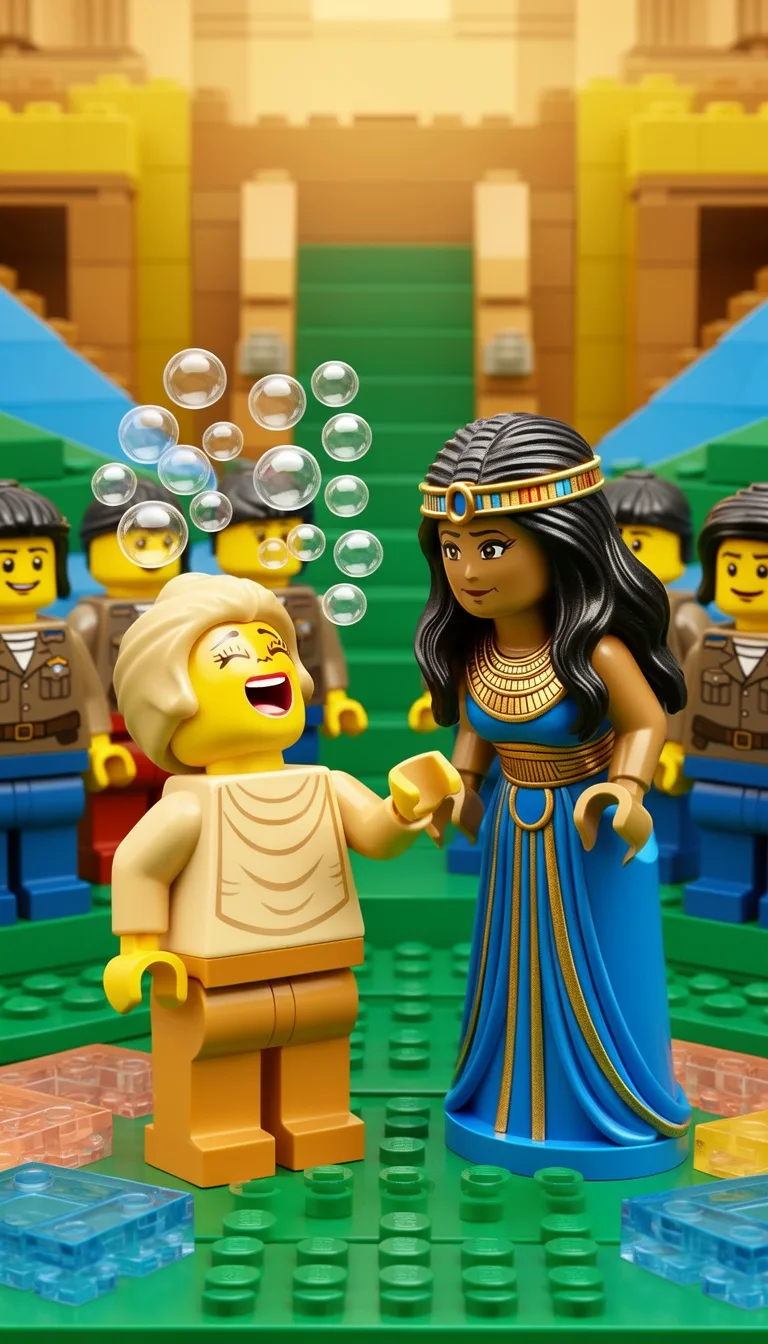
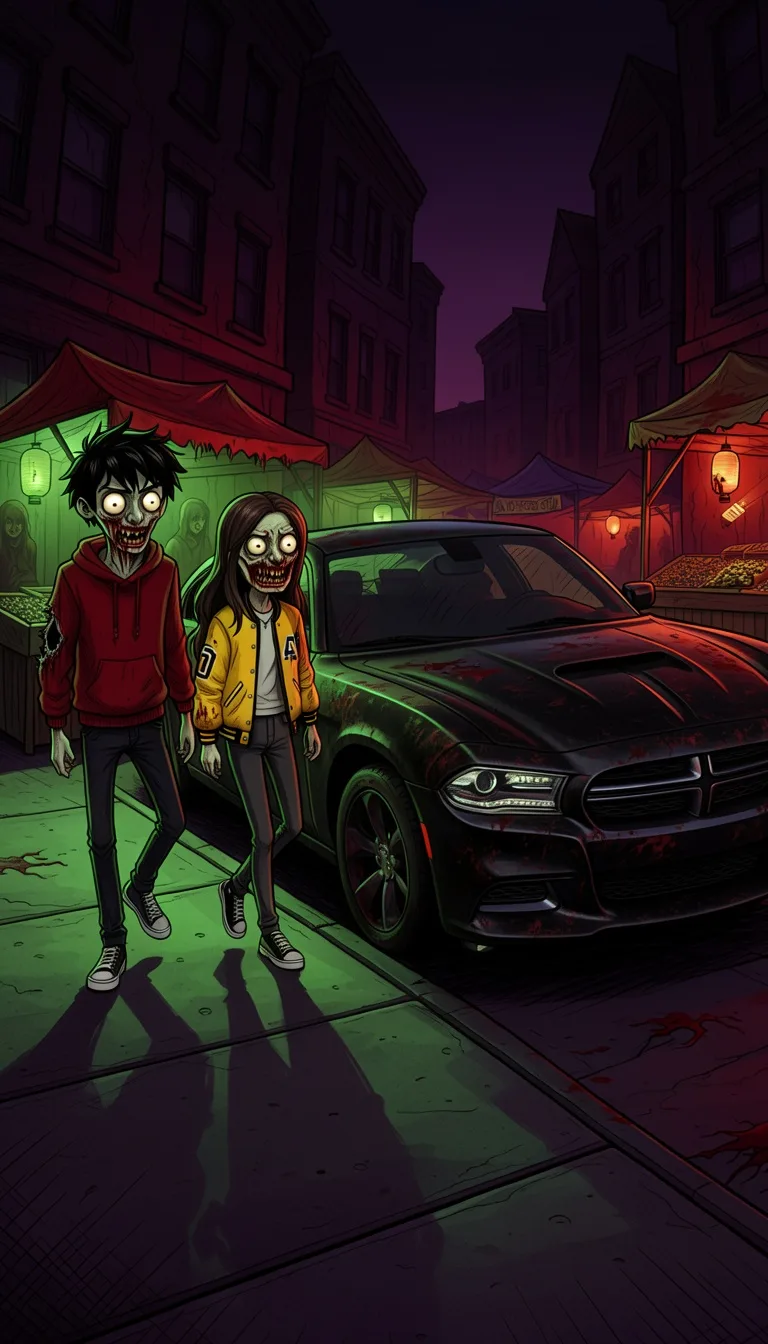
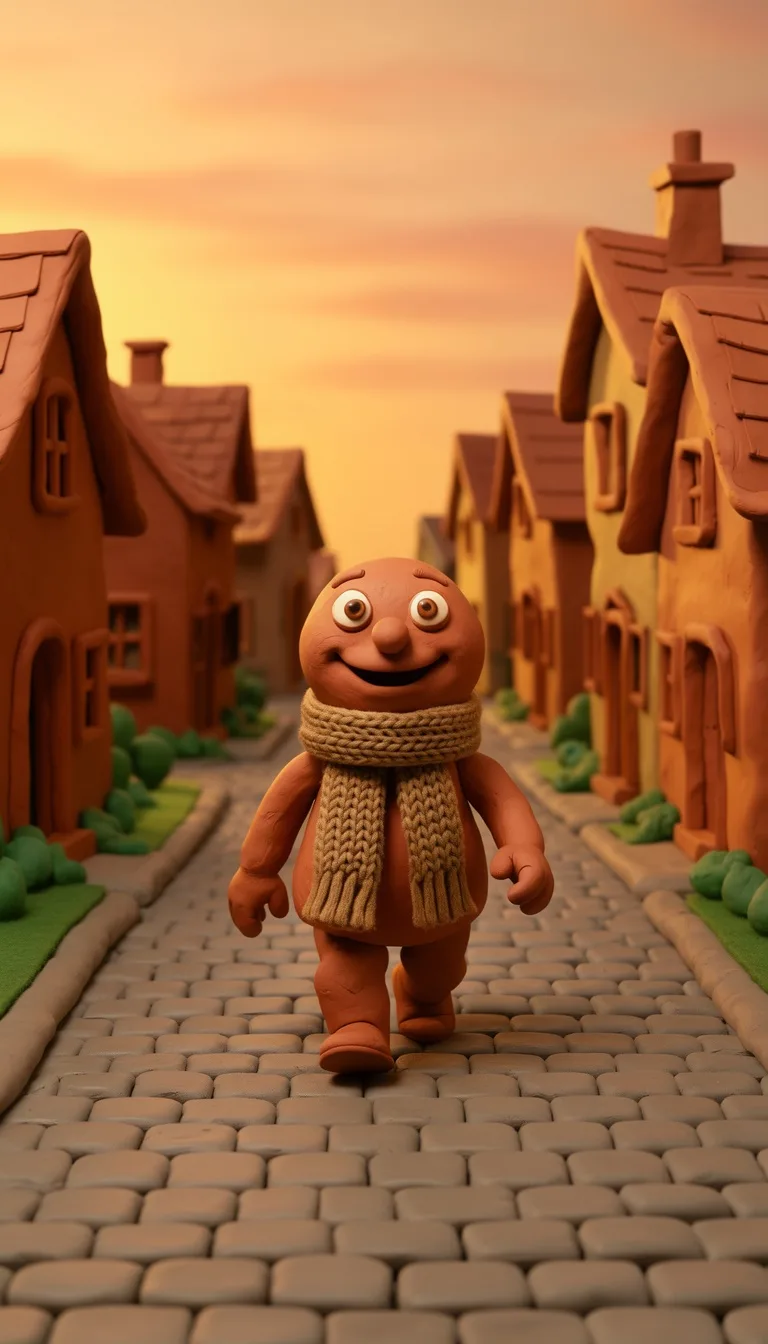
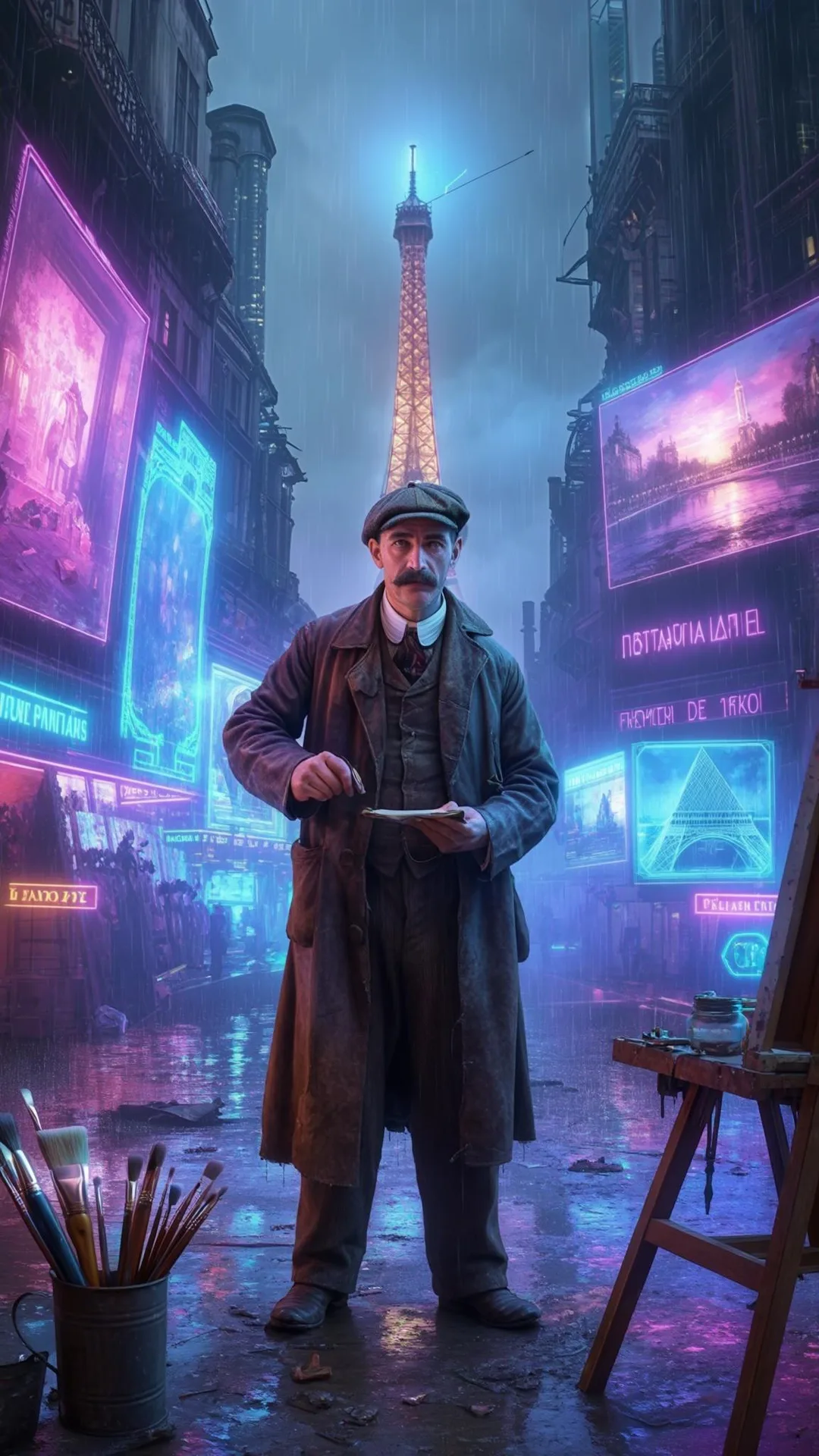
Select from 30 art styles to define the visual aesthetic of your video
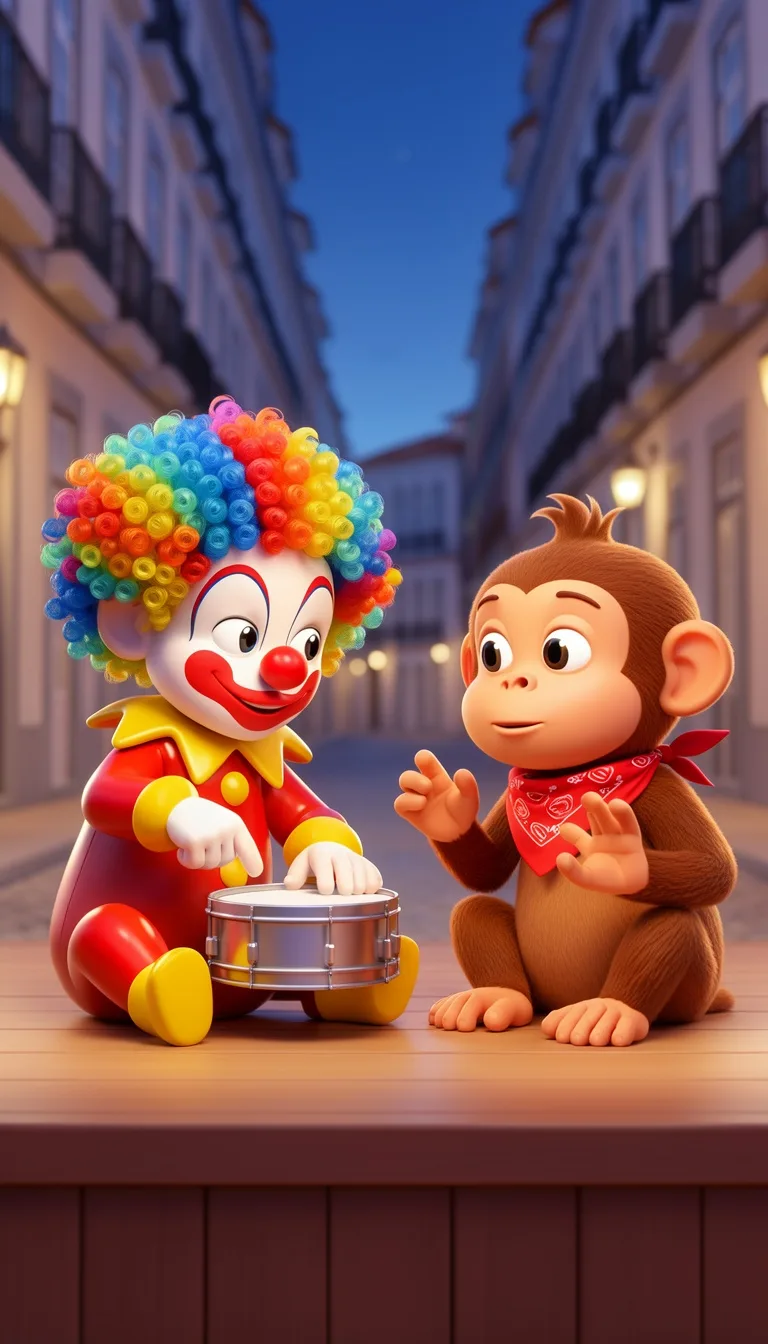
3D Cartoon
Surrealism
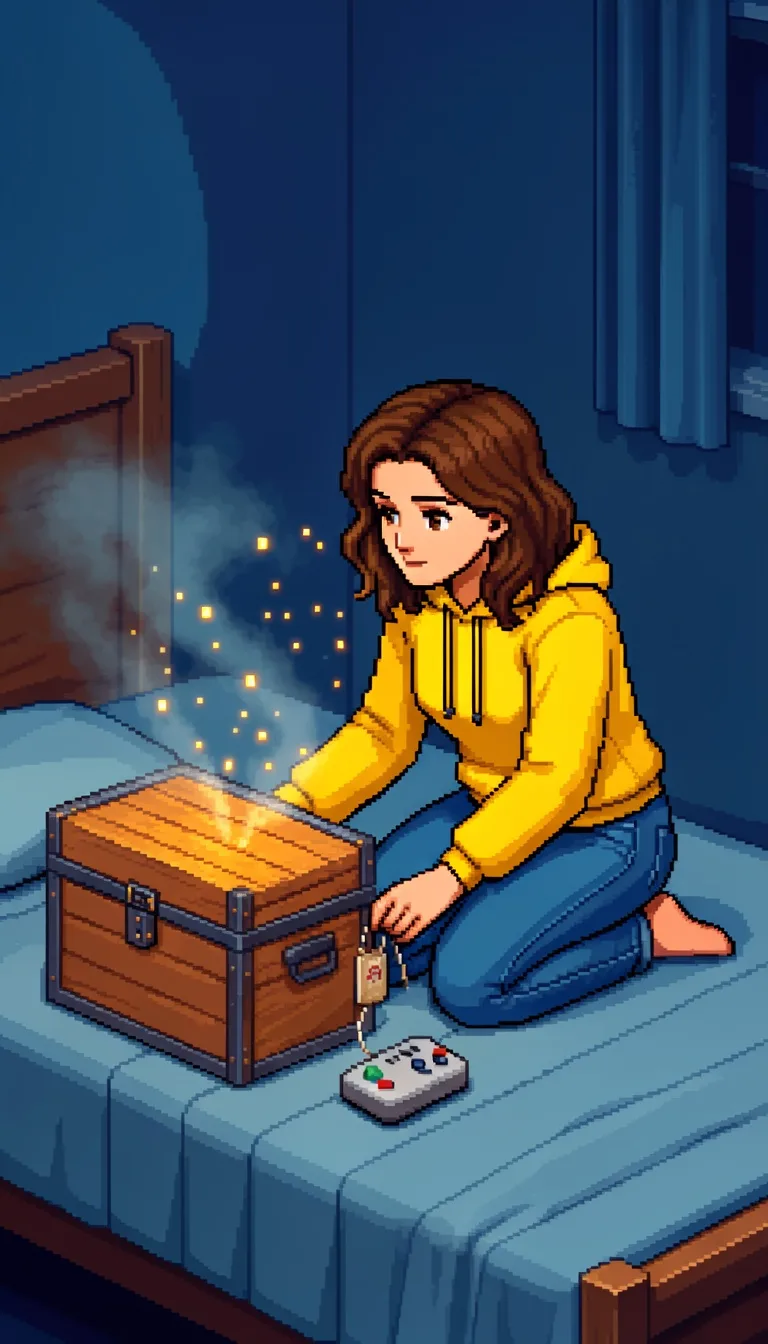
Retro Pixel Art
Lego
Creepy Comic V2
Plastic Toy
Cyberpunk
Photo Realism
Lo-Fi Vibes
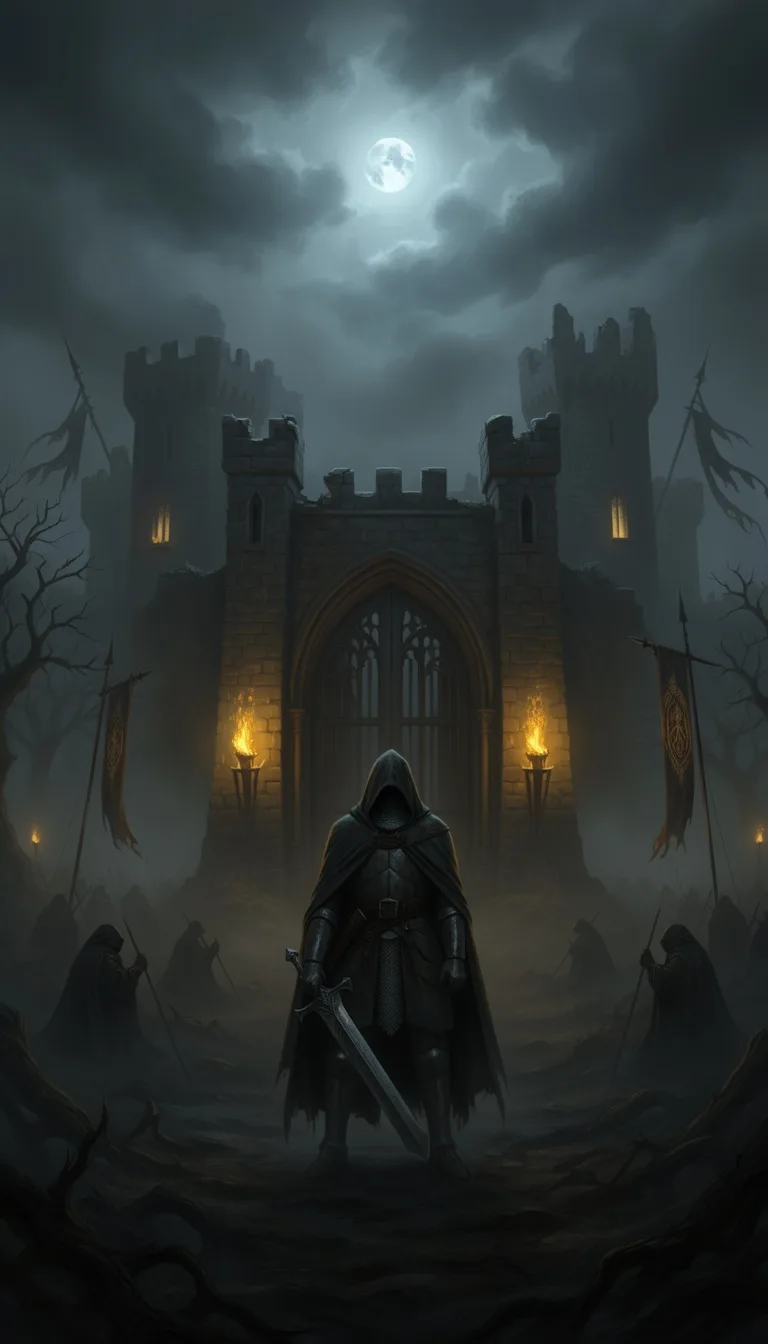
Horror
Blipix
MinecraftGrab attention instantly and boost watch time by up to 40%.
Choose the perfect voice for your narration
Fable
Storytelling, Fantasy
Jessica
conversational
Onyx
Authoritative, Documentary
Will
social media
Select or generate the perfect music for your video
Highlights
Rock, Motivational
Quiet before storm
Dramatic, Tension
Stradivarius
Motivational, Inspiring
Acoustic Inspirational
Acoustic, Inspiring
Select the language of your video
Select the aspect ratio of your video
No credit card required • Get started in seconds
Who is this tool for?
If you post car facts, racing stories, or themed jokes, you can publish clips without filming anything. Your audience gets a clear visual narrative with captions and voiceover that makes the idea easy to follow.
You can keep things light with school-safe humor, simple dialogue, and bright backgrounds. The captions help viewers catch every detail even with the volume off, which is great for social feeds.
Turn one character into a recurring set of episodes, like “The Lost Key Crew” or “Turbo Tuesday.” Each new scene can reuse your style so it looks like a real series, not random one-offs.
If you need consistent creative for social posts, you can make clean cartoon car scenes that stay on-brand. Generate multiple concepts from the same tone and art style, then pick the best performers to publish.
Everything you need to know
Type a scene about your cartoon cars and the tool builds the full clip for you. You control the narration and pacing, while the visuals, captions, and background music come together in one finished file. Try it with a funny race, a mystery detour, or a short “win moment” story.
Pick a cartoon look for the cars and backgrounds so your channel has a clear vibe. Select the AI voice to match your personality, then let captions and music support the narration. If you write clear action lines, the final result reads well for social viewers.
Start with one solid scene and generate your first version. Then change a single detail, like switching locations from street to highway, and regenerate a new outcome. This makes it easier to test what your audience likes.
Use the finished video for TikTok, YouTube Shorts, or Instagram Reels without extra editing steps. If you want to keep a weekly series, you can reuse the same style and character cues and just update the story beat. That helps your posts feel connected even when the plots change.
Filming animated-looking car content on your own is slow because you have to storyboard, shoot, and edit. The platform turns your scene text into a full faceless clip with voiceover, captions, and matching music, so you can try new ideas without reshoots.
| Feature / Benefit | Blipix Create Cartoon Cars Videos | Real Cartoon Car Filming |
|---|---|---|
| Content control | Describe the exact road, car details, and scene mood to guide what shows up. | You rely on what you can film and what actors or objects can actually do. |
| Consistency | Use the same cartoon style and character cues across episodes. | Lighting, angles, and props change every shoot. |
| Sound and captions | Get voiceover, captions, and background music that fit the narration. | You have to record audio and add captions manually. |
| Production time | Generate a ready-to-post vertical video from your text scene. | Planning and editing take multiple sessions. |
| Scenario variety | Switch settings and stakes, like a city chase or a desert escape, easily. | Location changes mean logistics and reshoots. |
| Volume | Make multiple episode ideas in one sitting by tweaking the scene. | More takes usually mean more filming time. |
Pick a cartoon style that matches your channel theme, like playful street racing or cozy neighborhood adventures. If your videos target parents, collectors, or car fans, you can keep the look consistent across posts so viewers know what to expect.
Add your car scene in the text box, choose an AI voice, and select the cartoon look you want. The platform builds the visuals, adds voiceover, generates captions, and includes background music that fits the mood.

Paste or type what happens in your cartoon car video, like the setup, the action, and the punchline. Include key details such as the road (city street, desert highway), the vibe (funny, dramatic), and what the car does.

Pick an AI voice for the narration, then select a cartoon art style for the cars and background. Add music vibes you want in the background, so your race scenes feel lively and your calm scenes feel cozy.

Generate your finished video, then download it in the right format for TikTok, YouTube Shorts, or Instagram Reels. If you want a new episode, tweak one line in your scene and run it again.
A real example you can generate with this tool, from script to finished video.
Tonight, under the glow of a streetlamp, a small legend revs awake. Lightning McQueen flicks his spoiler, but the track feels different, older somehow. A dusty tow truck named Mater rolls into frame, wearing a grin that could fix any engine. They tell the same story a thousand times: speed is thrilling, glory is bright, but friendship is the real fuel. On a midnight detour, a broken sign and a whispering wind push them toward a hidden city of memories. They race not for trophies, but for trust, for the moment when a mistake becomes a lesson and a new ally. Stay tuned, share your favorite Cars moment, and hit like.
Aria
Narration, Warm, Female
Echoes of Dawn
Piano, Cinematic
Blipix turns a script like this into a fully voiced, captioned video with matching AI scenes, music, and on-screen text, in minutes, no editing required.
Write a short scene about a race, a road trip mishap, or a big “win” moment, then generate a full video that matches your tone. You get a ready-to-post clip with voiceover and captions, so you can publish even when you are not on camera.
Discover more tools to enhance your content creation workflow
Turn scripts into brick-style Shorts: minifig mysteries, heist serials, and toy comedy.
Turn scripts into cartoon Shorts: comedy skits, recurring characters, and mini adventure episodes.
Turn a car racing script into a ready-to-post faceless video with voice, captions, and music.
Paste a sports script, pick a voice, and get a faceless video with visuals, captions, and music.
Make NBA-style career stories, GOAT debates, top 10 rankings, and what if Shorts from a script.
Make soccer-style match retellings, GOAT debates, World Cup stories, and what if Shorts from a script.
Reach any audience with videos that are unique, fast, and fully automated.
Frequently asked questions about our create cartoon cars videos