Create Final Fantasy Video

Create final fantasy video scenes from your script and get a ready-to-post clip for YouTube Shorts or TikTok. Pick an AI voice, and the platform builds voiceover plus captions and visuals in one go. Our final fantasy vibe stays consistent from episode to episode, even when you write new plots.

Script to finished videoAI voiceover narrationAuto captions includedFantasy mood visuals

Script

Choose a topic or add your own with Custom Script/Prompt

0/1200 words

Media Type

Choose how Blipix fills your scenes with visuals.

AI Images
AI Motion Video
Stock photos
Stock video

Art Style

Select from 30 art styles to define the visual aesthetic of your video

Anime
Anime
Surrealism
Surrealism
Retro Pixel Art
Retro Pixel Art
Lego
Lego
Creepy Comic V2
Creepy Comic V2
Plastic Toy
Plastic Toy
Cyberpunk
Cyberpunk
Photo Realism
Photo Realism
Lo-Fi Vibes
Lo-Fi Vibes
Horror
Horror
Blipix
Blipix
Minecraft
Minecraft

Animate Frames+10 credits

Grab attention instantly and boost watch time by up to 40%.

Narration Voice

Choose the perfect voice for your narration

Fable

Storytelling, Fantasy

MaleMiddle-agedBritish

Jessica

conversational

FemaleYoungAmerican

Onyx

Authoritative, Documentary

MaleMiddle-agedAmerican

Will

social media

MaleYoungAmerican

Music Settings

Select or generate the perfect music for your video

Highlights

Rock, Motivational

Quiet before storm

Dramatic, Tension

Stradivarius

Motivational, Inspiring

Acoustic Inspirational

Acoustic, Inspiring

Language

Select the language of your video

Aspect Ratio

Select the aspect ratio of your video

No credit card required • Get started in seconds

Example Output

Target Audience

Who is this tool for?

Fantasy storytellers

Turn your chapters into short episodes people can watch between scrolls. You can keep narration and caption style consistent so your series feels like it belongs together. Great for quest updates, character intros, and dialogue-driven scenes.

Indie creators and narrators

If you write stories but hate editing videos, this saves you time. You create one scene, generate the video, and reuse the format for the next post. It helps you stay consistent without learning complex production tools.

Channel builders for shorts

Make bite-size fantasy content designed for quick retention. Use the same fantasy voice and visual mood across multiple clips while swapping the plot each time. This helps you experiment with hooks like betrayals, rescues, and epic victories.

Content teams on tight schedules

Produce many posts without scheduling filming sessions or organizing footage. Your team can draft scripts, generate videos, and publish based on a simple calendar. It is useful when you need steady output for TikTok and Shorts.

Why This Tool

Everything you need to know

101

Turn your final fantasy story into video

With Blipix, you paste a fantasy scene and the platform generates a faceless video that matches your words. You get voice narration, on-screen captions, background music, and visuals built around the mood you choose. It is a fast way to post story episodes on TikTok, YouTube Shorts, Instagram, or Reels without filming. Try your first scene and see if your world feels right.

202

Pick a voice and fantasy mood

Choose the AI voice that fits your character, whether you want a dramatic narrator or a calmer guide. Then select the fantasy mood so the visuals support what the narration is saying. Captions appear with the spoken lines, which makes dialogue easier to follow. Background music adjusts to your selected vibe so your scene sounds alive.

303

Generate, refine, and publish quickly

After you generate, review how the pacing and captions land with your story beats. If a line feels rushed or unclear, tweak a few sentences and regenerate. Once it matches your expectations, download and upload to Shorts and Reels formats. This makes it easier to keep a steady posting rhythm.

404

From quest intros to cliffhangers

Use this for quest openers, character dialogue, lore explainers, and end-of-episode cliffhangers. You can keep the same narration style across a mini series and just swap the scene text each time. That lets you test different hooks while staying consistent with your look. It is a practical way to grow a fantasy audience one short episode at a time.

Why Choose Blipix for Final Fantasy Video Creation?

Filming or editing fantasy scenes takes a lot of setup, reshoots, and time, especially if you are posting short episodes often. With AI generation, you can go from your written scene to a finished faceless video without juggling footage and timing.

Content control

Describe the setting, actions, and mood and get visuals and captions that follow your narration.
You rely on what you filmed, which means retakes and changes cost time.

Consistency

Reuse voice and visual mood choices so your series looks and sounds like the same world.
Lighting and performance changes across takes can break the look.

Sound and captions

Automatic voiceover, background music, and captions help posts work with sound on or off.
Captions and audio edits take extra steps and tools.

Production time

Generate a finished vertical video from a written scene and publish when you are ready.
Editing timelines and review rounds slow down your posting schedule.

Scenario variety

Create taverns, ruins, and dragon battles with the same simple process by changing the script.
New locations and props require planning and production days.

Posting volume

Create multiple episode drafts in one writing session by regenerating and iterating.
More episodes means more filming sessions and more labor.

Change the vibe without rewriting everything

Swap the voice style when you want a different tone, like heroic, ominous, or friendly. You can also adjust the visual mood so a tavern scene feels warmer while a dragon fight feels darker, even if your script structure stays the same. This helps you match what your audience expects from each post.

How It Works

Start by pasting your fantasy script and choosing the AI voice you want for the narration. Then the tool generates visuals, voiceover, captions, and background music so you have a complete clip you can download. When it looks right, post it to TikTok, YouTube Shorts, Instagram, or Reels.

Step 01

Paste Your Fantasy Scene Script

Drop in your scene text, like a quest intro, a dialogue-heavy exchange, or a cliffhanger. Aim for clear actions and descriptions, since the video will follow your wording. This step matters because it sets the pacing for the narration and on-screen captions.

Step 02

Choose Voice, Music, Visual Mood

Pick an AI voice and select the fantasy feel you want for the visuals. The platform pairs your narration with background music and adds captions that match what’s being said. If your scene is tense, choose a mood that fits the emotion so the moment lands.

Step 03

Generate, Review, and Post

Hit generate to get your finished faceless video, then download it when you like the look. From there, upload to TikTok, YouTube Shorts, Instagram, or Reels. If you want changes, tweak the script wording or mood and regenerate.

How to create final fantasy video quickly

Write a short scene like a mini episode, then paste it into the editor. The platform turns your words into a complete video with narration, captions, and background music so you can focus on story beats instead of editing. If you plan a series, you can keep the same fantasy look and voice for each part.

Viral Faceless Videos for Any Audience

Reach any audience with videos that are unique, fast, and fully automated.

Faceless Video

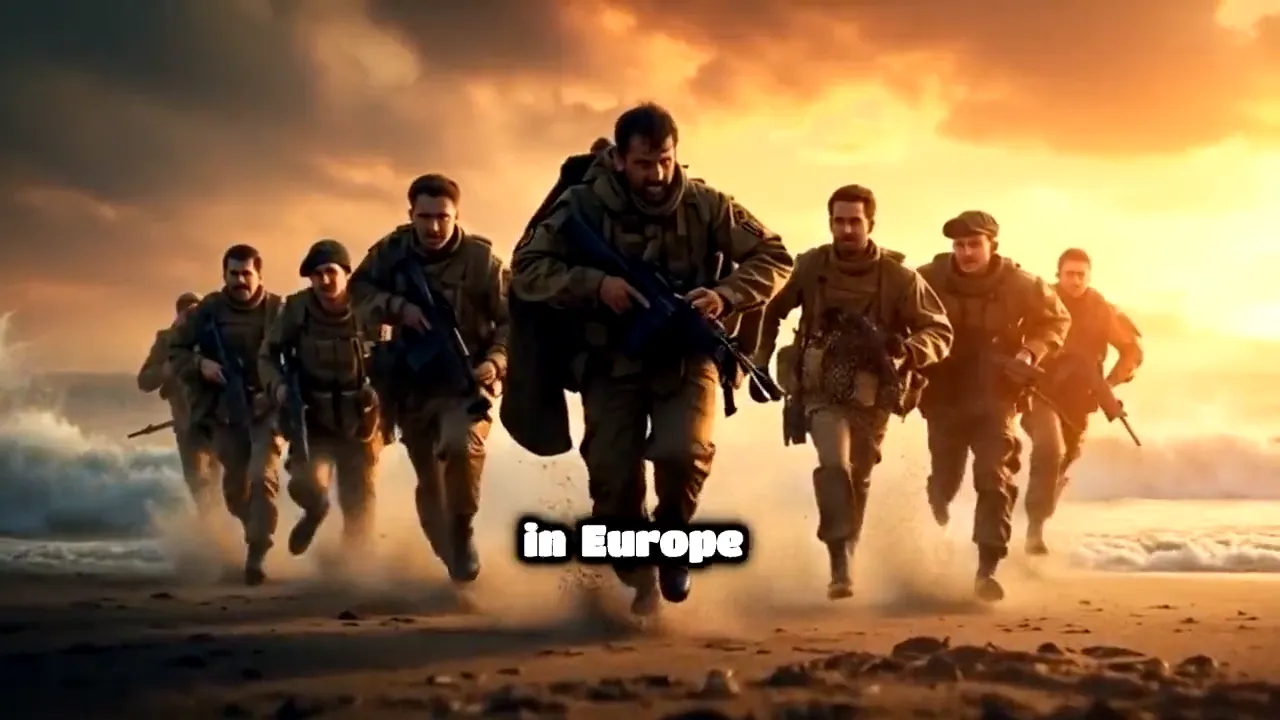
Bravery at Omaha Beach

Cartoon Style

Fruit Drama

POV

I Wake Up as an Egyptian

Faceless Video

Cleopatra's Rise

FAQ

Frequently asked questions about our create final fantasy video

01

What should I write to get good fantasy visuals?

Describe actions and key details like setting, character intent, and what happens next. Short scenes with clear moments usually translate better into visuals and captions than long, vague descriptions.
02

Can I create final fantasy video for TikTok and YouTube Shorts?

Yes. You can generate vertical-ready videos for TikTok and YouTube Shorts using your script, selected voice, captions, and background music. Then download and upload when it looks right to you.
03

Do I need to edit anything after generation?

You can publish right after the first render if the timing and look feel good. If something is off, you can adjust the scene text or visual mood and generate again to improve the match.
04

How do AI captions work for a fantasy narration?

Captions are added to match the spoken narration you choose. That way viewers can follow dialogue and key lines even with sound off, which is helpful for social feeds.
05

Will the voice sound consistent across multiple episodes?

If you keep the same voice choice for each clip, your narration style stays much more consistent. For a series feel, reuse the same voice and visual mood settings, then only change the scene text.
06

Can I reuse the same fantasy look each time?

You can keep your visual mood consistent so your world feels familiar to returning viewers. When you start a new episode, reference the same feel and focus the new script on fresh events.
07

Is the tool free to try, or do I have to pay right away?

You can try the platform for free first. If you decide to keep creating after you see the results, you can choose a plan later.
08

How does the platform choose background music?

The tool pairs music with the scene mood you select so it fits what’s happening in the narration. If your scene shifts from calm to danger, pick a mood that matches the overall emotion of the moment.
09

What makes a create final fantasy video fail to look right?

Usually it comes from scripts that are too abstract or skip key actions. Add specific beats like where the scene takes place, what the character does, and what the outcome is so the visuals and captions have something concrete to follow.
10

How is this different from making videos the traditional way?

Traditional production requires storyboarding, filming, and editing for every scene. Here, you focus on the writing and style choices, and the tool handles narration, captions, visuals, and the first draft of the video.

Generate your first fantasy episode

Try it free now, no signup required.