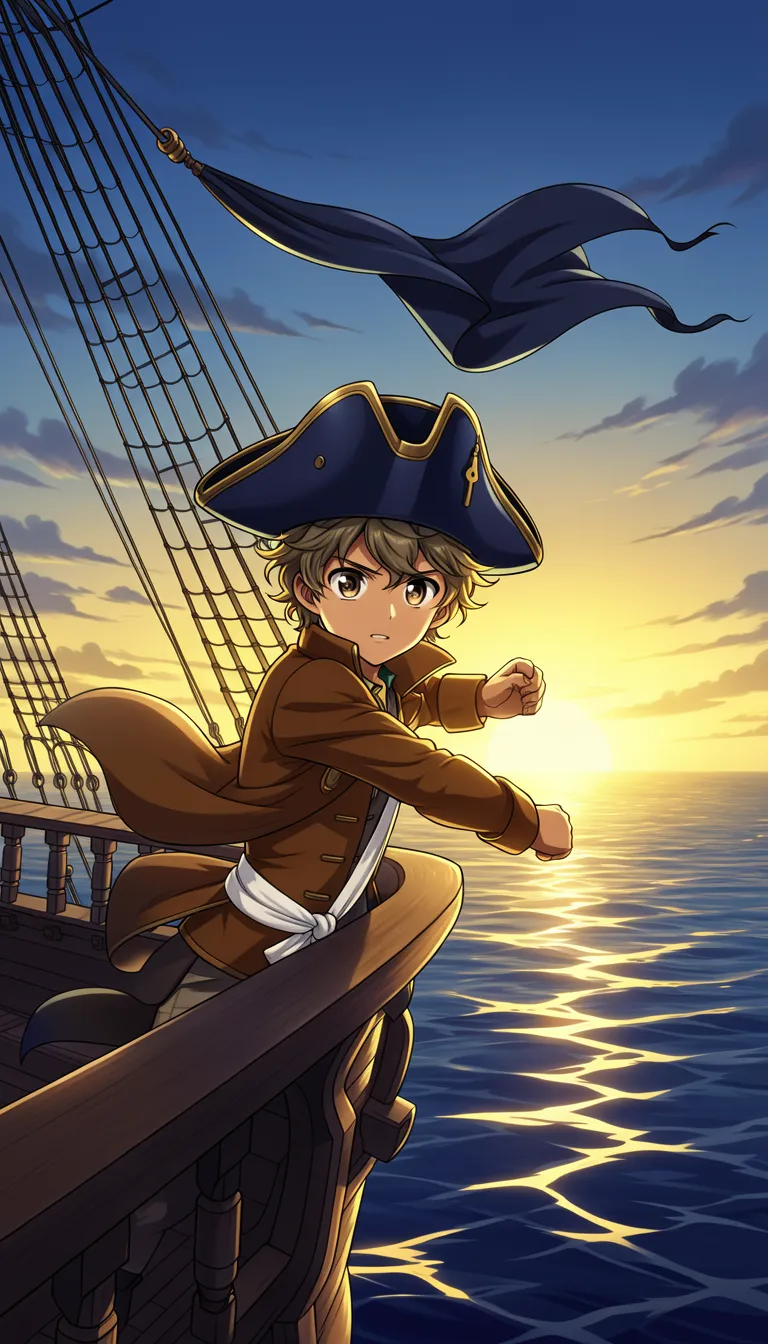
Choose a topic or add your own with Custom Script/Prompt
Select from 30 art styles to define the visual aesthetic of your video
Anime
Surrealism
Retro Pixel Art
Lego
Creepy Comic
Plastic Toy
Cyberpunk
Photo Realism
Lo-Fi Vibes
Halloween
Blipix
MinecraftGrab attention instantly and boost watch time by up to 40%.
Choose the perfect voice for your narration
Charlie
conversational
Jessica
conversational
Matilda
narration
Will
social media
Select or generate the perfect music for your video
EDM Goes Epic
Epic, Upbeat
Highlights
Rock, Motivational
Stradivarius
Motivational, Inspiring
Acoustic Inspirational
Acoustic, Inspiring
Select the language of your video
Select the aspect ratio of your video
Get started free • No credit card required • First video on us
Who is this tool for?
If you love the universe but want to try your own storylines, this helps you turn ideas into repeatable posts. You can keep characters consistent in your own way and share mini episodes across TikTok and YouTube Shorts.
You can structure quick scenes like a training arc, fight build-up, or emotional apology and let the tool handle the production parts. That means less time fighting editing tools and more time publishing your next chapter.
When you want the vibe of Sailor scenes without filming, you can build clips that match your themes. Use it to post story highlights alongside your cosplay, keeping your feed focused even on days you cannot shoot.
Make a set of themed shorts with a consistent tone so your audience learns what to expect. You can plan a handful of episodes, then generate each one from your next paragraph so you stay on schedule.
Everything you need to know
Write your Sailor-themed scene, then let the platform build the visuals, voiceover, captions, and music together. You get a finished video you can post to TikTok, YouTube Shorts, Instagram Reels, or anywhere you share shorts. If you want to test story ideas fast, this is a good way to start without messy editing.
Your text gives the tool the scene details, while your voice choice sets how the story sounds. Choose a style that fits the look you want, then decide the background music vibe so the mood lands right. You can redo a scene if you want a different delivery.
First, paste or write your episode moment in plain language. Next, select the voice and art direction that match your idea. Finally, generate the video, download it, and share it as a short on your favorite platforms.
Use it for quick training montages, dramatic transformation beats, or emotional hangouts before the next problem hits. It is also great for short series where each post continues the last moment. Keep your audience hooked with consistent pacing and clear captions.
Making anime-style shorts the usual way takes lots of planning, filming, and editing, and you often end up reshooting when the scene misses. With AI generation, you describe the moment you want and get a finished video you can post across TikTok and YouTube.
| Feature / Benefit | Blipix Create Sailor Moon Videos | Real Sailor Video Filming |
|---|---|---|
| Content control | Specify the scene, mood, and narration vibe so your short matches your idea. | Filming limits you to what is available on location and in the moment. |
| Consistency | Keep your own series tone steady across multiple episodes without reruns. | Each shoot can look different depending on timing, lighting, and performance. |
| Sound and captions | Get voiceover, captions, and background music built into the output. | You need extra work for narration, timing, and subtitle editing. |
| Production time | Turn your text into a ready-to-post short quickly and iterate when you want changes. | Editing and revisions usually take much longer than a quick test. |
| Scenario variety | Try transformations, battles, and quiet character moments without filming logistics. | Special scenes require heavy setup or costly production. |
| Volume | Create multiple themed clips from different story paragraphs in one session. | More episodes mean more shoots, more takes, and more post work. |
Not every idea fits a typical format. Write a quick episode outline, highlight the emotion, and the result keeps your story moving, whether you are doing a transformation moment, a training montage, or a cliffhanger.
You paste your Sailor scene text, pick an AI voice you like, and the platform builds a full video for your post. Then you download it and share it directly to TikTok, YouTube, Instagram, or wherever you post.
Type what happens in your Sailor-themed moment, like the setting, who shows up, and the emotion of the scene. Even a rough paragraph works because it gives the tool enough detail to build visuals and narration that match your story.
Pick an AI voice for the narration, then select the art direction you want for the look of your clip. Add the vibe you prefer with background music so your short feels like it belongs in a series.
Hit generate and review the result, including the captions for easier viewing. When it looks right, download the finished video and post it to TikTok, YouTube Shorts, Instagram Reels, or Shorts with the right feel for your audience.
If you have a scene in mind, you can describe it and get a ready-to-post clip that matches the mood you want. You choose a voice and the tool builds visuals, voiceover, captions, and background music so you do not have to edit frame by frame.
Discover more tools to enhance your content creation workflow
Turn your script into faceless, Disney Pixar-inspired videos with voice, captions, and music.
Turn your Barbie-style script into a ready-to-post video with voice, captions, and music.
Create a Valentine video from your words with voice, captions, music, and social-ready visuals.
Create period-drama style videos from text, with voiceover, captions, and music.
Turn your story into Ghibli-style videos with voiceover, captions, and music.
Turn your horror ideas into ready-to-post videos with voice, captions, and visuals.
Frequently asked questions about our create sailor moon videos