Choose a topic or add your own with Custom Script/Prompt
Select from 30 art styles to define the visual aesthetic of your video
Surrealism
Retro Pixel Art
Lego
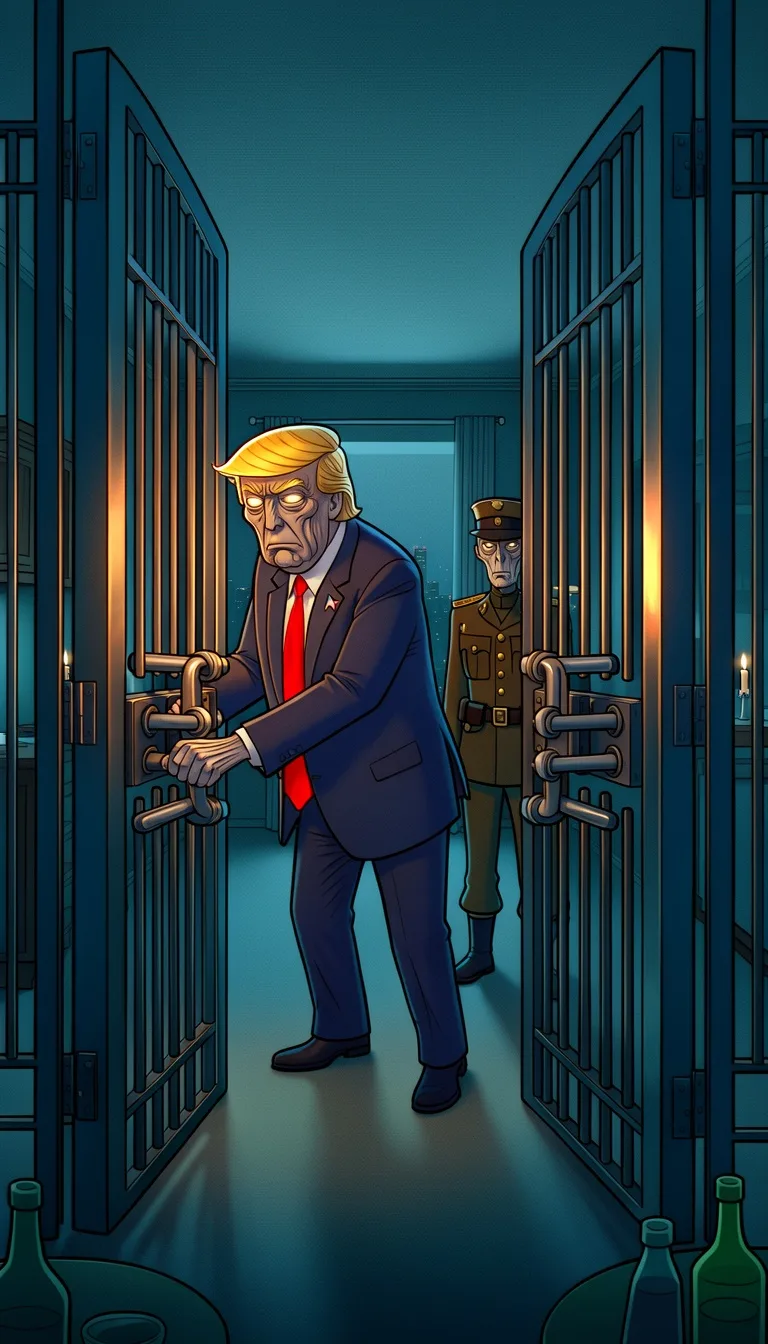
Creepy Comic
Plastic Toy
Cyberpunk
Photo Realism
Lo-Fi Vibes
Halloween
Blipix
Minecraft
Japanese InkGrab attention instantly and boost watch time by up to 40%.
Choose the perfect voice for your narration
Charlie
conversational
Jessica
conversational
Matilda
narration
Will
social media
Select or generate the perfect music for your video
EDM Goes Epic
Epic, Upbeat
Highlights
Rock, Motivational
Stradivarius
Motivational, Inspiring
Acoustic Inspirational
Acoustic, Inspiring
Select the language of your video
Select the aspect ratio of your video
Get started free • No credit card required • First video on us
Who is this tool for?
You get a repeatable way to turn spooky ideas into short episodes without booking locations or hiring actors. With narration and captions included, your audience can follow the plot even when they watch muted.
You can build a character-driven mini-series using consistent voice and setting cues, so each upload feels like it belongs together. It is great for making cliffhanger posts for Shorts and Reels.
If you already have spoken stories, you can turn them into visual episodes your listeners will actually watch. The tool helps you pair voiceover with on-screen storytelling so your content feels more alive.
You can create themed promos and short story campaigns that match your audience’s favorite sci-fi moods. Use consistent tones and captions to keep people engaged from the first seconds to the last line.
Everything you need to know
Turn your episode idea into a finished social clip with narration, captions, and music. You can focus on the story and mood while the platform handles the visual output. It is a quick way to test series concepts for YouTube Shorts, TikTok, and Reels. Start small, then build from what your viewers like.
Describe the setting and what happens in plain text, then choose how the narration should sound. The platform takes your writing and builds visuals that support the scene. Captions help keep the story easy to follow. Background music adds atmosphere so the episode feels more alive.
First, paste your script lines and keep each beat clear. Next, select a voice tone and a visual look that fits the retro sci-fi mood. Finally, generate, download, and upload to your favorite platform. Repeat the same structure for new episodes.
Use your videos for serialized storytelling, character updates, or quick mystery reveals. You can post a teaser, then follow up with the reveal in the next clip. Captions and narration help your audience stay locked in from the first seconds. Build a consistent upload rhythm without production stress.
Classic video production is slow because you need locations, filming schedules, and hours of editing to match your exact vibe. With AI, you describe the episode and get a finished result with narration, captions, and music built in.
| Feature / Benefit | Blipix Create Stranger Things Videos | Real Stranger Things Video Filming |
|---|---|---|
| Content control | Specify the scene, setting, mood, and dialogue so the clip matches your episode plan. | You rely on actor timing and takes that may not match your exact story beats. |
| Consistency | Keep the same voice and tone across episodes to build a recognizable series style. | Every shoot day can feel different, making it hard to keep the vibe uniform. |
| Sound and music | Add atmosphere with background music that fits suspense, mystery, or fear. | Music licensing and editing can slow you down a lot. |
| Production time | Generate a full video from your episode text so you can move quickly from idea to post. | Filming and edit time usually takes days or weeks. |
| Scenario variety | Try risky scenes, eerie locations, and big moments without booking anything. | Complex scenes require resources you might not have. |
| Volume | Make multiple episode drafts in one session to test which hooks pull viewers in. | More episodes means more filming days, gear, and scheduling. |
Choose the AI voice style you want, then set the mood with background music that fits the moment. If you are aiming for tense, curious, or creepy, your narration tone and captions help sell the feeling. You can also reuse the same characters across multiple episodes by keeping your wording consistent.
You start with your story lines, then choose a voice and visual look. The platform generates a full video for posting, with voiceover, captions, and background music included. When you download it, you are ready to share to TikTok or YouTube.
Paste your short script or write a few paragraphs describing what happens, who is there, and how the scene should feel. Include key details like setting, time of day, and a specific moment for the hook so the video stays clear.
Choose an AI voice that fits your narrator, then select a visual style that matches the retro sci-fi vibe you want. Add background music that supports the tension, mystery, or fear so the scene lands.
Hit generate to get a ready-to-download video. Review the result, then save and upload to TikTok, YouTube, or Instagram Reels. Your next episode is easy because you only need to update the scene text.
Pick a scene idea, like a late-night bike chase through the woods or a secret radio transmission in a basement. Then generate a finished clip with narration and captions so viewers can follow even with sound off. It is a simple way to build a spooky series without filming anything yourself.
Discover more tools to enhance your content creation workflow
Turn your horror ideas into ready-to-post videos with voice, captions, and visuals.
Create true crime videos from your text with voiceover, captions, and ready-to-post visuals.
Create faceless AI news videos from your script, with voiceover and captions.
Turn your script into a Wednesday-inspired faceless video for TikTok and YouTube.
Generate a Sherlock Holmes-style video from your script, with voiceover, captions, and visuals.
Turn your Doctor Who style ideas into ready-to-post videos with voice, captions, and visuals.
Frequently asked questions about our create stranger things videos