Choose a topic or add your own with Custom Script/Prompt
Select from 30 art styles to define the visual aesthetic of your video
Surrealism
Retro Pixel Art
Lego
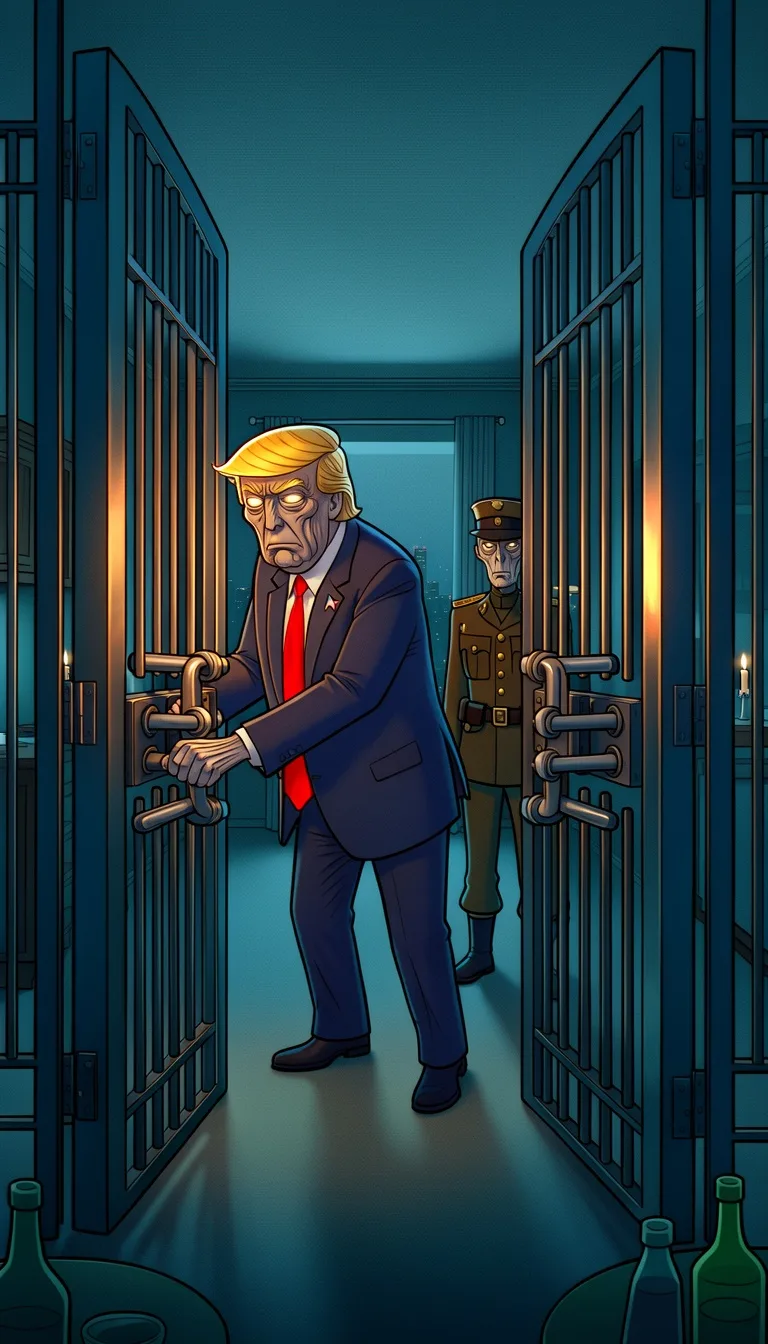
Creepy Comic
Plastic Toy
Cyberpunk
Photo Realism
Lo-Fi Vibes
Halloween
Blipix
Minecraft
Japanese InkGrab attention instantly and boost watch time by up to 40%.
Choose the perfect voice for your narration
Charlie
conversational
Jessica
conversational
Matilda
narration
Will
social media
Select or generate the perfect music for your video
EDM Goes Epic
Epic, Upbeat
Highlights
Rock, Motivational
Stradivarius
Motivational, Inspiring
Acoustic Inspirational
Acoustic, Inspiring
Select the language of your video
Select the aspect ratio of your video
Get started free • No credit card required • First video on us
Who is this tool for?
If you post dark humor, spooky edits, or character-based shorts, you can make consistent Wednesday-like clips without building scenes from scratch. You get a finished video you can publish right away, so your ideas do not get stuck in drafts.
When you need to keep your posting rhythm, this tool helps you turn repeated themes into new scenes. You can reuse your tone and structure, then swap the lines to create a fresh episode feel for your followers.
Got a punchy mini story, intro monologue, or creepy one-liner? You can turn it into a full video with voiceover, captions, and background music. It is great for serial style posts where people expect the next scene.
Add a Wednesday-inspired series to your main channel without starting over every time. You can blend dark comedy with your usual topics, then keep the look and tone steady so your audience recognizes the format.
Everything you need to know
Turn your ideas into a finished Wednesday Addams style scene without filming. You paste your script, choose a voice, and the platform builds the visuals with matching captions and music. It is made for creators who want a dark, funny vibe with less work. Try it and see if your next post is already waiting.
Your text becomes the voiceover foundation, while style picks shape the look of the scene. Captions are generated automatically so viewers can follow along even with sound off. Background music supports the mood to keep your punchlines landing. You keep control by adjusting the lines and voice choices.
First, paste your scene script and include the exact lines you want said. Next, select the visual vibe and a matching voice, then choose music that fits the mood. Finally, generate, download, and upload to your social channels. If you want a different tone, tweak the text and regenerate.
Create short moments like cold greetings, creepy observations, and one-line punchlines. If you want a series, keep the same style and swap only the plot beats each time. Post vertical clips for TikTok and Instagram Reels, or longer versions for YouTube. Your audience gets a consistent character vibe across uploads.
Real video production takes planning, filming, and tons of retakes, and your schedule still controls the final result. With AI, you describe the scene and get a ready-to-post video that matches your tone again and again.
| Feature / Benefit | Blipix AI Wednesday Addams Style Video Generator | Real Wednesday filming |
|---|---|---|
| Content control | Specify tone, scene setup, and punchline style in your text so you control the vibe. | You rely on actors and location availability, so the mood shifts between takes. |
| Consistency | Keep the same look and voice approach across multiple episodes without re-filming. | Lighting, outfits, and performance change, so every clip ends up feeling different. |
| Sound and music | Pick a mood and let the background music support your scene without extra editing. | Finding the right audio and syncing it takes time and careful manual work. |
| Production time | Generate a full video from your text description and download it for posting. | You need a shooting day and then editing, captioning, and exporting afterward. |
| Scenario variety | Create hallway moments, creepy comedy beats, and dark setups without booking anything. | Most scenes require real locations or complex filming setups. |
| Volume | Create several scenes by swapping only the lines you want changed. | Every new scene means more scheduling, filming, and reshoots. |
If you hate staring at a blank editor, start by pasting your script and refining just the parts that matter, like the tone and punchline. You can keep your style consistent across a series, so viewers know what to expect from your next upload. When you are done, you download the finished video and post wherever you already publish.
You paste your script into the platform and choose an AI voice that matches the tone you want. Then you generate the video with captions and music automatically. When it is ready, download it and share to TikTok, YouTube, Instagram, or wherever your audience is.
Write or paste what you want the character to say. Keep it simple, like a short intro, one conflict, and a final line. This gives the video engine clear timing for the voiceover and on-screen captions.
Choose a voice, then select a Wednesday-inspired art vibe for the visuals. Add music that fits the mood, and keep your delivery dark and steady. If you want it funnier or colder, tweak the wording and regenerate.
Hit generate and wait for your full video to render. Download the finished file and upload it to your channels like TikTok or YouTube. If it does not feel right, adjust the script or voice and run it again.
You can take a short story moment like a moody hallway walk or a dark joke and turn it into a full vertical or horizontal post. The tool handles the visuals, voiceover, captions, and background music so you can focus on the vibe you want. It is perfect when you want the creepy style without filming or acting on camera.
Discover more tools to enhance your content creation workflow
Write a short story and get a full faceless Stranger Things style video.
Turn your horror ideas into ready-to-post videos with voice, captions, and visuals.
Create period-drama style videos from text, with voiceover, captions, and music.
Generate anime-style Sailor Moon videos from your text, complete with voice and captions.
Turn your story into Ghibli-style videos with voiceover, captions, and music.
Create faceless AI news videos from your script, with voiceover and captions.
Frequently asked questions about our ai wednesday addams style video generator