Choose a topic or add your own with Custom Script/Prompt
Choose how Blipix fills your scenes with visuals.
Select from 30 art styles to define the visual aesthetic of your video
Comic Book
Surrealism
Retro Pixel Art
Lego
Creepy Comic V2
Plastic Toy
Cyberpunk
Photo Realism
Lo-Fi Vibes
Horror
Blipix
MinecraftGrab attention instantly and boost watch time by up to 40%.
Choose the perfect voice for your narration
Fable
Storytelling, Fantasy
Jessica
conversational
Onyx
Authoritative, Documentary
Will
social media
Select or generate the perfect music for your video
Highlights
Rock, Motivational
Quiet before storm
Dramatic, Tension
Stradivarius
Motivational, Inspiring
Acoustic Inspirational
Acoustic, Inspiring
Select the language of your video
Select the aspect ratio of your video
Get started free • No credit card required • First video on us
Who is this tool for?
If you want to explain chapters, explain units, or summarize events, you can focus on writing while the video fills in visuals and captions. It is made for quick drops that keep viewers engaged from the first seconds to the last line. Your narration stays readable with on-screen text built from what you wrote.
Use the platform to produce consistent episode-style posts even when you do not have footage or filming time. You can turn rough drafts into finished videos and iterate on what your audience responds to. Posting becomes easier because your scripts become repeatable templates.
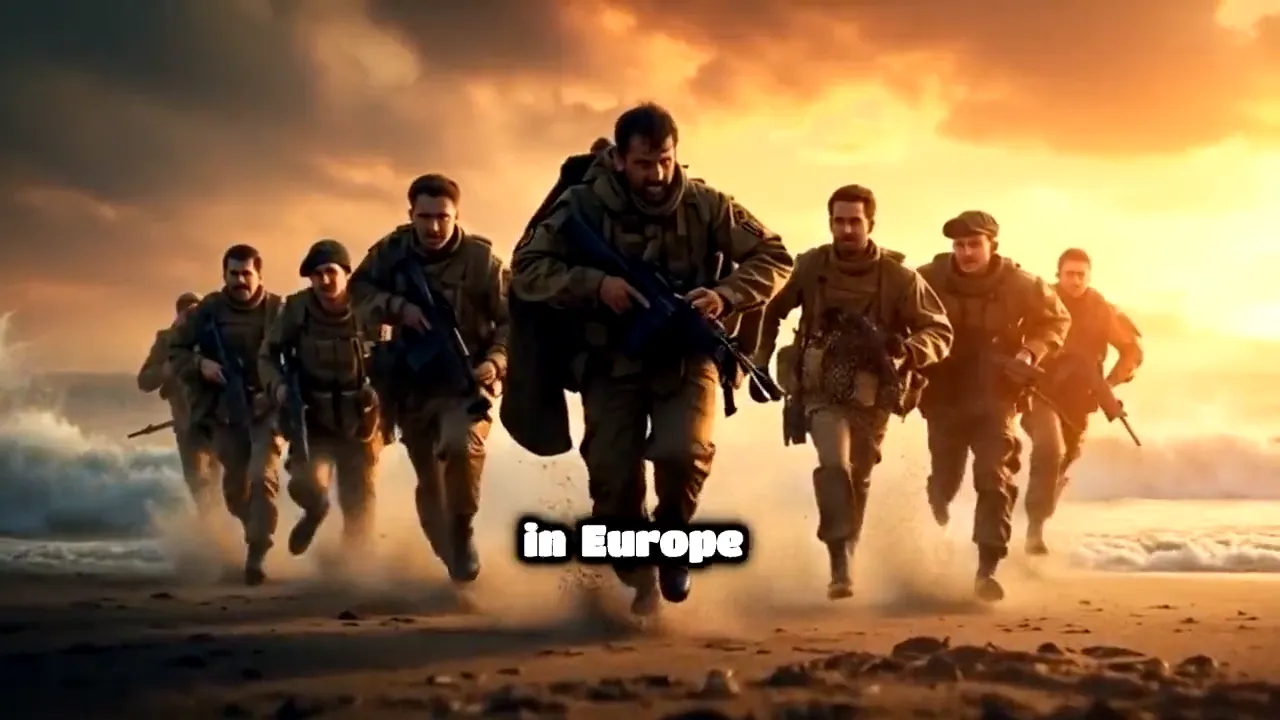
If you do not want to record yourself or chase battle footage, you still get a cinematic look. You can create faction-focused breakdowns, war diaries, and mission recaps using only your text. The faceless format helps you stay on-topic and post regularly.
Shorts and Reels viewers expect fast hooks, clear captions, and pacing that holds attention. You can write a tight scene, choose a matching voice, and let the platform generate a full video ready for vertical posting. It is a good fit for bingeable series where each episode has a cliffhanger.
Everything you need to know
Write your lore episode, battle recap, or narration plan and the platform turns it into a full faceless video. You get voiceover, on-screen captions, themed visuals, and background music so your post feels complete. It is a fast way to test different narration styles and story angles without filming. When you like the result, you can publish to TikTok, YouTube Shorts, or Instagram Reels.
Your script guides the on-screen text and scene framing, so your words and visuals do not fight each other. Use short beats and clear names for factions, locations, and actions. The captions help viewers who watch with sound off, which matters for vertical scrolling. You can refine by editing your text and regenerating.
First, paste a script that includes your hook and main events. Next, choose a voice that matches the mood and add a music vibe through your choices. Finally, generate the video, review it, and download the finished file for posting. This keeps you moving from idea to upload quickly.
Use your content for unit spotlights, squad tactics, and dramatic story recaps. You can also build recurring series with the same narrator voice and episode format. Short-form audiences like clear captions and tight pacing, and your videos can match that style. Post across Shorts, Reels, and TikTok to reach different viewers.
Making Warhammer 40k videos the usual way takes a lot of work because you need footage, editing time, and a repeatable setup. With AI generation, your text becomes a full faceless post with voiceover, captions, visuals, and music, so you can focus on writing and timing instead.
| Feature / Benefit | Blipix Create Warhammer 40k Videos | Filming and Editing Warhammer Footage |
|---|---|---|
| Story control | You define the beats in your script, then captions and visuals follow your wording. | You rely on what you capture, which can force rewrites around the footage you have. |
| Consistency | Keep the same narration style and format across episodes without re-shooting. | Lighting, angles, and props change from take to take, making each episode feel different. |
| Caption readability | Auto captions are generated from what you wrote, so viewers can follow silently. | Captions often require extra setup and manual timing work. |
| Production time | Generate a complete vertical-ready video from your text and settings. | Editing, sound, and export can take hours even for a short clip. |
| Scenario variety | Describe any battlefield moment and build a themed post from your script. | You need real assets for each scene, which limits what you can show. |
| Volume | Batch your next episodes by swapping in new script sections and re-running. | Each new idea usually requires new filming sessions and setup time. |
If you are aiming for grimdark, tactical, or hype trailer energy, you can steer the look and tone with your script details and selected voice. Add callouts like key factions, locations, and key terms to help the captions land on the exact moments you want. This helps your viewers follow along even when they watch with sound off.
You paste your script, pick an AI voice that fits your narrator style, then let the platform generate voiceover, captions, visuals, and background music. When the preview looks right, download the finished video and upload it to TikTok, YouTube Shorts, or Instagram Reels.

Paste your script or outline the scene in plain language. Include who is speaking, what happens next, and any key terms you want on-screen. If you want faster editing, write in short paragraphs so captions match your rhythm.

Choose an AI voice for narration and set the vibe through your script wording. Select the visual direction and let background music fill the gaps between lines. This keeps your faceless video feeling like a real channel segment, not a slideshow.

Generate the video, review the preview, and make quick edits to your script if needed. Download the final file and post directly to your preferred format like YouTube Shorts or Instagram Reels. Keep the momentum by reusing your best-performing hooks.
Turn a battle scene, lore breakdown, or chapter recap into a full video without filming anything. You can write a short script, choose a voice, and keep your pacing tight so the hook hits early for Shorts and Reels audiences. The visuals and captions are generated from your wording, so your narration stays aligned.
Discover more tools to enhance your content creation workflow
Turn DnD scripts into faceless shorts with voiceover, captions, visuals, and music.
Make faceless Star Wars style videos from your script, with voiceover and captions.
Turn your Star Trek-style script into a faceless video with voice, captions, and music.
Turn a Doctor Who style script into a faceless episode clip with voice, captions, and music.
Create a faceless Game of Thrones style video from your script, with voice, visuals, captions.
Turn your fantasy script into a faceless video with voiceover, captions, and ready-to-post visuals.
Reach any audience with videos that are unique, fast, and fully automated.
Frequently asked questions about our create warhammer 40k videos