Star Trek Video Generator

Create star trek video generator sci-fi clips from your story, not a camera setup. Turn a script into visuals with voiceover, captions, and background music for TikTok, YouTube Shorts, and Reels. Our star trek video generator helps you post episode-style content without production stress.

Script to video with captionsAI voiceover includedTikTok and Shorts readyAuto visuals and music

Script

Choose a topic or add your own with Custom Script/Prompt

0/1200 words

Media Type

Choose how Blipix fills your scenes with visuals.

AI Images
AI Motion Video
Stock photos
Stock video

Art Style

Select from 30 art styles to define the visual aesthetic of your video

Cinematic
Cinematic
Surrealism
Surrealism
Retro Pixel Art
Retro Pixel Art
Lego
Lego
Creepy Comic V2
Creepy Comic V2
Plastic Toy
Plastic Toy
Cyberpunk
Cyberpunk
Photo Realism
Photo Realism
Lo-Fi Vibes
Lo-Fi Vibes
Horror
Horror
Blipix
Blipix
Minecraft
Minecraft

Animate Frames+10 credits

Grab attention instantly and boost watch time by up to 40%.

Narration Voice

Choose the perfect voice for your narration

Fable

Storytelling, Fantasy

MaleMiddle-agedBritish

Jessica

conversational

FemaleYoungAmerican

Onyx

Authoritative, Documentary

MaleMiddle-agedAmerican

Will

social media

MaleYoungAmerican

Music Settings

Select or generate the perfect music for your video

Highlights

Rock, Motivational

Quiet before storm

Dramatic, Tension

Stradivarius

Motivational, Inspiring

Acoustic Inspirational

Acoustic, Inspiring

Language

Select the language of your video

Aspect Ratio

Select the aspect ratio of your video

No credit card required • Get started in seconds

Example Output

Target Audience

Who is this tool for?

Sci-fi content creators

You can turn show-style ideas into a steady stream of faceless sci-fi clips without filming. Reuse your favorite story structure and swap locations, plot twists, and dialogue beats to keep your channel fresh.

YouTube Shorts storytellers

When you need quick, clear narration with captions, the platform gives you a finished video you can post right away. You can format scenes for punchy hooks, mid-scene tension, and a satisfying close that fits Shorts pacing.

Indie writers and podcasters

If you have audio stories, you can convert them into video versions for social without coordinating production. Your scripts stay the center, and the visuals and captions help the story land with people who watch without sound.

Creators testing new concepts

Use the tool to explore multiple takes on the same premise, like different mission outcomes or crew dynamics. It makes it easier to learn what your audience responds to, then double down on the strongest version.

Why This Tool

Everything you need to know

101

Star Trek-style videos from your script, free

Blipix helps you turn your written Star Trek-style scenes into a finished video with voiceover, captions, and background music. You focus on the story, while the platform handles the visuals and pacing so you can post without setting up a camera. Try one short mission scene first, then iterate by changing only the lines you want to improve.

202

How the sci-fi voice and captions work

The platform reads your script and builds narration based on the AI voice you pick. Captions are generated to match what’s said, so viewers can follow along even with sound off. Background music is added to fit the mood of your scene, making it easier to keep tension and timing.

303

3 steps to generate your first clip

Start by pasting a clear scene script with who speaks and what happens. Next, choose the voice tone, then confirm caption and audio settings. Finally, generate the video and download it for TikTok, YouTube Shorts, or Instagram Reels so you can share right away.

404

Use mission briefs, debates, and endings

You can create mini episodes like a captain’s mission brief, a bridge status report, or a dramatic final countdown. Reuse your characters and settings to build a series, or experiment with different outcomes for the same premise. This is a fast way to practice storytelling and find your best format for short-form audiences.

Why Choose Blipix for Star Trek Video Generator?

Traditional sci-fi video production is slow because you need locations, costumes, and lots of takes to get clean audio. With AI generation, you turn your written scenes into a faceless video you can iterate on quickly.

Scene control

Describe your crew, setting, and plot beat in your script so the result matches your story.
You fight for continuity when actors, props, and lighting change between takes.

Consistency

Keep the same episode format while swapping outcomes and visuals from one text update.
Each shoot day changes the look, sound, and timing, so parts do not match.

Caption readiness

Generate captions along with the voice so your short clips are easier to watch on mobile.
Captions require extra tooling or manual work after recording.

Production time

Create a full video from a written scene and export it for posting.
Planning, filming, and editing usually take days or weeks for one segment.

Scenario variety

Try different bridge tensions, ship views, and mission twists without reshoots.
New settings usually mean new shoots, crews, and permissions.

Batch experimenting

Test multiple script versions in one session to find the tone your audience likes.
Every new idea often needs another day of filming.

Choose voices, captions, and music fast

Pick an AI voice that matches the vibe of your crew, then adjust how the narration sounds over your visuals. Captions help your Shorts and Reels get understood even with sound off, while the background music keeps the pacing on track so viewers stay through the ending.

How It Works

Paste your script and choose an AI voice for the narration. The platform builds visuals, adds voiceover and captions, then includes background music so you have a post-ready video. You can tweak the text and rerun until it sounds like your show.

Step 01

Paste Your Mission Script

Drop in a short scene or a full “episode” script. Include key beats like who’s speaking, where the action happens, and what the ending should feel like so your narration and captions follow your intent.

Step 02

Pick Voice, Captions, Sound

Choose the AI voice that fits your captain or crew tone. Confirm the caption style and let the tool pair background music with the mood of the scene, then regenerate if you want a tighter rhythm.

Step 03

Generate, Download, Post

Create the finished video and download it for TikTok, YouTube Shorts, Instagram Reels, or Stories. Because your next version comes from edits to the text, you can iterate quickly when you want a new mission angle.

Make Star Trek videos with AI

Write a scene in your own words, then generate a complete faceless video with narration, on-screen captions, and themed background music. If you want consistent episode formats like “mission brief,” “status report,” or “final countdown,” you can keep the structure while swapping settings and outcomes.

Viral Faceless Videos for Any Audience

Reach any audience with videos that are unique, fast, and fully automated.

Faceless Video

Bravery at Omaha Beach

Cartoon Style

Fruit Drama

POV

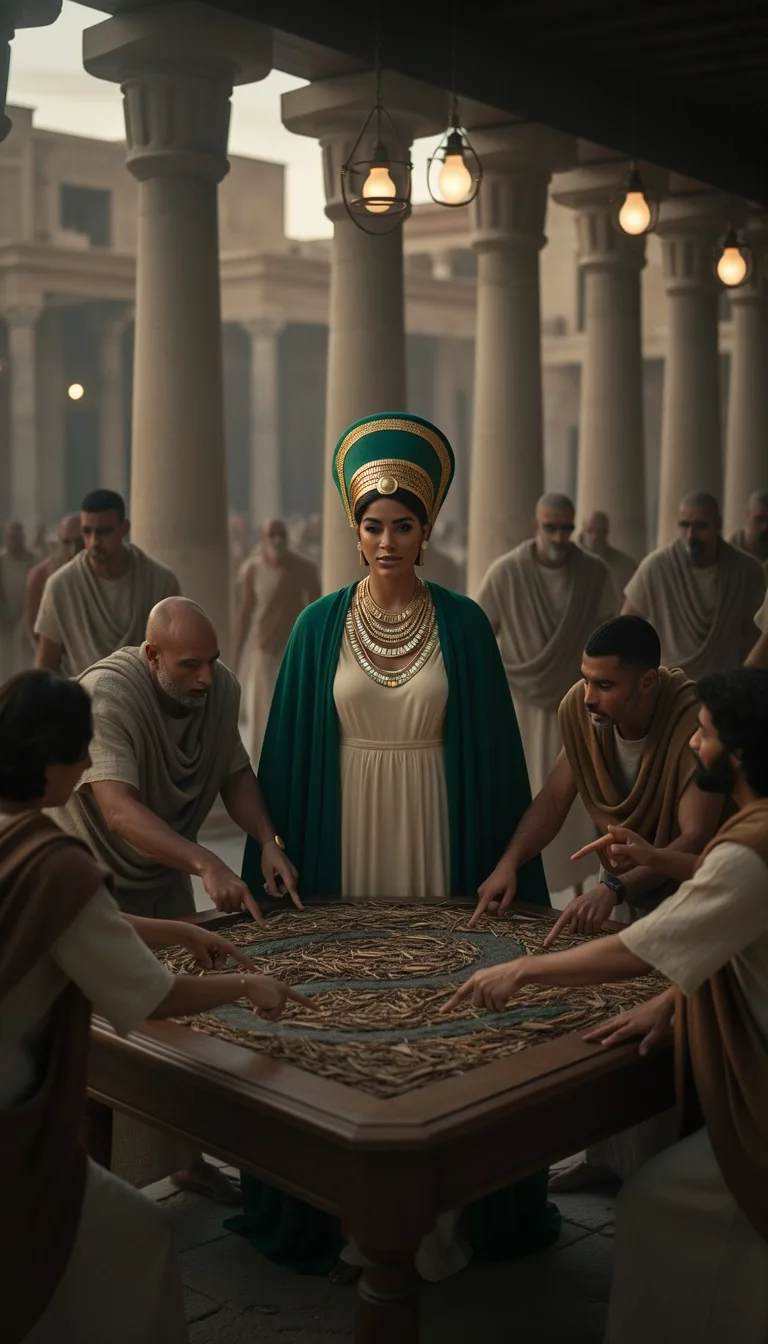
I Wake Up as an Egyptian

Faceless Video

Cleopatra's Rise

FAQ

Frequently asked questions about our star trek video generator

01

What should I write in a Star Trek style script?

Use clear scene beats: who is talking, what they observe, where the action happens, and how the moment ends. If you keep dialogue short and label speakers, the voiceover and captions stay easier to follow.
02

Can I create short Star Trek video clips for Reels?

Yes. Build your scene to fit a quick arc, like a mission brief, a crew debate, or a tense status update, then generate a version sized for social posting.
03

How do I use a star trek video generator from a script?

Paste your script, pick an AI voice, then run the generation to create visuals plus voiceover, captions, and music. After that, edit the lines that feel off and regenerate until the narration matches your intent. You can start with a short scene first so you learn the tone fast.
04

Will the captions match my narration?

Captions are created to align with the voiceover you choose. To avoid mismatches, keep sentences clean, avoid heavy formatting, and use consistent punctuation in your script.
05

Can I choose a specific AI voice for the captain vibe?

You can select an AI voice that fits your style, whether you want a calm briefing tone or a more intense delivery. If the voice sounds too fast or too flat, try shorter lines in your script to improve the pacing.
06

Is there a limit on video length for YouTube Shorts?

There are practical limits depending on how long your script is and how much detail you include. If your first version feels rushed or crowded, split your story into separate scenes and generate them as multiple clips.
07

How much does a star trek video generator cost?

You can try the tool free online, which is the easiest way to see how your scripts turn out. If you decide to keep going, the plan options shown in the app will reflect what you need for your posting schedule.
08

What’s the best way to get better results on the second try?

Adjust one thing at a time. Try tightening dialogue, adding clearer scene directions like “bridge” or “spacefield,” or changing your voice selection, then regenerate to see what actually improved the feel.
09

Can I use this for TikTok, YouTube Shorts, and Instagram Reels?

Yes. Generate your video, then download it and post to the platform you want. Captions help when people scroll with sound off, which is common on all three.
10

Do I need editing skills to make a polished final video?

No. The platform handles the heavy lifting: visuals, voiceover, captions, and background music are produced together. Your main job is writing a script that is easy to understand and sounds like your show.

Generate your first mission video

Try it free now, no signup hassle.