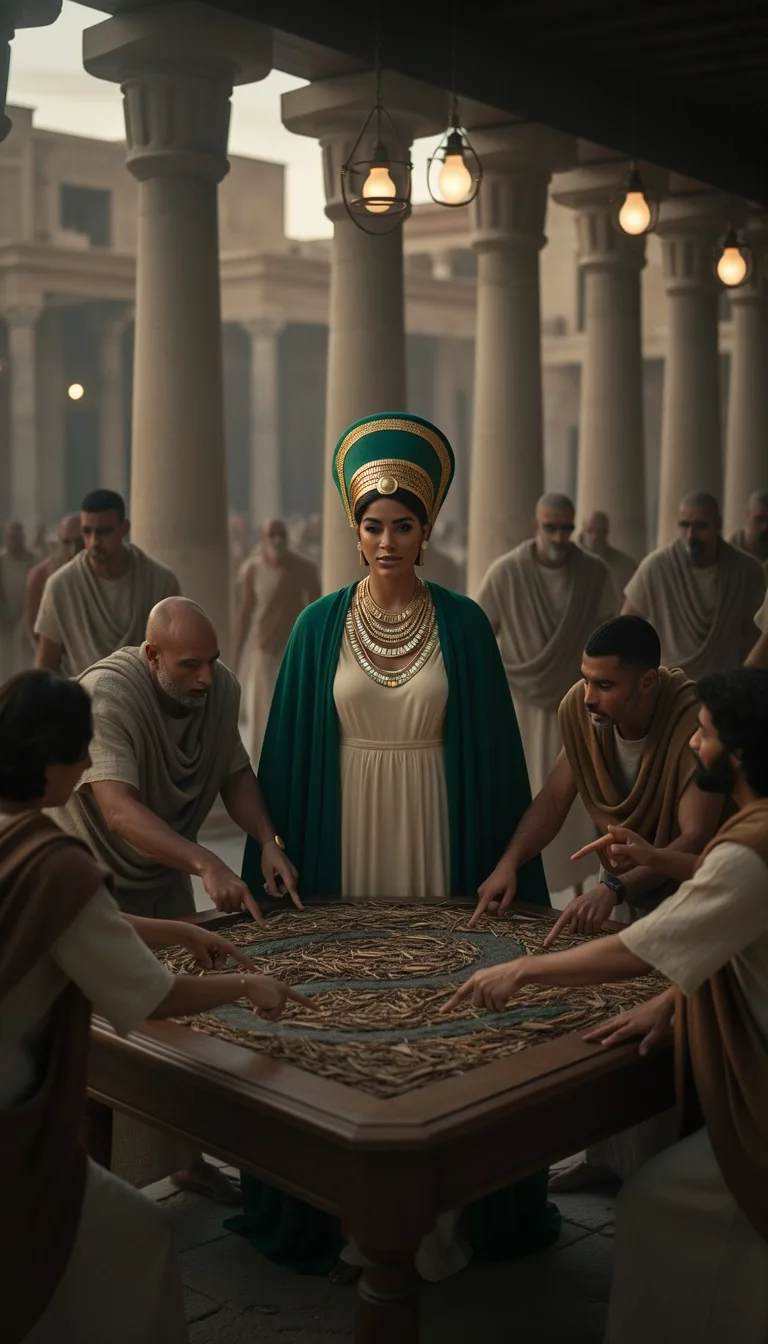
Upload a song or describe the music you want, then create a music video with AI-generated visuals.
Choose how Blipix fills your scenes with visuals.
Select from 30 art styles to define the visual aesthetic of your video
Cinematic
Surrealism
Retro Pixel Art
Lego
Creepy Comic V2
Plastic Toy
Cyberpunk
Photo Realism
Lo-Fi Vibes
Horror
Blipix
MinecraftSelect the aspect ratio of your video
Get started free • No credit card required • First video on us
Who is this tool for?
If you release singles or try new substyles like swing, bebop, or cool jazz, you need visuals that fit the sound. Turn your lyrics into a music video look you can share right after you write the track.
When you have a draft and no time for production, you can still market the idea. Use the tool to create a first promo-style video with captions so people understand the story behind the melody.
Turn spoken jazz segments into music-video style clips for social. Add the mood, drop in your text, and get a shareable video that supports your narration with matching visuals and on-screen captions.
Build a consistent series where each episode focuses on a different era or theme. Generate multiple jazz moments from different lyric snippets, then keep the visual look consistent across your channel.
Everything you need to know
Turn your jazz lyrics into a music video style clip with scene ideas, readable captions, and a mood that fits your sound. You can steer the look toward late-night clubs, bright swing nights, or smooth ballad vibes. When you want to change something, you can regenerate with a new mood setting instead of starting over. Try it free online and see your first version quickly.
The tool reads your text and your mood choices to build visuals and captions that match the tone of your song. Use instrument hints or emotional cues like “tense build” or “warm release” to guide what viewers see. If you are experimenting with a new track, you can make a quick first cut and adjust from there. Your goal is a video that feels like jazz, not generic motion.
Start by pasting your lyrics or describing the chorus theme. Next, select a visual style direction and the energy level so the caption pacing matches the vibe. Generate your first output, then refine by swapping mood details if something feels off. You do not need editing skills to get a post-ready clip.
Share a verse-to-chorus video as a hook for TikTok, or post the full performance vibe on YouTube. For Instagram Reels, keep captions readable and scenes consistent so your followers can track the message. You can also make short variations for different moods, like “slow version” and “upbeat reprise.” This helps you test what your audience likes while staying on-brand.
Traditional video production is slow because you need footage, editing, and constant re-shoots to match a new lyric or tempo. The platform turns your jazz idea into a full music-video style clip with visuals and captions you can iterate quickly.
| Feature / Benefit | Blipix AI Jazz Video Generator | Real Jazz Video Editing |
|---|---|---|
| Content control | Describe the jazz vibe and paste your lyrics so the visuals and captions match your story. | You often rely on pre-made footage that does not fit every song rewrite. |
| Consistency | Keep a consistent look across releases by reusing the same mood and style direction. | Each new shoot and edit can shift the look and tone. |
| Captions with lyrics | Generate lyric captions so viewers can follow along while the video plays. | Adding and timing captions takes extra editing time. |
| Production time | Get a publish-ready version from your text idea right away. | Editing a full clip can take hours or days depending on your process. |
| Scenario variety | Switch between club scenes, street jazz, or dreamy night moods without reshooting. | Changing environments means new filming, lighting, and setup. |
| Social formats | Create versions suited for TikTok, YouTube Shorts, and Instagram Reels viewing. | You usually reframe and re-edit for each platform format. |
If your track is fast and playful, set a brighter visual style. For slower songs, go with warmer lighting and calmer motion so your captions stay readable. You can then export a version sized for Reels and Shorts style viewing.
Pick a jazz vibe, choose an AI voice or narration option if you want one, and paste your lyrics or describe your song concept. The tool generates visuals, voice timing, captions, and background music options tied to the mood. When you like the direction, you can export and post straight away.

Drop in your lyrics, or write a short description of your jazz concept like “1950s club, smoky haze, velvet trumpet.” Add any must-have details, such as the chorus theme or who the song is for, so the visuals follow your story.

Choose a mood and style direction, then select an AI voice option for narration or reading if you want lyrics spoken over the backing. You can also pick the energy level so your video matches the tempo you hear in your head.

Let the platform create your first video version. Review the captions and timing, then download the format that fits TikTok, YouTube Shorts, or Instagram Reels. Your finished video is ready to publish without extra editing steps.
Write a few lines from your verse or paste your lyrics, then describe the mood like late-night swing, smooth ballad, or brass-heavy groove. The platform builds matching scenes and a video look so your words land with the music, not just behind it.
Discover more tools to enhance your content creation workflow
Turn your anime story into a ready-to-post faceless video with voice, captions, and music.
Create faceless cartoon videos from your script, with voiceover, captions, and music.
Turn a horror script into a faceless video with voiceover, captions, and music.
Write a motivation script, choose a voice, and generate ready-to-post faceless videos.
Convert your news script into a faceless video with voiceover, captions, and background music.
Create faceless true crime videos from your script with voiceover, captions, and music.
Reach any audience with videos that are unique, fast, and fully automated.
Frequently asked questions about our ai jazz video generator