Home/Video Styles/Retro Pixel Art

Create Retro Pixel Art Style Videos

Give your faceless videos a nostalgic, pixelated style with bright, blocky colors and chunky details—like classic video games from the ’80s and ’90s.

Retro Pixel Art style preview

Retro Pixel Art Style

See how this style transforms your content

What You Get

Everything included when you create videos in the Retro Pixel Art style.

Distinctive Visual Aesthetic

A recognizable look that makes your content stand out in feeds. Viewers identify and remember your videos instantly.

Works on Every Platform

Optimized for YouTube Shorts, TikTok, Instagram Reels, and more. Export in 9:16, 16:9, or 1:1 formats.

Fully Customizable

Adjust your script, music, voiceover, and visuals. The style is the foundation — you control the details.

Copyright-Free & Monetizable

All generated content is 100% yours. Use it on monetized channels, for client work, or commercial projects.

Retro Pixel Art Examples

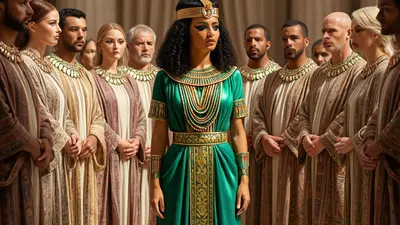
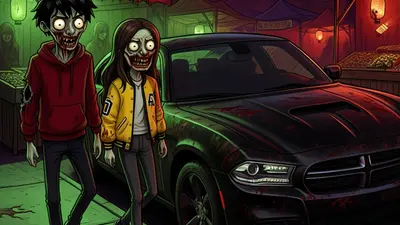
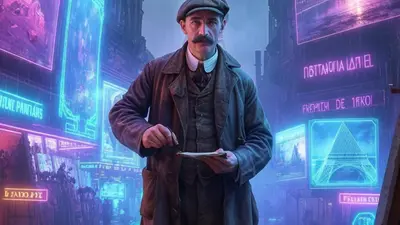
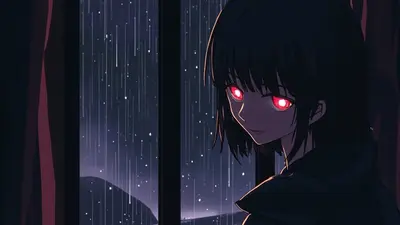
Real images generated by our AI in the Retro Pixel Art style.

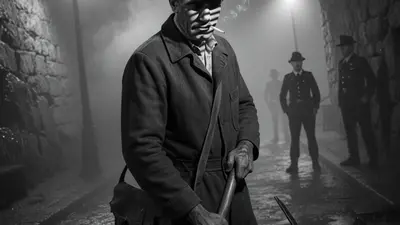
Retro Pixel Art style example 1
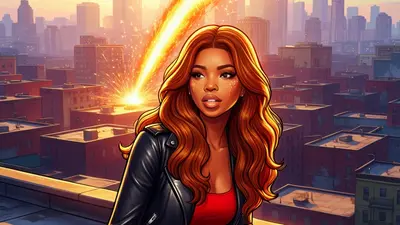
Retro Pixel Art style example 2
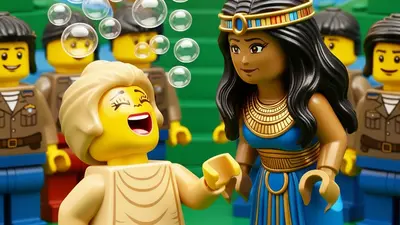
Retro Pixel Art style example 3

Make Faceless Videos Stand Out with Style

Image to Video

Turn Images into Motion

Add motion to any image style with ease. Perfect for making your faceless videos more engaging. Use AI art or custom visuals and transform them into captivating video clips.

Create Retro Pixel Art Videos in 3 Steps

Pick a topic, choose the Retro Pixel Art style, and let AI do the rest.

Step 01

Choose Your Topic & Style

Write a script or pick a topic. Select the Retro Pixel Art style, choose a voiceover and music, and hit generate.

Step 02

Preview & Customize

Review your video and fine-tune the script, captions, images, or music until it's exactly right.

Step 03

Publish & Automate

Connect your social accounts, set a schedule, and let Blipix publish automatically. You focus on ideas — we handle the rest.

Frequently Asked Questions

01

What is the 'Retro Pixel Art' style on blipix.pro?

The 'Retro Pixel Art' style on blipix.pro is a unique image style that allows you to create faceless videos with an aesthetic reminiscent of classic 8-bit and 16-bit video games. It transforms your video content into pixelated animations, providing a creative and retro vibe to your video projects.
02

How do I apply the 'Retro Pixel Art' style to my faceless video?

To apply the 'Retro Pixel Art' style to your faceless video on blipix.pro, start by uploading your video content. Then navigate to the 'Styles' section and select 'Retro Pixel Art' from the list of available styles. Once selected, the style will be automatically applied to your video.
03

Is there a limit to the video length when using the 'Retro Pixel Art' style?

The maximum video length when using the 'Retro Pixel Art' style depends on the specific plan you're subscribed to on blipix.pro. Each plan has different limits, so you should check the details of your subscription for specific video length restrictions.
04

Can I use the 'Retro Pixel Art' style for commercial purposes?

Yes, videos created using the 'Retro Pixel Art' style on blipix.pro can be used for both personal and commercial purposes. However, you should always ensure that the content you're using doesn't infringe on any copyright laws.
05

Can I add text and other elements to my video while using the 'Retro Pixel Art' style?

Yes, you can add text, shapes, and other elements to your video even when using the 'Retro Pixel Art' style. These elements can be added from the 'Elements' tab on the blipix.pro platform. You can choose their color, size, and position according to your needs.
06

Are there any recommended video formats for the 'Retro Pixel Art' style?

blipix.pro supports a wide range of video formats, but for the best results with the 'Retro Pixel Art' style, it is recommended to use videos with a clear contrast between the subject and the background. This helps the pixelation effect stand out more effectively.

Start Creating Retro Pixel Art Videos Today

Pick the Retro Pixel Art style and generate your first video in minutes — free to try.