
1080 × 1920 · voice · captions · music
AI Reels Maker
Describe an idea or paste a script, and Blipix builds a vertical Reel around it: a narrator voice, one AI image per beat in the art style you choose, word-by-word captions and a music track, all at 1080 by 1920.
Generate and preview on the free plan · Exporting and posting need a paid plan

The output
What comes out of the app
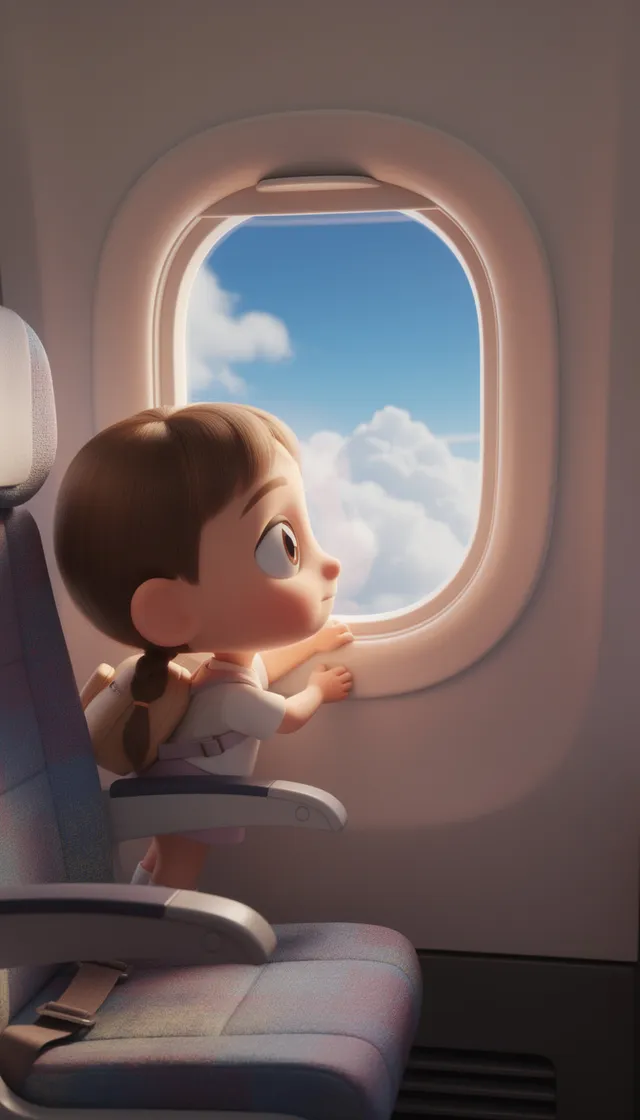
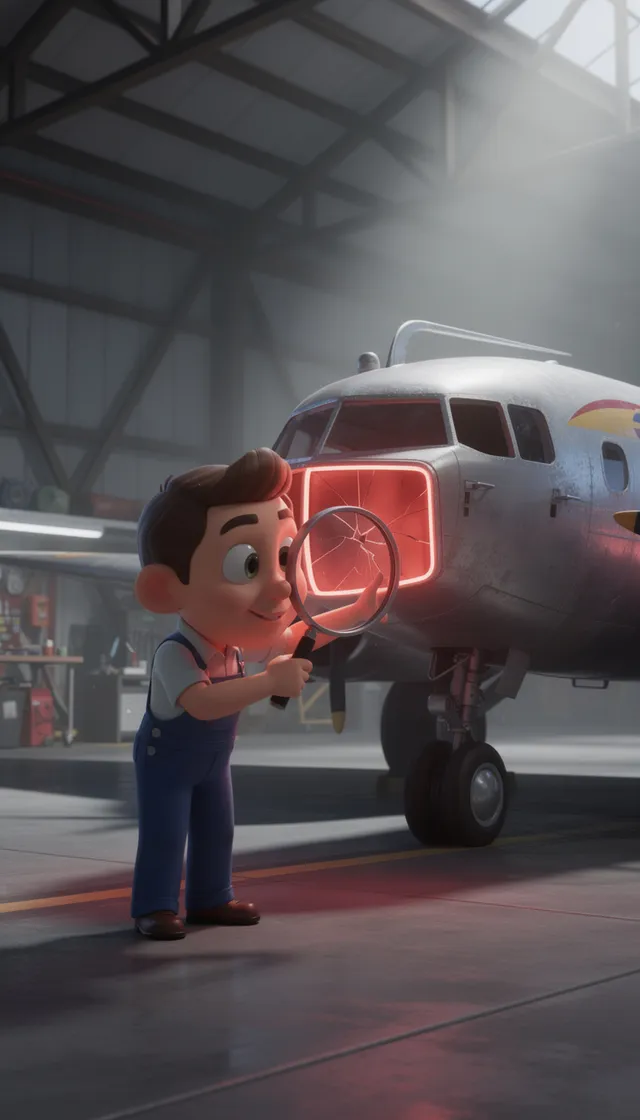
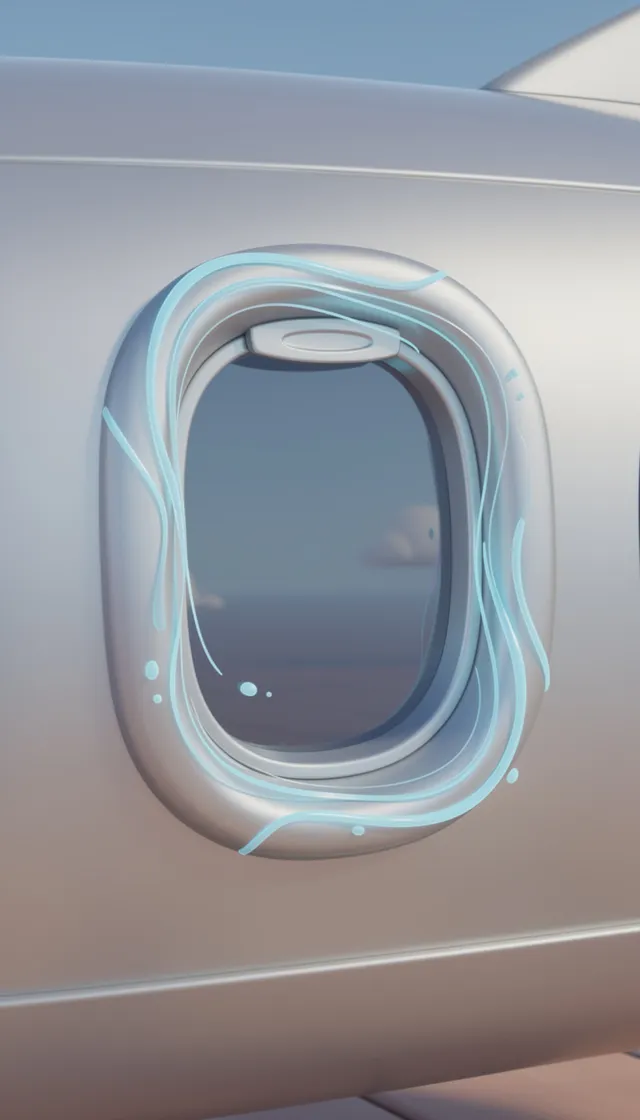
A finished Blipix video in the house Blipix art style. Every scene is a new AI image matched to a line of narration, with gentle motion, captions and music laid on top.
- A new AI image per scenematched to a line of narration
- Gentle motionon every image, not a still slideshow
- Captions on topword by word, in the video itself
- Narration and musicmixed into the same MP4
1080 × 1920Narration, captions and music in one MP4Exporting and posting need a paid plan
The bottleneck
Where Reels production usually stalls
It is rarely the idea. It is finding a visual for every sentence, recording a clean voiceover and timing captions word by word, every time you post. Blipix does those three jobs and leaves you the parts that decide whether a Reel works: the topic, the first line and the edit.
If you want to plan the format first, our guide to making Instagram Reels covers the account side.
Every post, Blipix does
- Finding a visual for every sentence
- Recording a clean voiceover
- Timing captions word by word
You keep what decides if it works
- The topic
- The first line
- The edit
Inputs
Three ways in, one look per series
Three ways to start
- 1PromptDescribe the Reel and the AI writes the script.Free plan
- 2ScriptPaste your own words, read exactly as written.Free plan
- 3PresetPick a niche and let it choose the topic.Free plan
All three run on the free plan.
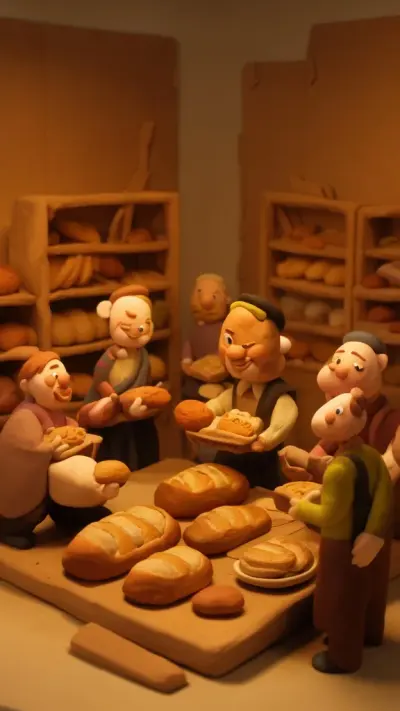
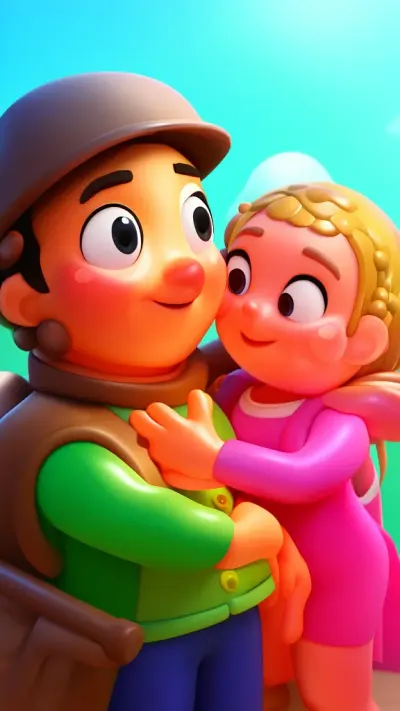
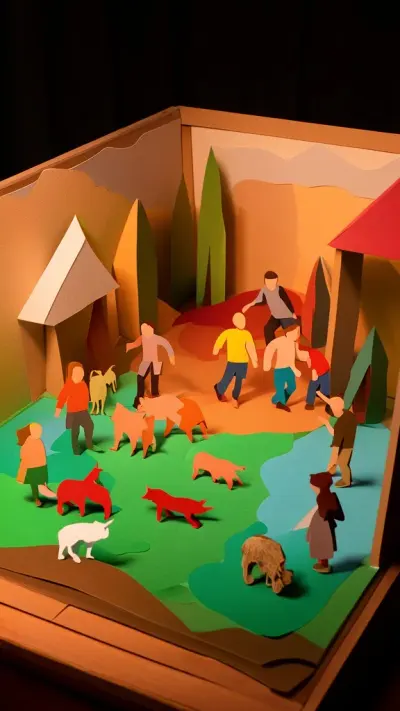
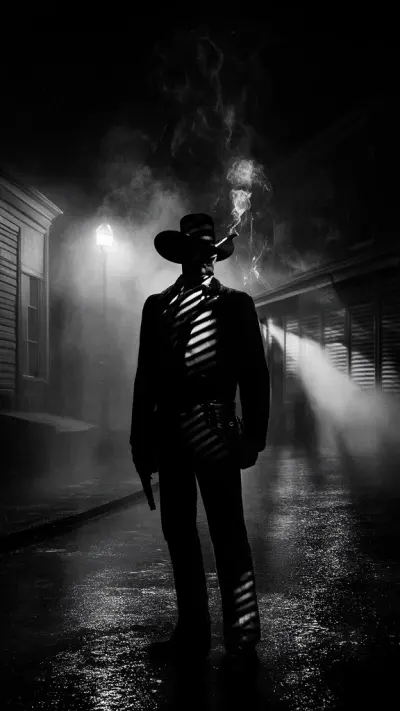
39 art styles, one per series
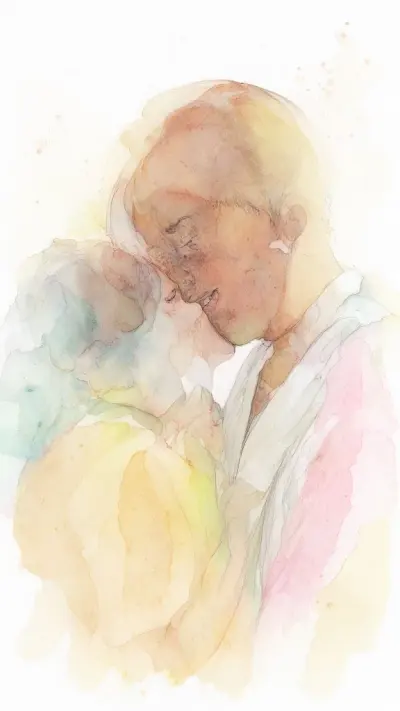
From Photo Realism and Cinematic to Watercolor and Claymation, every style works on the free plan. Holding one style across a series is the simplest way to make an account look deliberate.
Compare every style
Posting
Posting from the editor
Paid plans can publish straight to an Instagram Business or Creator account, or run a series that posts once a day, twice a day or three times a week. The same video can be sent to TikTok and YouTube too, one platform at a time.
What Instagram receives
Why are plane windows round?
Square corners gather stress. Curves spread it out. #aviation #explained
Why are plane windows round?
Square corners gather stress. Curves spread it out. #aviation #explained

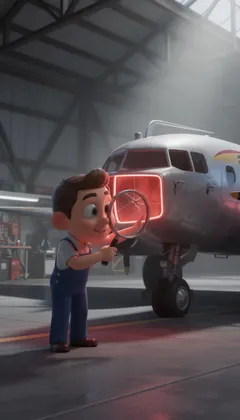
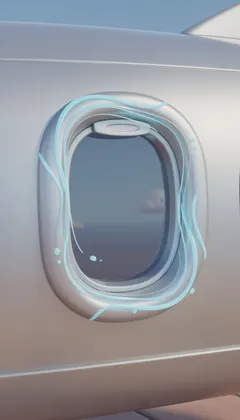

With a Thumbnail Intro, its first frame becomes the cover.
- AccountAn Instagram Business or Creator account. Personal accounts cannot be connected.
- PlanAny paid plan. Free accounts can generate and preview a video.
- FormatPublished as a Reel, in 9:16 at 1080 by 1920.
- ScheduleOnce, from the editor, or a series once a day, twice a day or 3 times a week.
- FacebookNo direct posting. Download the MP4 on a paid plan and upload it yourself.
Formats
Six Reel formats that fit 30 to 60 seconds
Blipix's shortest setting is 30 to 60 seconds, so these are formats that earn that length rather than 7-second loops. Each one runs on narration and pictures alone.
The mini mystery
Open on the strangest detail, explain how it happened in the middle, and save the answer for the last line. Around 100 words fits the free plan and holds viewers because the question is unresolved until the end.
Ranked list of five
Write one sentence per item so each gets its own image, and count down so number one lands last. Five items at two sentences each sits comfortably inside a minute.
Myth, then the fix
State a belief your audience holds, show why it is wrong, give the correct version. This format invites comments from people who disagree, which is better for you than silence.
One-question explainer
Pick a question people actually type, such as why airplane windows are round, and answer only that. Put the question in the first caption line so it doubles as search text.
A quote with context
A bare quote is too short for a 30-second floor. Add who said it, when, and what happened next, and the extra context is what makes viewers stay to the end.
Problem and offer, for businesses
Describe the customer problem in plain words, show the result your service produces, and close with one instruction. AI images can show scenes you could never film, but keep claims about your product real.
Once the video is done, the caption still matters, because Instagram search reads it. The free Instagram caption generator drafts one in a few words, and our article on Reels length and retention explains how long to go for each format.
How it works
Your first Reel, step by step
What you actually click in the app, from blank page to a posted video.
- 01
Pick Prompt, Script or Preset
Describe your idea in a few lines, paste a finished script, or choose a niche. Set 9:16, choose one of the art styles, a narrator voice, a language, a caption preset and a music track.
- 02
Fix scenes in the editor
Each scene shows its line and its image. Regenerate an image that missed, reword a line, add a transition, a sticker or a sound effect, or change the caption style. A new voiceover costs 5 credits.
- 03
Export or post
On a paid plan, download the MP4 or publish to a connected Instagram Business or Creator account. Free accounts can generate and preview, with a watermark, before deciding to upgrade.
Keep going
Related Tools
More Blipix tools that pair well with this one.
- Video Creation
AI TikTok Video Generator
The same videos, for TikTok.
- Social Media
TikTok Caption Generator
Captions for cross-posting.
- Social Media
Facebook Caption Generator
Longer text for Facebook.
- Content Creation
YouTube Short Script Generator
Hook-first vertical scripts.
- Content Planning
Faceless Video Ideas
Topics when you run dry.
- Visual Design
Image to Prompt
Borrow a look from a picture.
FAQ8 answers
Reels made with AI: your questions
Length, posting, labels and music, answered for how Instagram and Blipix work today.
Your next Reel, without filming it
Write the idea, choose a style and a voice, and review every scene before it goes out. Your first 30 to 60 second video is free to generate.
- Script
- Voiceover
- Visuals
- Captions