Faceless videos is becoming more popular. On platforms like TikTok, YouTube Shorts, and Instagram Reels, content that doesn’t show the creator’s face is not only trending, it’s dominating. Whether you’re running an anonymous channel, automating content for a business, or just love the idea of creating videos without ever appearing on camera, the right tools can make the process fast, easy, and scalable.
AI has made the video creation process easier. Today, you can handle scripting, visuals, voiceovers, editing, and even posting with minimal effort. But with so many options available, choosing the right software can be confusing.
In this guide, we’ve rounded up the 14 best faceless video creation tools in 2026, including who they’re for, their best features, and tips for getting the most out of them.
Why Faceless Videos Work So Well
Faceless videos aren’t just a trend, they’re a powerful strategy for growth, according to Social Media Examiner.
- Privacy & Anonymity: Build a following without showing your face.
- Speed & Scalability: AI-driven automation lets you post daily if you want.
- Low Production Barrier: No expensive cameras, lighting, or studios needed.
- Versatility: Works for tutorials, stories, listicles, news, motivational content, product reviews, and more.
- Global Reach: Anyone can create content, no matter their accent, appearance, or confidence on camera.
1. Blipix.pro - Best Overall for Fully Automated Faceless Videos
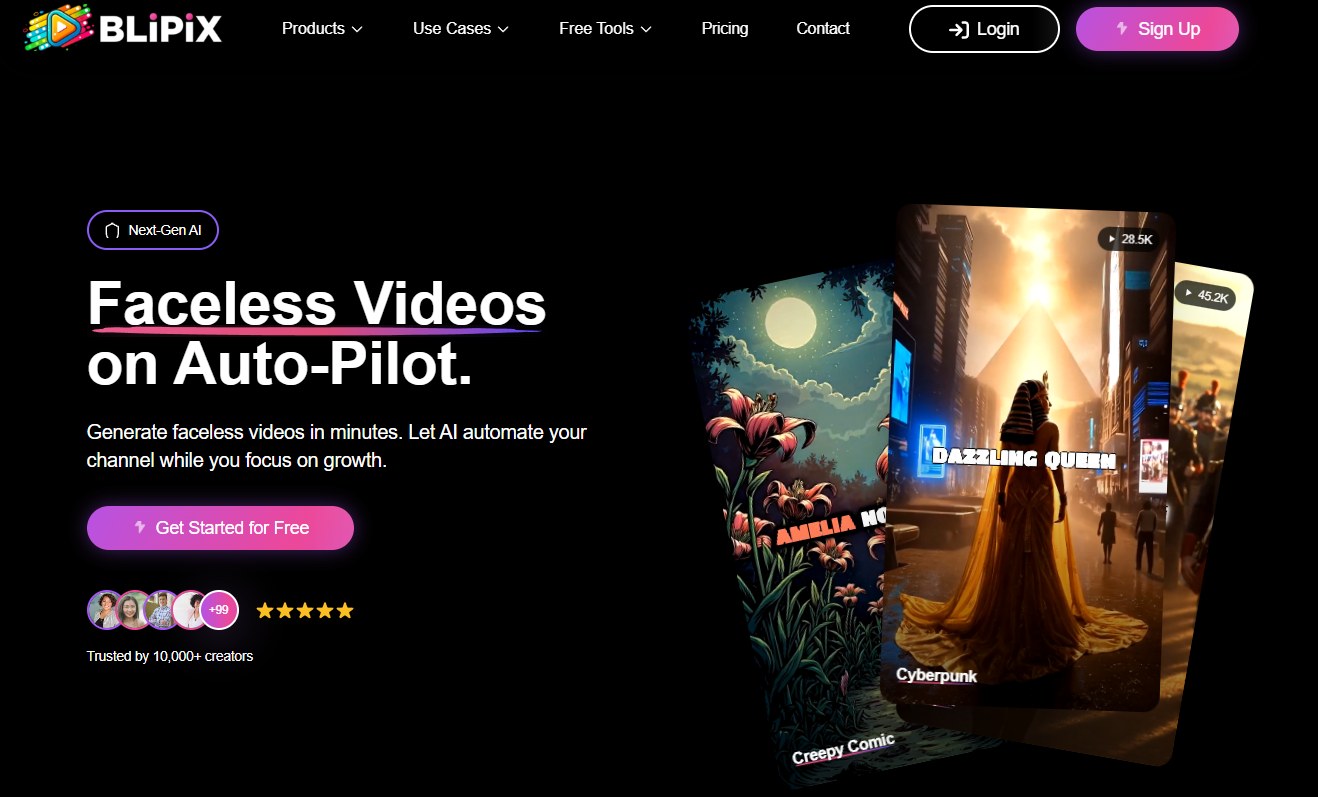
Best for: End-to-end AI video creation for TikTok, YouTube Shorts, and Instagram Reels.
Overview:
Blipix.pro is designed for creators who want fast, high-quality faceless videos without spending hours editing. It’s perfect for TikTok and Shorts, offering everything from idea generation and scripting to visuals, voiceovers, and automated posting.
Key Features:
- AI-powered script and story generation for trending topics.
- Convert text and images into engaging short videos.
- Realistic AI voices in multiple languages.
- Multiple styles and templates for different content types.
- Auto-publish directly to TikTok, YouTube Shorts, or Reels.
- Analytics and optimization suggestions for better reach.
Pros:
- Fully automated workflow.
- Works for almost any niche.
- Saves hours of content creation time.
Cons:
- Some advanced customization requires learning the interface.
Pro Tips:
- Batch-create multiple videos at once to stay ahead of trends.
- Experiment with different AI voices to reach global audiences.
2. Synthesia - Best for AI Avatars & Professional Tutorials
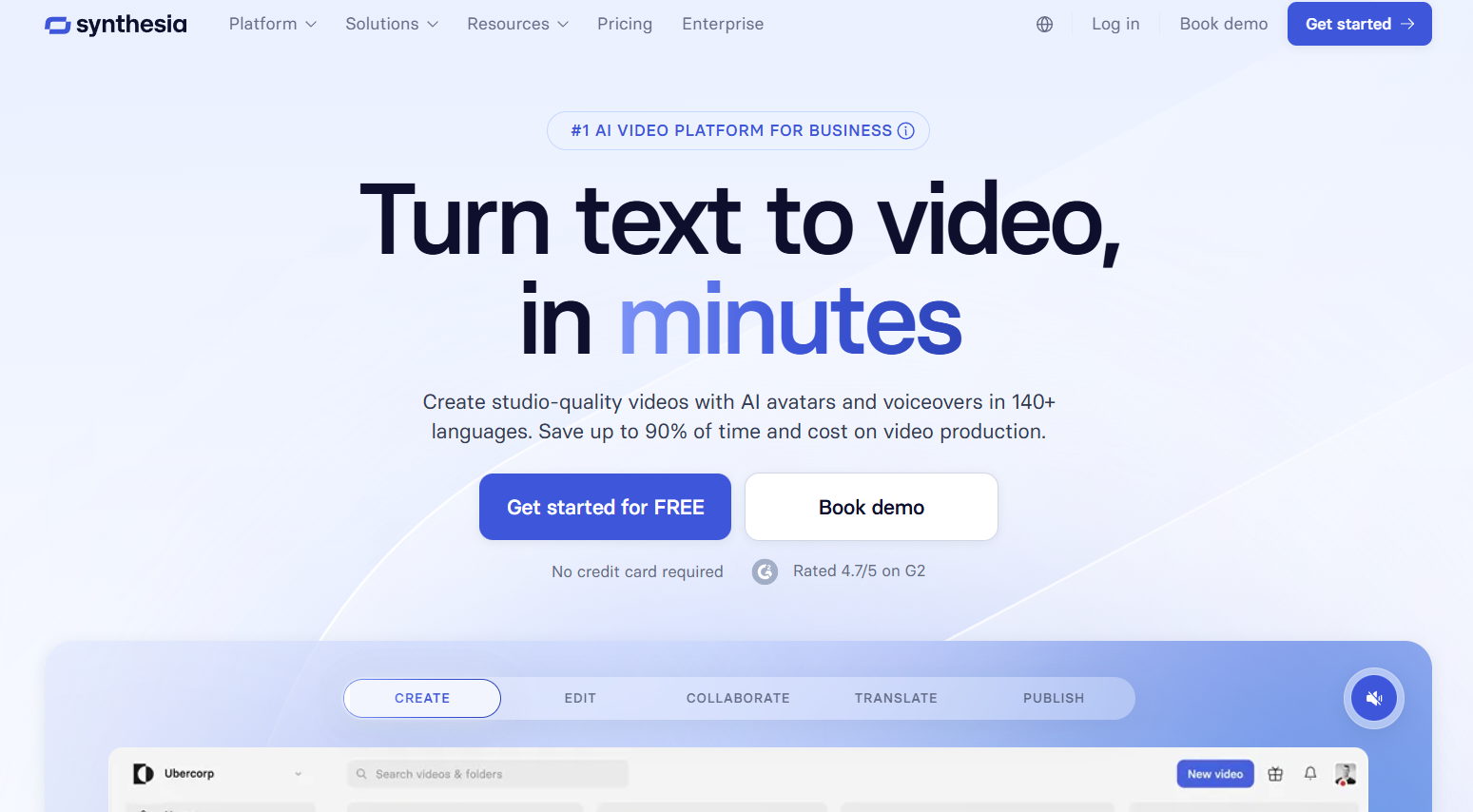
Best for: Corporate explainers, training videos, and educational content.
Overview:
Synthesia uses photorealistic AI avatars to read scripts in dozens of languages. It’s widely used by businesses and educators who need faceless videos with a polished, professional feel.
Key Features:
- Large library of customizable avatars.
- Over 120 languages and accents supported.
- Upload your own backgrounds or use stock visuals.
Pros:
- Professional look for formal content.
- Easy multi-language support.
Cons:
- Less ideal for fast viral Shorts.
- Can get expensive for frequent posting.
Pro Tips:
- Perfect for tutorials, explainer videos, or multilingual content.
3. Canva Video Suite - Best for Quick Branded Content
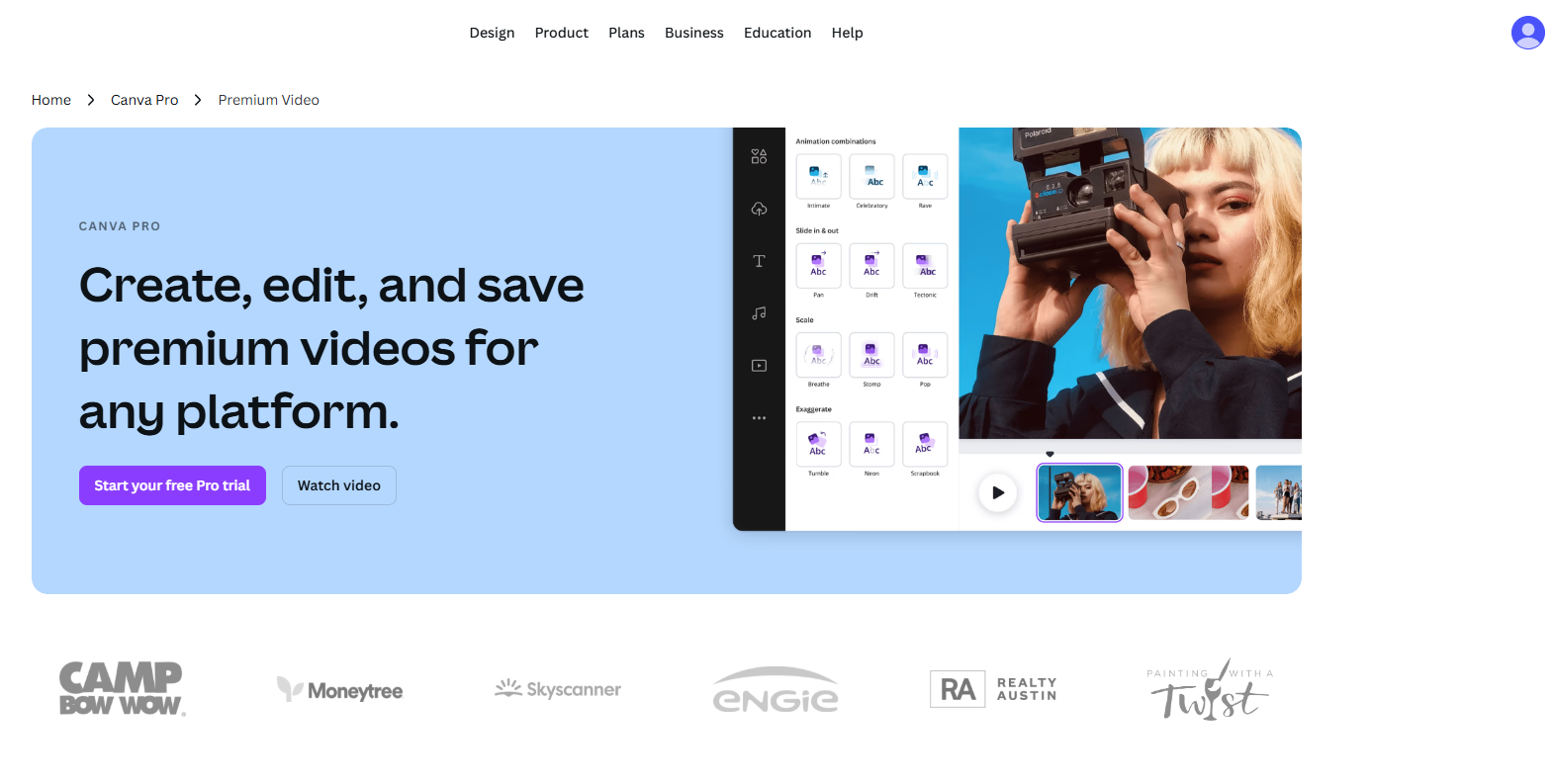
Best for: Short, branded videos with easy drag-and-drop editing.
Overview:
Canva is known for its design simplicity. Its video suite lets you create faceless videos quickly, with animations, stock footage, voiceovers, and auto captions.
Key Features:
- Massive library of stock videos, images, and music.
- Animated text, stickers, and effects.
- AI voiceover generator.
Pros:
- Intuitive and beginner-friendly.
- Fast production for branded content.
Cons:
- Workflow less automated than Blipix.pro.
Pro Tips:
- Great for listicles, motivational videos, or branded content for TikTok and Reels.
4. Descript - Best for Script-Based Editing & Voice Cloning
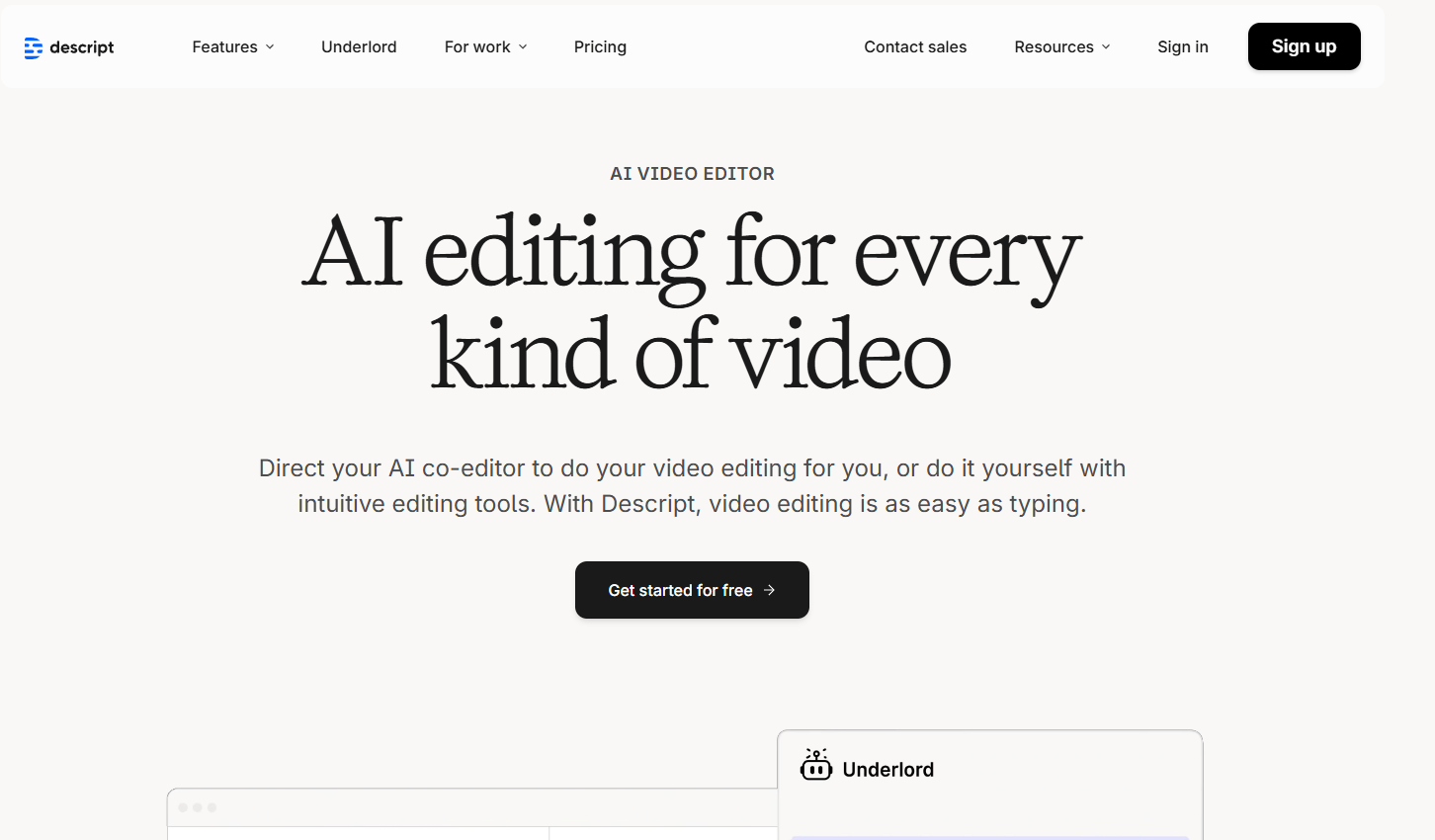
Best for: Storytelling, commentary, and tutorial channels.
Overview:
Descript lets you edit video by editing text, making it perfect for narrations and commentary. Its AI voice cloning (“Overdub”) allows you to maintain a consistent voice without recording.
Key Features:
- Edit video by editing words.
- AI-generated voiceovers and “Studio Sound” enhancements.
- Multi-track audio and collaborative editing.
Pros:
- Precise control for script-based content.
- Great for podcasts or narration-heavy videos.
Cons:
- Stock visuals not as extensive as other platforms.
Pro Tips:
- Use for faceless news, commentary, or explainer channels.
5. Pictory - Best for Turning Text Into Video
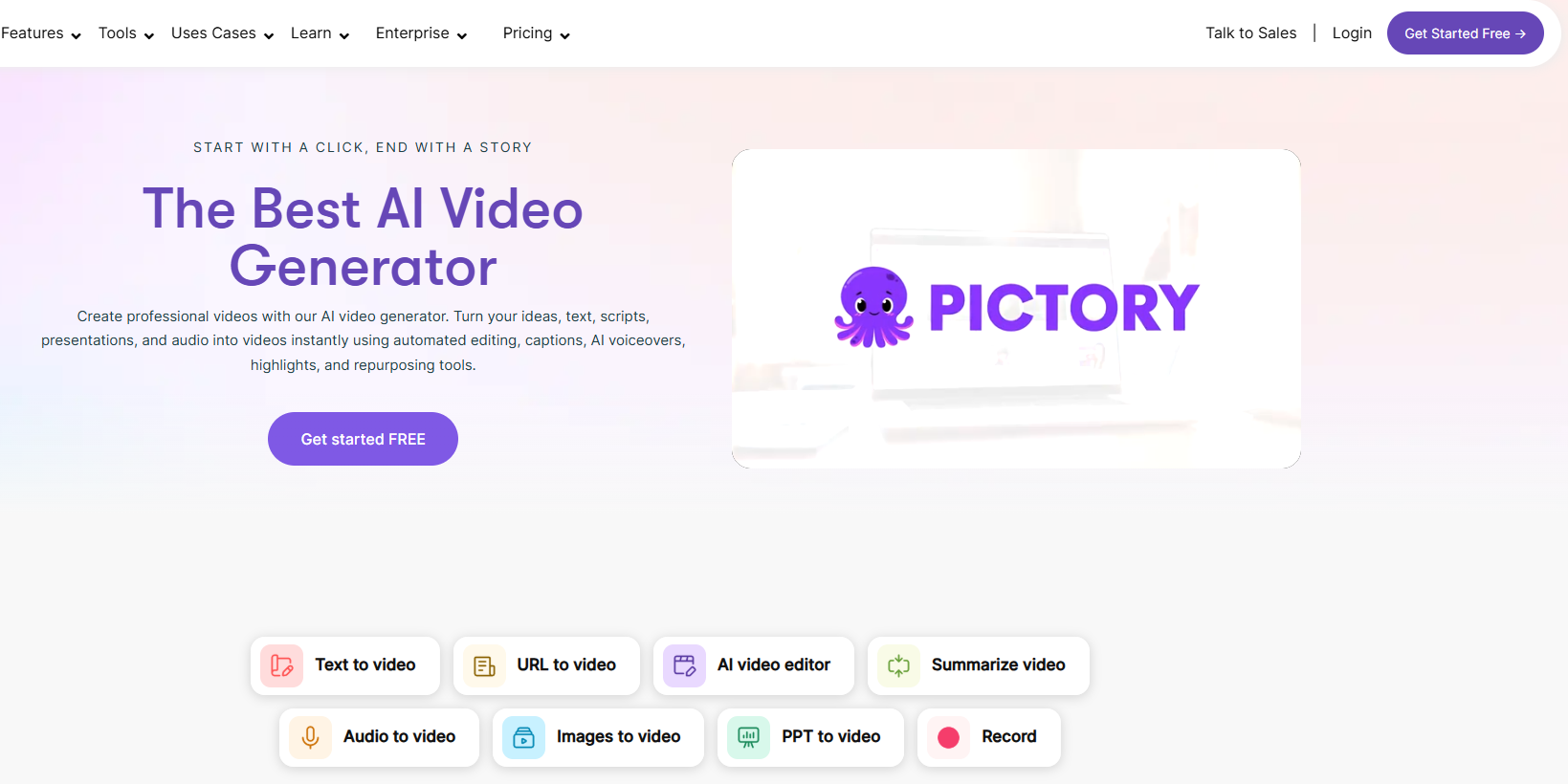
Best for: Bloggers, newsletter creators, and text-to-video content.
Overview:
Pictory converts scripts, blogs, and transcripts into short videos automatically, pairing them with relevant stock footage and AI voiceovers.
Key Features:
- “Article to video” and “Script to video” modes.
- Automatic captions and stock video syncing.
- Customizable scenes.
Pros:
- Saves time converting written content to video.
- Great for explainer videos or listicles.
Cons:
- Stock footage can look generic unless customized.
Pro Tips:
- Repurpose existing blog posts into faceless Shorts for extra reach.
6. Runway - Best for Generative & Experimental Video
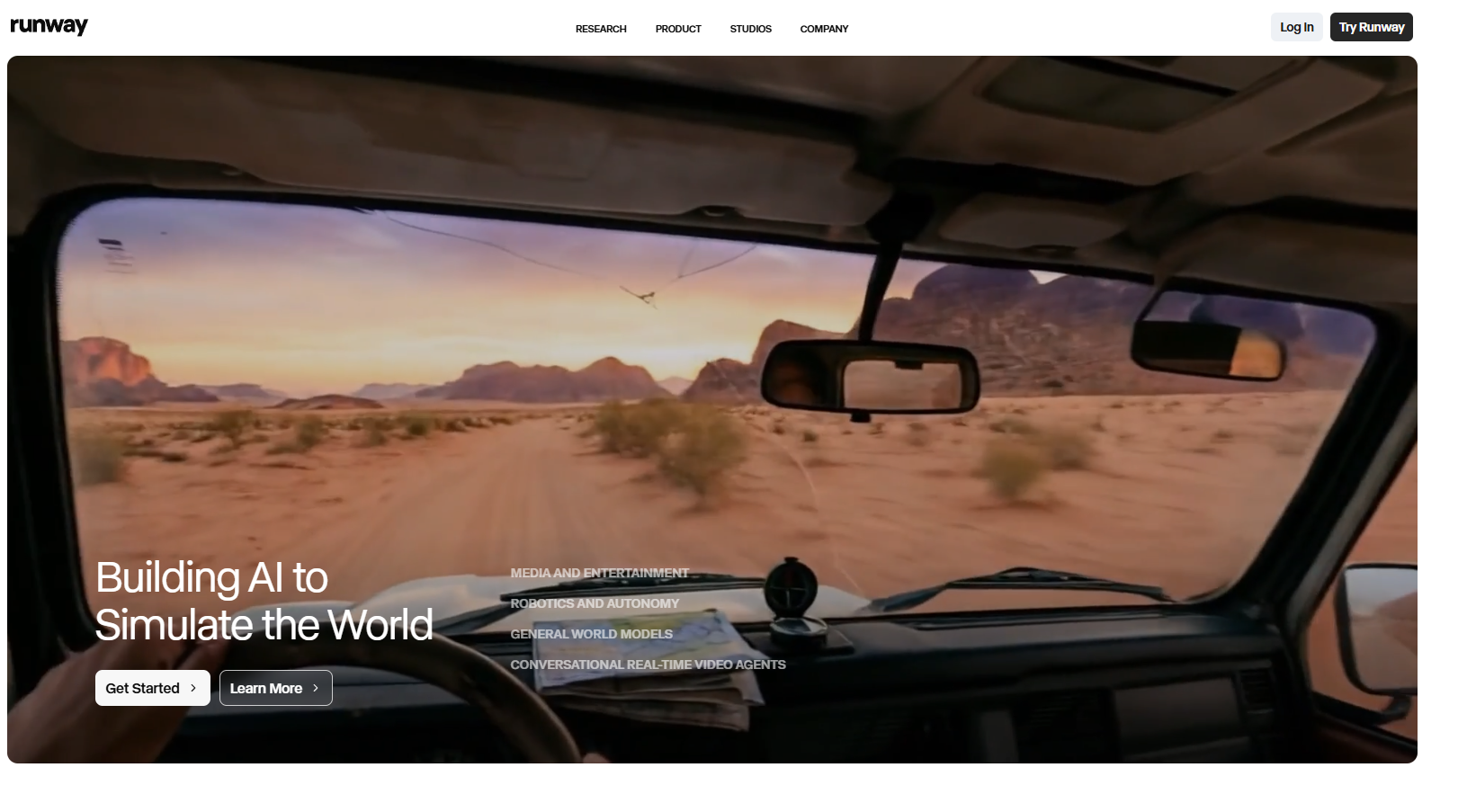
Best for: Creators wanting visually unique faceless videos.
Overview:
Runway offers text-to-video and generative visual tools. You can animate images, replace backgrounds, or experiment with creative effects.
Key Features:
- Advanced text-to-video generation.
- Background removal and object replacement.
- Real-time collaboration for teams.
Pros:
- Visually striking results.
- Great for experimental storytelling.
Cons:
- Slightly steeper learning curve.
Pro Tips:
- Ideal for attention-grabbing intros or creative faceless clips.
7. Lumen5 - Best for Marketing & Business Videos
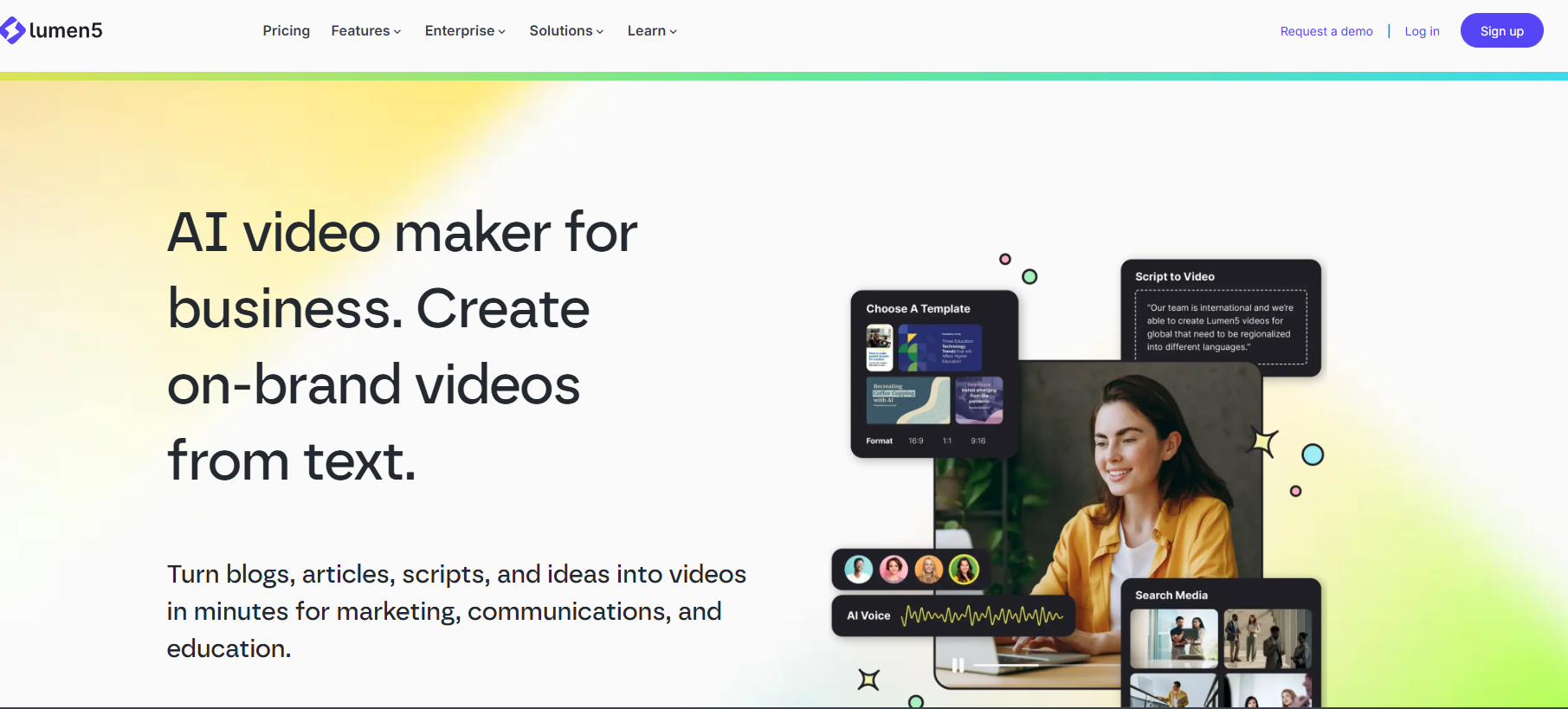
Best for: Companies looking to scale faceless video content.
Overview:
Lumen5 uses AI to summarize text content and turn it into video, ideal for weekly or monthly branded updates.
Key Features:
- Blog-to-video automation.
- Customizable templates and branding options.
- Stock video library integration.
Pros:
- Efficient for business content.
- Simple branding workflow.
Cons:
- Less optimized for viral short-form videos.
Pro Tips:
- Perfect for FAQ videos, product demos, and corporate updates.
8. CapCut - Best Mobile Editing for TikTok
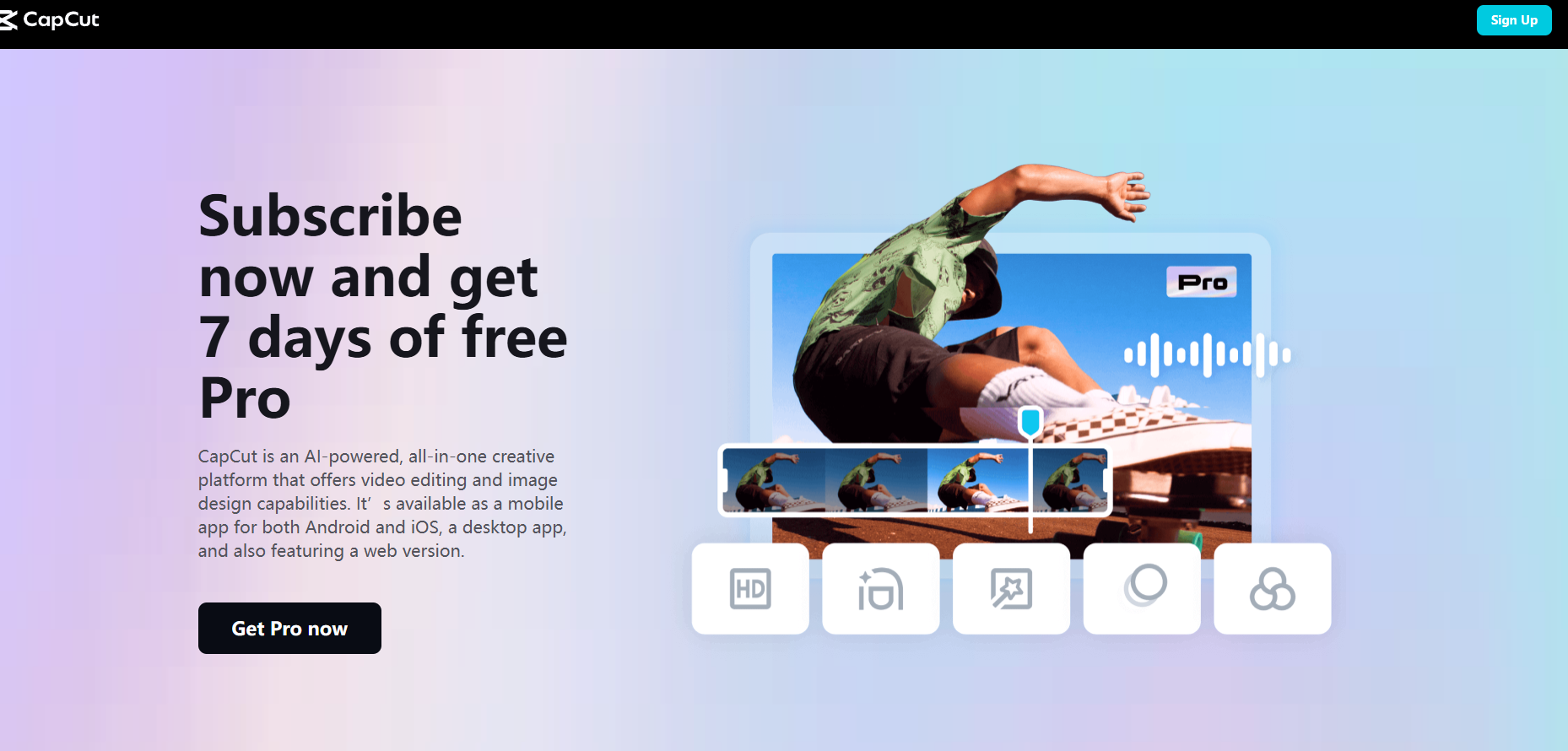
Best for: Quick edits and polishing AI-generated faceless videos.
Overview:
CapCut is the go-to app for TikTok creators, offering animation, effects, music, and captions.
Key Features:
- Auto captions and trending effects.
- Stock music and sound effects.
- Simple clip editing and remixing.
Pros:
- Free and mobile-friendly.
- Perfect for TikTok trends.
Cons:
- Lacks native AI script or image generation.
Pro Tips:
- Use CapCut to finalize videos generated from Blipix.pro or Pictory.
9. HeyGen - Best for AI Avatars & Interactive Shorts
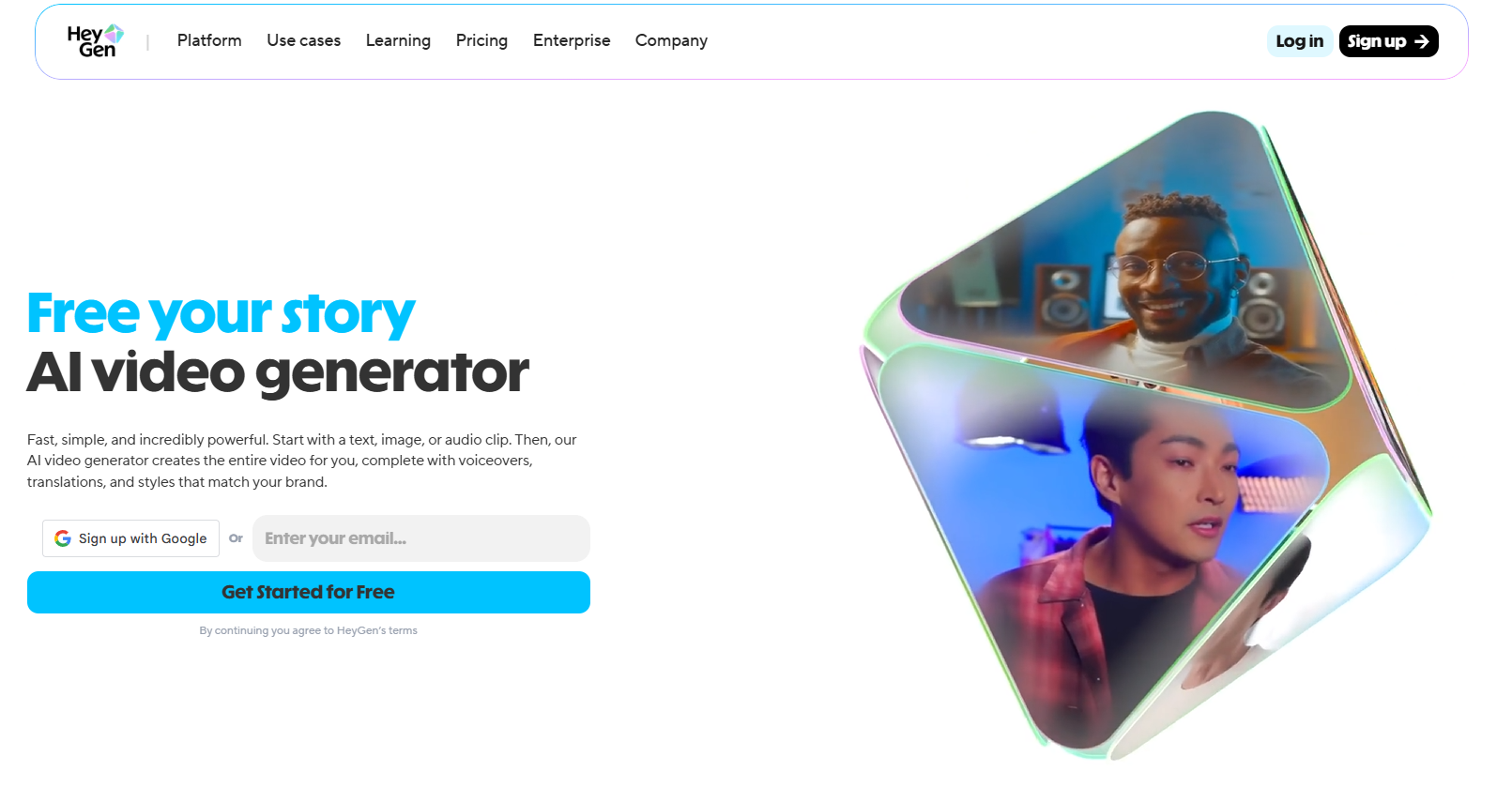
Best for: AI-driven hosts or spokesperson videos.
Overview:
HeyGen creates interactive AI avatars for storytelling, product reviews, or tutorials.
Key Features:
- Customizable 3D avatars and headshots.
- Multi-language and emotion-driven narration.
- Script import and partial automation.
Pros:
- Engaging virtual characters.
- Good for recurring series.
Cons:
- Avatars can feel “uncanny” if overused.
Pro Tips:
- Combine HeyGen avatars with stock visuals for creative Shorts.
10. VEED.io - Best for Browser-Based Post-Production
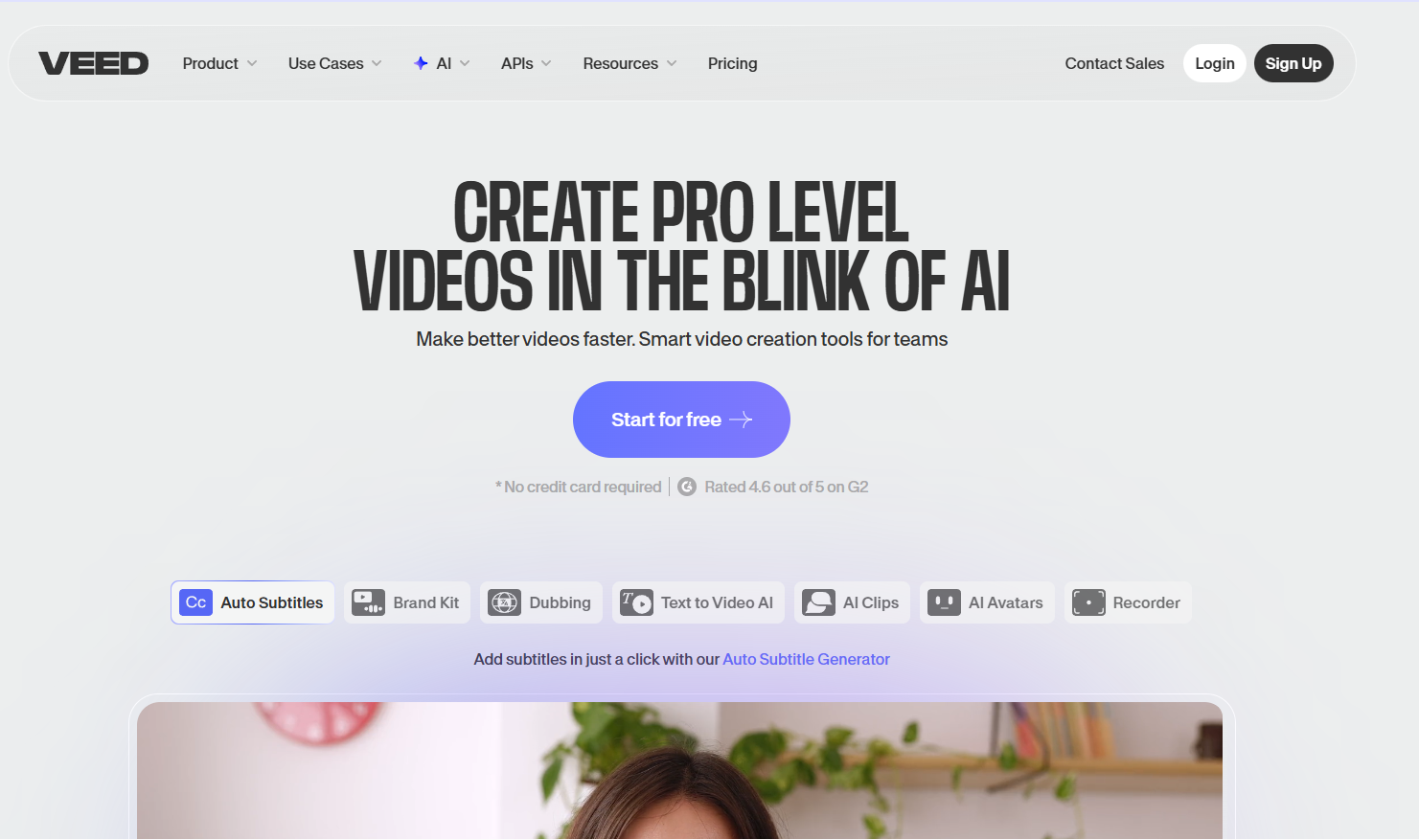
Best for: Editing, captions, and final touches.
Overview:
VEED.io allows you to polish videos, add subtitles, and style your content, ideal for multi-platform posting.
Key Features:
- Auto-subtitles, audio cleanup, translations.
- Stock assets included.
- Collaboration and branding kit.
Pros:
- Great for finishing touches.
- Works in the browser with no installation.
Cons:
- Less automated than Blipix.pro.
Pro Tips:
- Use it to enhance accessibility and branding after AI generation.
11. D-ID Creative Reality Studio - Best for Talking Avatars
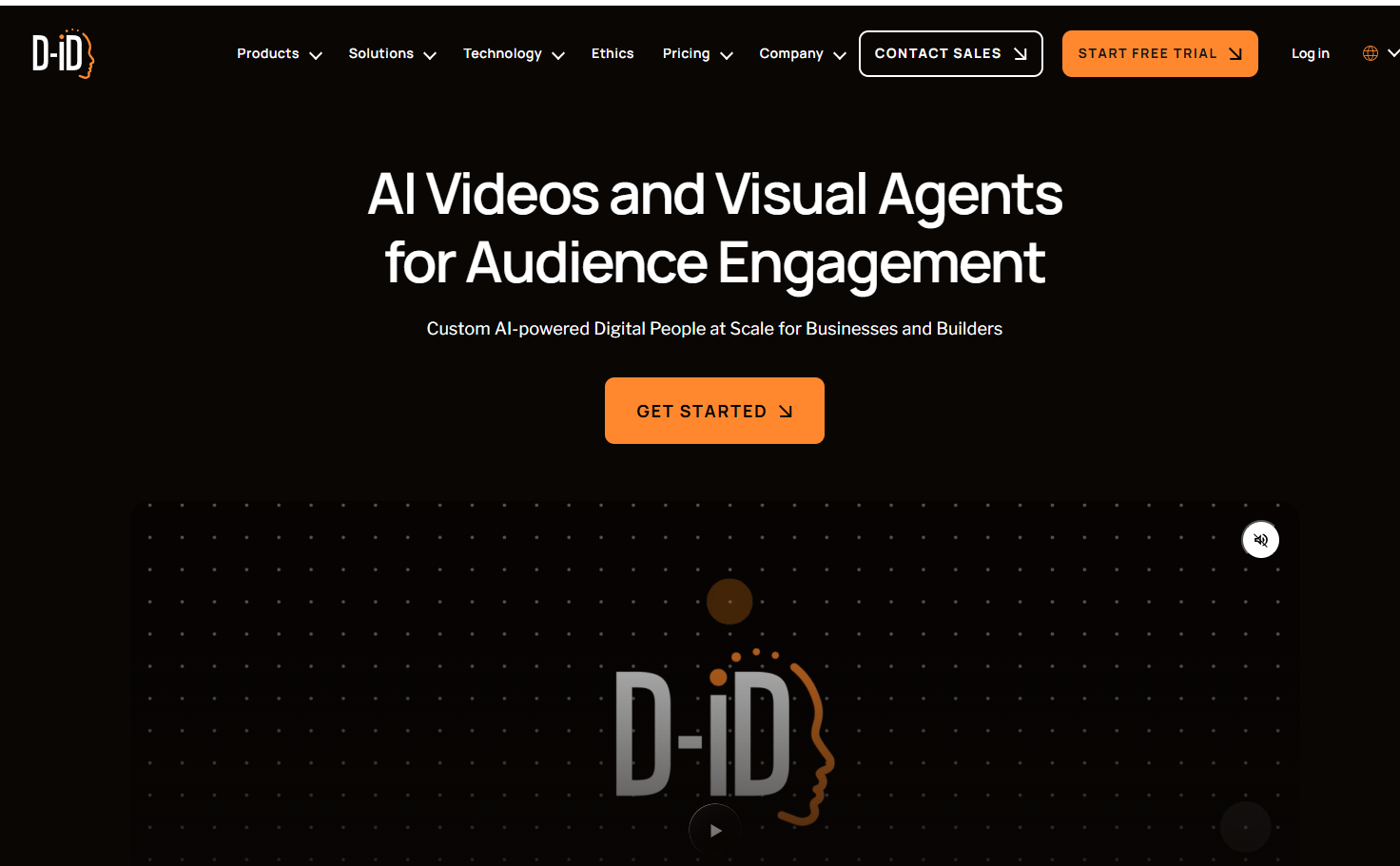
Best for: Storytelling, character-driven videos, and memes.
Overview:
D-ID animates photos into virtual presenters, perfect for faceless storytelling or testimonial-style videos.
Key Features:
- Realistic lip-sync from audio or text.
- Animate faces and characters.
- Supports meme-style content creation.
Pros:
- Unique avatar-driven content.
- Good for character-based channels.
Cons:
- Some avatars may appear slightly unnatural.
Pro Tips:
- Build recurring virtual characters to create a consistent series.
12. Google Veo – Best for Cutting-Edge Generative Video
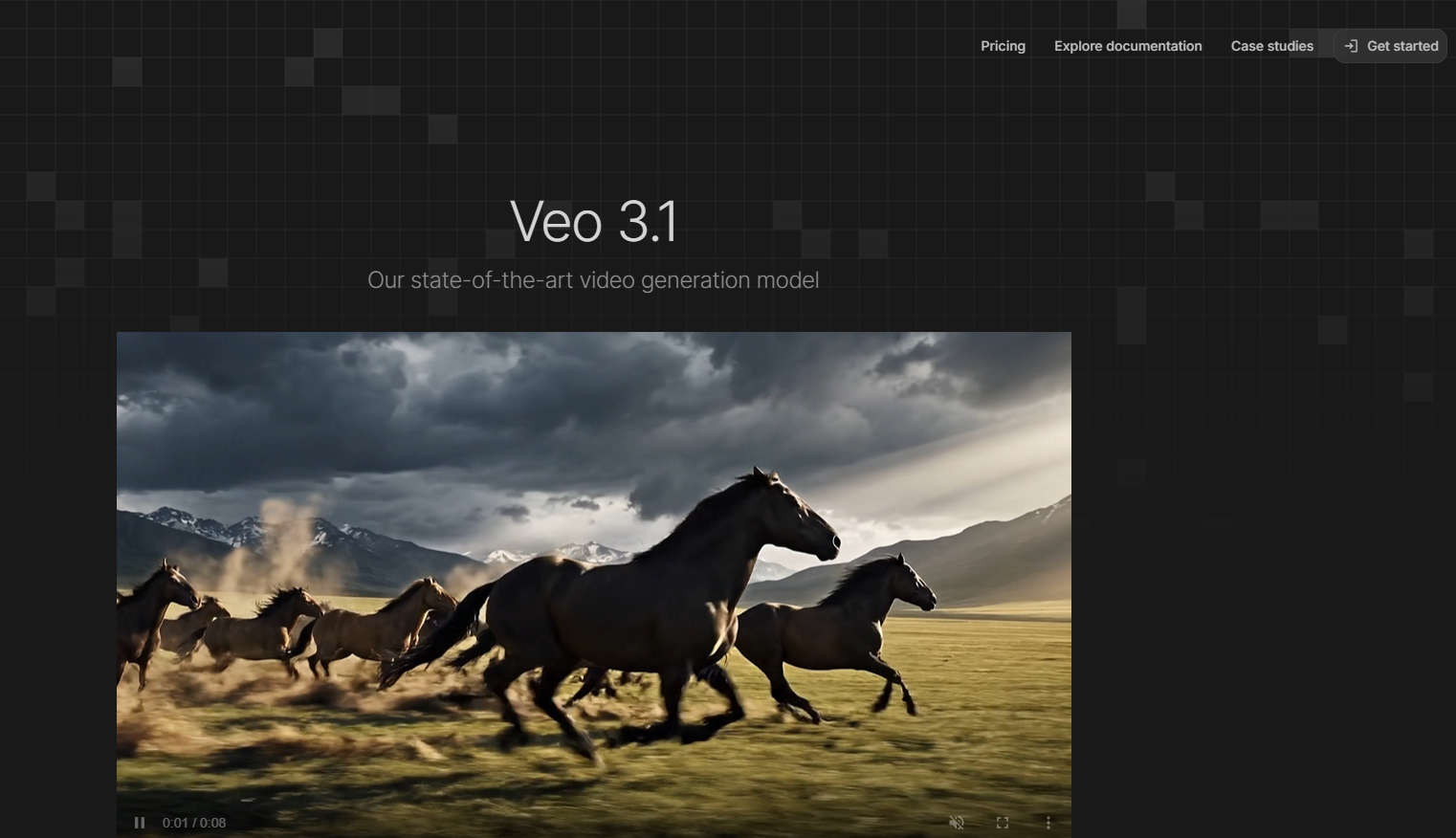
Best for: Experimental AI-driven faceless content creation.
Overview:
Google Veo is developing multimodal video generation, combining text, audio, and visuals for next-level AI video.
Key Features:
- Text-to-video synthesis.
- AI-generated visuals.
- Experimental features for creative Shorts.
Pros:
- Future-forward AI capabilities.
- Great for innovation-focused creators.
Cons:
- Beta access only.
- Requires some technical skill.
Pro Tips:
- Combine with Runway or Blipix.pro for unique faceless shorts.
13. InVideo - Best for Template-Driven Social Videos
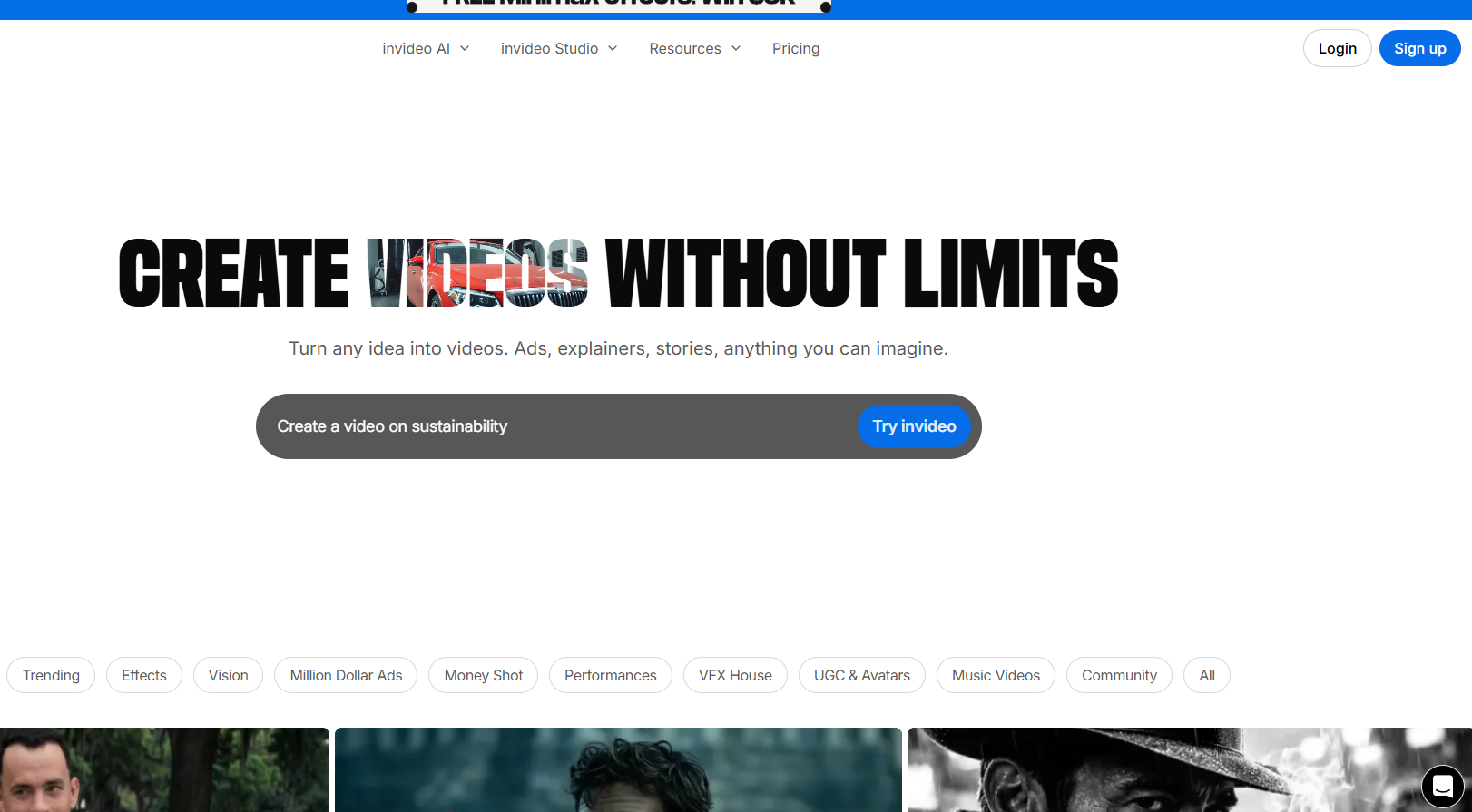
Best for: Quick social videos using templates.
Overview:
InVideo offers a library of ready-made templates and simple editing tools for fast faceless video production.
Key Features:
- Over 5,000 templates.
- Stock media integration.
- Drag-and-drop video editor.
Pros:
- Fast for beginners.
- Affordable pricing plans.
Cons:
- Less AI automation than Blipix.pro.
Pro Tips:
- Great for repurposing blog posts or social updates quickly.
14. Wisecut - Best for Automated Editing & Subtitles
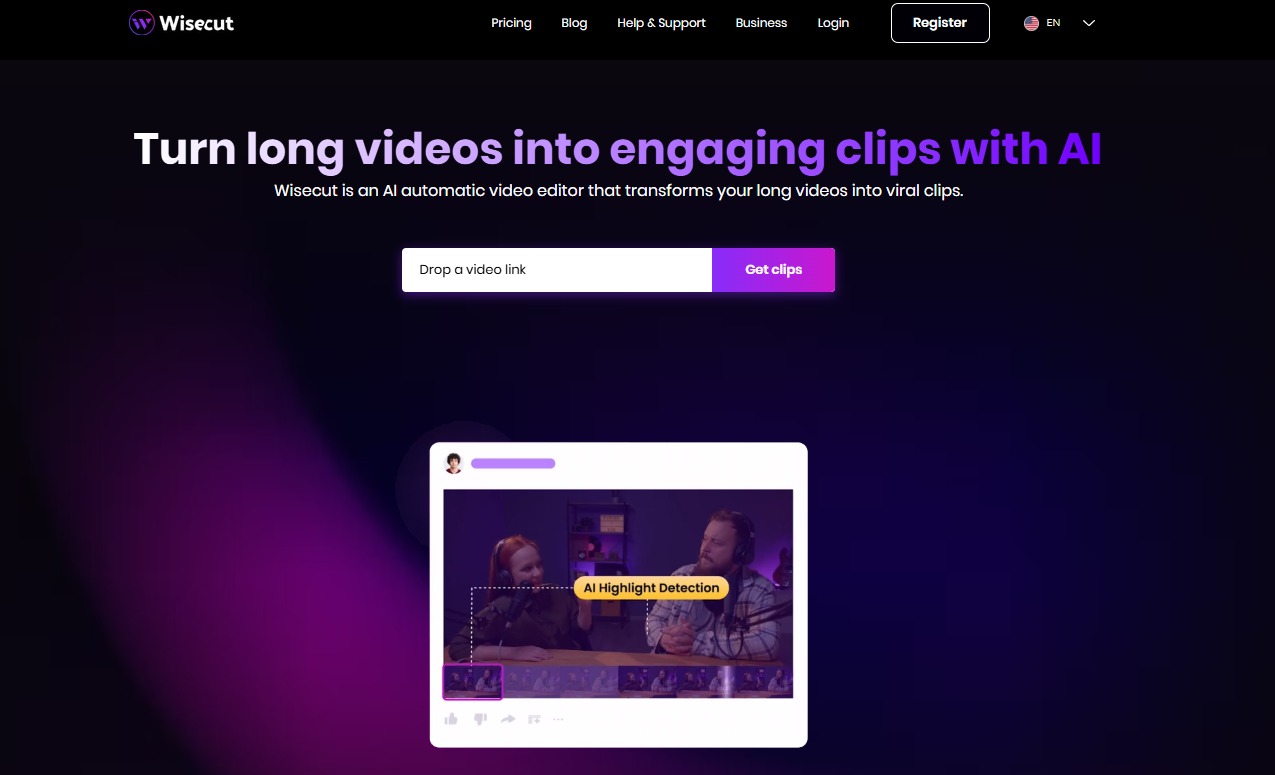
Best for: Quick faceless Shorts with auto-edits.
Overview:
Wisecut automatically cuts silences, adds subtitles, and optimizes pacing for short videos.
Key Features:
- Auto-editing for smooth flow.
- Automatic captions and background music.
- Easy to use for creators of all levels.
Pros:
- Saves editing time.
- Works well with pre-generated AI content.
Cons:
- Less creative control over visuals.
Pro Tips:
- Pair with Blipix.pro or Pictory for fully automated faceless video production.
How to Choose the Right Faceless Video Tool
Platform Focus: TikTok/Shorts? Use Blipix.pro or CapCut. Long-form or training? Try Synthesia or Descript.
Automation vs. Control: Fully automated? Blipix.pro or Pictory. More creative control? Canva or VEED.io.
Budget & Output Needs: Daily uploads? Blipix.pro excels. Occasional branded content? Canva or Lumen5.
Content Type: Tutorials, motivational clips, listicles, reviews, avatars — match the tool to your niche.
Pro Tips for Viral Faceless Videos
Batch-create and schedule content with Blipix.pro or Lumen5.
Use AI voices in multiple languages to reach a global audience.
Repurpose blog posts, newsletters, or trending threads into videos.
Keep videos short — under 40 seconds for Shorts.
Always include captions — most Shorts are watched without sound.
Conclusion
Faceless videos aren’t just a passing trend — they’re now a dominant content strategy. With tools like Blipix.pro, creators can automate the entire process, from idea to posting, while others like Synthesia, Pictory, and Runway let you specialize in avatars, text-to-video, or creative visuals.
Whether you want fully automated virality, branded business content, or experimental AI-generated videos, there’s a faceless video tool to match your workflow.
Start exploring these tools today, and you’ll be ready to scale your content, stay anonymous, and ride the next wave of social media trends.