Create Bridgerton Videos

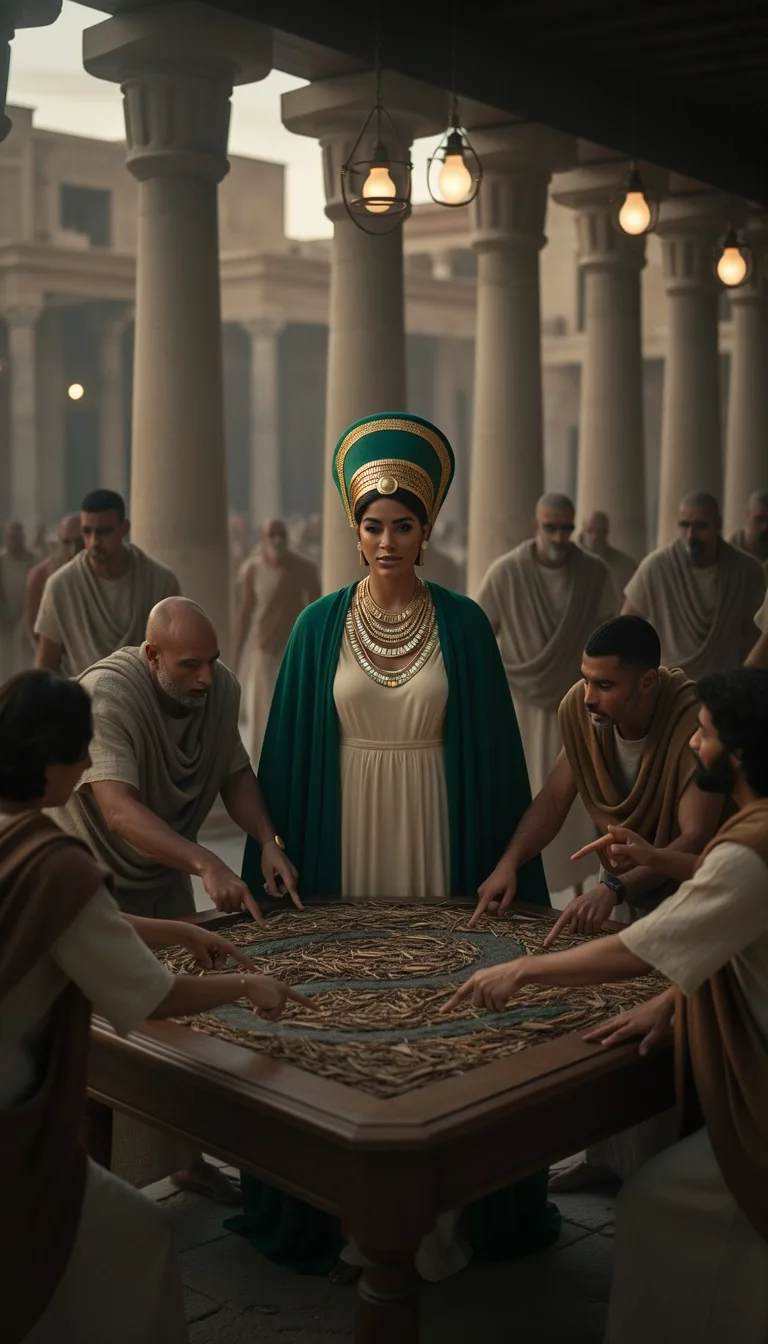
Create bridgerton videos that look like a period drama on your phone. Turn your story into a full social clip with voiceover, captions, and music. Perfect for TikTok, Reels, and YouTube Shorts, with a free try to see if it fits your style.

Voiceover in your toneCaptions for every sceneMusic includedTikTok-ready formats

Script

Choose a topic or add your own with Custom Script/Prompt

107/1200 words

Art Style

Select from 30 art styles to define the visual aesthetic of your video

Cinematic
Cinematic
Surrealism
Surrealism
Retro Pixel Art
Retro Pixel Art
Lego
Lego
Creepy Comic
Creepy Comic
Plastic Toy
Plastic Toy
Cyberpunk
Cyberpunk
Photo Realism
Photo Realism
Lo-Fi Vibes
Lo-Fi Vibes
Halloween
Halloween
Blipix
Blipix
Minecraft
Minecraft

Animate Frames+10 credits

Grab attention instantly and boost watch time by up to 40%.

Narration Voice

Choose the perfect voice for your narration

Charlie

conversational

MaleMiddle-agedAustralian

Jessica

conversational

FemaleYoungAmerican

Matilda

narration

FemaleMiddle-agedAmerican

Will

social media

MaleYoungAmerican

Music Settings

Select or generate the perfect music for your video

EDM Goes Epic

Epic, Upbeat

Highlights

Rock, Motivational

Stradivarius

Motivational, Inspiring

Acoustic Inspirational

Acoustic, Inspiring

Language

Select the language of your video

Aspect Ratio

Select the aspect ratio of your video

Get started free • No credit card required • First video on us

Example Output

Target Audience

Who is this tool for?

Romance creators and editors

Make story-first posts that feel like a TV episode trailer, even if you are not on camera. You can focus on dialogue and mood while the platform handles visuals, captions, and audio so your ideas stay the priority.

Fiction writers who post

Turn your chapters into short scenes that help your followers understand the characters faster. When you keep your writing style consistent, your feed starts to feel like a real series.

Marketing teams for romance brands

Create themed promo clips for events, launches, and seasonal campaigns without booking shoots. You control the setting, tone, and narration so your brand voice shows up clearly.

Multi-niche content creators

Add period-drama stories to your regular lineup without getting stuck on new tools. You can mix romance scenes with other themes by changing only the script and visual tone.

Why This Tool

Everything you need to know

101

Create Bridgerton videos with period-drama vibes

Blipix helps you turn your ideas into short romance scenes with voiceover, captions, and background music. You describe what happens, pick a style, and get a finished video you can post on TikTok, Instagram Reels, or YouTube Shorts. It is a simple way to keep your storytelling consistent without setting up any filming. Try a quick scene and see if your tone matches.

202

How your scene becomes a social video

The platform reads your scene text and builds visuals to match the vibe you chose. You then pick an AI voice so the narration fits your character energy. Captions are added for readability, and music fills the background so the clip feels like a complete moment. If you do not like the result, adjust the scene text and try again.

303

Make a scene in three steps

First, paste your dialogue and key actions so the story is easy to follow. Next, choose the voice and period style direction you want for the clip. Finally, generate the video, download it, and post. Blipix keeps the process simple so you spend less time wrestling with tools and more time writing scenes.

404

Use cases for romance series content

Create short moments for each plot beat, like introductions, misunderstandings, or emotional turns. You can also make “recap” clips that summarize what happened in your last upload. Because you control the narration and tone, your audience knows what kind of story to expect. Great for TikTok storytelling, Reels series, and Shorts promos.

Why Choose Blipix for Bridgerton Videos?

Making romance-style clips the usual way takes lots of planning, filming, and editing. With AI, you can describe the scene you want and get a ready-to-post result without the constant reshoots.

Content control

Specify the setting, tone, and dialogue so the scene matches your idea.
You often compromise on lighting, location, or performance because it is hard to repeat takes.

Consistency

Keep the same look and narration style across your next clips for a steady series feel.
Even with the same crew, each shoot can look and sound different.

Sound and captions

Get voiceover plus captions and background music designed around your text.
You need recording and editing for audio, and captions can be a separate task.

Production time

Generate a finished video from your scene text and choices fast.
Scheduling, filming, and editing can take days or weeks.

Scenario variety

Try ballroom drama, street scenes, or tense conversations by changing the written details.
Locations and props limit what you can shoot without extra planning.

Volume of ideas

Turn multiple story beats into clips in one session so you can post more often.
More content means more shooting days, which adds up fast.

Pick outfits, tone, and camera vibe

Choose the style direction you want for your dialogue, from formal ballroom energy to quieter hallway tension. Then match the voice and mood so your audience knows exactly what kind of story they are about to watch.

How It Works

You write or paste what you want your scene to say, then pick a voice and visual style. The platform builds the visuals, adds your voiceover and captions, and includes background music so you can download and post right away.

Step 01

Paste Your Scene, Keep It Clear

Write a short scene or paste your script for the characters and what happens next. Include key details like the setting and the vibe, so the video matches your exact idea instead of guessing.

Step 02

Choose Voice and Period Style

Select an AI voice that fits the tone of your narration, then choose the period-drama look you are aiming for. Add background music style preferences too, so the pacing feels right.

Step 03

Generate, Download, Post

Generate your finished video, then download it for TikTok, Instagram Reels, or YouTube Shorts. You can tweak the script and style again if you want a different mood for your next upload.

How to create bridgerton videos from a script

Paste your scene outline or a short script, then build a ready-to-post clip with rich narration and readable captions. You get character-driven moments that fit the mood you want, instead of worrying about filming, lighting, or timing.

FAQ

Frequently asked questions about our create bridgerton videos

01

What counts as a good script for create bridgerton videos?

A good script is clear about who is speaking and what the scene is doing, like a ballroom moment, a tense conversation, or a reveal. Add a few sensory details, such as the setting and emotional tone, so your video matches what you imagine.
02

Can I create bridgerton videos for TikTok and YouTube Shorts?

Yes. You can generate videos sized for social posting and use your finished clip on TikTok, Instagram Reels, and YouTube Shorts. If you plan different lengths, keep your scenes focused so the story lands quickly.
03

Do I need filming or acting experience to make these videos?

No. You do not need to be on camera or learn editing skills. You describe the scene and choose the voice, and the platform builds the final video for you.
04

How do captions and voiceover work for dialogue scenes?

The video includes voiceover narration based on what you provide, along with captions that make the story easy to follow. This helps when people watch with sound off or skim through fast.
05

Will the visuals match the mood I write, like romance or tension?

They will reflect the tone you describe and the style you select. If you want a different mood, adjust a few lines in your script and regenerate so the pacing feels closer to your intent.
06

What if I am not sure which art style to choose?

Start with one style direction and test it with a short scene first. Once you see how your narration and captions land, you can try a second look to compare without wasting time.
07

Is there a way to reuse my favorite narration style?

Yes. Keep your scene format similar and reuse the voice choice you like. Consistent voice and tone helps your audience recognize your series, even when the plot changes.
08

How does pricing work for making these videos online?

The tool is free to try first, so you can test how your scenes turn out before committing. If you decide to keep making content regularly, you can choose the plan that fits your posting pace.
09

What limitations should I know before creating a full episode?

Shorter scenes tend to keep attention and make changes easier. If you want a longer story, break it into chapters and generate each part as its own clip.
10

How do I get better results from my next Bridgerton-style video?

Focus on specific beats, like the exact moment a character delivers a line or the change in emotion. Then tighten the wording so the narration stays clear and the captions stay readable.

Start creating your first clip

Try it free now, no signup required.